
 Worksheets
Meet The Bar Graph Cubelet
Total questions: 53
Worksheet time: 27mins
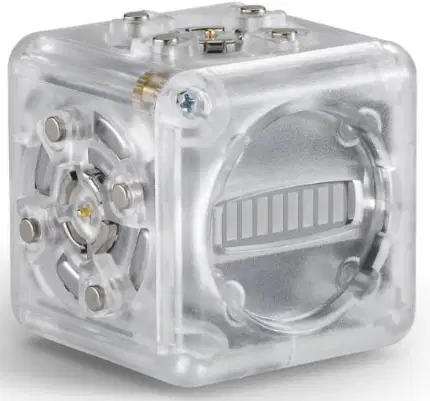
What does the Bar Graph Cubelet display its numerical value as?
Pie chart
Bar graph
Line graph
Scatter plot
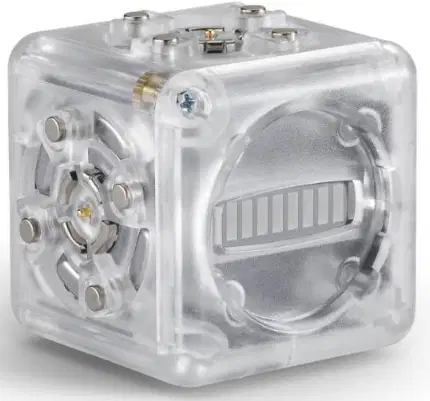
The highest numerical value on the Bar Graph Cubelet shows up as a ________ bar graph.
fully lit
half lit
dimly lit
unlit
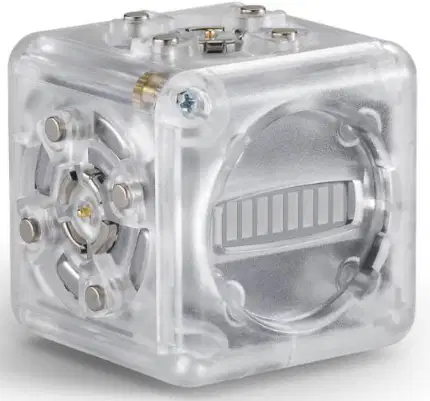
The lowest value on the Bar Graph Cubelet shows up as a fully lit bar graph.
True
False
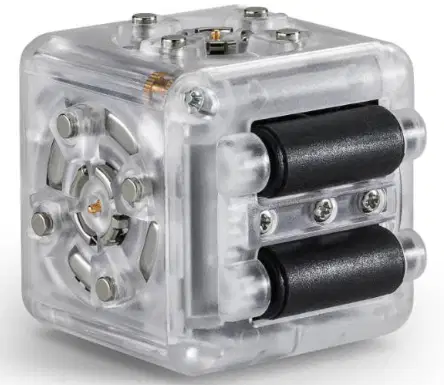
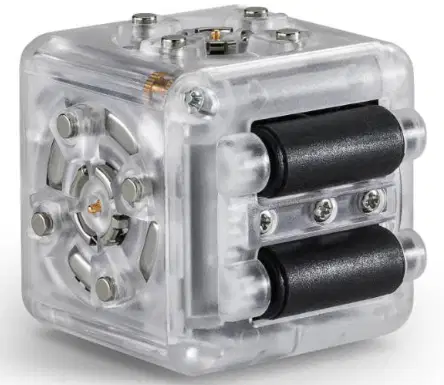
What does the Drive Cubelet contain?
A motor and roller wheels
A battery and propeller
A light and sensor
A speaker and microphone
The Drive Cubelet can move in multiple directions.
True
False
Fill in the blank: The Drive Cubelet can speed up or slow down depending on ________ values you assign.
numerical
color
shape
size
What type of surface does the Drive Cubelet move on?
A horizontal surface
A vertical surface
A rough surface
A slippery surface
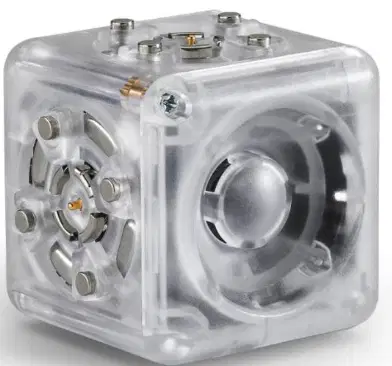
What does the Speaker Cubelet contain?
A) A small speaker and amplifier
B) A light and motor
C) A battery and switch
D) A camera and microphone
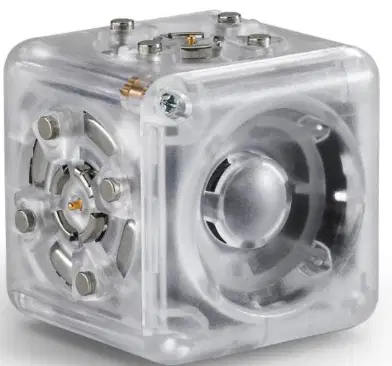
The Speaker Cubelet chirps according to the _______ it receives.
input value
output signal
battery level
cube color
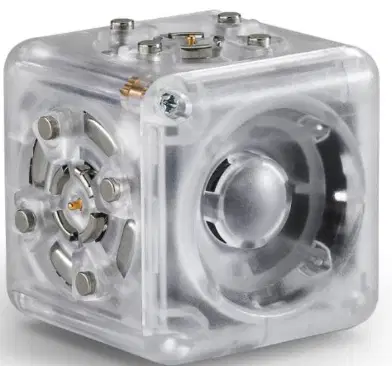
The Speaker Cubelet is a quiet device that does not make any noise.
True
False

What is a unique feature of the Action Cubelet?
It lights up
It has one face that spins
It makes sounds
It changes color
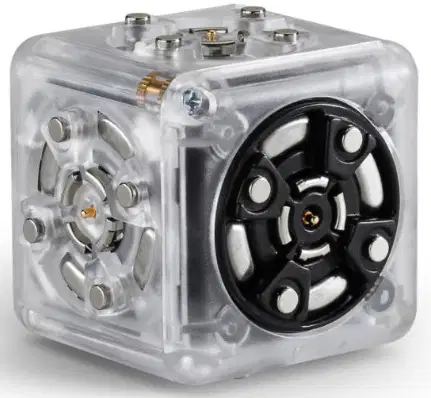
The rate at which the Action Cubelet spins depends on the ________ you assign.
input values
color codes
battery level
cubelet size

The Action Cubelet has more than one face that spins.
True
False
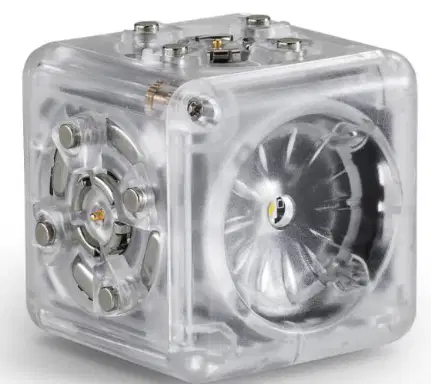
What does the Flashlight Cubelet emit?
A beam of light from a powerful white LED.
A stream of water.
A burst of sound waves.
A puff of air.

Can the Flashlight Cubelet brighten or dim as input values are adjusted?
Yes
No
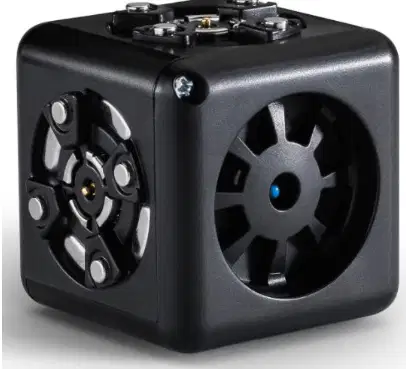
What does the Temperature Cubelet detect?
Light
Sound
Temperature
Motion
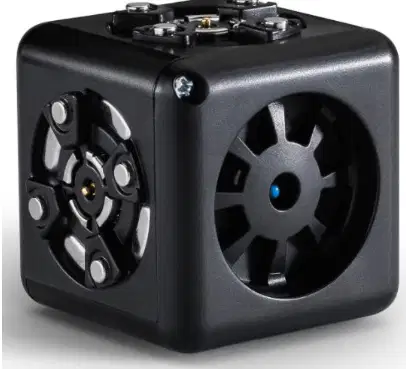
Fill in the blank: The Temperature Cubelet has a tiny little _______ inside of it that detects the surrounding temperature.
thermostat
motor
speaker
light bulb
The output value of the Temperature Cubelet gets smaller as it gets warmer.
True
False
What happens to the output value of the Temperature Cubelet as it gets colder?
It gets higher
It gets smaller
It stays the same
It turns off
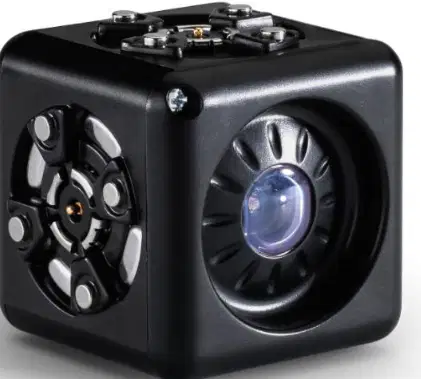
What does the Brightness Cubelet detect?
The amount of sound
The amount of light
The amount of heat
The amount of water
The Brightness Cubelet can respond in different ways to varying _______ conditions.
light
sound
temperature
pressure

The Brightness Cubelet detects the amount of light hitting its sensor.
True
False

What does the Distance Cubelet use to detect how far it is from an object in front of it?
Infrared light
Sound waves
Ultrasonic waves
Visible light
The Distance Cubelet is accurate between ____ and ____ cm.
10 and 80
5 and 50
20 and 100
15 and 60
The Distance Cubelet can detect objects that are 100 cm away.
True
False
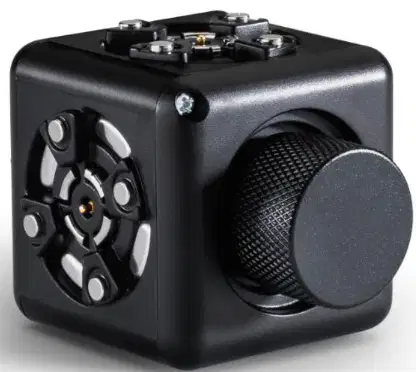
What does the Knob Cubelet allow you to control?
Colors
Numerical values (or outputs)
Sounds
Shapes
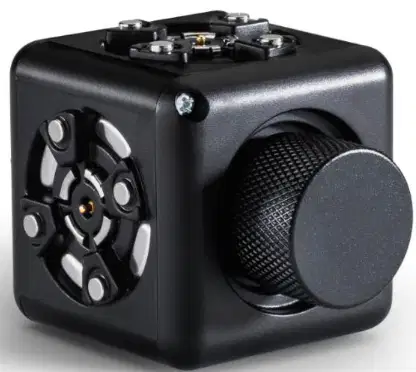
When the Knob Cubelet is turned counterclockwise, its output value _________.
decreases
increases
remains the same
becomes zero
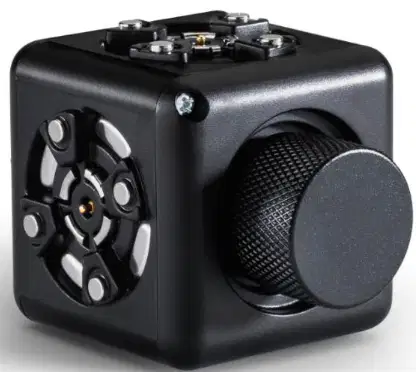
When the Knob Cubelet is turned clockwise, its output value increases.
True
False
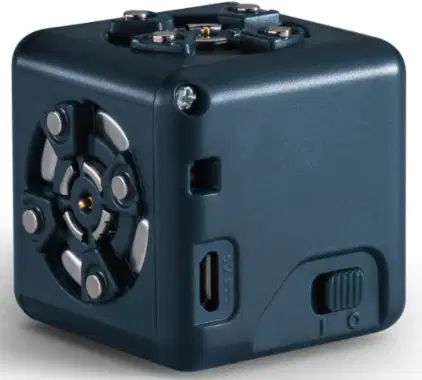
What does the Battery Cubelet provide to robots?
Energy
Water
Light
Sound
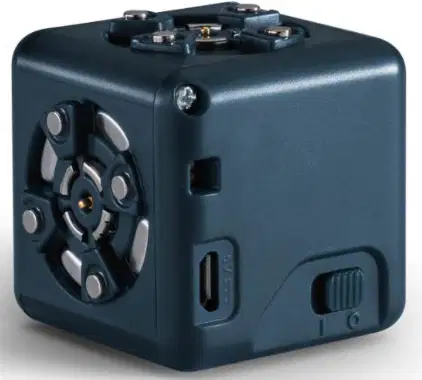
How can the Battery Cubelet be recharged?
Solar power
Micro USB
Battery replacement
Wind power
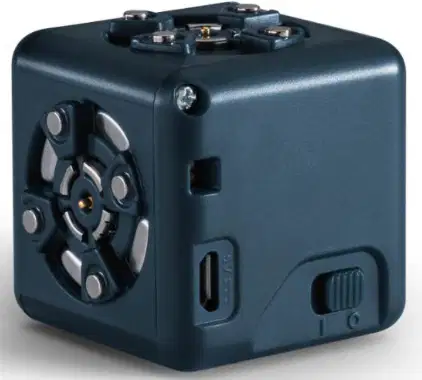
The Battery Cubelet can also be used as a ______ block in robot constructions.
passive
active
sensor
motor
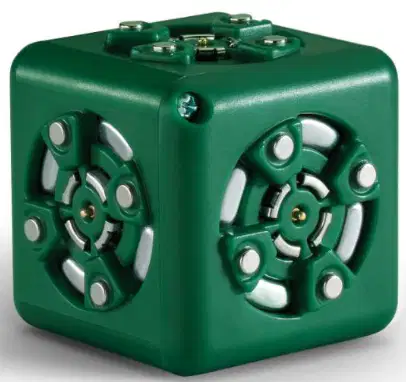
What is the main function of the Blocker Cubelet?
It stores data
It blocks data from its neighbors
It generates power
It sends instructions
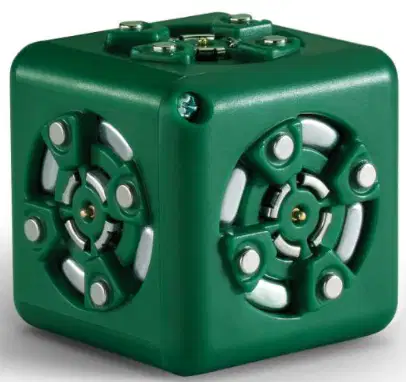
The Blocker Cubelet allows ______ to pass through, but blocks all other instructions.
power
data
light
sound
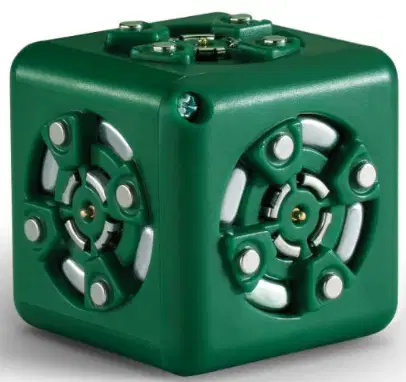
Which of the following does the Blocker Cubelet NOT block?
Data
Power
Instructions
Signals
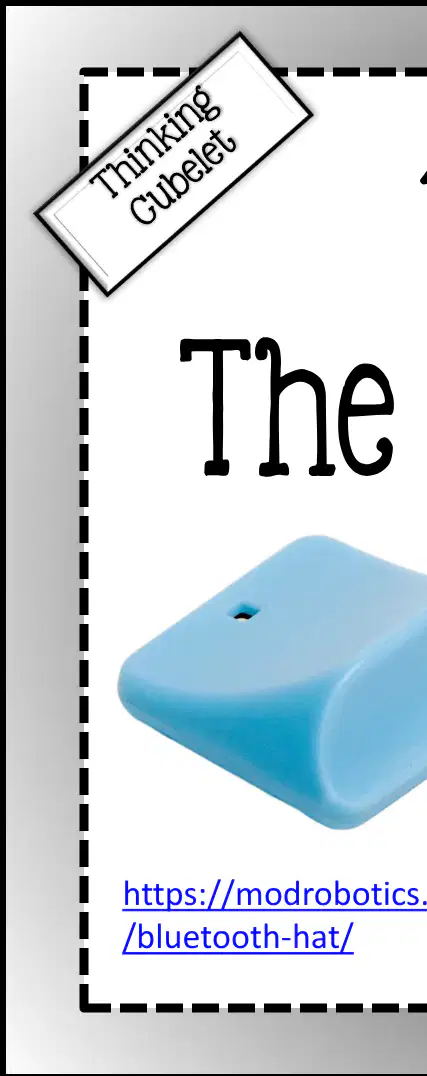
What is the main function of the Bluetooth Hat?
It decorates robots
It connects robots with free apps to change Cubelet behaviors
It powers the robots
It is used for storage
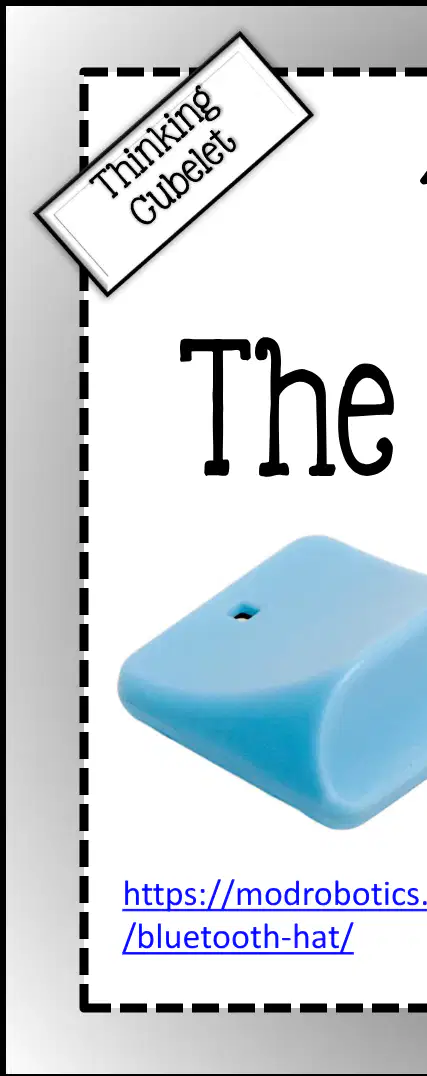
With the Bluetooth Hat, you can swap Cubelet behaviors with _________?
Personality Swap
Behavior Builder
Cubelet Connect
Swap Tool
The Bluetooth Hat allows you to create your own Cubelet behaviors using Blockly and C coding.
True
False
What does the Inverse Cubelet do?
It follows instructions exactly
It does the exact opposite of what it is told to do
It does nothing
It repeats instructions

Fill in the blank: The Inverse Cubelet is a ______ breaker!
rule
code
shape
color

What is the main function of the Passive Cubelet?
It moves and senses data
It carries power and data from one Cubelet to another
It changes the data
It stores data
The Passive Cubelet can move, sense, or change the data in any way.
True
False
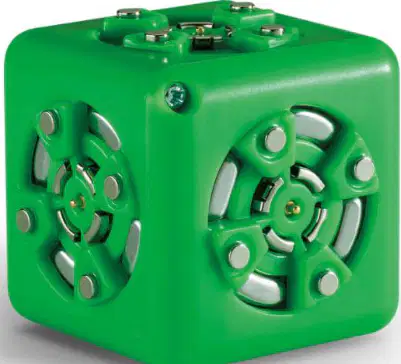
Fill in the blank: The Passive Cubelet is a basic ________ block.
building
energy
sensor
logic
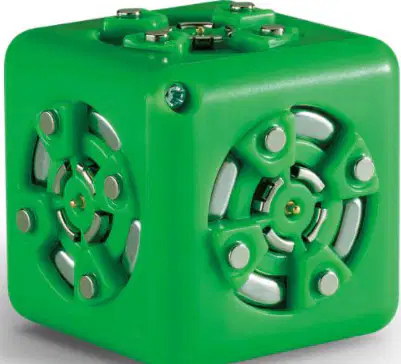
What does the Passive Cubelet carry from one Cubelet to another?
Power and data
Only light
Sound waves
Heat energy
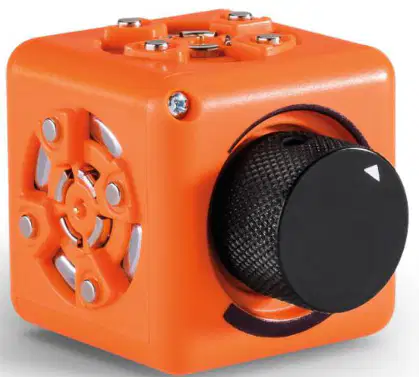
What is the main function of the Threshold Cubelet?
It makes sounds
It alters the behavior of robots using a knob
It moves on its own
It lights up
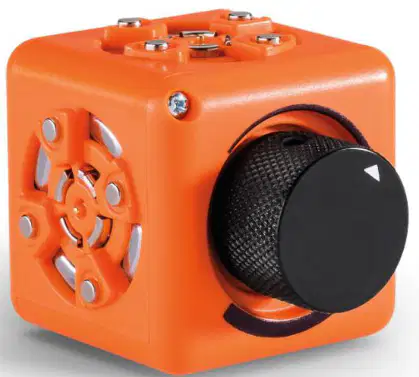
Fill in the blank: The Threshold Cubelet will stay ______ until a threshold (set by you) is reached.
quiet
active
moving
flashing
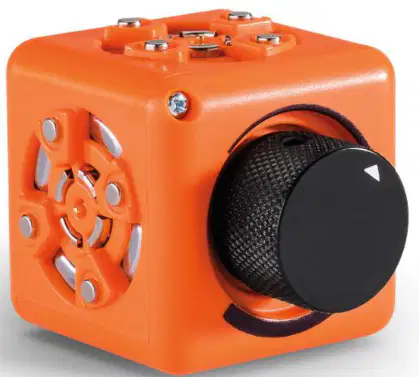
The Threshold Cubelet passes additional information once the threshold is reached.
True
False
What does the Maximum Cubelet do?
Outputs the lowest input value
Outputs the highest input value
Outputs the average input value
Outputs all input values
Fill in the blank: The Maximum Cubelet only outputs the _______ of the input values that it receives.
highest
lowest
average
sum
The Maximum Cubelet can be used to perform a task if certain conditions are met.
True
False
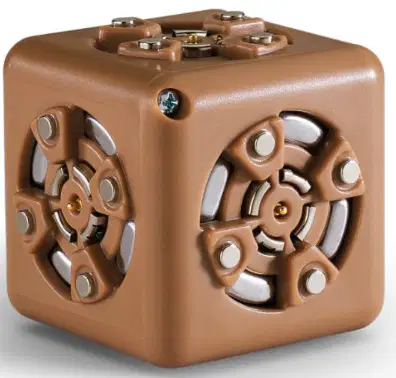
What does the Minimum Cubelet do?
Outputs the largest input value
Outputs the smallest input value
Outputs the average input value
Outputs all input values
The Minimum Cubelet can be used to simulate an "on/off" switch.
True
False
Fill in the blank: The Minimum Cubelet only outputs the _______ of the input values that it receives.
smallest
largest
average
sum

What is the purpose of Brick Adapters as described in the image?
To join Legos and Cubelets, bringing Legos to life and giving Cubelets more personality by joining these two creative platforms.
To charge Cubelets using Lego batteries.
To decorate Cubelets with colorful stickers.
To connect Cubelets to a computer for programming.

