
 Worksheets
WQ:CO:U3L17: Mouse Input Programming Quiz
Total questions: 45
Worksheet time: 24mins
What happens in a program when the user presses the space key?
The sprite disappears
The sprite jumps
The program closes
The sprite changes color
What should a program do if a sprite touches the edge in a game or animation?
The sprite turns around
The sprite stops moving
The sprite disappears
The program restarts
If the score in a game is above 10, what outcome should the program create?
Show a "Game Over" message
Show a "You win!" message
Restart the game
Keep playing without any message
What happens if the score is not above 10 in the example provided?
The program ends
The sprite jumps
The game keeps playing
The score resets to zero
What is required for a conditional to run in a program?
The condition must be false.
The condition must be true.
The computer ignores the condition.
The condition must be undefined.
What does the computer check before running the code inside an "if" statement?
The color of the text.
The rule or condition.
The size of the program.
The number of lines in the code.
What must a condition be for the computer to check it?
Vague and unclear.
Based on something in the program, like a key press or comparison.
Random and unrelated to the program.
A guess made by the programmer.
Which of the following is an example of a condition the computer can check?
The weather outside.
A key press in the program.
The programmer's mood.
The time of day.
What is one thing the author wants to learn how to program in a game?
How to create a game with different levels
How to design characters for the game
How to add music to the game
How to make the game multiplayer
Which of the following is NOT mentioned as a feature the author wants to learn to program in a game?
Changing the background
Making challenges harder
Adding sound effects
Switching to the next level when the player reaches a goal

What happens in the game when the player reaches a goal, according to the author?
The game ends
The player switches to the next level
The player earns points
The background changes
What is one feature students want to learn to program in a game involving enemies?
Enemies that follow the player or bounce around the screen.
Enemies that disappear when clicked.
Enemies that change color randomly.
Enemies that stay stationary.
Why do students want to add sound effects and music to their projects?
To make their games feel more exciting.
To make their games harder to play.
To make their games look more colorful.
To make their games slower.
What is the purpose of creating a score system that updates during the game?
To increase the score when something good happens.
To decrease the score when something bad happens.
To reset the score after every level.
To keep the score constant throughout the game.
What is one goal mentioned in the 3-2-1 Review for making animations?
To make animations that look smooth and realistic
To create animations with random movements
To make animations that are static and simple
To avoid using sprites in animations
What is an example of a power-up mentioned in the 3-2-1 Review?
Collecting a star to make the player faster
Collecting coins to unlock new levels
Collecting gems to change the background
Collecting keys to open doors
What feature is mentioned in the 3-2-1 Review to make the game feel more realistic?
Adding a 'game over' screen and a restart button
Adding a pause button
Adding a tutorial screen
Adding background music

What is one way to allow users to choose different characters in a game?
Picking a different sprite at the start
Unlocking characters by completing levels
Changing the background color
Using a random character generator
What are more ways that the computer can react to user input?
By displaying a message on the screen
By playing a sound
By changing the color of an object
All of the above
What can the computer do when a key is pressed?
Move a sprite, change an animation, or start an action
Open a new window or close a program
Save a file or delete a file
Turn off the computer
What happens when the mouse is clicked in interactive animations?
A sprite can jump, change color, or appear
The computer shuts down
A new program opens automatically
The screen brightness changes
What can a sprite do when moving the mouse in interactive animations and games?
Follow the mouse or point toward it
Change its color
Play a sound
Increase the score
What happens when a sprite touches or collides with an object in interactive animations and games?
The computer can play a sound or change the score
The sprite disappears
The computer shuts down
The sprite changes its shape
What can the computer do when the user types into a text box in interactive animations and games?
Show a message or change the scene based on what the user types
Play a sound
Move the sprite to a random location
Increase the score
What happens when you press the space bar in the program described in the activity?
The program stops running.
A specific action or event is triggered.
The program resets to its initial state.
Nothing happens.
What happens when you don't press the space bar in the program described in the activity?
The program continues running without triggering the event.
The program stops running.
The program displays an error message.
The program resets to its initial state.
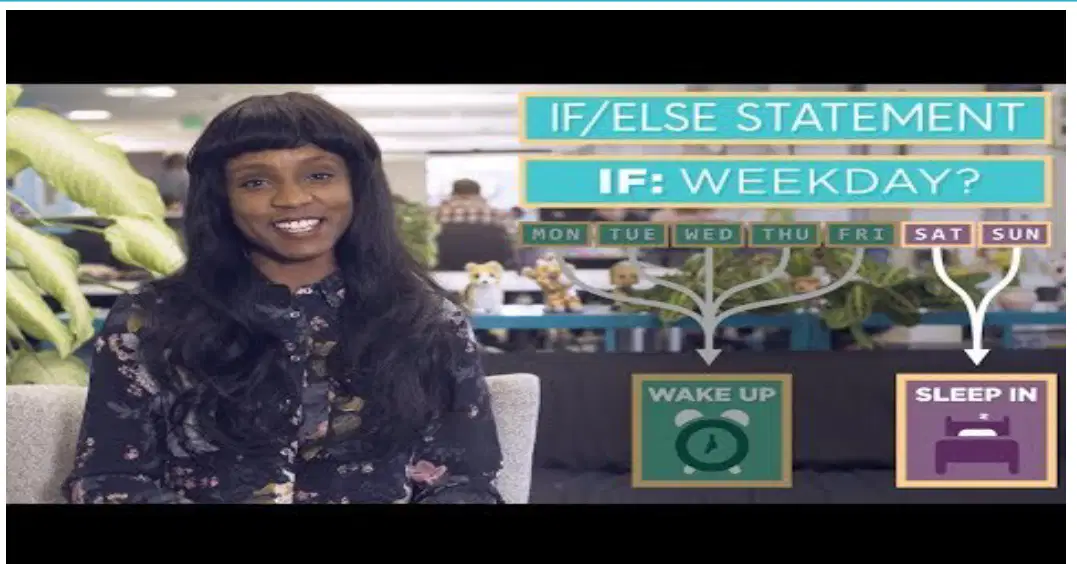
What is the purpose of an "if/else" statement in programming?
To repeat a block of code multiple times
To make decisions based on conditions
To store data in variables
To define a function in a program
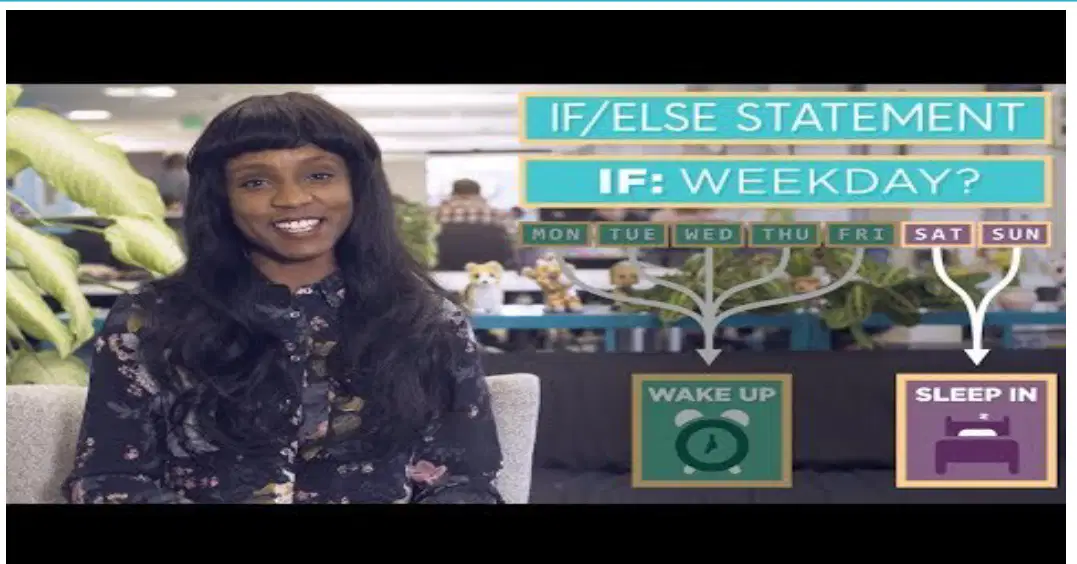
Which of the following is an example of when you would use an "if/else" statement?
To decide whether to turn on the lights based on the time of day
To calculate the sum of two numbers
To store a list of items in an array
To create a loop that runs 10 times
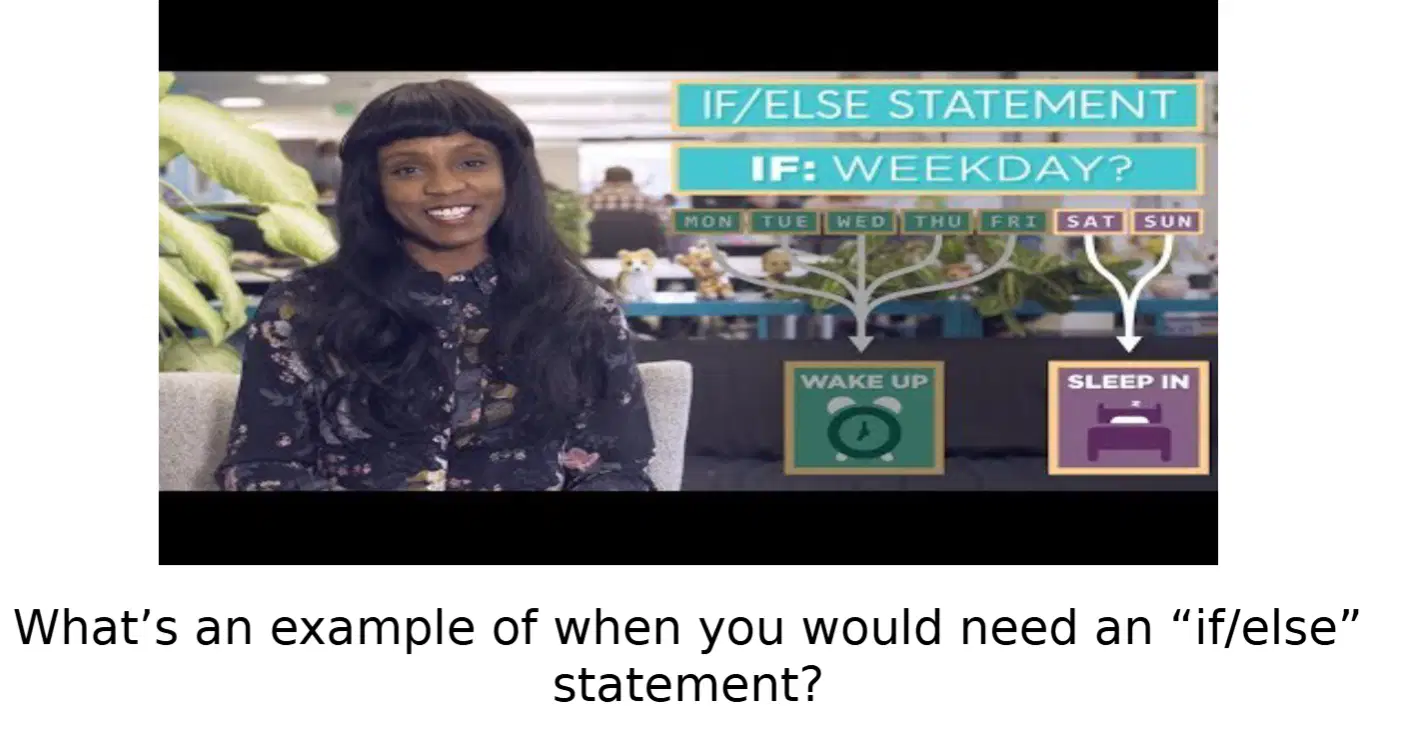
What happens in an "if/else" statement when the condition is false?
The program stops running
The code inside the "if" block is executed
The code inside the "else" block is executed
The program skips the entire statement

In the example provided, what action is taken if the day is Saturday?
Wake up early
Sleep in
Go to work
Skip the day

What is the condition being checked in the example "if/else" statement?
Whether it is a weekend
Whether it is a weekday
Whether it is raining
Whether it is a holiday
What happens to the gears when the space bar is pressed in the activity described?
The gears stop spinning.
The gears spin in one direction.
The gears spin in the opposite direction.
The gears change color.
What is the task required when the space bar is not being pressed in the activity?
Make the gears spin faster.
Make the gears spin the opposite way.
Make the gears stop spinning.
Make the gears change size.
What is the main task described in the activity for controlling the gears in the program?
Read the program carefully, especially Line 13.
Skip Line 13 and focus on the rest of the program.
Change the program to make the gears spin faster.
Delete Line 13 to control the gears.
What should you do after reading the program to test your understanding?
Rewrite the program entirely.
Run the program and test whether you were correct.
Ignore the program and guess the output.
Add new lines to the program without testing.
What is the challenge mentioned in the activity regarding the gears when there is no user input?
Make the gears spin faster.
Make the gears spin the opposite way.
Stop the gears completely.
Make the gears spin in random directions.

What should you do if you get stuck while working on Code Studio Level 4-5?
Skip the level and move to the next one.
Use the Help and Tips Tab or Code Documentation.
Restart the entire project.
Ask a friend to complete it for you.

What can you use to recover from a big mistake in Code Studio Level 4-5?
Version History.
Help and Tips Tab.
Code Documentation.
Restart the computer.
What is the first step to follow when working on Code Studio Level 4-5?
Follow the instructions on each level.
Skip the instructions and experiment freely.
Use the Help and Tips Tab immediately.
Start with Version History.
Which of the following is NOT mentioned as a resource for help in Code Studio Level 4-5?
Help and Tips Tab.
Code Documentation.
Version History.
Online forums.
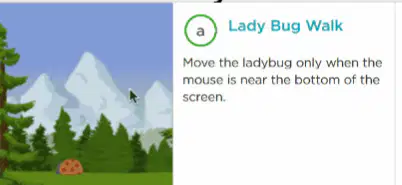
What is the task in the "Lady Bug Walk" activity?
Move the ladybug only when the mouse is near the bottom of the screen.
Make the ladybug move in random directions.
Change the color of the ladybug when clicked.
Make the ladybug disappear when the mouse is pressed.
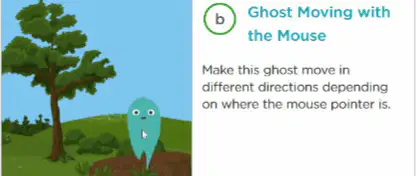
What happens in the "Ghost Moving with the Mouse" activity?
The ghost changes color when clicked.
The ghost moves in different directions depending on where the mouse pointer is.
The ghost disappears when the mouse is pressed.
The ghost moves only when the mouse is near the top of the screen.
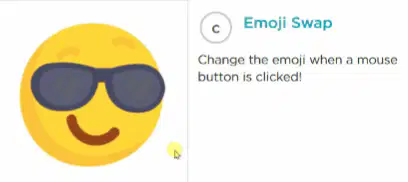
What is the purpose of the "Emoji Swap" activity?
Change the emoji when a mouse button is clicked.
Make the emoji move across the screen.
Change the emoji's color when the mouse is pressed.
Make the emoji disappear when clicked.
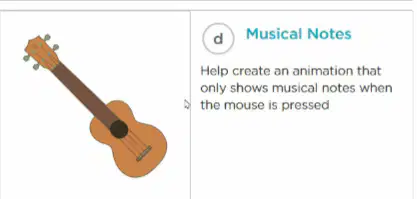
What is the goal of the "Musical Notes" activity?
Create an animation that shows musical notes when the mouse is pressed.
Make the guitar play music when clicked.
Change the color of the musical notes when the mouse is near the screen.
Make the guitar disappear when the mouse is pressed.
In the following statement:
mouseMoveMethod(draw);
Which part is the event handler?
mouseMoveMethod
draw
e
none

