
 Worksheets
Storage and File Management Quiz
Total questions: 13
Worksheet time: 7mins
Imagine you are working on a school project and want to access your files from home. Which storage solution would be most suitable?
Network drive
Windows Explorer
Google Drive
CD-ROM
If you want to organise your files and folders on your computer, which tool would you use?
Google Drive
Windows Explorer
Network drive
Calculator
What happens when you right-click on an item on the screen, where supported?
It opens a menu with extra options
It selects the item
It scrolls the page
It deletes the item

Which key on the keyboard is used to type capital letters without holding down the Shift key?
Caps Lock
Tab
Ctrl
Alt
If you need to find a specific file or setting on your computer, what steps would you take using the Start Menu?
Type the name of the file or setting in the search bar.
Delete all files from the computer.
Change the wallpaper.
Turn off the monitor.
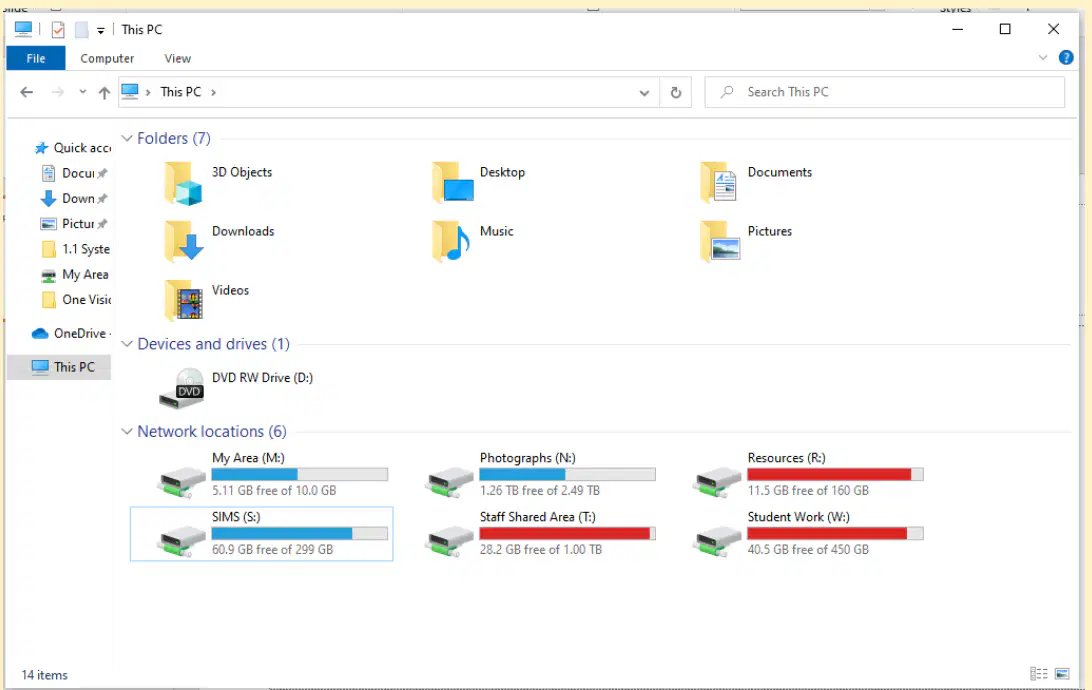
What is the main purpose of Windows Explorer?
To organise files and folders on your computer or school network
To play music and videos
To browse the internet
To edit photos
Which of the following actions can you perform in Windows Explorer to manage your digital work?
Create, edit, delete, and rename files and folders
Print documents directly
Change computer settings
Install new software

What is the main purpose of Google Drive and OneDrive?
To organise your files stored online
To play online games
To send emails
To edit videos

How can you access your files stored in Google Drive or OneDrive?
From any device connected to the internet
Only from your home computer
Only from your mobile phone
Only from school computers
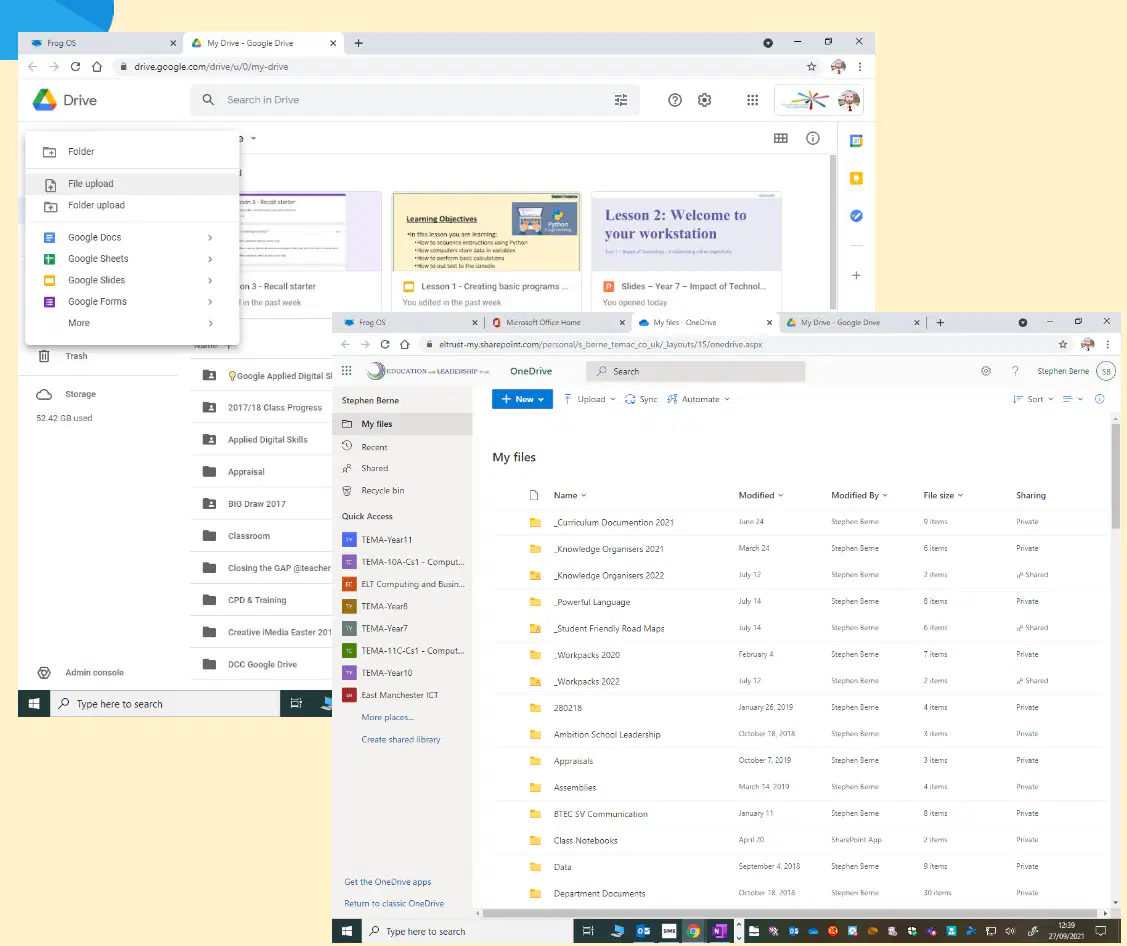
Why is it useful to store your files in Google Drive or OneDrive instead of only on your computer?
You can access your files from any device connected to the internet
Your files will be deleted automatically
You cannot share files with others
You can only access files at school
What is one difference between saving work in your M:/ drive and using Google Drive or OneNote?
M:/ is usually a local or school network drive, while Google Drive and OneNote are cloud-based.
M:/ automatically shares files with everyone.
Google Drive and OneNote cannot be accessed from home.
M:/ drive is only for storing music files.
Which tool would you use to search for a document saved on your computer?
Windows Explorer
Calculator
Paint
Media Player
What is the keyboard shortcut for copy and paste?
Ctrl+C then Ctrl+V
Ctrl+S
Ctrl+V then Ctrl+C
Ctrl+Z

