
 Worksheets
Day 13
Total questions: 20
Worksheet time: 10mins
Which of the following best describes the "capacity" of a hard disk drive (HDD)?
The amount of storage available
The speed at which data is transferred
The physical size of the device
The type of interface used to connect to a PC
A student is comparing two hard disk drives. Drive A has a larger cache size and a custom firmware, while Drive B has a standard controller and no custom firmware. Which characteristic is the student evaluating?
Technologies used inside the drive
Physical size
Interface standards
Capacity
If a user wants to know how much data a hard disk drive can transfer per second, which characteristic should they look at?
Speed
Capacity
Interface standards
Physical size
What is the primary function of firmware in a magnetic hard drive?
Controls data reading, writing, and motherboard communication
Spins the platters
Organizes data into sectors
Moves the actuator arm
Explain how the organization of data into tracks and sectors on a magnetic hard drive contributes to efficient data storage and retrieval.
Tracks and sectors allow for systematic data placement, making it easier for the read/write heads to locate and access data quickly.
Tracks and sectors slow down the data retrieval process.
Tracks and sectors are only used for backup purposes.
Tracks and sectors are irrelevant to data organization.
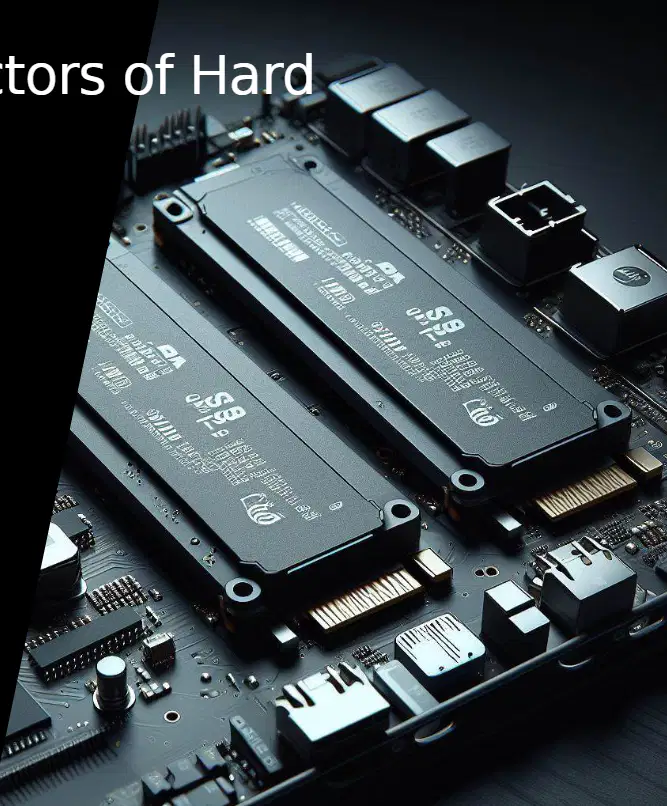
Which type of memory is used in Solid-State Drives (SSD)?
NAND flash
DRAM
Magnetic tape
Optical disc
What is a key advantage of SSDs compared to traditional hard drives?
SSDs are faster and more reliable
SSDs are less expensive
SSDs have moving parts
SSDs use more power
How is the lifespan of an SSD typically measured?
By the number of read operations
By the number of write operations (TBW/DWPD)
By the amount of RAM
By the size of the drive
Which of the following is NOT a common type of SSD?
2.5” SSD
M.2
mSATA
Blu-ray SSD
Explain why SSDs generally have a longer lifespan and lower power use compared to traditional hard drives. Use evidence from the characteristics of SSDs.
SSDs have no moving parts and use nonvolatile memory, which reduces wear and power consumption.
SSDs use magnetic disks, which are more durable.
SSDs require constant cooling, which extends their lifespan.
SSDs are larger in size, which makes them last longer.
What does the acronym "SSD" stand for in computer storage technology?
Solid State Drive
Super Speed Disk
Secure Storage Device
System Storage Disk

Which of the following is a form factor or technology related to hard drives mentioned in the image?
SSD
RAM
CPU
GPU
Based on the image, what is the main topic being explained in less than 3 minutes?
How SSDs work
How CPUs process data
How RAM stores information
How GPUs render graphics
How do SSDs compare to HDDs in terms of power consumption?
SSDs consume more power
HDDs consume less power
SSDs consume less power
Both consume the same amount of power
A user needs a storage solution that is both cost-effective and offers large capacity. Based on the comparison, which type of drive should they choose and what trade-off might they face?
SSD; trade-off is higher cost per gigabyte
HDD; trade-off is slower speed
SSD; trade-off is more noise
HDD; trade-off is higher power consumption
If a highway system has high throughput and low latency, what does this mean for data transfer?
It can handle a large volume of cars and each car travels quickly from point A to point B
It can only handle a small volume of cars and each car travels slowly
It can handle a large volume of cars but each car travels slowly
It can only handle a small volume of cars but each car travels quickly
What is low-level formatting in the context of hard drives?
Preparing a hard drive at the factory by marking sections for data storage
Installing an operating system on a hard drive
Encrypting data on a hard drive
Defragmenting a hard drive

What does Logical Block Addressing (LBA) help the hard drive, firmware, and operating system do?
Find and manage all the sections on the hard drive where data is stored
Encrypt the data on the hard drive
Increase the speed of the hard drive
Physically clean the hard drive
The capacity of a hard drive depends on which two factors?
The size of each storage block and the total number of these blocks on the drive
The speed of the hard drive and the type of interface used
The manufacturer and the warranty period
The color and the physical size of the hard drive
A company wants to maximize the storage capacity of its hard drives. Based on your understanding, what two factors should they focus on, and why?
They should focus on increasing the size of each storage block and the total number of blocks, because both directly affect the drive’s capacity.
They should focus on the color and brand of the hard drive, because these are most important for capacity.
They should focus on the operating system and the BIOS version, because these determine capacity.
They should focus on the warranty and price, because these affect how much data can be stored.

