
 Worksheets
VEX IQ Parts & Brain/Controller Pairing
Total questions: 15
Worksheet time: 8mins

color sensor
Gyro sensor
smart motor
robot brain

distance sensor
color sensor
Gyro sensor
smart motor

What robot part is this?
brain
battery
controller
smart motor

What robot part is this?
brain
battery
sensor
smart motor


Which set of items is required before connecting a VEX IQ Controller to a Brain?
Controller, Brain, Battery, Wheels, and Cables
Controller with Radio, Brain with matching Radio, Battery, and Tether Cable
Controller, Brain, Battery, Sensors, and Motors
Brain, Controller, USB Cable, and Computer
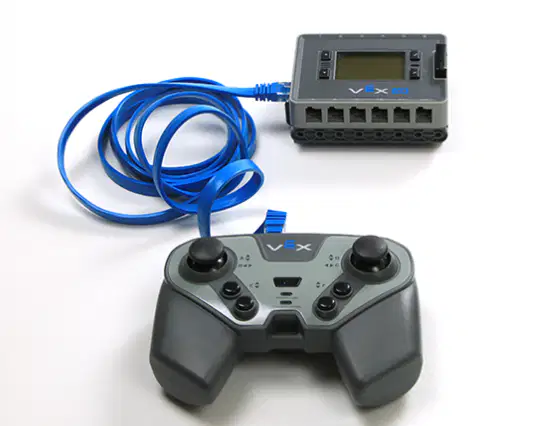
What should you do before connecting the Controller and Brain with the tether cable?
Turn both devices on
Remove the radios
Make sure both devices are powered off
Pair the devices wirelessly first

How can you tell the Controller is tethered to the Brain?
The Brain screen turns green
The battery icon disappears from the Brain screen
The tether connection symbol appears on the Brain screen
The Controller vibrates

When the Controller and Brain are wirelessly connected, what should you observe?
Both the Brain LED and Controller Power/Link LED blink
The Brain screen turns black
The Wireless Connect Symbol (four bars) shows in the top right corner of the Brain screen
The Brain and controller shut off and restart
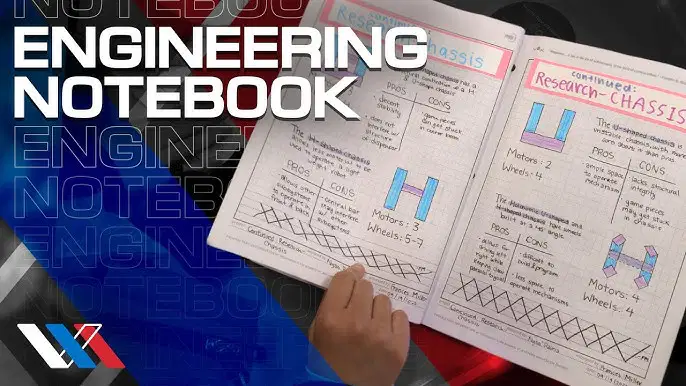
Which of the following does not belong in an Engineering Notebook?
Pictures of your dog
Your thoughts and ideas
Sketches and diagrams
Work session notes
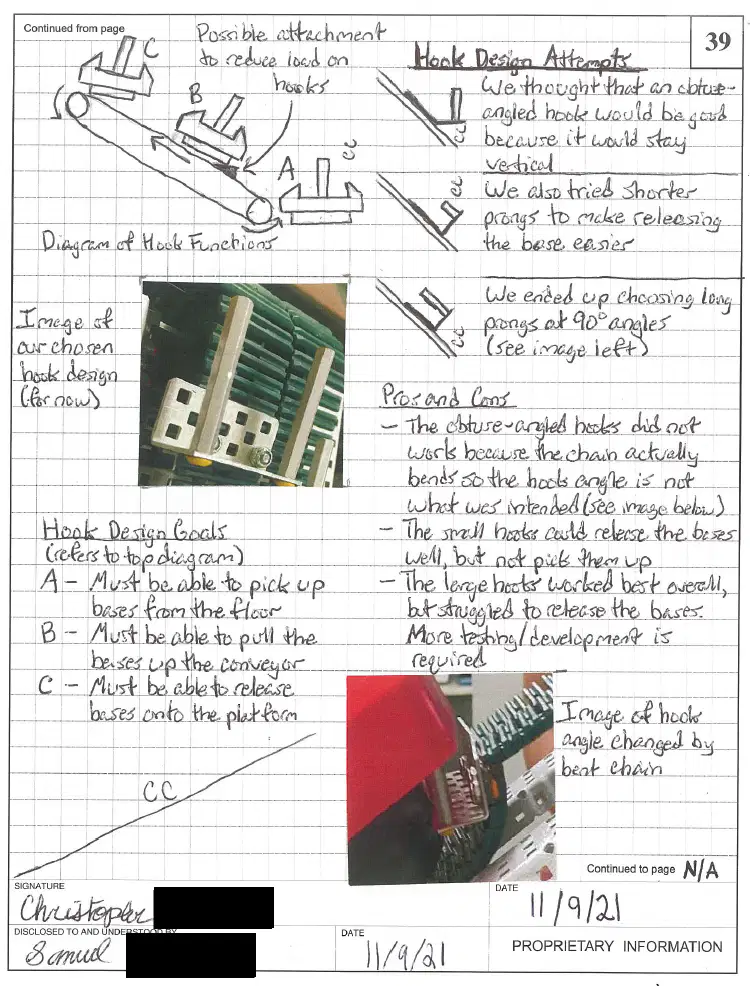
If a page is not completely used the engineer must
place their signature across the open space
put a line or make an X through the open space
tear out the unused section of the page
obtain signatures of the entire class in the empty space


