
 แผ่นงาน
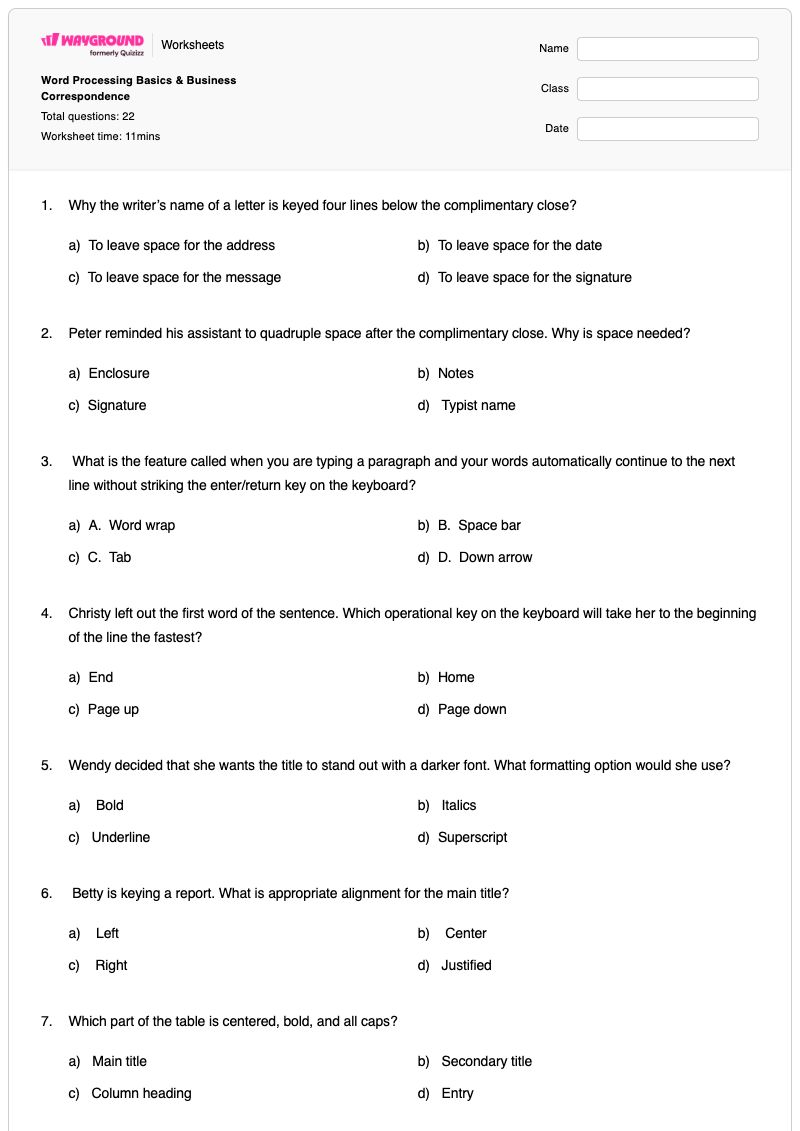
Word Processing Basics & Business Correspondence
คำถามทั้งหมด: 22
ชื่อ
ระดับ
วันที่
1.
Why the writer’s name of a letter is keyed four lines below the complimentary close?
a)
To leave space for the address
b)
To leave space for the date
c)
To leave space for the message
d)
To leave space for the signature
2.
Peter reminded his assistant to quadruple space after the complimentary close. Why is space needed?
a)
Enclosure
b)
Notes
c)
Signature
d)
Typist name
3.
What is the feature called when you are typing a paragraph and your words automatically continue to the next line without striking the enter/return key on the keyboard?
a)
A. Word wrap
b)
B. Space bar
c)
C. Tab
d)
D. Down arrow
4.
Christy left out the first word of the sentence. Which operational key on the keyboard will take her to the beginning of the line the fastest?
a)
End
b)
Home
c)
Page up
d)
Page down
5.
Wendy decided that she wants the title to stand out with a darker font. What formatting option would she use?
a)
Bold
b)
Italics
c)
Underline
d)
Superscript
6.
Betty is keying a report. What is appropriate alignment for the main title?
a)
Left
b)
Center
c)
Right
d)
Justified
7.
Which part of the table is centered, bold, and all caps?
a)
Main title
b)
Secondary title
c)
Column heading
d)
Entry
8.
Sally wants to duplicate the first sentence in a paragraph one and insert it as the first sentence in paragraph three instead of retyping the sentence, she would use which formatting features?
a)
Copy and paste
b)
Cut and paste
c)
Delete
d)
Backspace
9.
Linda wants to left align her text at 3 inches on the horizontal ruler. What feature should she use?
a)
Alignment
b)
Borders
c)
Bullets
d)
Tabs
10.
What spacing should be used between the complimentary close and the keypad signature line?
a)
A. Double
b)
B. Quadruple
c)
C. Single
d)
D. Triple
11.
Sally wants to duplicate the first sentence in a paragraph one and insert it as the first sentence in paragraph three instead of retyping the sentence, she would use which formatting features?
a)
Copy and paste
b)
Cut and paste
c)
Delete
d)
Backspace
12.
What is the message of a letter called?
a)
Body
b)
Complimentary close
c)
Date line
d)
Salutation
13.
What is the message of a letter called?
a)
Body
b)
Complimentary close
c)
Date line
d)
Salutation
14.
What can be selected to show a new level of lesser importance in a bulleted list?
a)
Demote
b)
Indent
c)
Justify
d)
Promote
15.
What word processing feature moves text to the next line by striking the enter key? B. Hanging indent
a)
Default tab
b)
Hanging indent
c)
Hard return
d)
Word wrap
16.
When Jennifer’s cursor gets to the end of the last line in a paragraph, what is the BEST way for her to get the cursor to the next line?
a)
Just keep typing
b)
Press the escape
c)
Press the enter key
d)
Press the tab key
17.
What are “Times New Roman” and “Arial”?
a)
Cursors
b)
Fonts
c)
Graphics
d)
Templates
18.
The writer’s name of the letter is keyed four lines below the complimentary close to leave space for the:
a)
Address
b)
Date
c)
Message
d)
Signature
19.
When writing a personal business letter without letterhead, what should be keyed first?
a)
Dateline
b)
Inside address
c)
Return address
d)
Salutation
20.
Henry keyed a business letter at work. All lines in the paragraphs start at the left margin. Which format did he use?
a)
Block
b)
Centered
c)
Indented
d)
Hanging indent
21.
If Sandy wants to print a table that has 20 columns and 6 rows, which orientation should she select?
a)
Columns
b)
Landscape
c)
Rows
d)
Portrait
22.
What document type is a formal correspondence sent from a business to another business or to an individual?
a)
Academic report
b)
Business letter
c)
Flyer
d)
Minutes
แป้นคำตอบWord Processing Basics & Business Correspondence
คำถามทั้งหมด: 22
1.
d) To leave space for the signature
2.
c) Signature
3.
a) A. Word wrap
4.
b) Home
5.
a) Bold
6.
b) Center
7.
a) Main title
8.
a) Copy and paste
9.
d) Tabs
10.
b) B. Quadruple
11.
a) Copy and paste
12.
a) Body
13.
a) Body
14.
a) Demote
15.
c) Hard return
16.
a) Just keep typing
17.
b) Fonts
18.
d) Signature
19.
b) Inside address
20.
a) Block
21.
b) Landscape
22.
b) Business letter
140 %