

Keyboarding Special Keys

Presentation
•
Computers
•
3rd - 5th Grade
•
Easy

Lindsay Vernier
Used 780+ times
FREE Resource
7 Slides • 8 Questions
1
Keyboarding Special Keys
Tech & Media Specials
with Mrs. Vernier

2
Multiple Choice

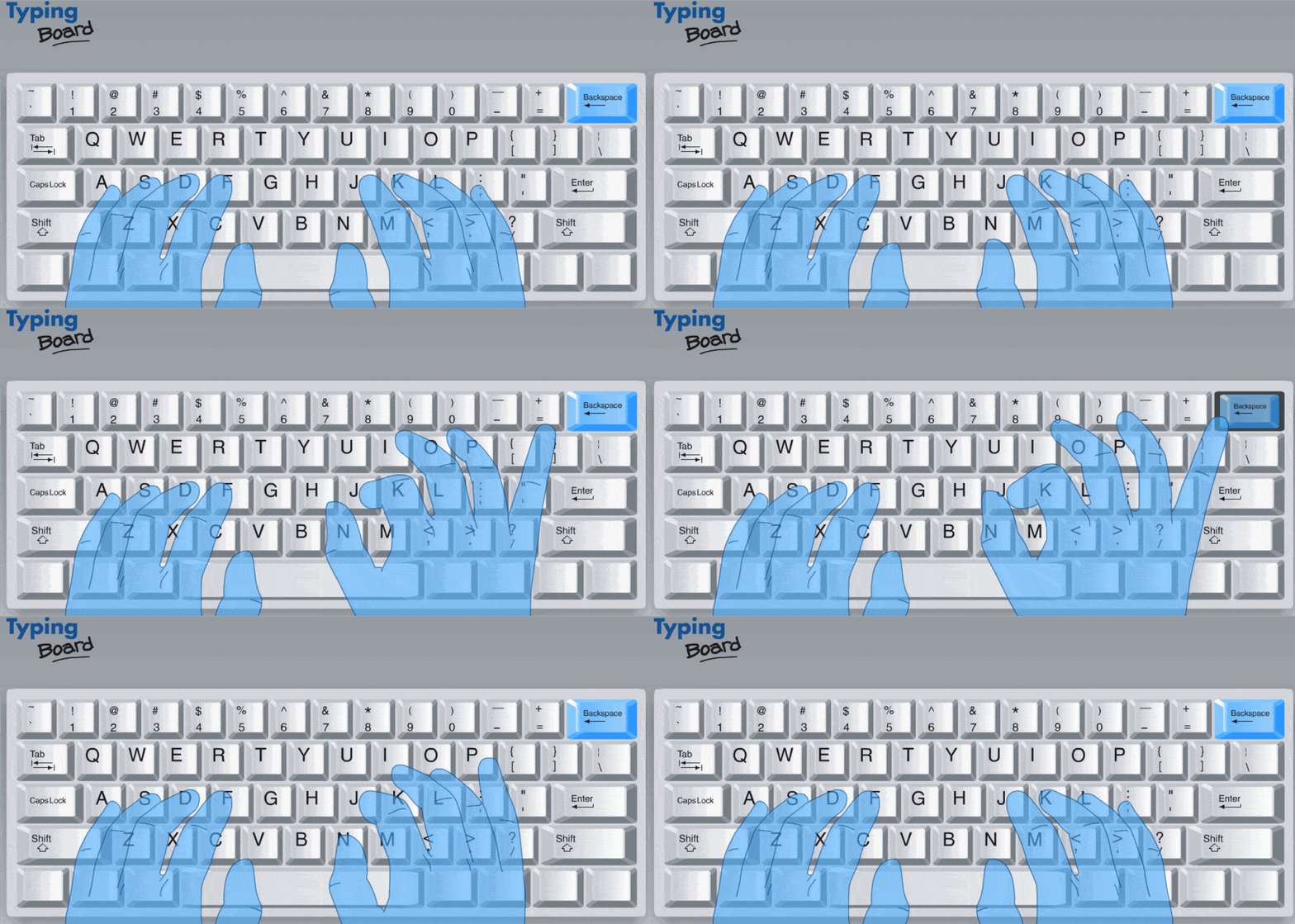
The key in charge of "erasing" any typing mistakes is...
3
4
Multiple Choice

The key you would use to capitalize your first and last name is...
5

6
Multiple Choice
The key you would use to capitalize a large amount of letters (ex: WARNING) is...
7

8
Multiple Choice

The key you would use to make a new line is...
9

10
Multiple Choice

The key you hold down to make a ! or ? is...
11

12
Multiple Choice

How do you make an @ symbol?
13

14
Fill in the Blanks
15
Fill in the Blanks
Keyboarding Special Keys
Tech & Media Specials
with Mrs. Vernier
Show answer
Auto Play
Slide 1 / 15
SLIDE


