

Power of Quizizz (SDD 4-1-24)

Presentation
•
Professional Development
•
Professional Development
•
Practice Problem
•
Easy

Lisa C
Used 2+ times
FREE Resource
22 Slides • 4 Questions
1
The Power of
Quizizz
Staff Development Day 4.1.2024
2
Poll
Why did you sign up for this amazing PD session?
*HINT: Can choose more than one answer
I am interested in using MORE technology in my class IF it means the students and teacher get immediate feedback (data on success of standards)
I am interested in helping my students become more successful EVEN if it "costs" me time at first
I am interested in making my classroom more "fun" AS LONG AS it helps them meet the objectives (standards / benchmarks)
I heard there were free donuts
None of these
3
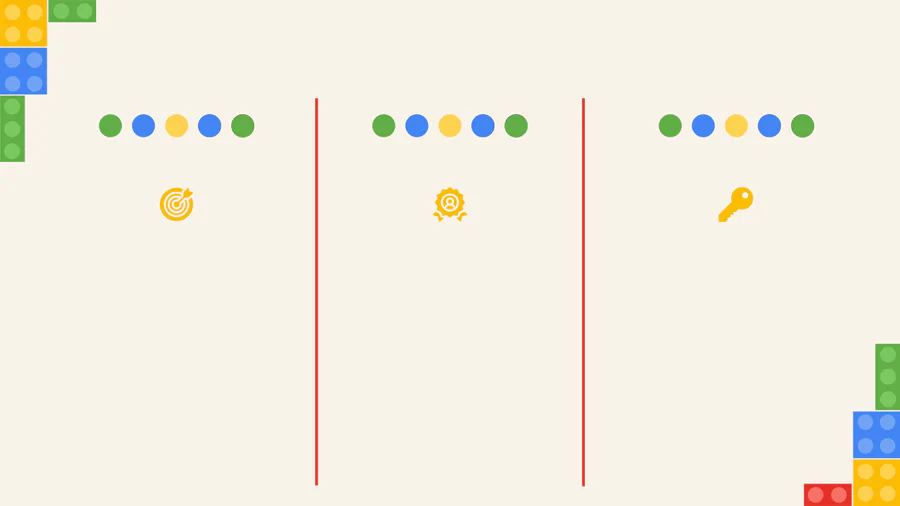
Learning Intentions
﹘ I am learning what Quizizz is and what tools are available in it.
﹘ I am learning how to make my class more engaging with Quizizz.
﹘ I am learning how to differentiate lessons utilizing Quizizz.
﹘ I can describe at least 1 tool for engagement in Quizizz.
﹘ I can describe at least 1 differentiation tool in Quizizz.
Success Criteria
4
Basics
5
Getting Started
﹘ Create a free account by
logging in using Google or
email
﹘ Have students log in to
Quizizz via clever.ccsd.net
﹘ No manual entry of students
﹘ Students enter their
preferred first name and last
name or last initial for easy
grade recording
﹘ Reports can be filtered by
class period
﹘ Track class averages, scores
and completion
○ Started but unfinished
attempts are calculated
as a zero in the class
average
6
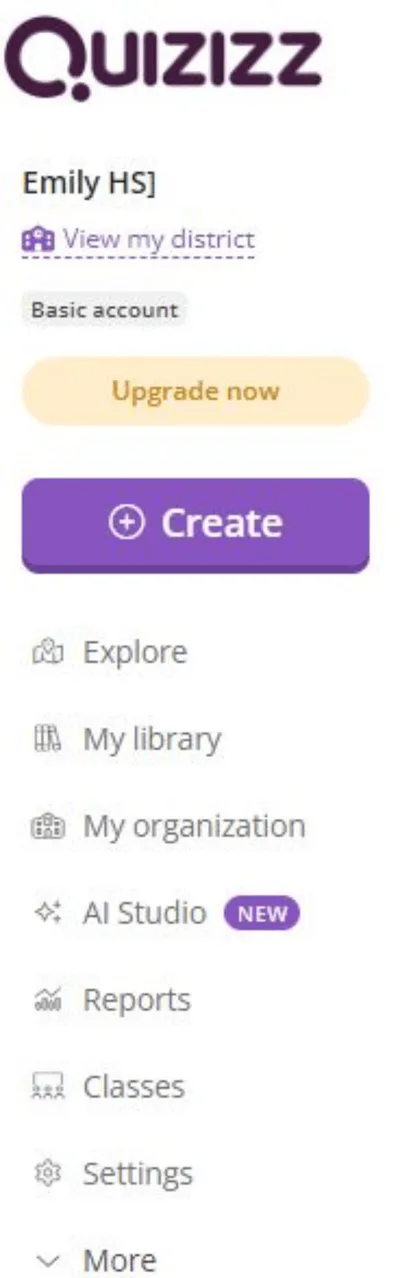

Create Your Classes
✓ Name your class
✓ Choose a color
✓ Check or uncheck box requiring guardian’s email address
✓ After creating your class, add a co-teacher (if applicable)
7


Getting Started
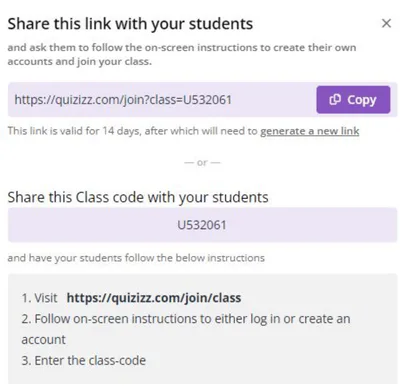
﹘ To join the class:
○Post the link in Canvas or
○Post the code in Canvas or on the whiteboard
○Update as new students join the class period (expires every 14 days)
U######
8
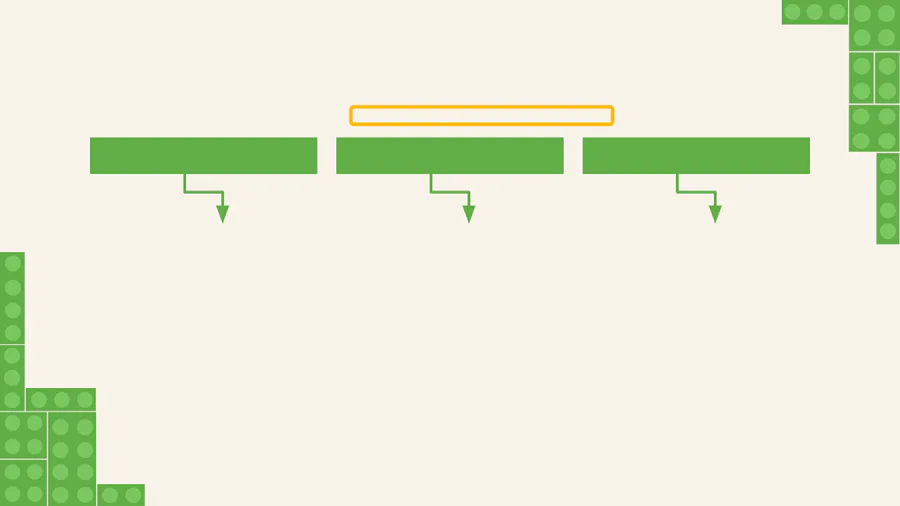

Premade Options
﹘ Quiz questions only
﹘ Search by topic, grade
level, question type
﹘ Choose the number of
desired questions
﹘ Add additional
questions
﹘ Add similar questions
utilizing embedded AI
tool
﹘ Lesson slides with
embedded questions
for practice throughout
﹘ Set to teacher paced
live lesson
﹘ Assign as practice with
a start/end time, timer
or gamify
﹘ Search by topic, grade
level, question type
﹘ Choose the number of
desired questions
﹘ Lesson slides with
embedded questions
for practice throughout
﹘ Set to teacher paced
live lesson
﹘ Assign as practice with
a start/end time, timer
or gamify
﹘ Search by topic, grade
level, question type
﹘ Choose the number of
desired questions
Lessons & Quizzes
Lessons
Quizzes
9
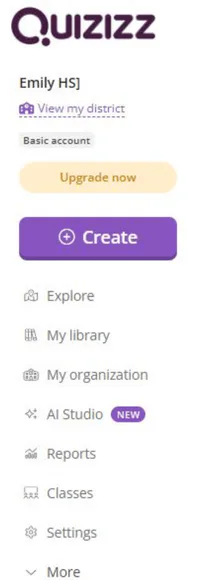
Create
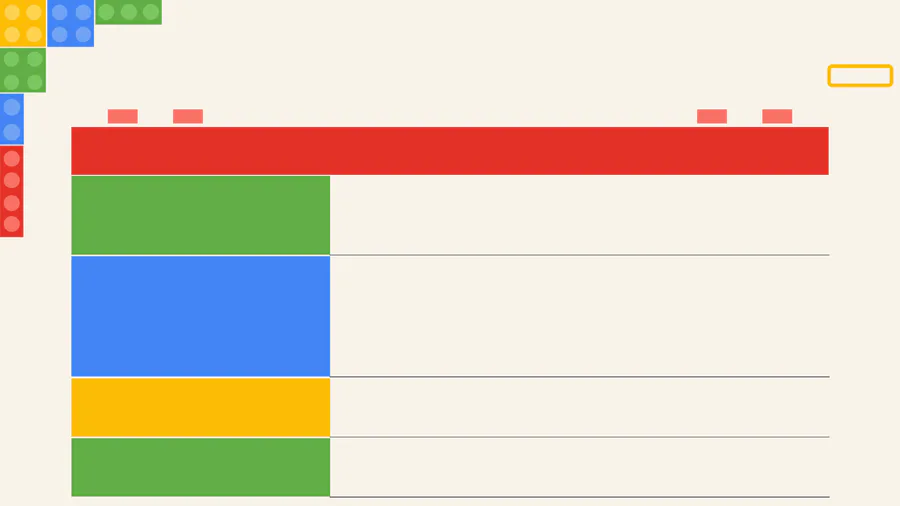
Primary Options in Quizizz
From Scratch
- 10+ interactive question types
- Create questions and responses from scratch
- Choose questions from the Quizizz library
Generate From Text
Utilizing Quizizz’s AI tool, questions will be auto generated
based on text that is imported:
- Import your own text
- Use Quizizz’s AI tool to prompt text
- Use Magic School AI to generate text and import that text
Upload a Document - Upload a PDF, document, or powerpoint and Quizizz’s AI
will generate questions
Convert URL to Quiz - Insert a URL web page or YouTube video with closed
captions and Quizizz’s AI will generate questions
10
Question Types
Free version includes the following question types:
Multiple Choice
Fill in the Blank
Draw
Interactive Video
Open Ended
Word Cloud
Comprehension
Poll
11
Question Types
Premium version includes the following question types:
Audio Response
Categorize
Dropdown
Reorder
Video Response
Matching
Hotspot
Drag and Drop
Labeling
Graphing
Math Response
12
Flexibly Assessing
Accommodating
and
13
Mastery and Learning
Mastery Mode
Redemption
﹘ Designed to allow
students to reattempt
incorrect answers until
they reach a set goal
(determined by teacher)
﹘ Can allow a certain
number of re-attempts per
question
﹘ Redemption Questions
are designed to allow
students to reattempt
incorrect questions
○ Provides questions
similar to those that are
missed
﹘ Redemption Quiz is
designed to allow students
to answer all incorrect
questions at the end to
improve accuracy
Adaptive Bank Mode
﹘ Premium feature that
creates distinct set of
questions for every quiz
attempt
﹘ Allows for more
personalized learning
emphasizing what
students need additional
practice with
14
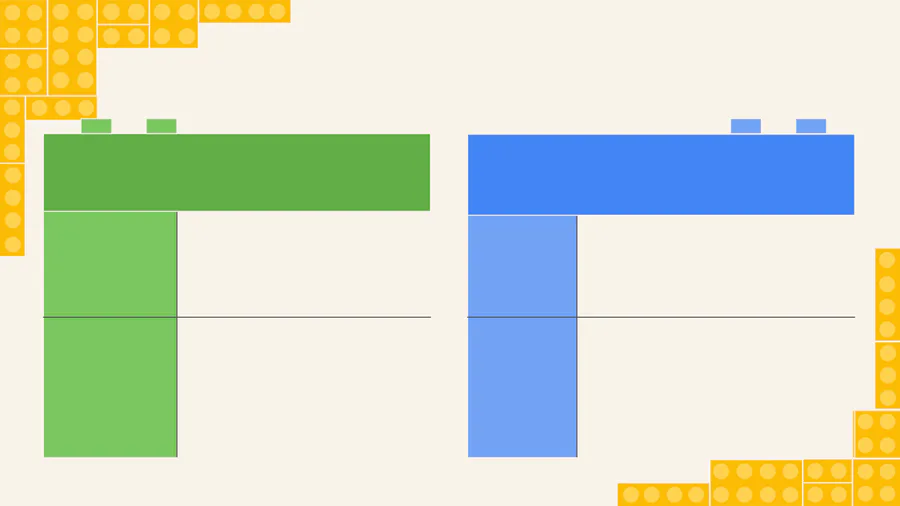
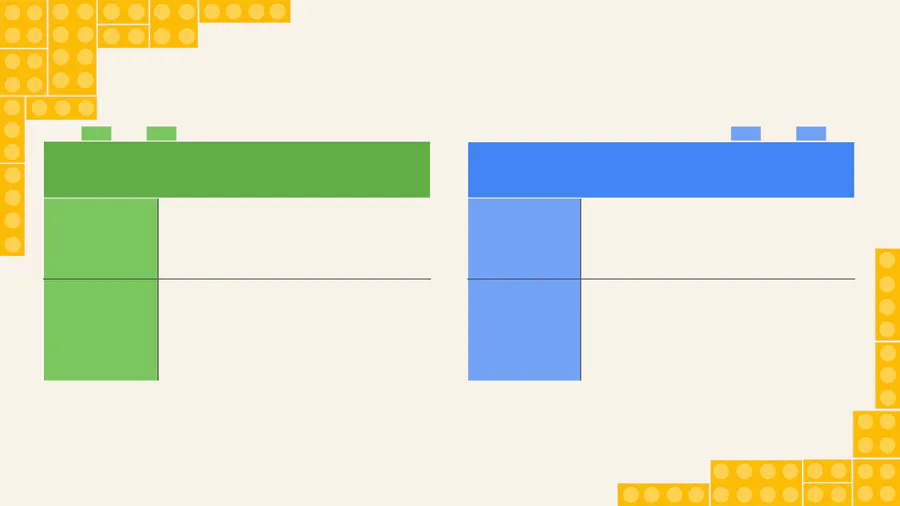
Mastery Mode
Pros
Strong
Understanding
A teacher-set mastery goal
encourages students to grasp
the concept before moving on.
Encourages
Persistence
Students have multiple
opportunities for success as
they persist through
re-attempting multiple
questions or the overall task.
Cons
Potential
for
Frustration
Some students may struggle to
reach the target goal and
become frustrated and
disengaged.
Difficult to
Monitor
Progress
It could be a challenge to provide
enough timely feedback and
support to struggling students.
15
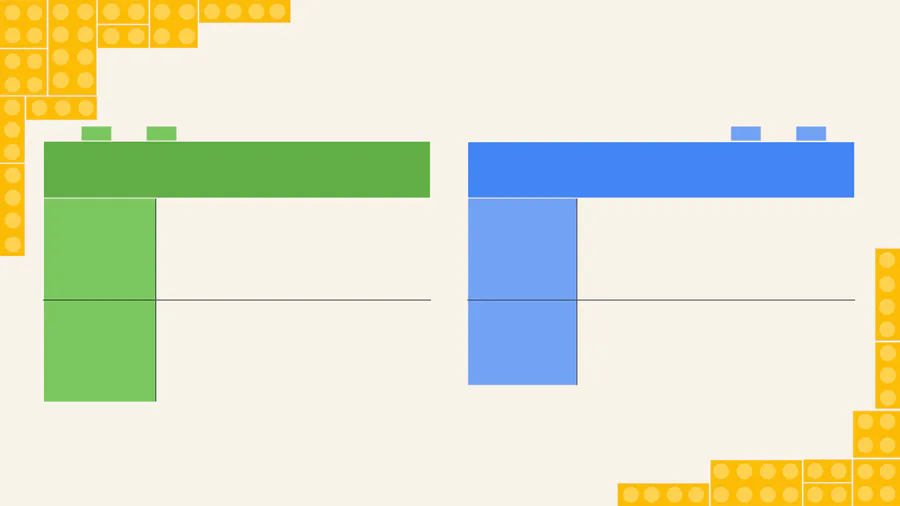
Redemption Mode
Pros
Growth
Mindset
Reattempts of questions and
quizzes give multiple
opportunities for success.
Personalized
Learning
Students receive immediate
feedback on their performance
and then can correct what is
necessary.
Cons
Reduced
Sense of
Mastery
Students may rely too much on
redemption mode and being
allowed multiple attempts.
Time
Constraints
Students may spend too much
time on the task.
16
Adaptive Bank Mode
Pros
Effective
Use of
Time
Students are able to focus time
where the most practice is
needed with questions adapting
based on what they’ve missed.
Personalized
Learning
Students receive immediate
feedback on their performance
and then can correct what is
necessary.
Cons
Cost
This is only available in the paid
version.
Potential
for
Frustration
Some students may get stuck in
a cycle and become frustrated
and disengaged.
17
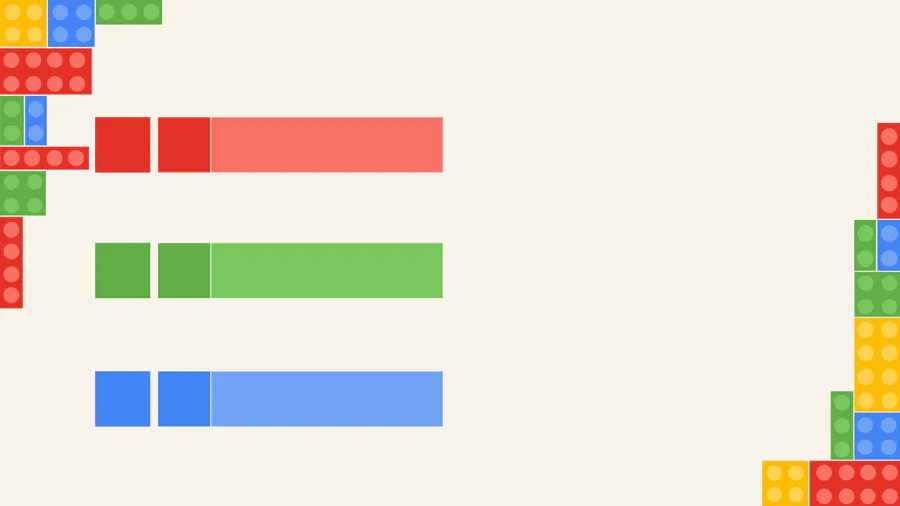
Accommodations
Label each group by a name of your
choosing, i.e. gold group, blue group, or
Knights, Raiders, Aces, etc.
1
Create
Accommodations Groups
Supports include extra time, redemption
question, participant attempts, reduce
answer choices, hide leaderboard/sound
effects, and reading supports (including
translate, read aloud, dyslexia font, and
font size).
2
Assign
Accommodations
3
Only Change
as Needed
These accommodations will follow each
group from task to task within Quizizz
until you make adjustments.
18
Use AI to Assist with Differentiation
Utilizing Quizizz’s AI or
Magic School AI you can
generate the same text in
2-3 grade levels, assign it
to the appropriate group
you created.
Use Generate From
Text to then have AI
generate the questions
as well.
19
Tips & Tricks
20
Did You Know?
Love what
you made?
Share your quiz
or lesson with a
colleague
directly through
Quizizz.
Need
retakes?
Limit the number
of times an
assessment can
be taken.
Consider
unlimited
attempts for a
formative!
Timing an
Issue?
Consider setting
the first
timer/deadline
for the end of
the period to
encourage
on-task
behavior. Then
reopen the
assignment and
set due for a
later date.
Concerned
about cheating?
Set your task to
have questions
and answer
choices shuffled.
Practicing
for ACT?
Set a timer for
each question.
21
Did You Know?
Looking for
Discourse?
Consider using
the Lessons and
projecting
students’
responses, such
as Word Wall,
opened ended,
even multiple
choice and
discuss
correct/incorrect
responses.
Buying in!
In Lessons,
students can
earn coins and
Power Ups and
build and perfect
their own avatar.
Have a little
more fun!
Choose from a
bank of memes
or import your
own for students
to see
throughout.
22

Learning Intentions
﹘ I am learning what Quizizz is and what tools are available in it.
﹘ I am learning how to make my class more engaging with Quizizz.
﹘ I am learning how to differentiate lessons utilizing Quizizz.
﹘ I can describe at least 1 tool for engagement in Quizizz.
﹘ I can describe at least 1 differentiation tool in Quizizz.
Success Criteria
23
Poll

Do you feel today's lesson was helpful to you NOW (this school year)?
Yes
No
Maybe so
24
Poll

Do you feel today's lesson would be helpful for you NEXT SCHOOL YEAR?
Yes
No
Maybe so
25
Open Ended
Are there any questions that you have? OR... Any comments that you would like to make?
26
Play Time
﹘ Login or create your Quizizz account
﹘ Create your class periods
﹘ Create a Lessonor Quizor Lesson with a Quiz
﹘ Explore the options available
○Check out the ready made options
○Create from scratch or explore the options to
generate from text, upload a document or convert
a URL
The Power of
Quizizz
Staff Development Day 4.1.2024
Show answer
Auto Play
Slide 1 / 26
SLIDE
Similar Resources on Wayground

20 questions
Fun Time
Presentation
•
Professional Development
20 questions
Online moments
Presentation
•
Professional Development
20 questions
Repaso Auditorías Especiales
Presentation
•
Professional Development
20 questions
Changing Percents to Decimals
Presentation
•
KG
20 questions
Past Tense & Future Tense
Presentation
•
Professional Development
20 questions
BSBTEC202 Topic One Review
Presentation
•
Professional Development
16 questions
Effective Goal-Setting
Presentation
•
Professional Development
Popular Resources on Wayground
10 questions
Safety Day 2026 – Student Review

Quiz
•
9th Grade
21 questions
Continents and Oceans
Quiz
•
6th Grade
20 questions
Parts of Speech
Quiz
•
5th Grade
16 questions
Subject & Predicate
Quiz
•
5th Grade
25 questions
Multiplication Facts
Quiz
•
5th Grade
12 questions
Map Skills
Quiz
•
3rd Grade
22 questions
Continents and Oceans
Quiz
•
5th Grade
15 questions
Rounding Decimals
Quiz
•
5th Grade