Search Header Logo
Introduction to AI Lab

Introduction to AI Lab

Assessment

Presentation

Computers

6th - 8th Grade

Practice Problem

Easy

Created by

Maria Benites

Used 8+ times

FREE Resource

19 Slides • 8 Questions

1

media

2

media

3

Open Ended

Previously we compared fruits based on how sweet they were and how easy they were to eat. What is another feature we could have used to compare foods?


4

Code Studio

Log into Code Studio

Navigaet to code Studio
Level 1- Fruit Explorer

media

5

media

6

Do This

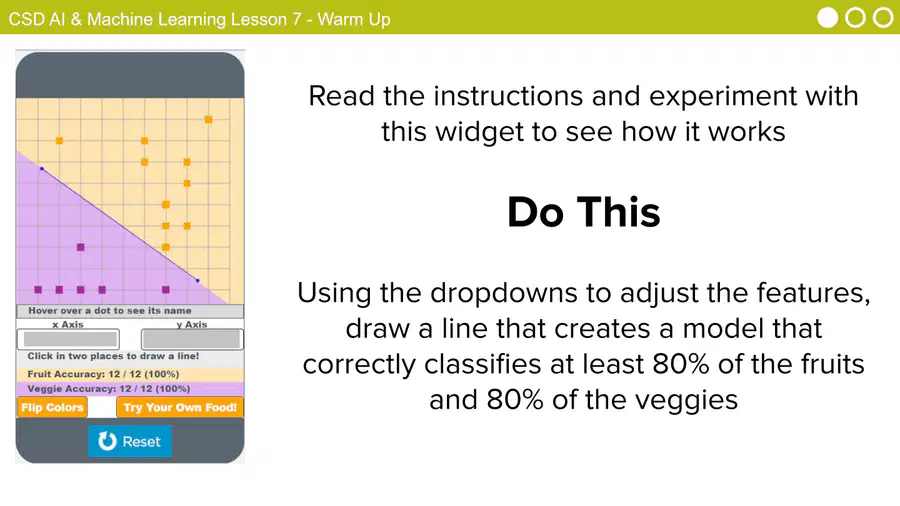
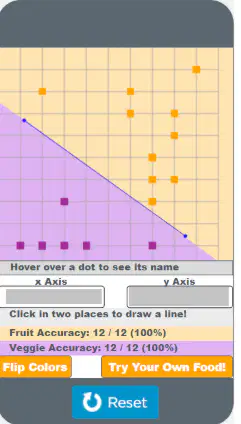
Read the instructions and experiment with this widget to see how it works

Use the dropdowns to adjust the features, draw a line that creates a model that correctly classifies at least 80% of the fruits and 80% of the veggies.

media

7

Open Ended

How can you use AI Lab to create an accurate machine learning model? (How do we teach it to recognize fruits, shapes, animals, etc.)

8

media

9

Open Ended

Question image

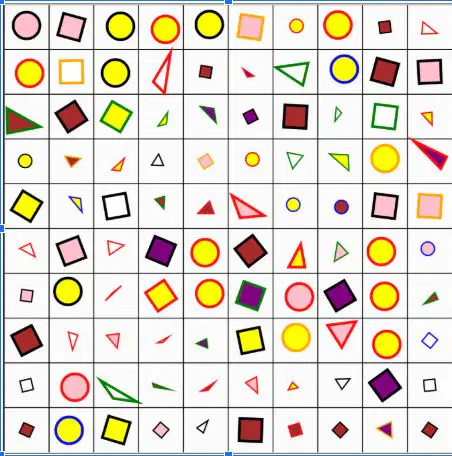
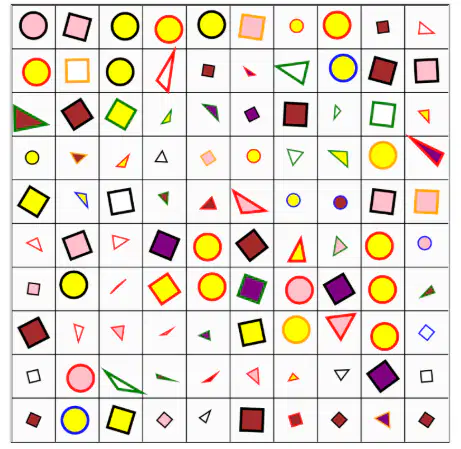
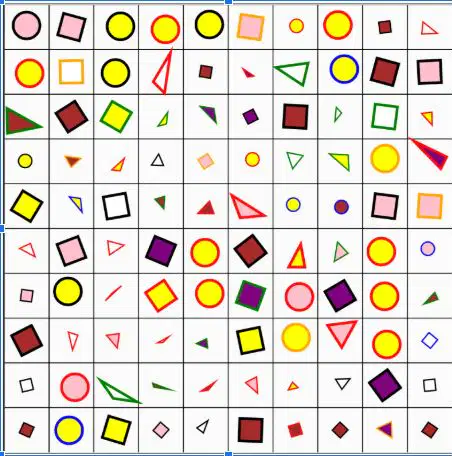
We're going to practice using AI Lab to classify shapes.

Based on these images, what are some features you think we can use to train a machine learning model?

10

Code Studio

Log into Code Studio

Navigate to Code Studio
Level 2- Recognizing Shapes

media

11

Open Ended

Question image

We're going to practice using AI Lab to classify shapes.

Based on these images, what are some features you think we can use to train a machine learning model?


12

Do This

Click on each column and look at the right panel to notice patterns that AI Bot found in the data.

Try to create sentences like “When AI Bot sees ______, it tends to be a _______ shape”

Don’t press the Train button yet!

13

Open Ended

Question image

What types of patterns did AI Bot notice?

14

Do This

Using the hot spots in data as a guide, select one or two features to use in your model.

Then press the Train button to train your model

15

media

16

Do This

Explore AI Lab to create models that can classify a shape.

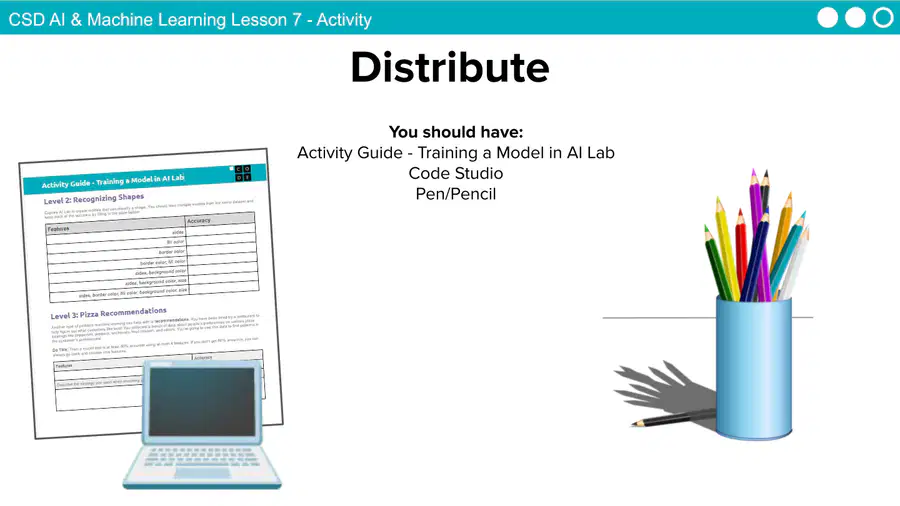
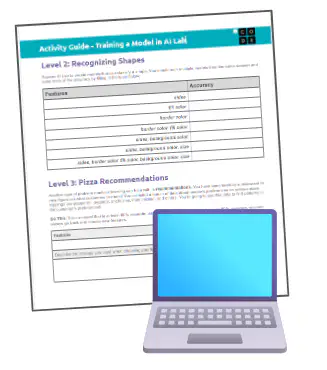
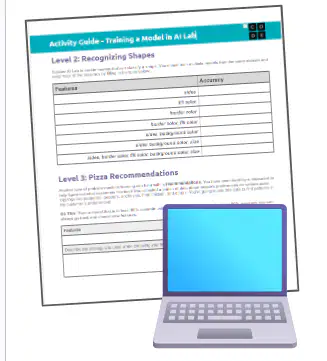
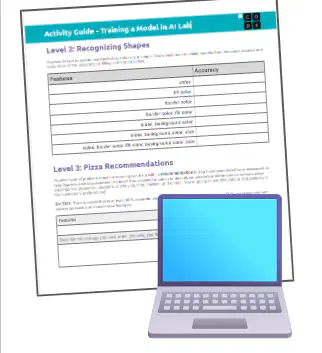
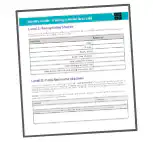
You should train multiple models from the same dataset and keep track of the accuracy by filling in the table on your activity guide

media

17

Open Ended

Question image

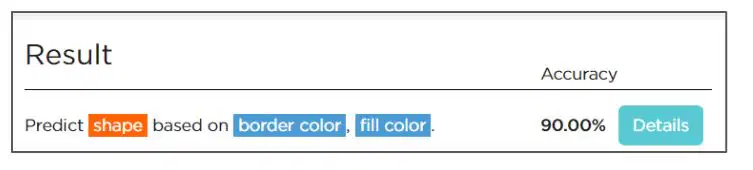
This model with ‘border color, fill color’ is 90% accurate. 

What would happen if we tried to use this model in the real-world? Do you think it would be just as accurate?

18

Open Ended

Question image

Training with all possible features created a model that was less accurate than just training on one feature. Why do you think this happened?


19

Open Ended
Question image

Accuracy Screen

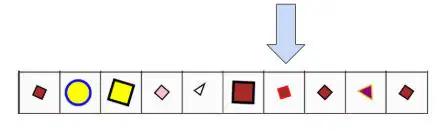
Looking at the training data, why did AI Bot think this small brown shape with a red border was a triangle?


20
Overview

Another type of problem machine learning can help with is recommendations.

You have been hired by a restaurant to help figure out what customers like best! You collected a bunch of data about people’s preferences on various pizza toppings like pepperoni, peppers, anchovies, fried chicken, and others. You’re going to use this data to find patterns in the customer’s preferences!

media

21

Code Studio

Log into Code Studio

Navigate to Code Studio
Level 3 -Pizza Recommendations

media

22

Do This

Train a model that is at least 80% accurate using at most 4 features.

If you don’t get 80% accuracy, you can always go back and choose new features.

Be sure to record your results on your activity guide.

media

23

Code Studio

Navigate to Code Studio

Level 4 -

Dataset #4: You Choose

media

24

Do This

Select a dataset.

Investigate how you can train a recommendation model for your situation.

Keep track of your model on your Activity Guide.

media

25

media

26

media

27

media
media

Show answer

Auto Play

Slide 1 / 27

SLIDE