Search Header Logo
Writing Response

Writing Response

Assessment

Presentation

English

Professional Development

Hard

Created by

Joseph Anderson

FREE Resource

4 Slides • 15 Questions

1

Can you help me?

​Writing an email

2

Drag and Drop

Question image
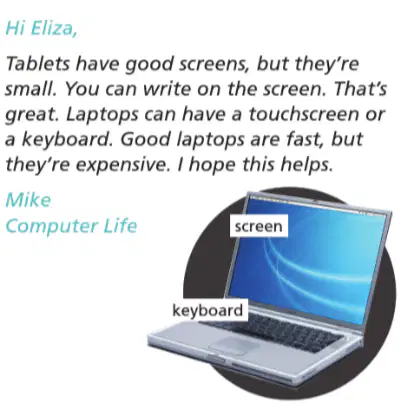
Read the first email.

1. Who is the email from?​ ​


2. Who is the email to?​ ​
Drag these tiles and drop them in the correct blank above
Bad Bunny
Eliza
Mike

3

Categorize

Options (7)

have good screens

can write on the screen

small

have touchscreen

have keyboard

fast

expensive

Question image

Read the reply. Organize these options into the right categories.

Tablets (+)
Tablets (-)
Laptops (+)
Laptops (-)

4

Draw

Underline two sentences with but in Mike’s reply.

5

Read the pairs of sentences. Write one sentece with but. Add a comma (,) before but.

Ex.: The movie is long. It's fun. >> The movie is long, but it's fun.

6

Fill in the Blanks

Type answer...

7

Fill in the Blanks

Type answer...

8

Fill in the Blanks

Type answer...

9

Fill in the Blanks

Type answer...

10

Fill in the Blanks

Type answer...

11

Fill in the Blanks

Type answer...

12

Complete the sentences with and or but.

13

Dropdown

Question image
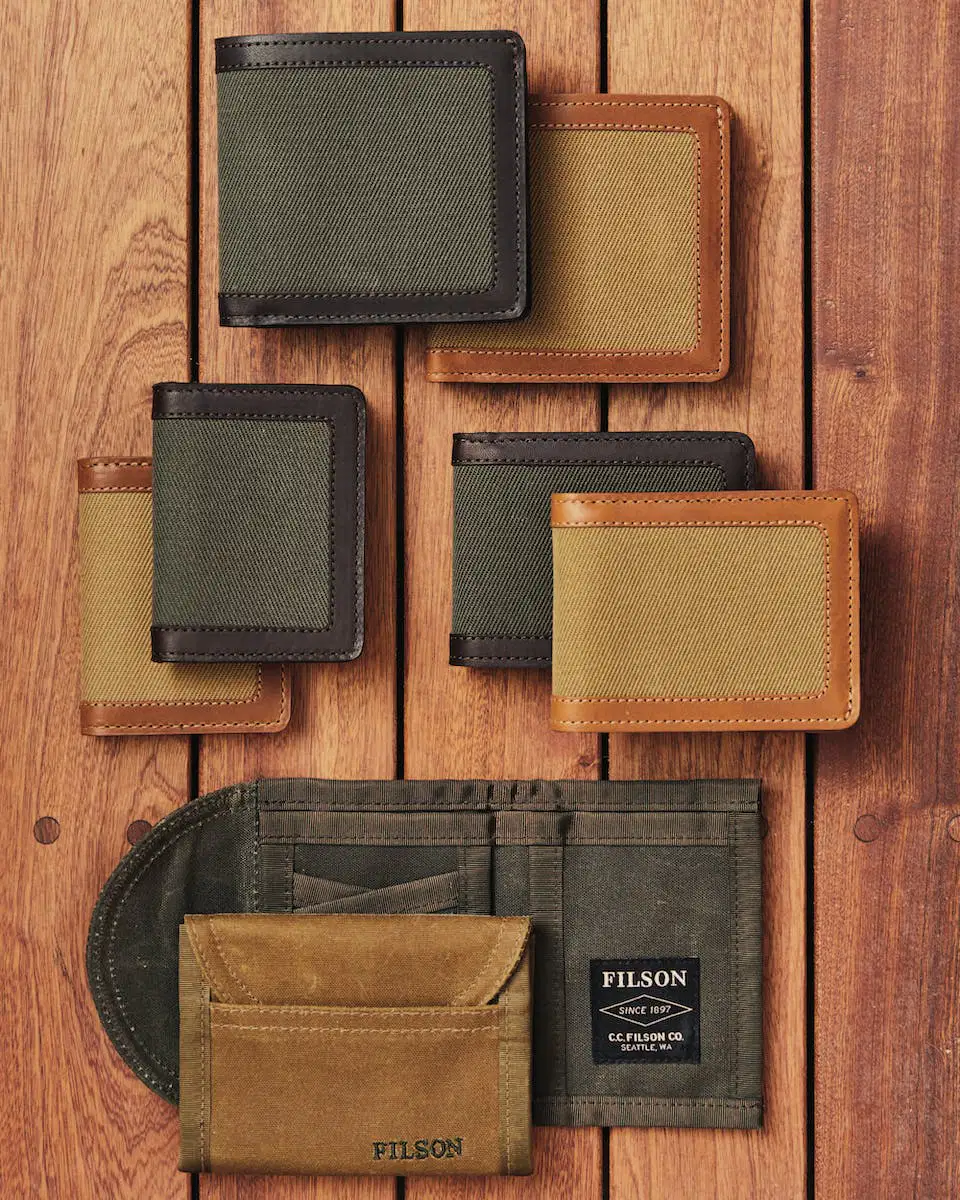
The wallets are very expensive, ​ ​
they’re nice.

14

Dropdown

Question image
My laptop is big, ​
it’s heavy

15

Dropdown

Question image
Your car is small, ​
it’s fast.

16

Dropdown

Question image
These cameras are old, ​
they’re good.

17

Dropdown

Question image
Learning English is easy, ​
it’s interesting.

18

Labelling

Complete the email with these words. One word is extra.

Drag labels to their correct position on the image

bus

bicycle

can't

motorcycle

can

slow

cheap

fast

19

media

Can you help me?

​Writing an email

Show answer

Auto Play

Slide 1 / 19

SLIDE