Search Header Logo
Secondary Storage

Secondary Storage

Assessment

Presentation

Computers

9th Grade

Medium

Created by

Roy Duguid

Used 1+ times

FREE Resource

28 Slides • 30 Questions

1

​Do Now

:D

Class notebook > Topic 3 > Lesson 3: Secondary Storage > Do Now

2

Do Now answers

media

3

Lesson Objectives

Understand the need for secondary storage.

Know the common types of storage.

Know the characteristics of storage devices.

Key words: volatile, RAM, ROM

4

media

5

Volatile

adjective

​A situation that is volatile is likely to change suddenly and unexpectedly.

​"the crypto market was always volatile"

6

​Primary Vs Secondary Storage

7

media

8

​Read only memory

Non-volatile (does not require power to retain data) .

Factory-made chip build onto motherboard . Contains instructions needed to boot up the computer (BIOS) .

It tells the computer to do self checks and then copy the OS into RAM .

Why do we want ROM to be read-only?

media

9

RAM is volatile as it loses data ifthe power is off
Can be read from and written to Stores all data, files and programs when they are being used
Slower than cache but much faster than secondary storage
At any one time it will normally store:

The operating system

The software currently in use

The data which the software is using

media

​​Random access memory.

10

Multiple Choice

ROM stands for...

1
Read-Only Memory
2
Read-Only Method
3
Read-Only Module
4
Random-Only Memory

11

Multiple Choice

RAM stands for...

1
Read Access Memory
2
Rapid Access Module
3
Random Allocation Memory
4
Random Access Memory

12

Multiple Choice

This memory stores the data of the operating system and programs that are currently running, for access by the CPU.

1
Hard Drive
2
Cache
3
RAM
4
ROM

13

Multiple Choice

Why is ROM needed in a computer system?

1

It stores the 'bootstrap loader' which is needed to load the operating system. Without it, the computer wouldn't turn on.

2

It stores the data of the operating system and programs that are currently running, for access by the CPU.

3
ROM is used to enhance graphics performance in games.
4
ROM is essential for managing network connections.

14

Fill in the Blank

[ ] is non-volatile

15

Fill in the Blank


[ ] is volatile

16

​Teams > Activity 1

media

17

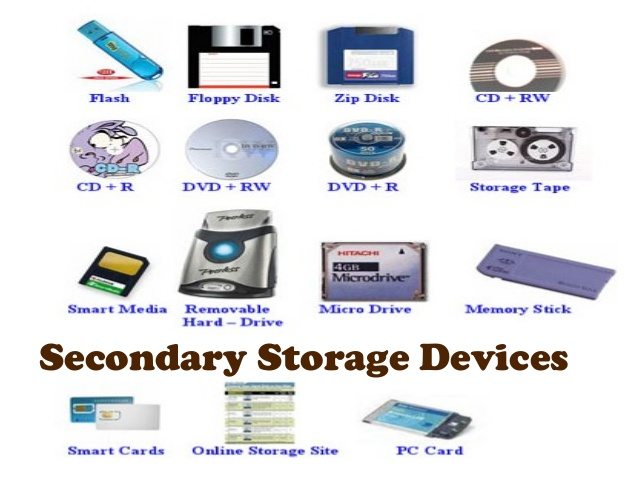
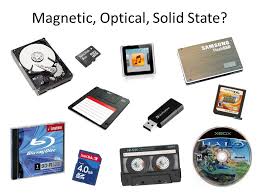
​We need secondary storage because... ROM is read only  RAM is volatile  Secondary storage is the only way to store additional data for long term in a computer. 

Primary Storage:
ROM
RAM

18

Multiple Select

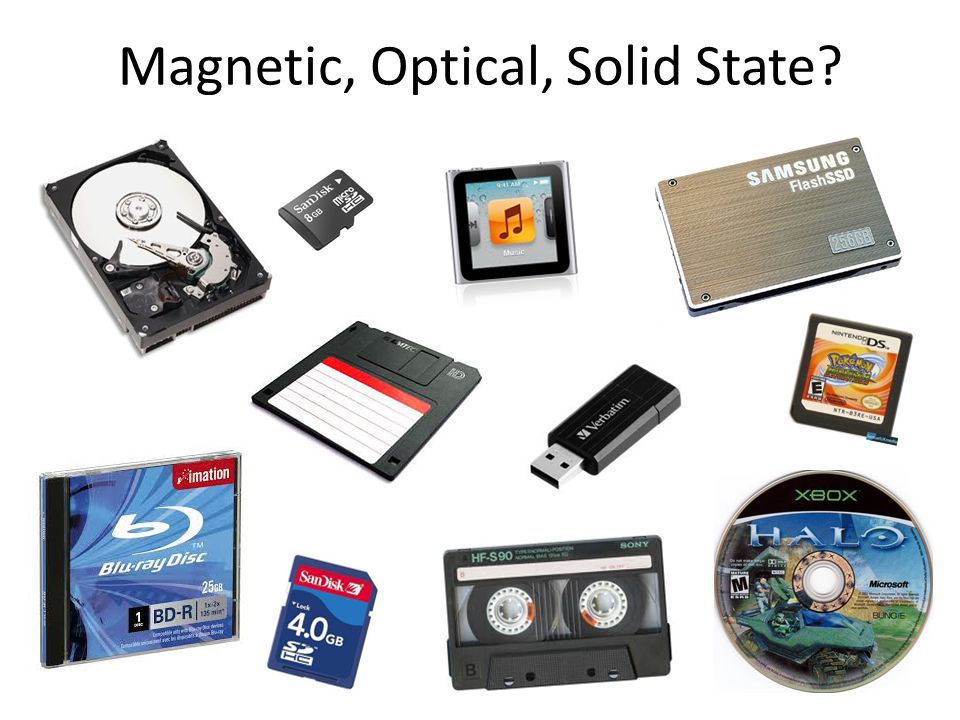
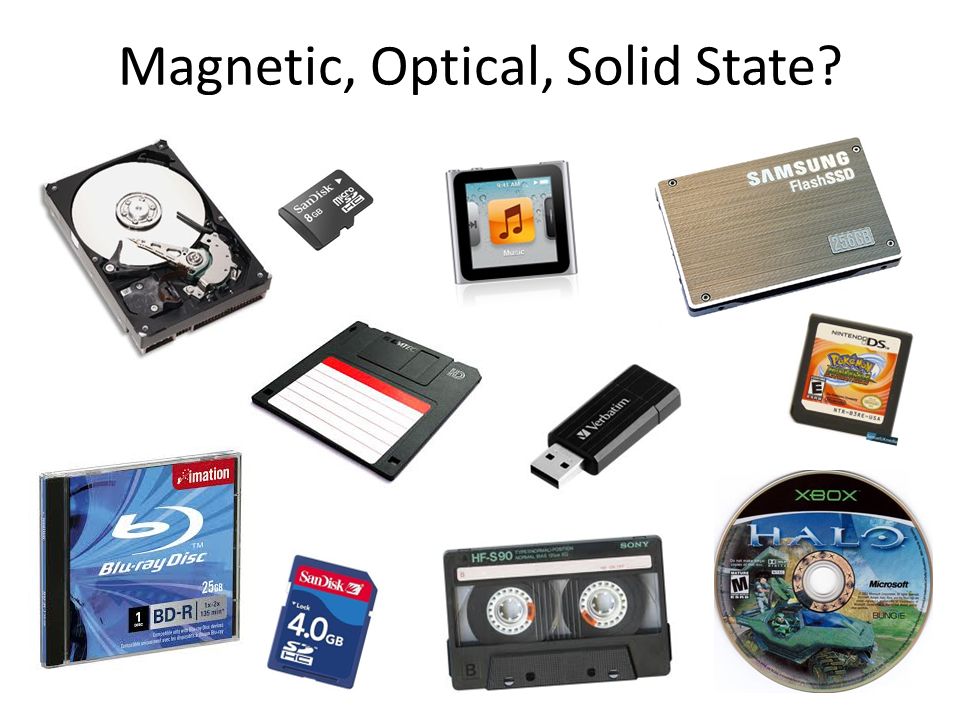
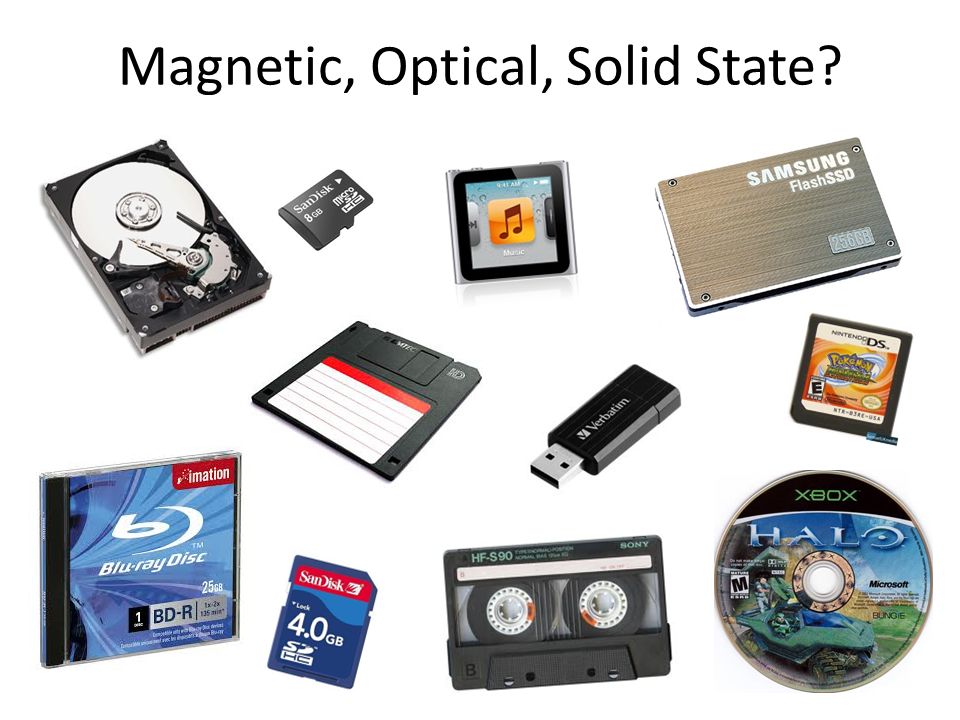
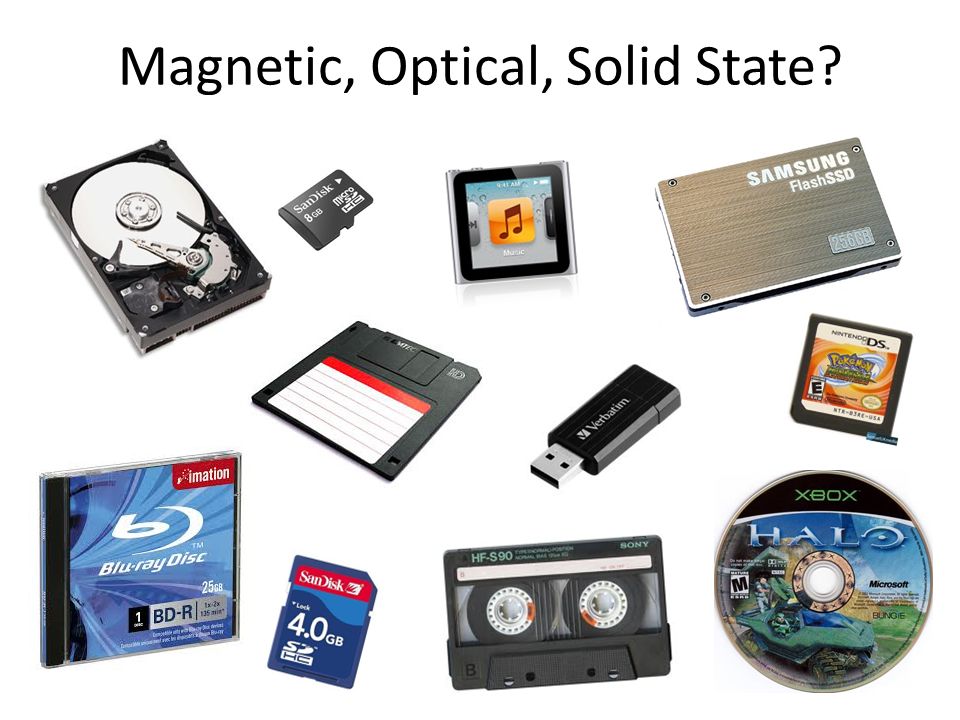
Select three types of secondary storage mediums ...

1

magnetic

2

solid-state

3

optical disc

4

volatile

19

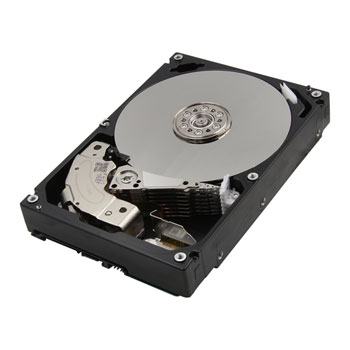
​Magnetic media are coated with a substance that can be magnetised.
Magnetic storage technology works by magnetising parts of this substance as north and south poles to represent binary 1s and 0s.

Examples:
hard disk drive
tape drive.

​Magnetic

media

20

​Magnetic

media
media

21

​Magnetic

media
media

22

​Magnetic

media
media

23

Fill in the Blank

Question image

Work out the 8 bit binary pattern stored in this sector of a hard disk.


Read N (North) as a 0, S (South) as a 1.

24

Open Ended

The positives of Magnetic storage are...

25

Open Ended

The negatives of Magnetic storage are...

26

​Solid-State

​Have no moving parts
The speed of data transfer is far quicker due to not having moving parts
More robust
The cost per GB is significantly higher than their HDD counterparts
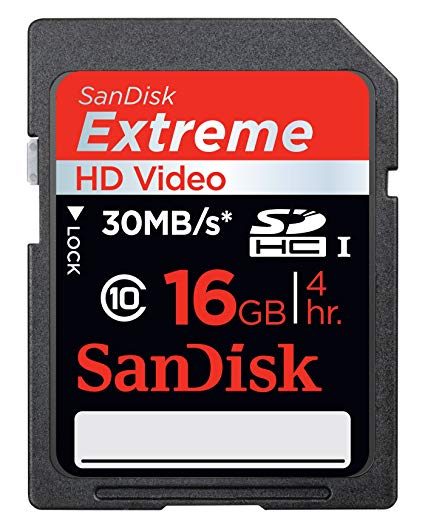
Uses transistors to store data
Non-volatile

media
media

27

​Solid-State

Solid-state technology works by using a large electric current to force

electrons through a barrier, trapping them in positions called 'pools'.

A full pool represents 0 and an empty pool represents 1.

media

28

media

​​Solid-State

29

Fill in the Blank

Question image

Work out the 8 bit binary pattern stored on this solid-state memory cell.


Read an electron trapped inside the middle layer as a 1, outside the middle as a 0.

30

Open Ended

The positives of Solid-State storage are...

31

Open Ended

The negatives of Solid-State storage are...

32

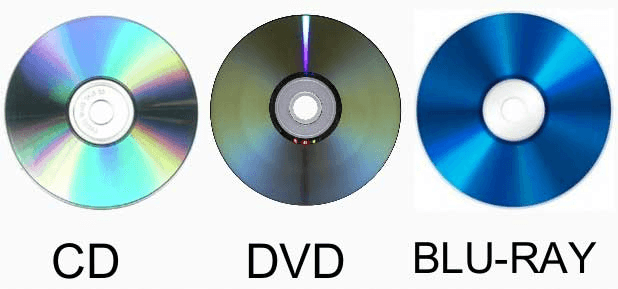
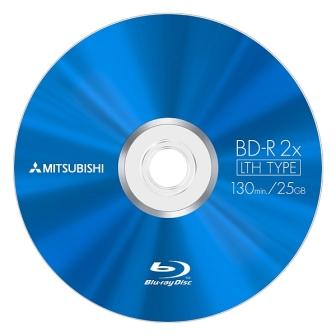
Optical media consist of a platter with a flat reflective surface.
Optical storage technology works by using a laser to burn 'pits" into the flat surface.
The reflective areas between pits are known as 'lands'.


Examples: · DVD · CD.

​​Optical

media

33

media

34

media

35

​​Optical

media
media

36

Fill in the Blank

Question image

Work out the 8 bit binary pattern stored on the surface of this optical disk.


Read a change from a Pit to a Land as a 1, anything else as a 0.

37

Open Ended

The positives of optical storage are...

38

Open Ended

The negatives of optical storage are...

39

media

40

media

How outdated is this list?
What does the future look like for storage?

41

Turn & talk

Which is the most suitable storage for the situation:


Travel agent backup of 800GB of data


Person A: I think....
Person B: I agree / build on / challenge

media

42

media

43

media

44

Multiple Choice

Question image

Which is the most suitable storage for the situation:

A helmet mounted action camera

1

Solid-state

2

Magnetic

3

Optical

45

Multiple Select

Which is the most suitable storage for the situation:

A student transferring files between school and home (might be more than one answer)

1

Solid-state

2

Magnetic

3

Optical

46

​Teams > Activity 2

media

​Stretch challenge: Research

47

Multiple Choice

Question image

Hard Disk Drives are a type of...

1

Optical storage device

2

Magnetic storage device

3

Solid State memory

4

Primary memory

48

Multiple Choice

Question image

CDs, DVDs and Blu-Rays are all types of...

1

Magnetic storage devices

2

Optical storage devices

3

Solid State memory

4

Primary memory

49

Multiple Choice

Question image

What category of storage device is a HD card?

1

Magnetic

2

Optical

3

Solid state

4

Primary memory

50

Multiple Choice

Question image

What category of storage is a Blu-Ray disk?

1

Magnetic

2

Optical

3

Solid State

4

Primary memory

51

Multiple Choice

Question image

Which of the 3 categories of secondary storage is the least durable due to its moving parts?

1

Optical storage

2

Primary memory

3

Solid state storage

4

Magnetic storage

52

Multiple Choice

Question image

Which category of secondary storage devices has the fastest access speeds? (i.e. quicker to read and write to)

1

Magnetic storage

2

Solid state storage

3

Primary memory

4

Optical memory

53

Multiple Choice

Question image

Which category of secondary storage devices has the slowest access speeds? (i.e. slower to read and write to/from)

1

Magnetic devices

2

Optical devices

3

Solid state memory

4

Primary storage

54

Multiple Choice

Question image

Which category of secondary storage devices uses beams of light and lasers that read "pits" and "lands" as binary 1s and 0s?

1

Magnetic storage

2

Optical storage

3

Solid state storage

55

Multiple Choice

Question image

Which category of secondary storage devices uses semiconductor chips to store data? It is also known as flash memory.

1

Magnetic storage

2

Optical storage

3

Solid state

56

Multiple Choice

Question image

Which of the TWO categories of secondary storage devices are highly portable? (i.e. easy to carry)

1

Magnetic and Optical

2

Solid state and Optical

3

Solid state and Magnetic

57

Multiple Choice

Question image

Which of the secondary storage categories are the most durable (or strong/ toughest to break)?

1

Magnetic

2

Solid State

3

Optical

4

Primary memory

58

Multiple Choice

Question image

Which of the 3 categories of secondary storage are the cheapest to buy, per megabyte (MB)?

1

Magnetic

2

Optical

3

Solid State

​Do Now

:D

Class notebook > Topic 3 > Lesson 3: Secondary Storage > Do Now

Show answer

Auto Play

Slide 1 / 58

SLIDE