

2026 VCS Cybersecurity Training

Presentation
•
Information Technology (IT)
•
Professional Development
•
Easy

Megan Gunderson
Used 2+ times
FREE Resource
27 Slides • 12 Questions
1
2
3
4
5
6
7
Multiple Choice
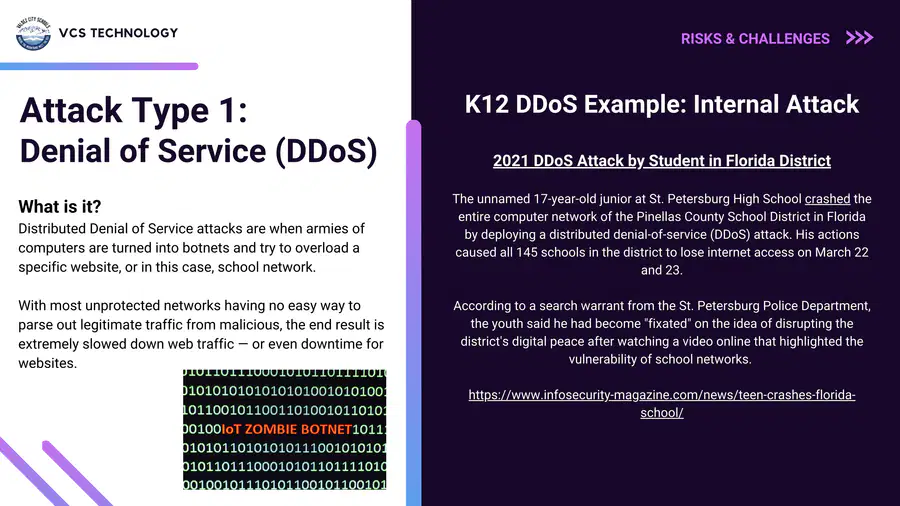
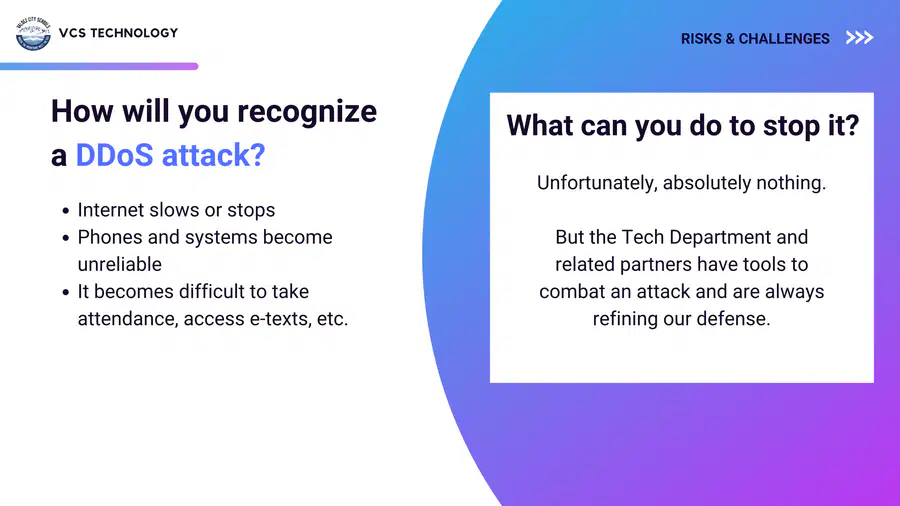
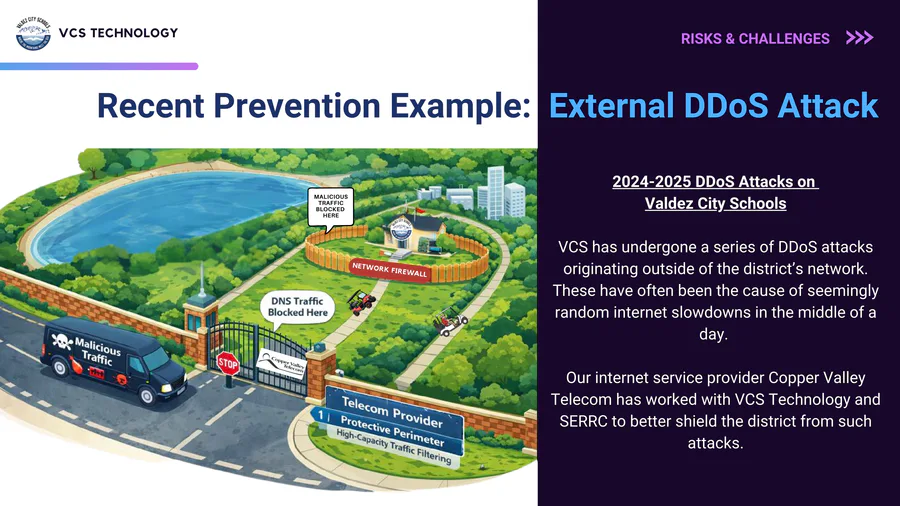
During a DDoS attack, what is the most likely experience for staff?
A ransom note appears
Password does not work
Internet and systems feel slow or unreliable
A security alert pops up on your screen
8
9
10
11
Multiple Select
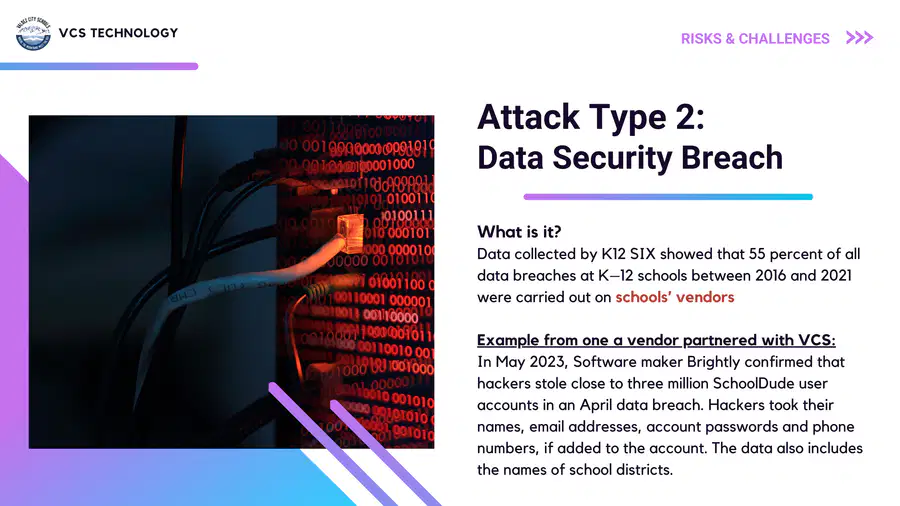
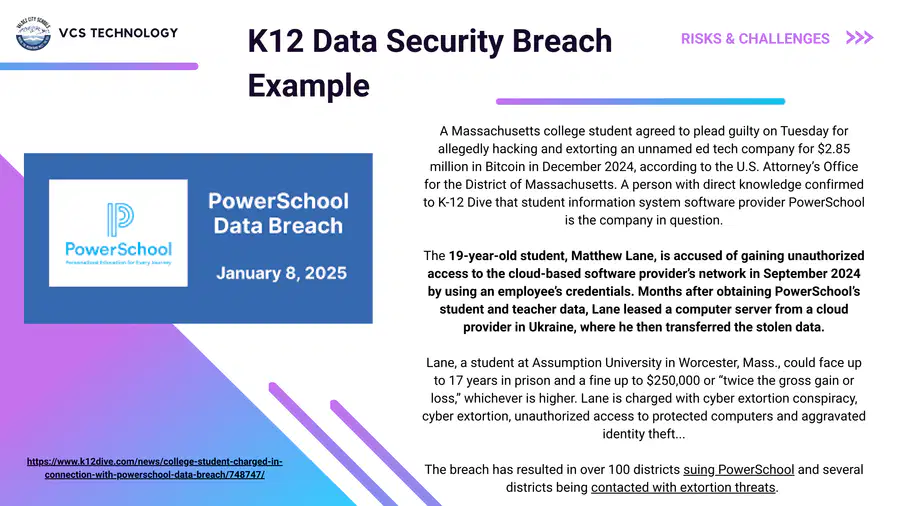
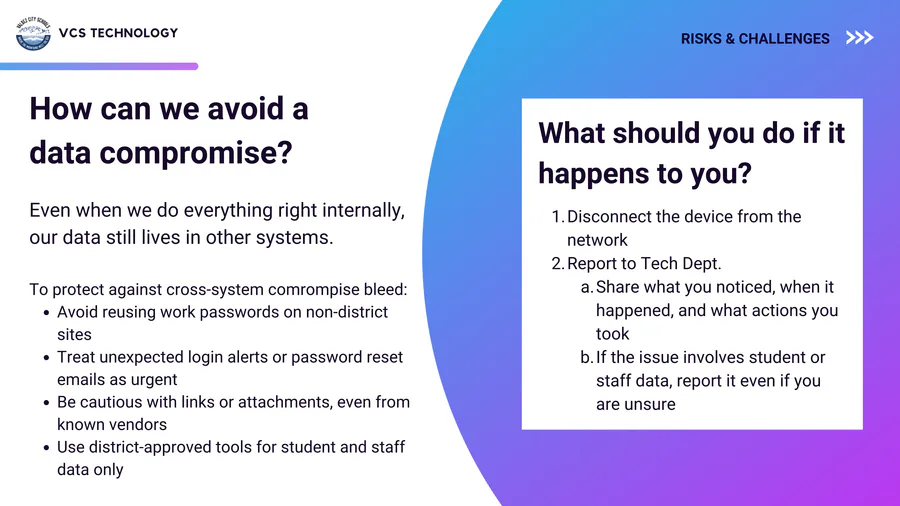
Which actions help limit the impact of a vendor data breach?
Reusing your district password on vendor sites
Using unique passwords for work accounts
Being cautious with unexpected login or reset emails
Storing student data only in approved tools
12
13
14
Multiple Choice
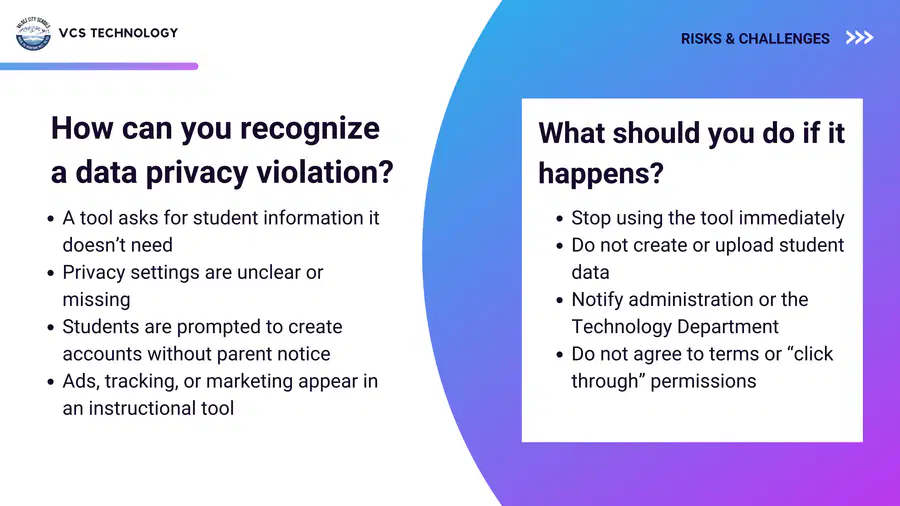
A classroom tool asks students to create accounts using personal email addresses, but provides no privacy information. What should you do first?
Proceed and test it with a small group
Stop and check with administration or Technology
Accept the terms and see how it works
Ask students to use it temporarily
15
16
17
Multiple Choice
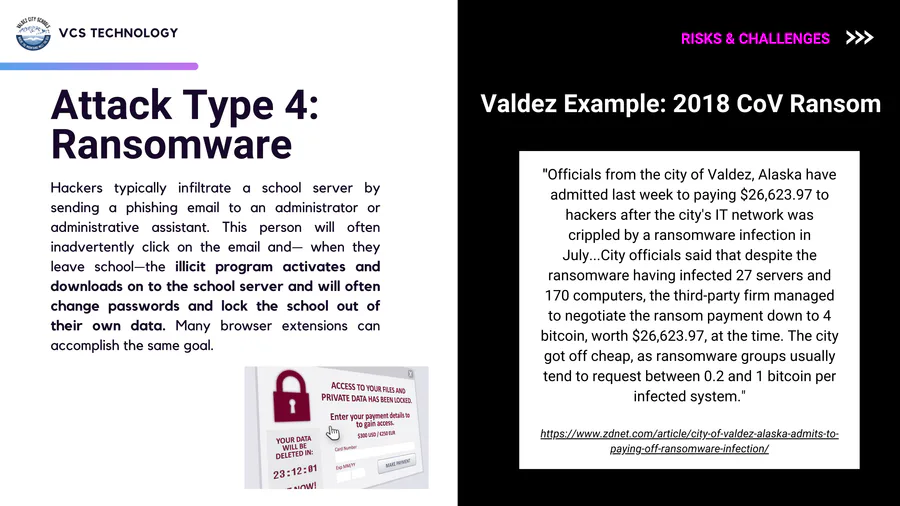
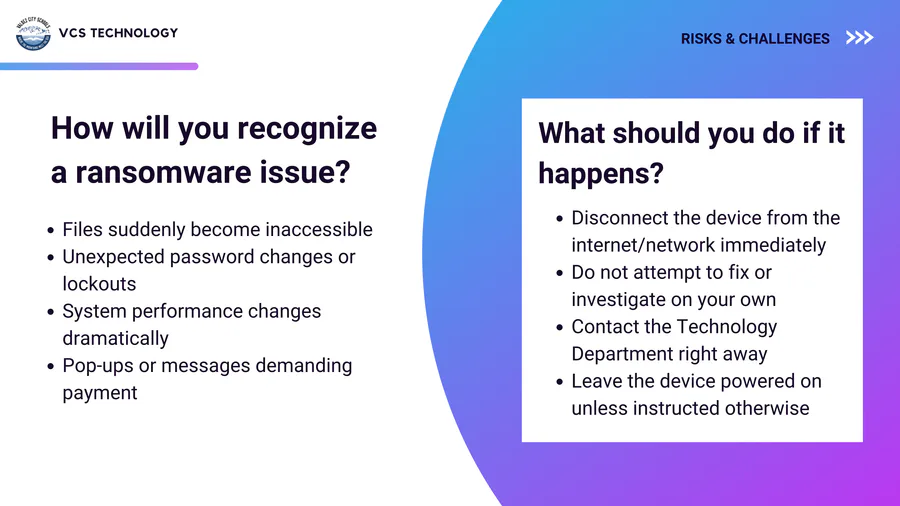
Ransomware most often begins with:
A system update
A stolen laptop
A DDoS attack
A phishing email or malicious link
18
19
20
21
22
23
24
25
Multiple Choice
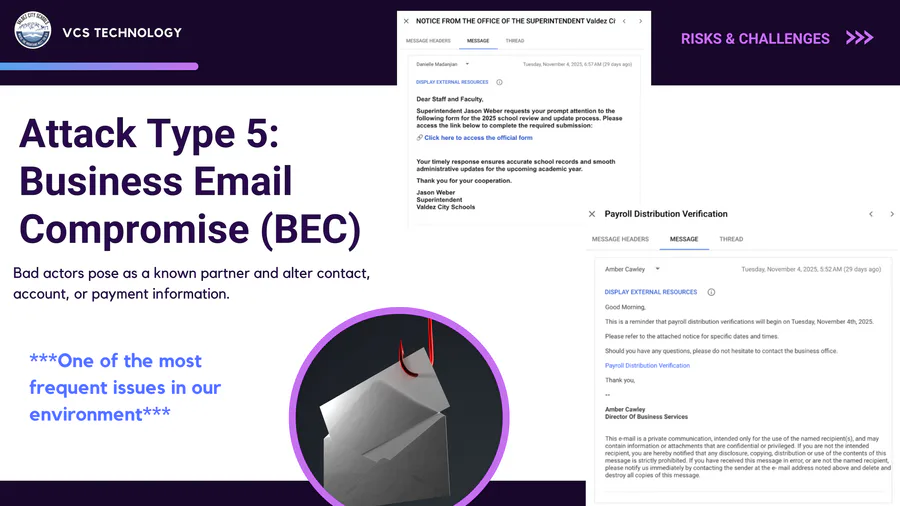
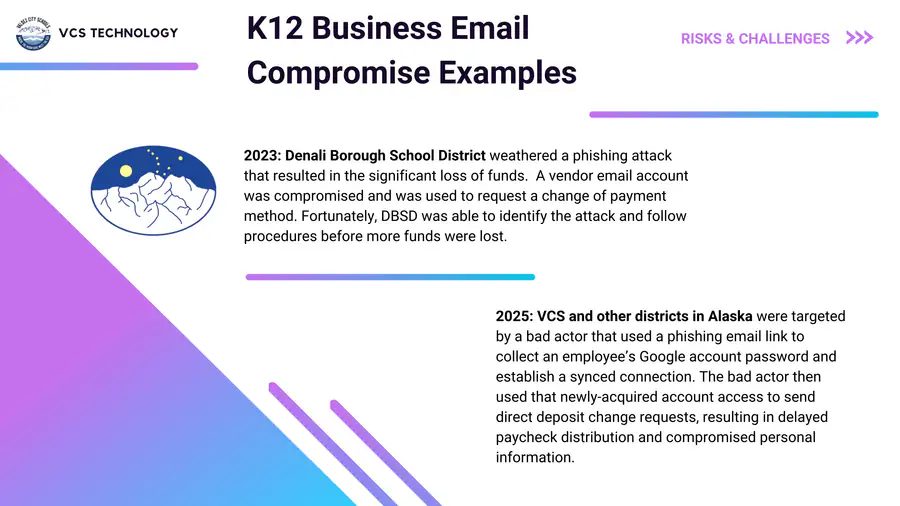
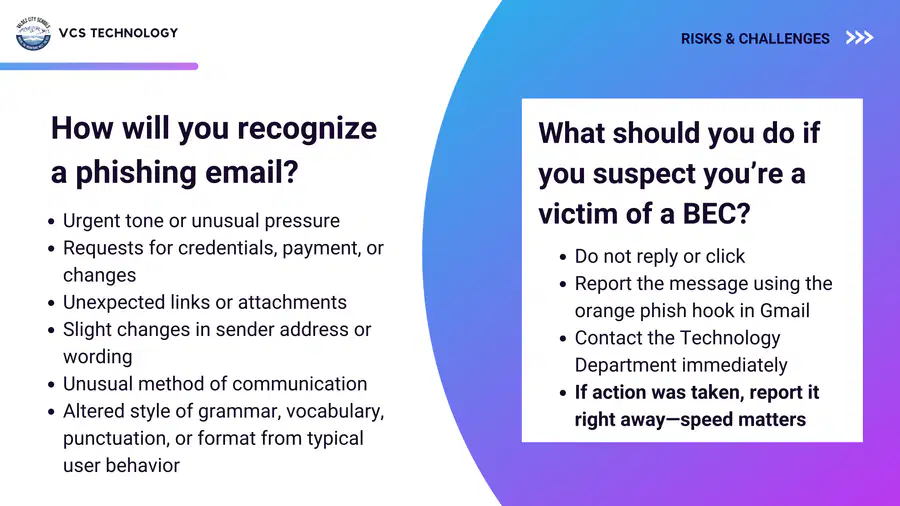
You receive an urgent email asking you to change payment or direct deposit information. What is your first step?
Reply asking for clarification
Click the link to verify
Verify the request in person or by phone
Forward it to a colleague
26
27
28
Multiple Select
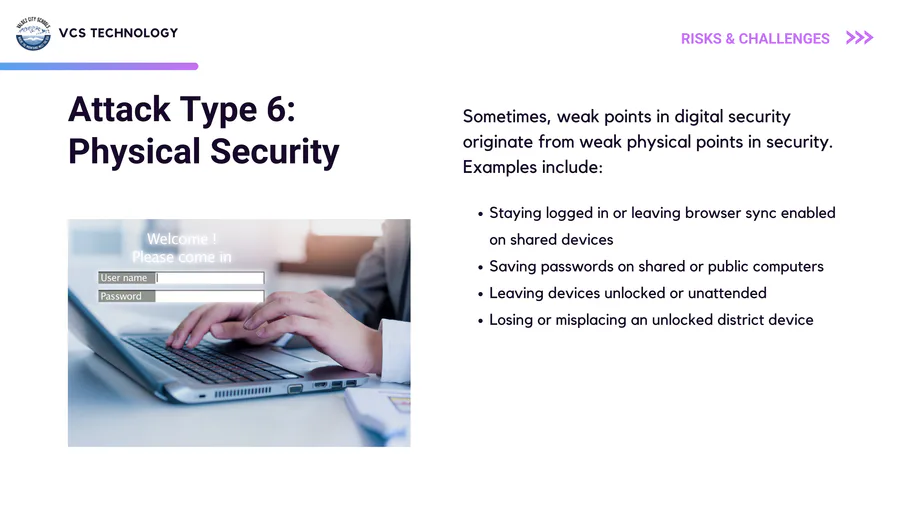
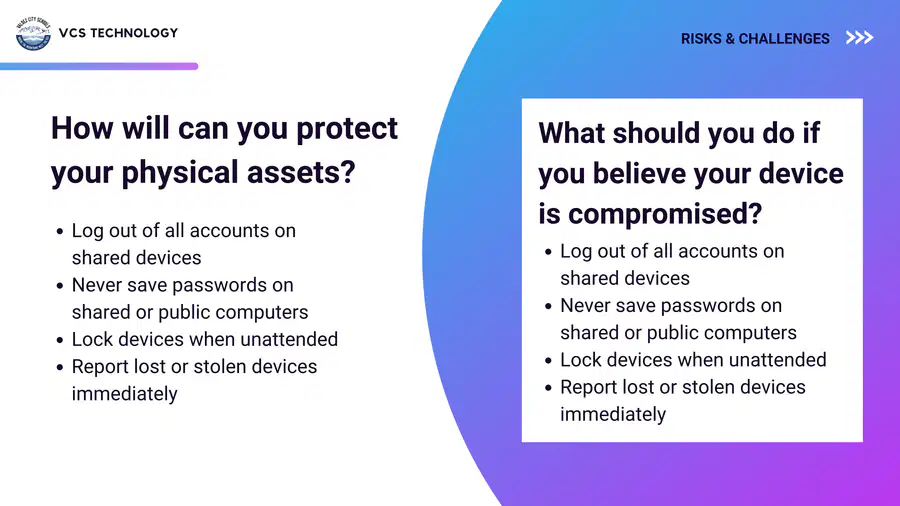
Which actions reduce physical cybersecurity risk?
Logging out of shared devices
Saving passwords in browsers on shared computers
Locking devices when unattended
Reporting lost devices immediately
29
30
31
32
33
34
Multiple Choice
You receive an email from a familiar vendor contact asking you to “quickly confirm” updated payment details before the end of the day.
Reply asking them to resend the information
Verify the request using a known phone number or in person
Forward it to another staff member to ask what they think
Click the link to review the update
35
Multiple Choice
Internet access is unusually slow across your building. Phones lag. Nothing else looks obviously wrong.
Restart your device multiple times
Email colleagues to see if it’s just you
Continue teaching and report issues through normal channels
Try to troubleshoot network settings
36
Multiple Choice
You find a free online tool that looks perfect for your class. It asks students to create accounts using personal email addresses.
Try it with one class as a pilot
Ask students to use it temporarily
Use it without accounts
Stop and check with administration or Technology
37
Multiple Choice
You receive a password reset email for a system you don’t remember logging into recently.
What is your best first step?
Ignore it
Click the link to see what it’s about
Go directly to the site you trust in another browser and check account activity
Forward the email to a colleague
38
Multiple Choice
You receive an email that appears to come from a coworker asking you to review a document. The tone feels slightly off.
What is your best move?
Reply asking if they meant to send it
Forward it to the entire team
Open it quickly so you can respond
Verify through another method before opening
39
Multiple Choice
You realize you may have left a district device in a public space.
What should you do first?
Try to locate it yourself
Wait to see if it turns up
Report it immediately to Technology
Change passwords later
Show answer
Auto Play
Slide 1 / 39
SLIDE
Similar Resources on Wayground

33 questions
Accomodáció és convergencia
Presentation
•
Professional Development
31 questions
U4 W1 L4 - Rural vs. Urban
Presentation
•
KG
31 questions
Quizizz for Littles
Presentation
•
Professional Development
32 questions
Hindi Shabdavali
Presentation
•
KG
34 questions
1918. gada 18. novembris
Presentation
•
KG
33 questions
Grade 1 - Unit 5+6 Review
Presentation
•
KG
33 questions
Maria Montessori
Presentation
•
Professional Development
32 questions
Flags Around The World
Presentation
•
Professional Development
Popular Resources on Wayground
10 questions
Safety Day 2026 – Student Review

Quiz
•
9th Grade
21 questions
Continents and Oceans
Quiz
•
6th Grade
20 questions
Parts of Speech
Quiz
•
5th Grade
16 questions
Subject & Predicate
Quiz
•
5th Grade
25 questions
Multiplication Facts
Quiz
•
5th Grade
12 questions
Map Skills
Quiz
•
3rd Grade
22 questions
Continents and Oceans
Quiz
•
5th Grade
15 questions
Rounding Decimals
Quiz
•
5th Grade