Multimedia Week 3 Class 2
Presentation
•
English
•
University
•
Easy
+20
Standards-aligned
Ashley Smalls
Used 1+ times
FREE Resource
21 Slides • 39 Questions
1
2
3
Multiple Choice
What is the main purpose of Adobe Express as described in the text?
To create complex software
To empower creativity
To slow down design processes
To require a design degree
4
Multiple Choice
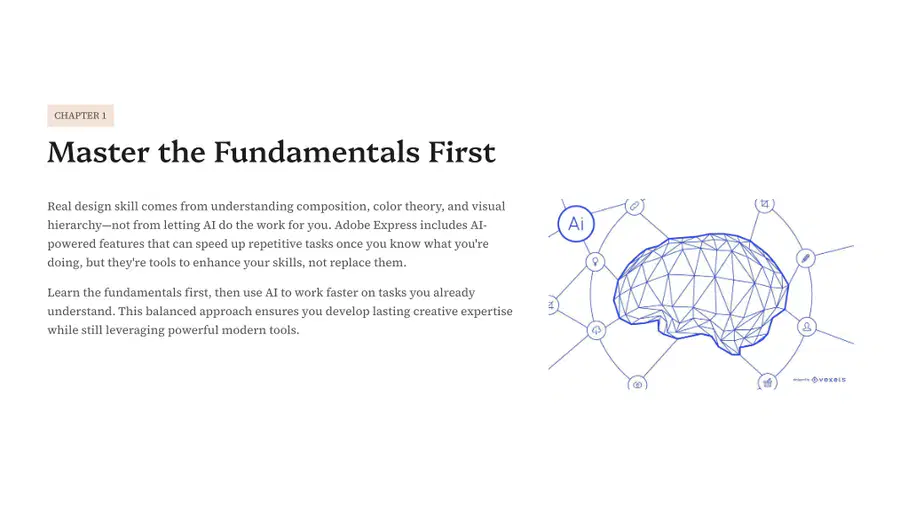
What are the key components of real design skill according to the text?
Understanding composition
Using AI tools
Visual hierarchy
Ignoring fundamentals
5
6
7
Multiple Choice
What is the purpose of automatic enhancements in design?
To make designs more complex
To adjust brightness, contrast, and color balance
To eliminate the need for manual adjustments
To create new design templates
8
Multiple Choice
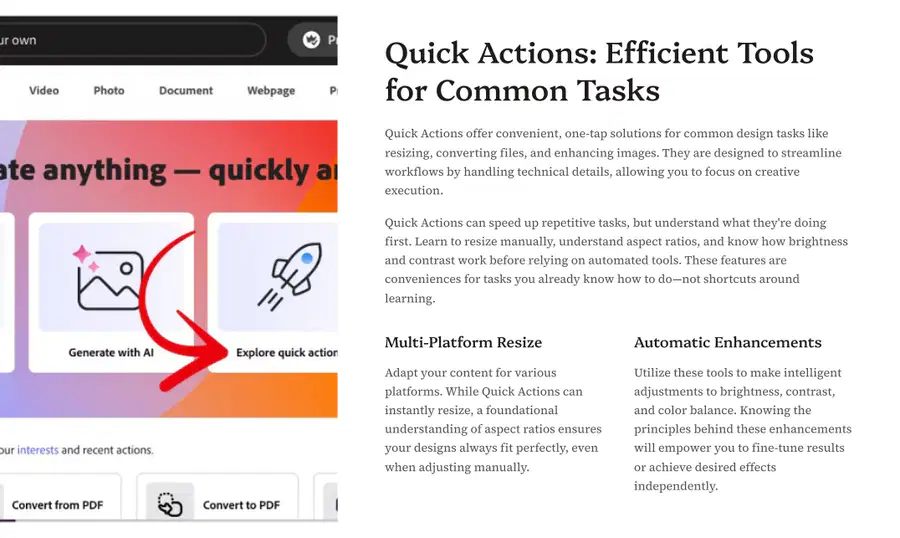
What are the benefits of using Quick Actions for design tasks?
They require no prior knowledge
They can speed up repetitive tasks
They are only for resizing images
They are manual processes
9
10
Multiple Choice
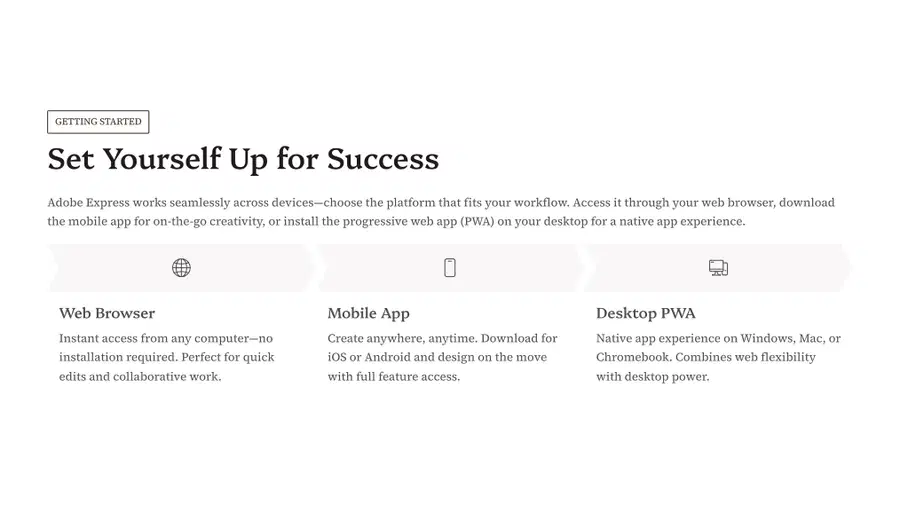
What are the three platforms mentioned for accessing Adobe Express?
Web Browser
Mobile App
Desktop PWA
All of the above
11
12
Multiple Choice
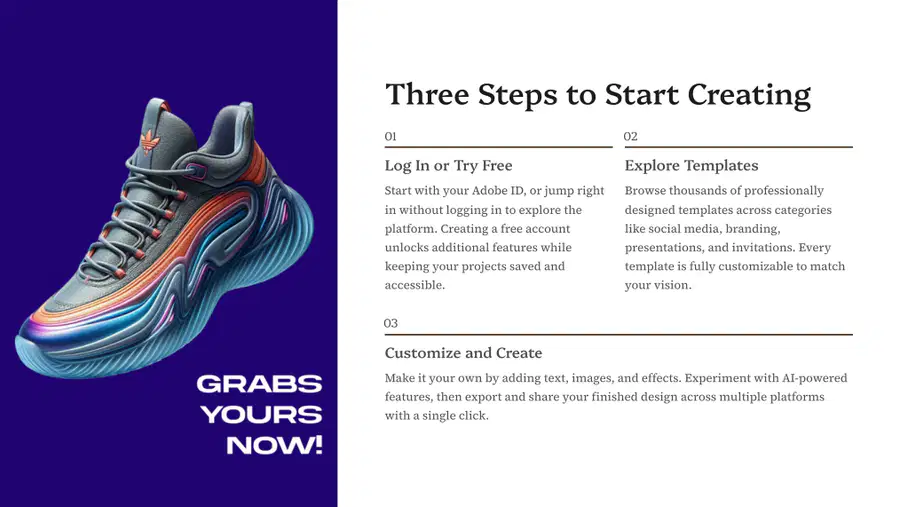
What are the three steps to start creating with Adobe?
Log In or Try Free
Explore Templates
Customize and Create
All of the above
13
14
15
16
Multiple Choice
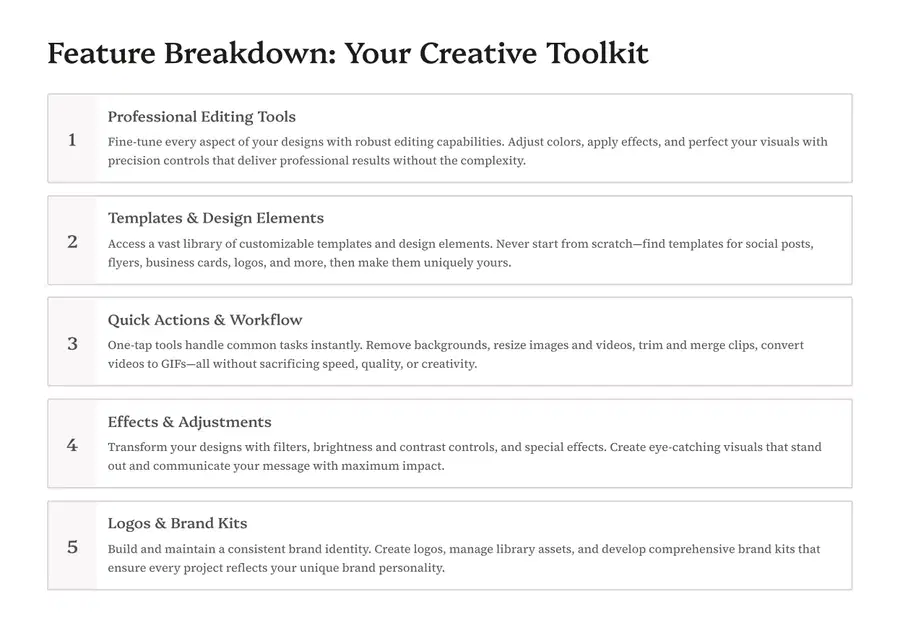
How can effects and adjustments enhance your designs?
By adding filters
By removing backgrounds
By creating logos
By resizing images
17
Multiple Choice
What is the purpose of quick actions and workflow tools?
To handle common tasks instantly
To create logos
To adjust brightness
To manage library assets
18
19
20
Multiple Choice
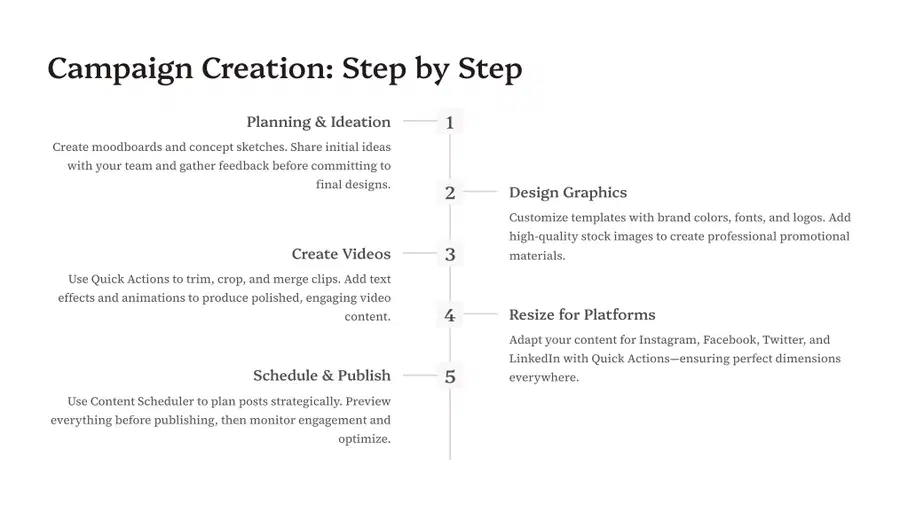
What are the steps to launch a successful social media campaign as described in the image?
Brainstorming with moodboards
Creating promotional graphics
Coordinating posts across platforms
All of the above
21
Multiple Choice
What is the purpose of the 'Content Scheduler'?
To create moodboards
To plan posts strategically
To customize templates
To resize content for platforms
22
Multiple Choice
What is the first step in the campaign creation process?
Design Graphics
Planning & Ideation
Create Videos
Schedule & Publish
23
Multiple Choice
What should you do during the 'Planning & Ideation' phase?
Create moodboards and concept sketches
Resize for Platforms
Use Content Scheduler
Add text effects and animations
24
25
26
Multiple Choice
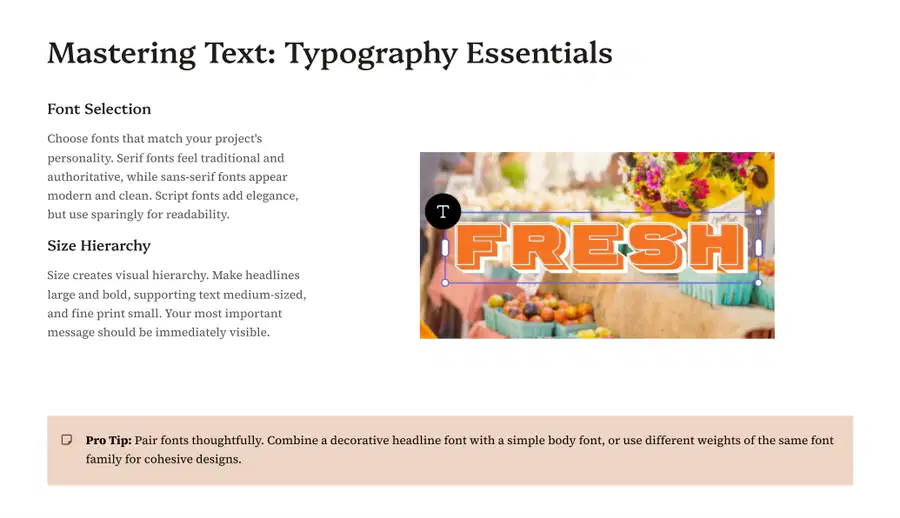
How can typography be used to establish hierarchy in design?
By using the same font size for all text.
By varying font size, style, and spacing.
By using only one typeface.
By avoiding bold and italic styles.
27
28
Multiple Select
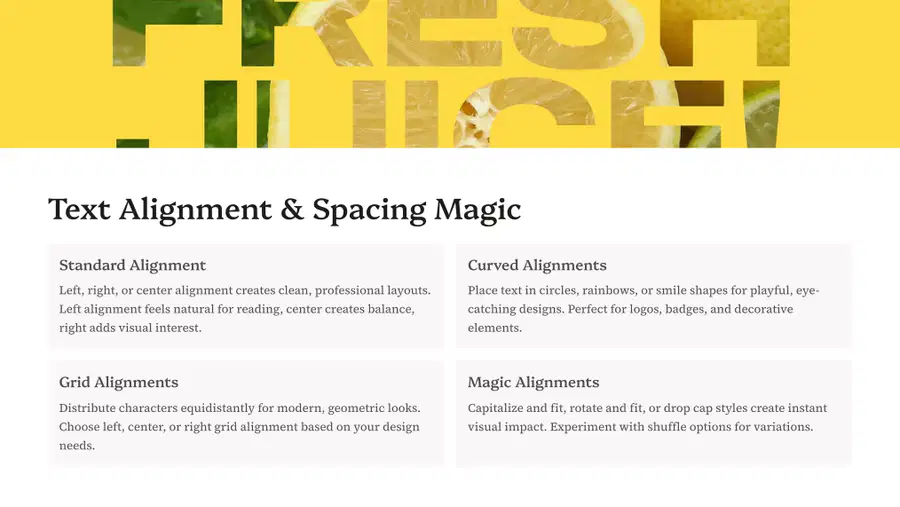
What are the four different types of text alignments mentioned in the content?
Standard Alignment
Grid Alignments
Curved Alignments
Magic Alignments
29
30
Multiple Select
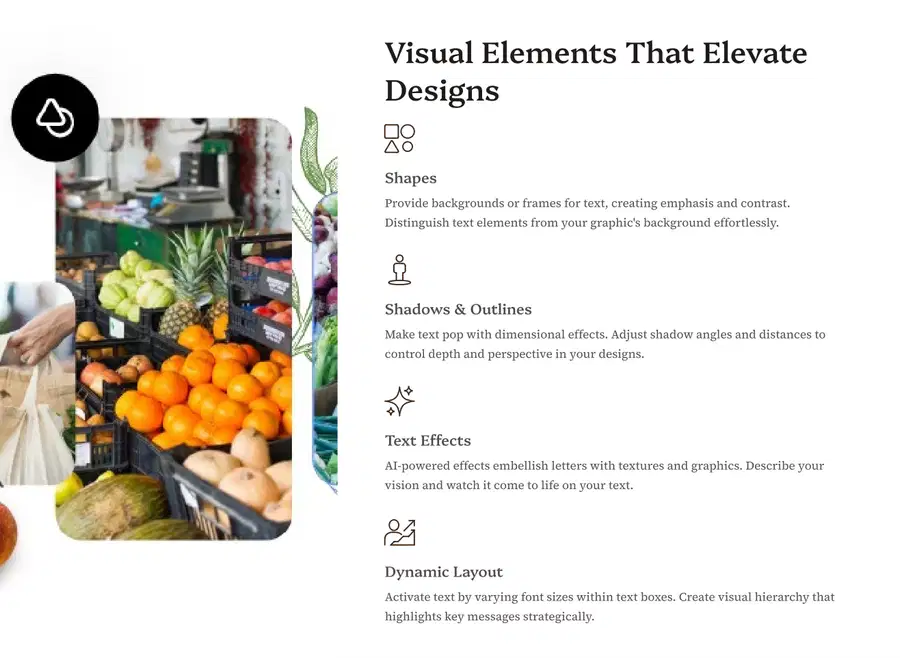
What are the four visual elements that can elevate designs according to the text?
Shapes
Shadows & Outlines
Text Effects
Dynamic Layout
31
32
Multiple Choice
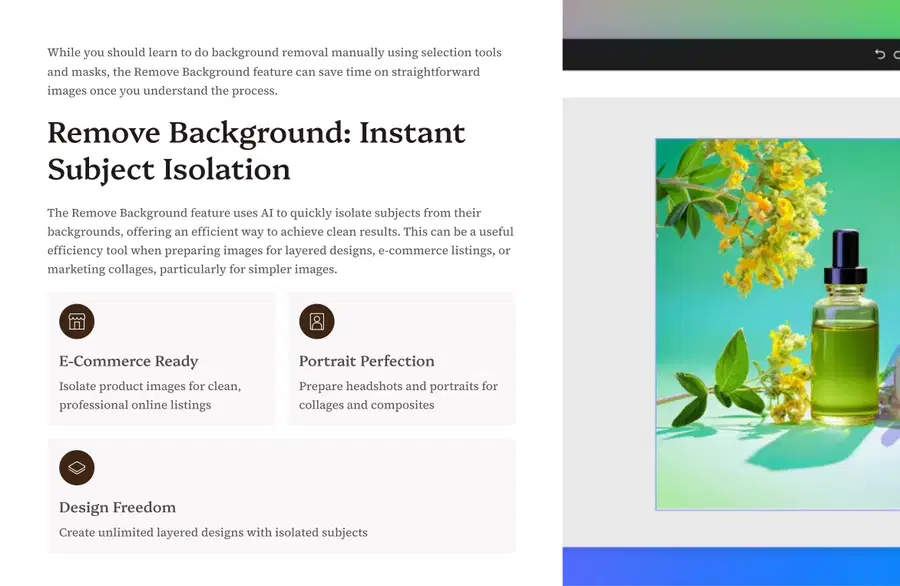
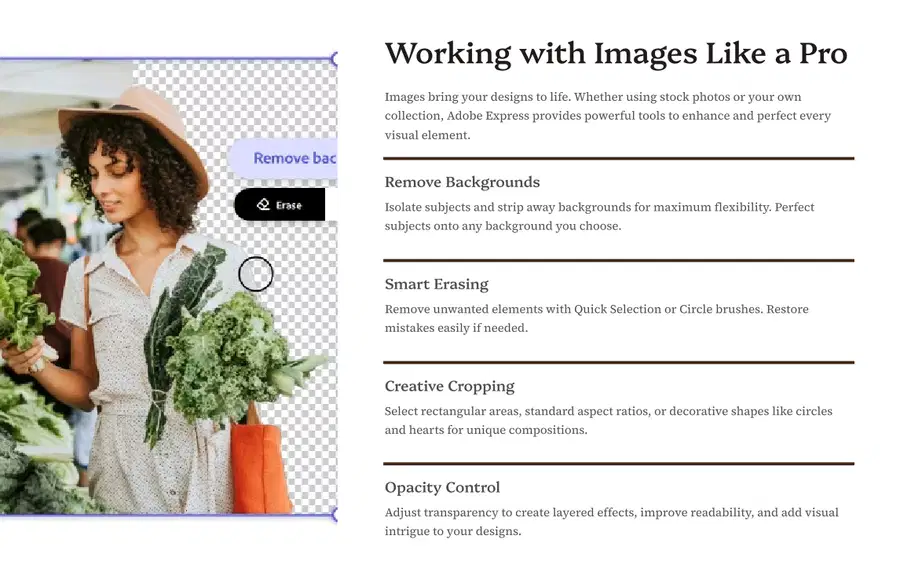
What is the purpose of the Remove Background feature in image editing?
To add backgrounds to images
To isolate subjects from backgrounds
To enhance image colors
To crop images into shapes
33
34
Multiple Choice
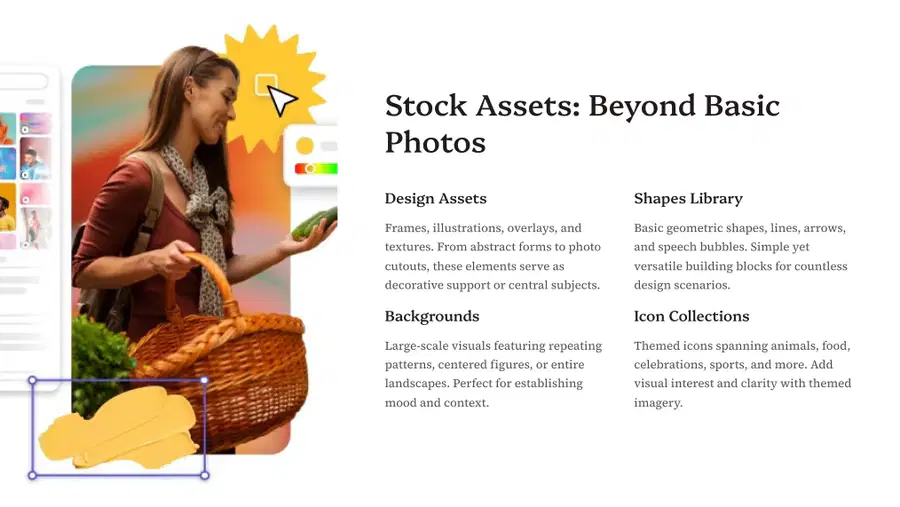
What are the different types of stock assets mentioned in the image?
Design Assets
Shapes Library
Icon Collections
All of the above
35
36
Multiple Select
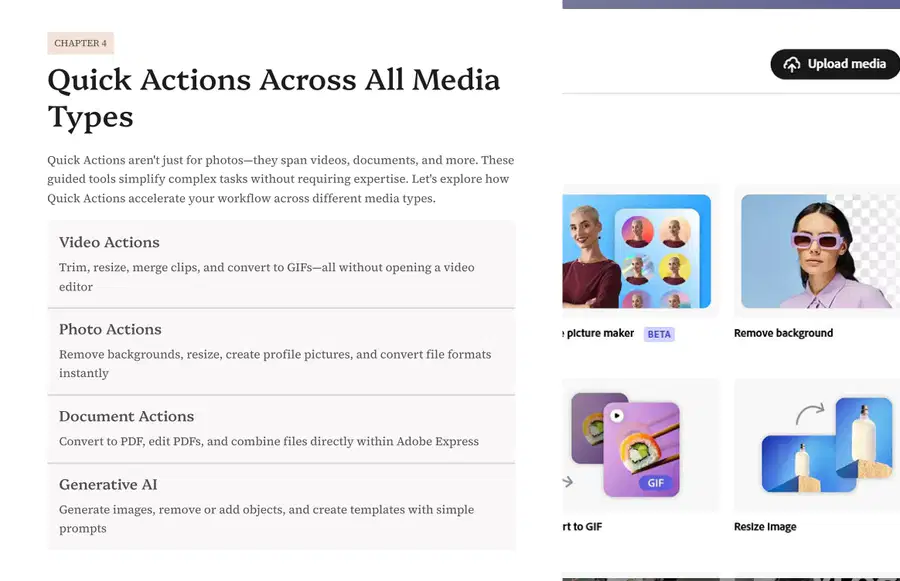
What are the four different types of actions available for media types in Adobe Express?
Video Actions
Photo Actions
Document Actions
Generative AI
37
38
Multiple Choice
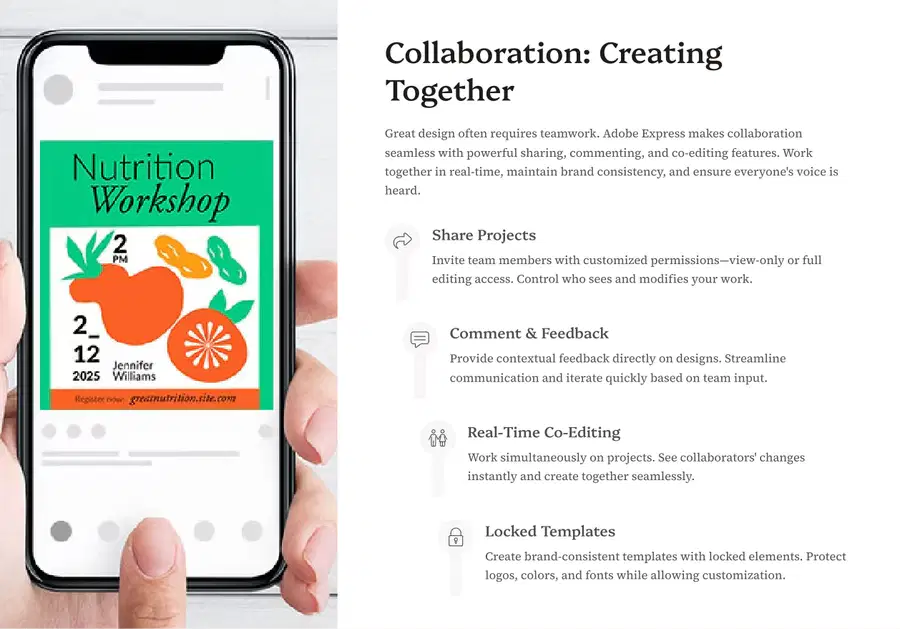
In a collaborative design environment, what does effective teamwork involve?
Designing in isolation.
Ignoring feedback from collaborators.
Sharing ideas, providing constructive feedback, and collectively improving the design.
Relying solely on design software to make decisions.
39
40
Multiple Choice
If I want to add a shape, which button do I click?
41
Multiple Choice
If I want to add a picture from the web, which button do I click?
42
Multiple Choice
If I want to add writing, which button do I click?
43
Multiple Select
If I want to change my background, which button do I click?
44
Multiple Select
How can I position objects on my design to sit in front or behind each other?
Copy and Paste it
Right Click on the object and select "bring to front" or "send to back"
You can't, you have to leave the object where it is.
45
Multiple Choice
If I want to add a video to my design, which option would I choose?
Drag the video from the tab
You cannot do it
46
Multiple Select
How can I delete something I do not want?
Backspace button
None of these
47
Multiple Choice
Replacing an existing template with a new one will overwrite whatever is on the page.
TRUE
FALSE
48
Multiple Choice
How can I add and/or replace templates?
Click on the Elements tab.
Click on the Upload tab.
Click on the Templates tab.
Click on the Background tab.
49
Multiple Choice
Which CAN'T you find in the Elements Tab?
Shapes
Pictures
Frames
Text
50
Multiple Choice
What should you do with the dark background?
make your text darker
make your text in light colors
make your text in gradients
51
Multiple Choice
Why could we insert a shape when placing text over an image?
to make it look pretty
to make the image stand out more
so the text is easier to read
52
Multiple Choice
How do you adjust the image on the frame?
drag and drop
use right click
double click on it
53
Multiple Choice
What should you do with the dark background?
make your text darker
make your text in light colors
make your text in gradients
54
Multiple Choice
Why do we need to insert a shape when placing text over an image?
to make it look pretty
to make the image stand out more
so the text is easier to read
55
Multiple Choice
Where can you insert a FILTER?
on photos
on shapes
on icons
56
Multiple Choice
What is the main functions of Canva?
To learn how to create simple graphic designs.
To play around with stuff.
to make a formula.
to make a presentation.
57
Multiple Choice
Look at the picture. What do you think the fill button would do?
Add color to text
Add color to the background
Add an outline color to text
58
Multiple Choice
What does opacity do to an image?
Changes the transparency of an image.
Changes the size of an image.
Changes the shape of an image.
Changes the color of an image.
59
Multiple Choice
Look at the photo - What would these options do to text?
Change the color of text.
Insert a new text box.
Change the formatting of text such as size and style.
60
Show answer
Auto Play
Slide 1 / 60
SLIDE

Similar Resources on Wayground
53 questions
random reagan quiz
Presentation
•
KG
53 questions
Group 2: Research Report Structure
Presentation
•
University
56 questions
GRAMMAR FOR RECEPTION
Presentation
•
KG
56 questions
2.3 Gerunds and Infinitives I4
Presentation
•
University
56 questions
LISTENING AND SPEAKING - UNIT 4: Customs and Tradition
Presentation
•
University
54 questions
unit 10 and 11 review
Presentation
•
University
53 questions
TGAT 1 READING SKILL
Presentation
•
University
53 questions
Unit 2
Presentation
•
University
Popular Resources on Wayground
20 questions
Math Review
Quiz
•
3rd Grade
15 questions
Fast food
Quiz
•
7th Grade
20 questions
Context Clues
Quiz
•
6th Grade
20 questions
Inferences
Quiz
•
4th Grade
19 questions
Classifying Quadrilaterals
Quiz
•
3rd Grade
20 questions
Figurative Language Review
Quiz
•
6th Grade
20 questions
Equivalent Fractions
Quiz
•
3rd Grade
10 questions
Identify Fractions, Mixed Numbers & Improper Fractions
Quiz
•
3rd - 4th Grade