Free Printable Computer Hardware Worksheets for Grade 6
Grade 6 computer hardware worksheets and printables help students explore essential components like CPUs, memory, and storage devices through engaging practice problems with comprehensive answer keys available as free PDF downloads.
Explore printable Computer Hardware worksheets for Grade 6
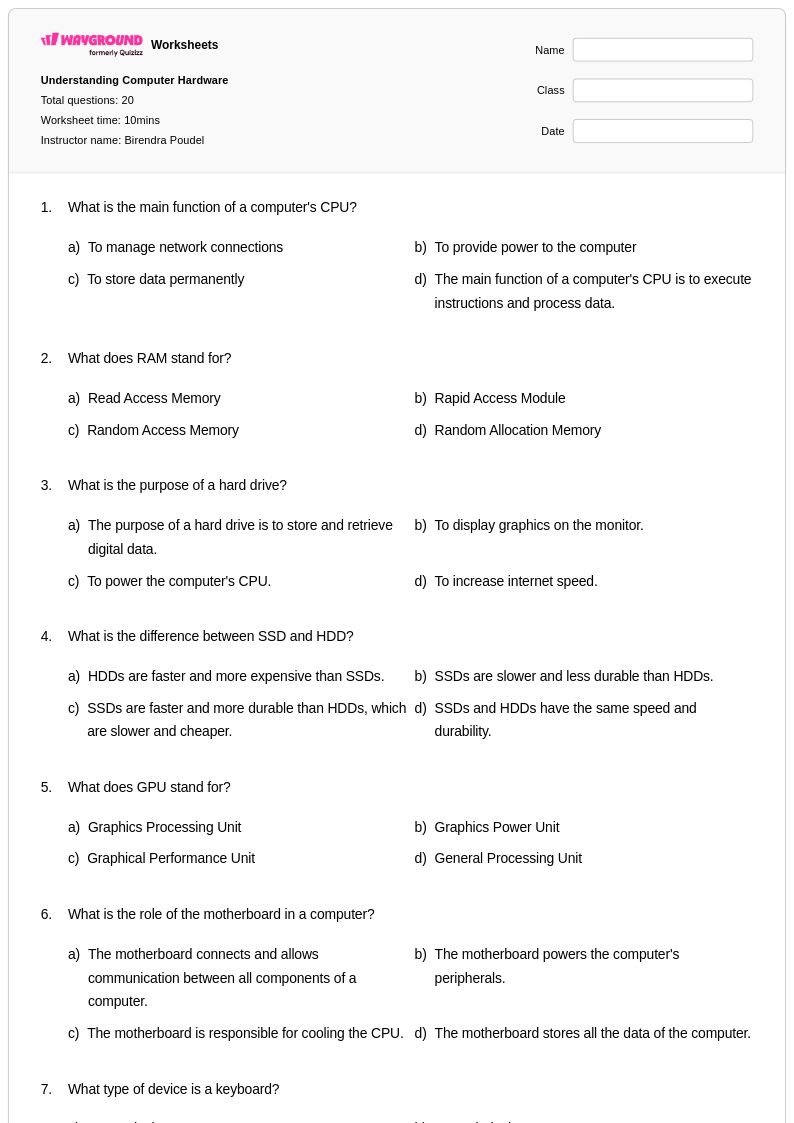
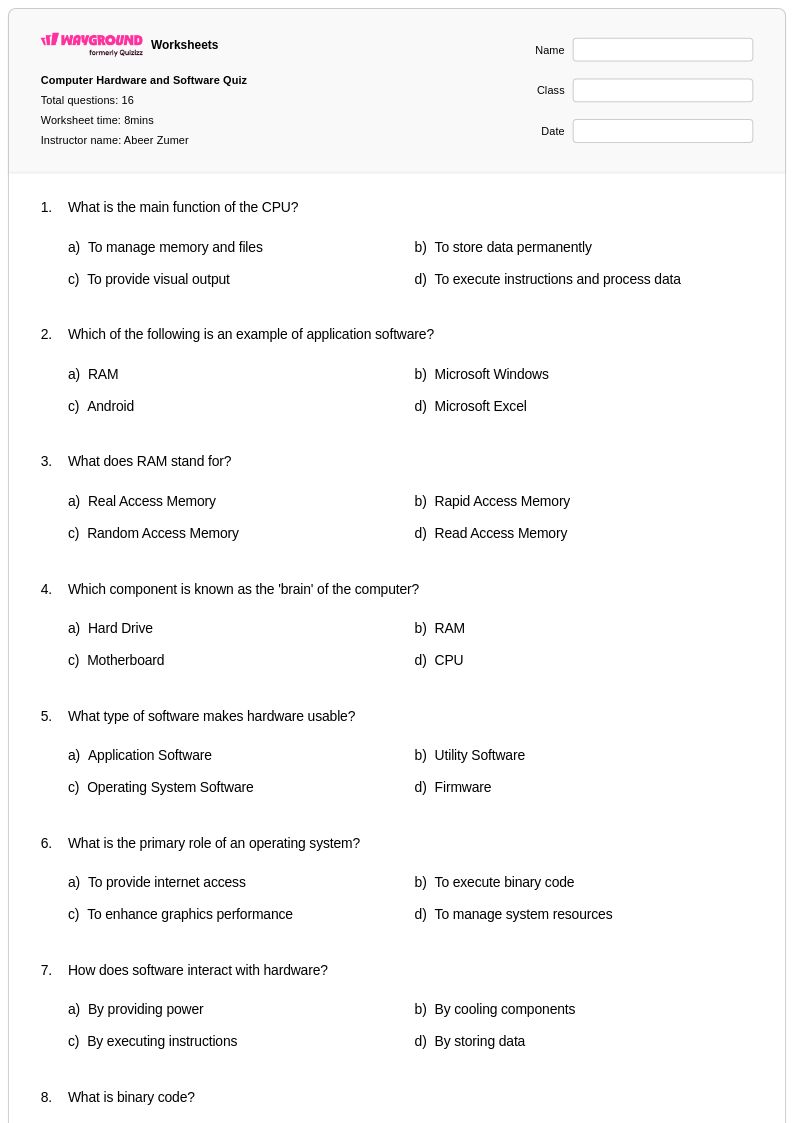
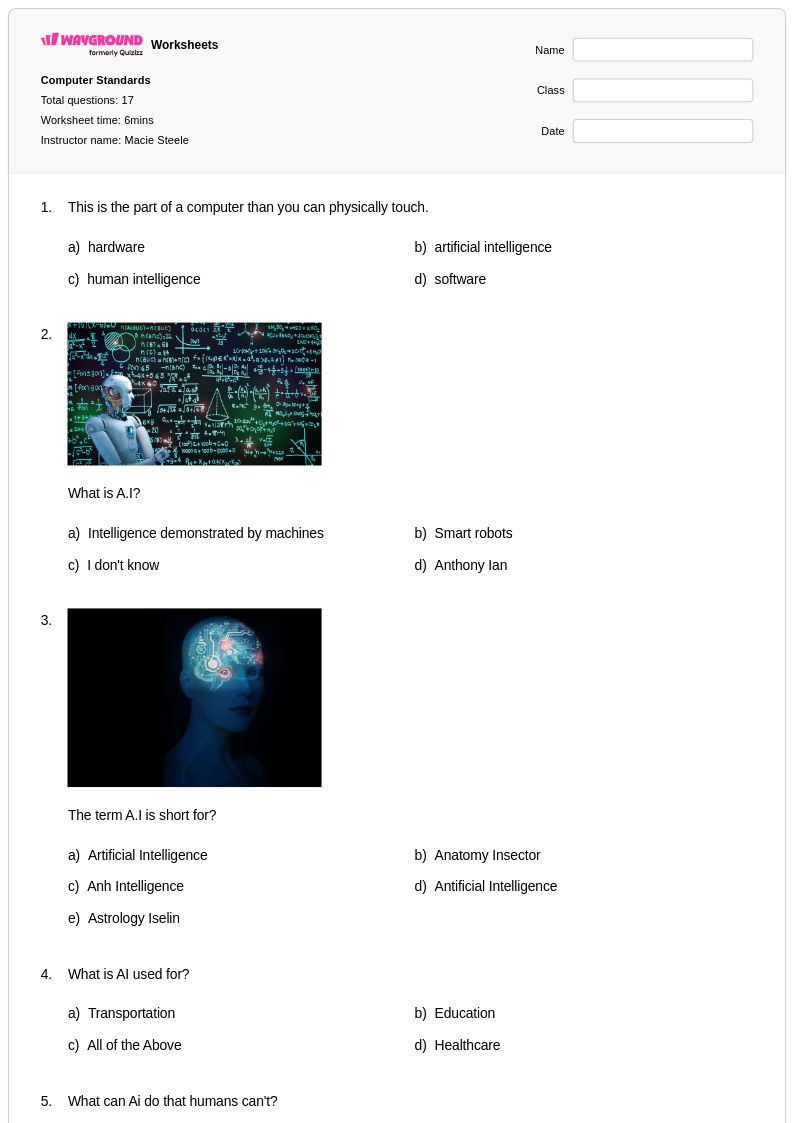
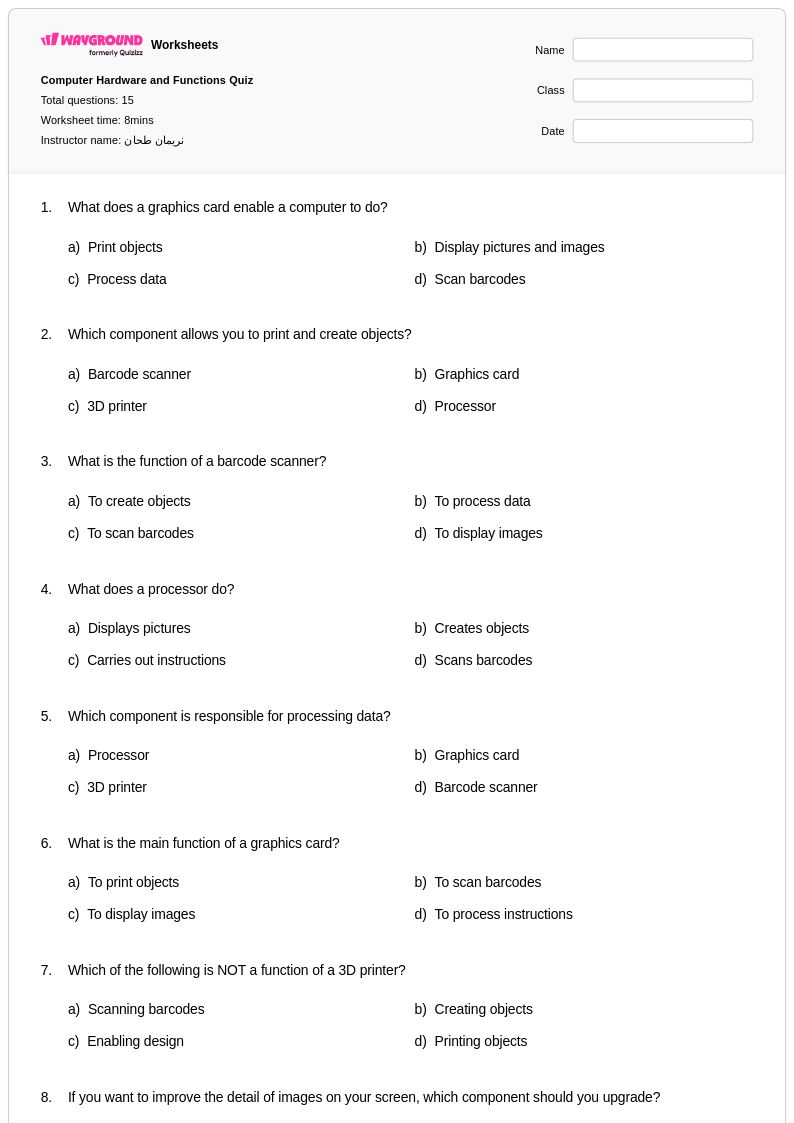
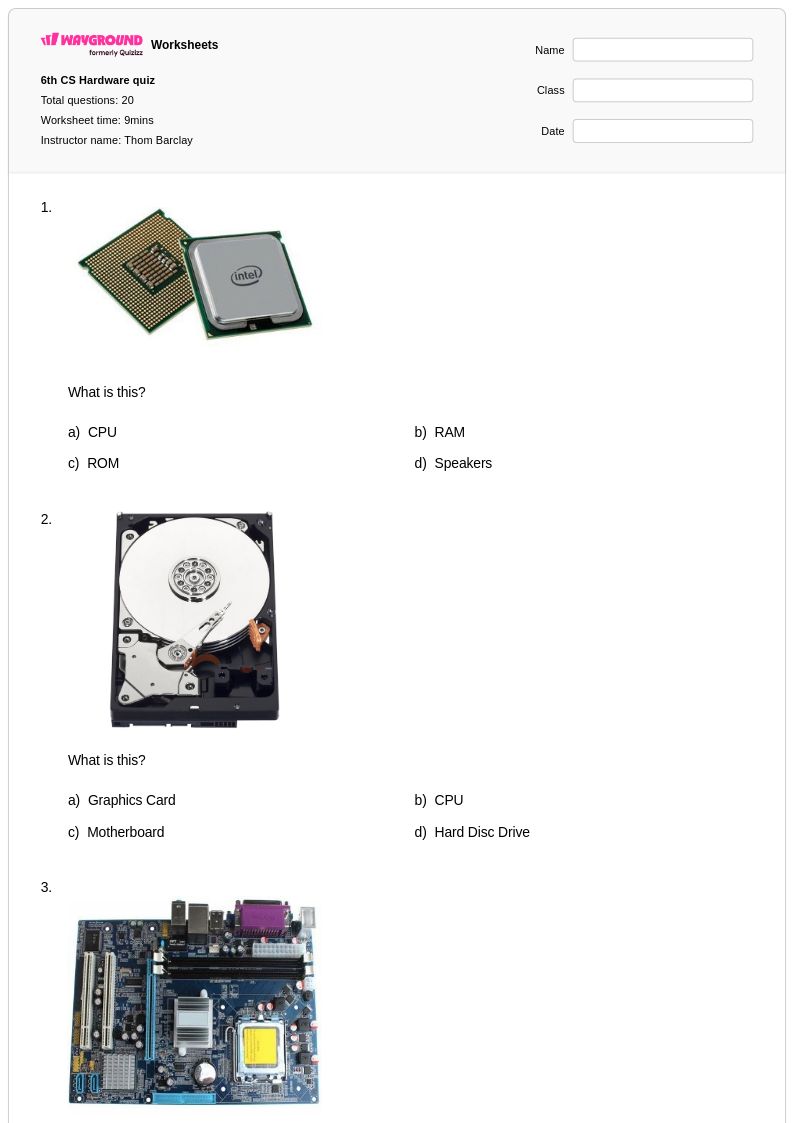
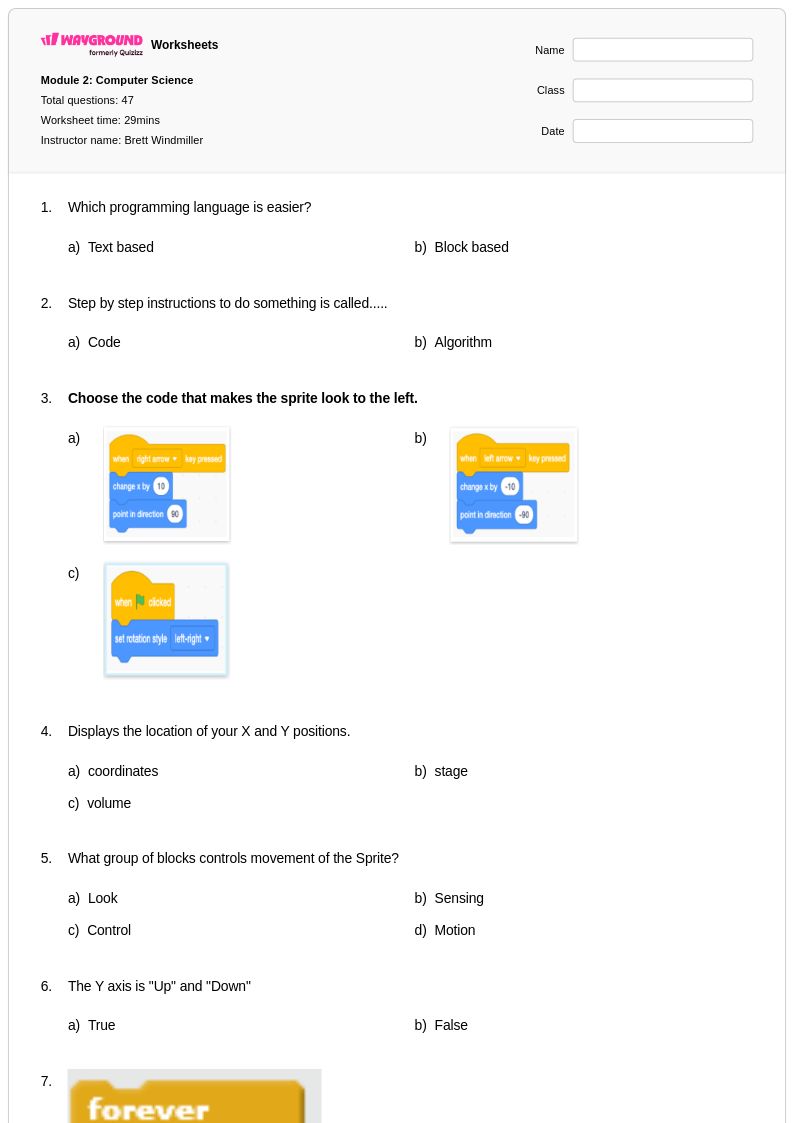
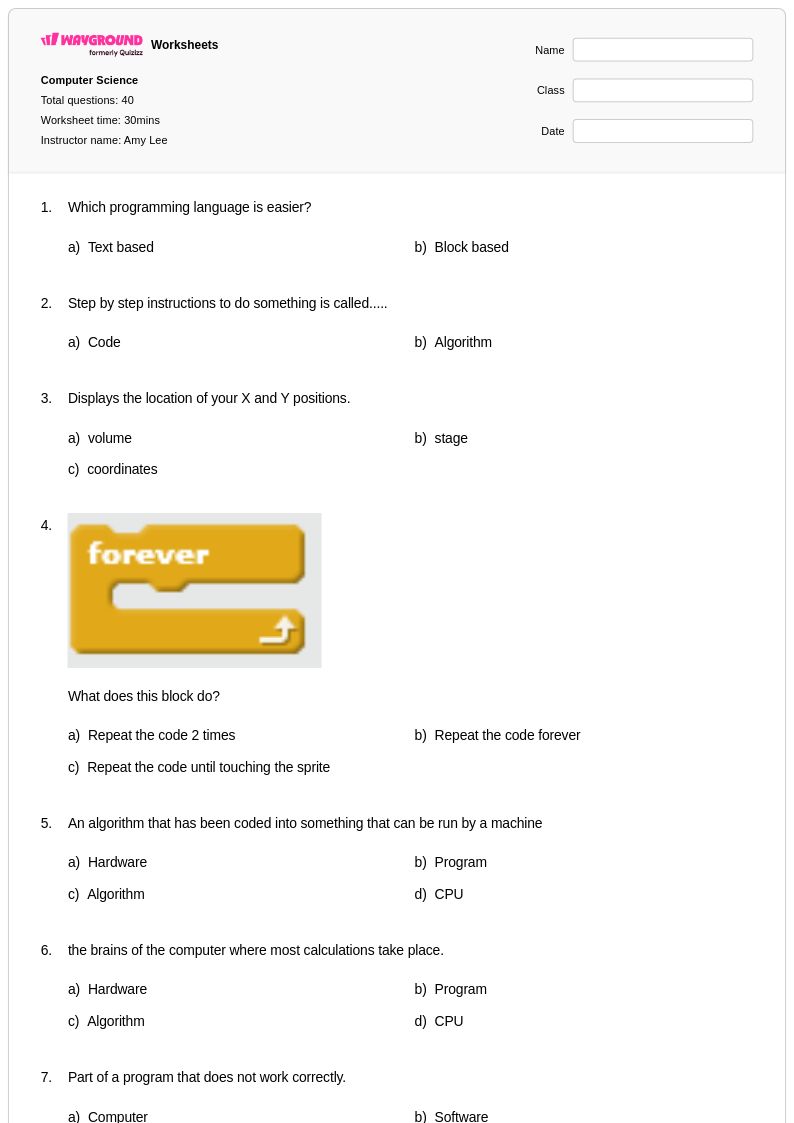
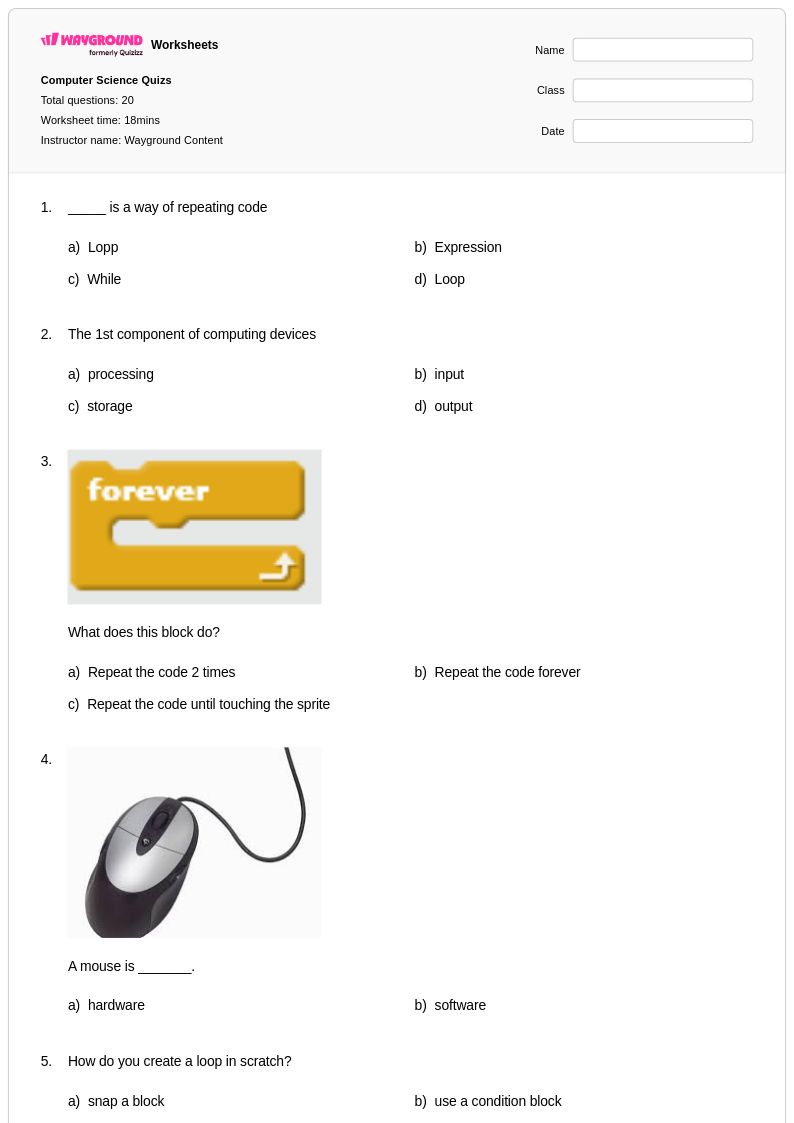
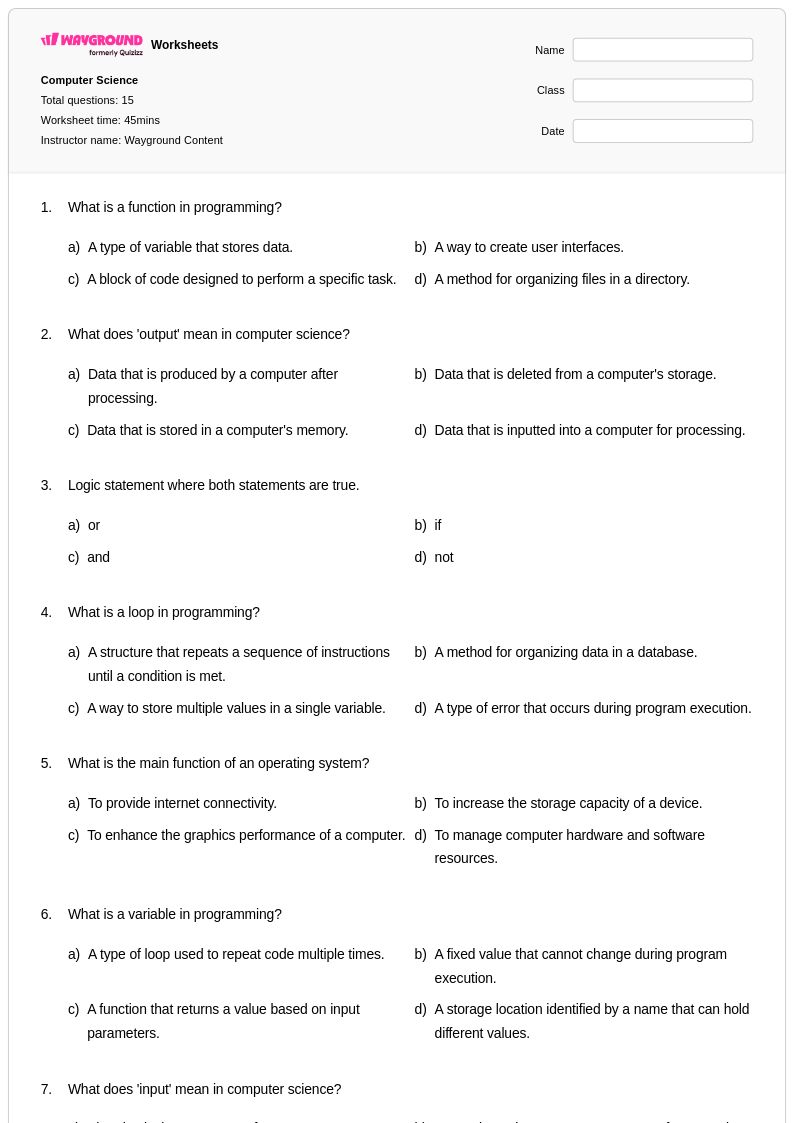
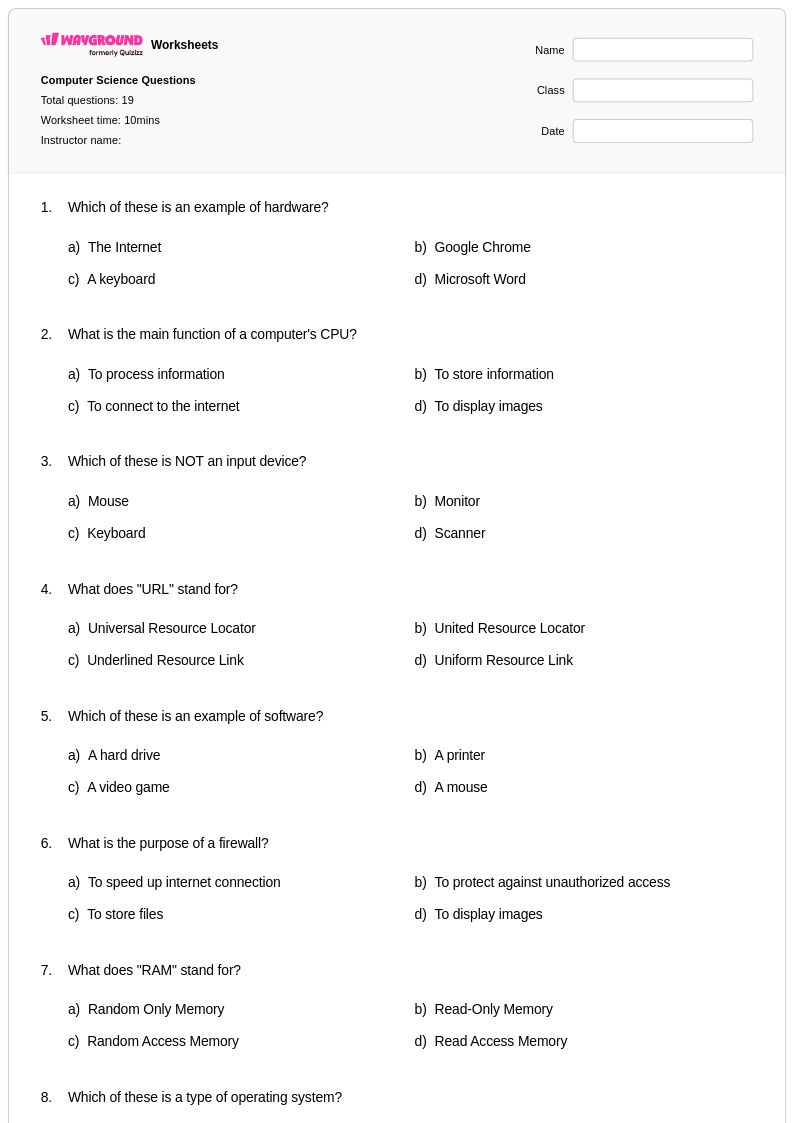
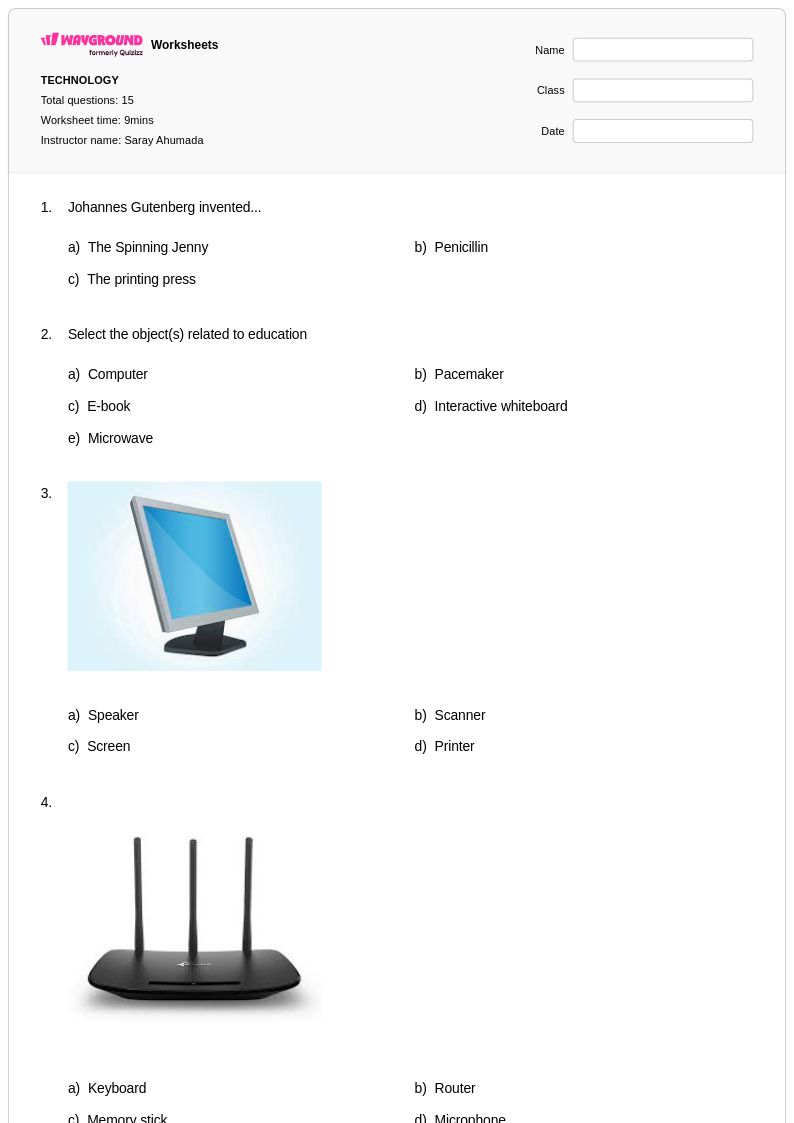
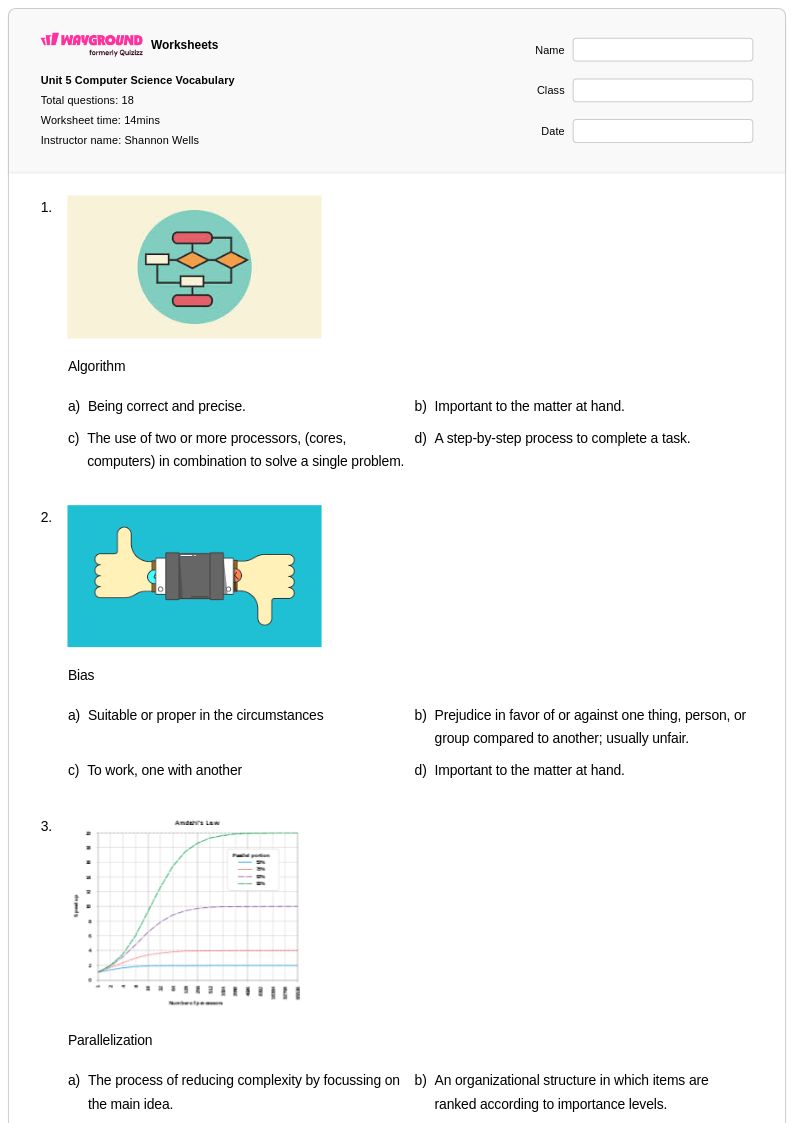
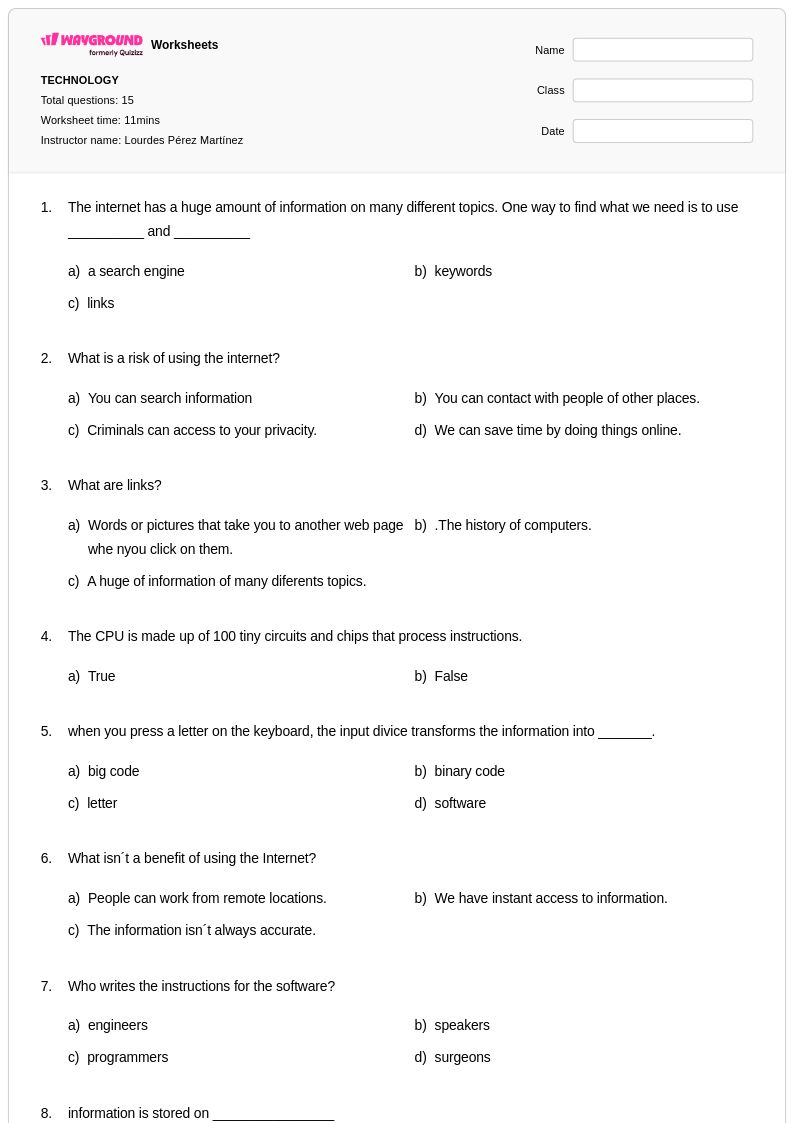
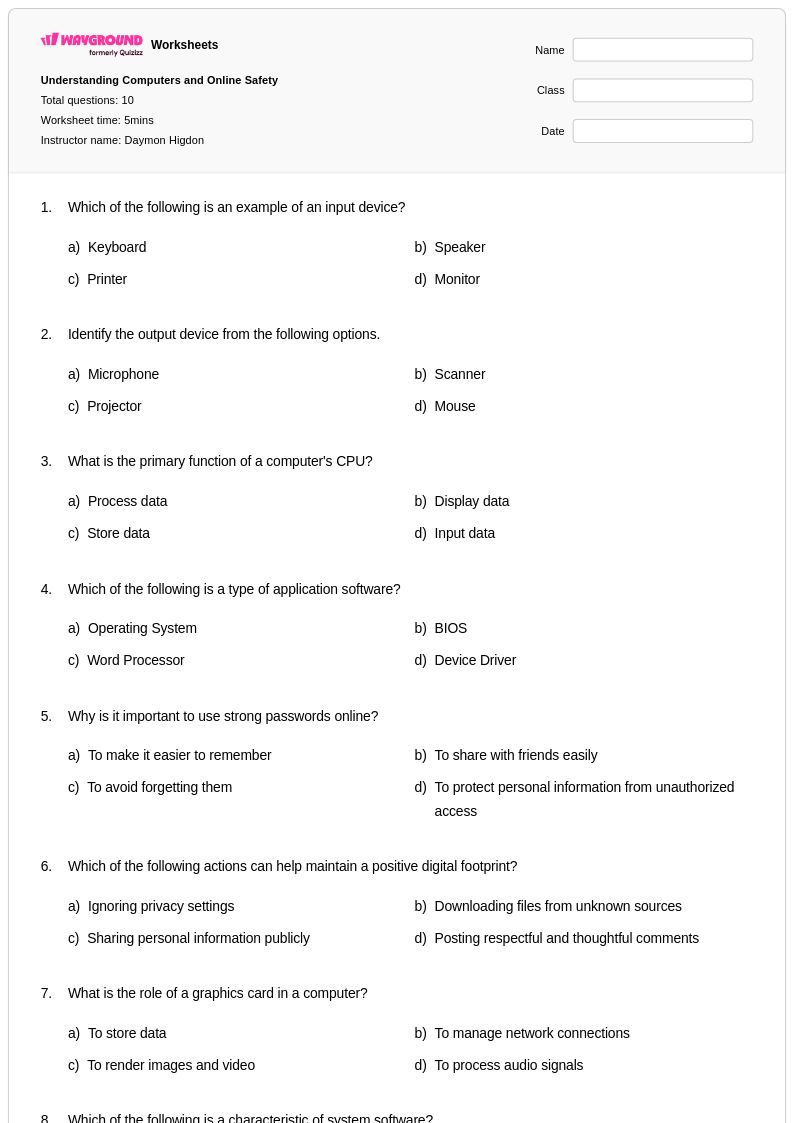
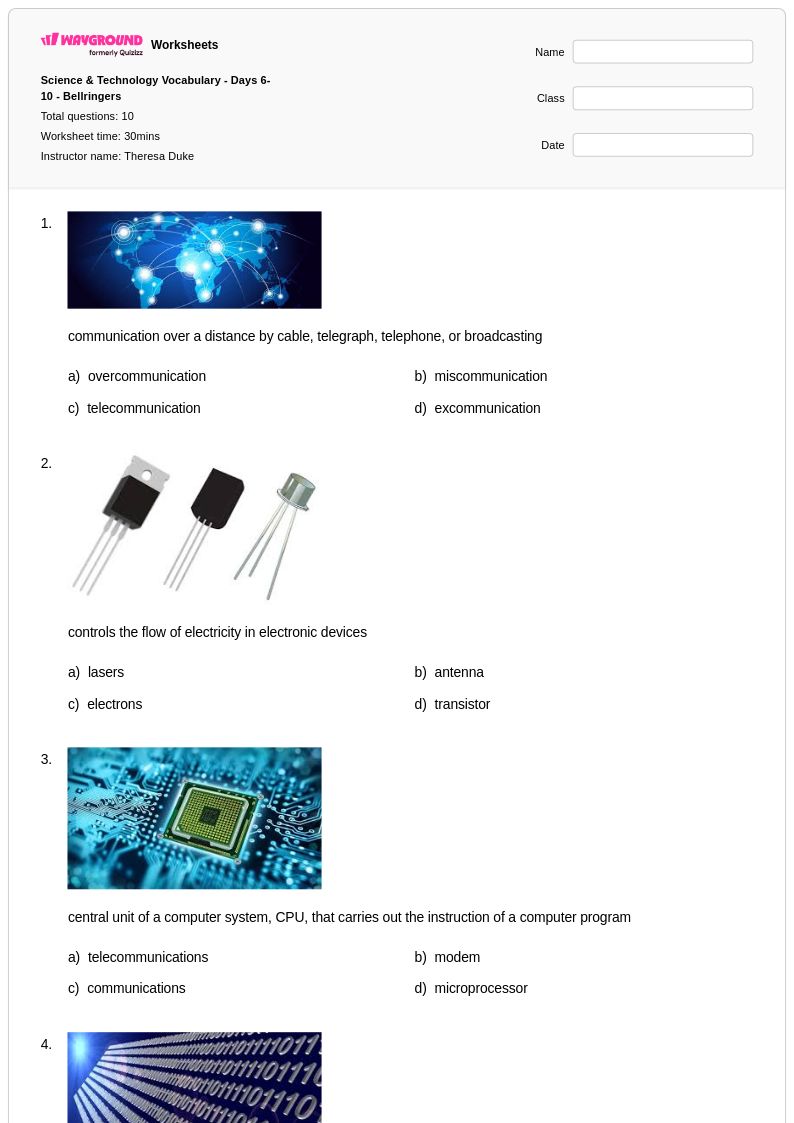
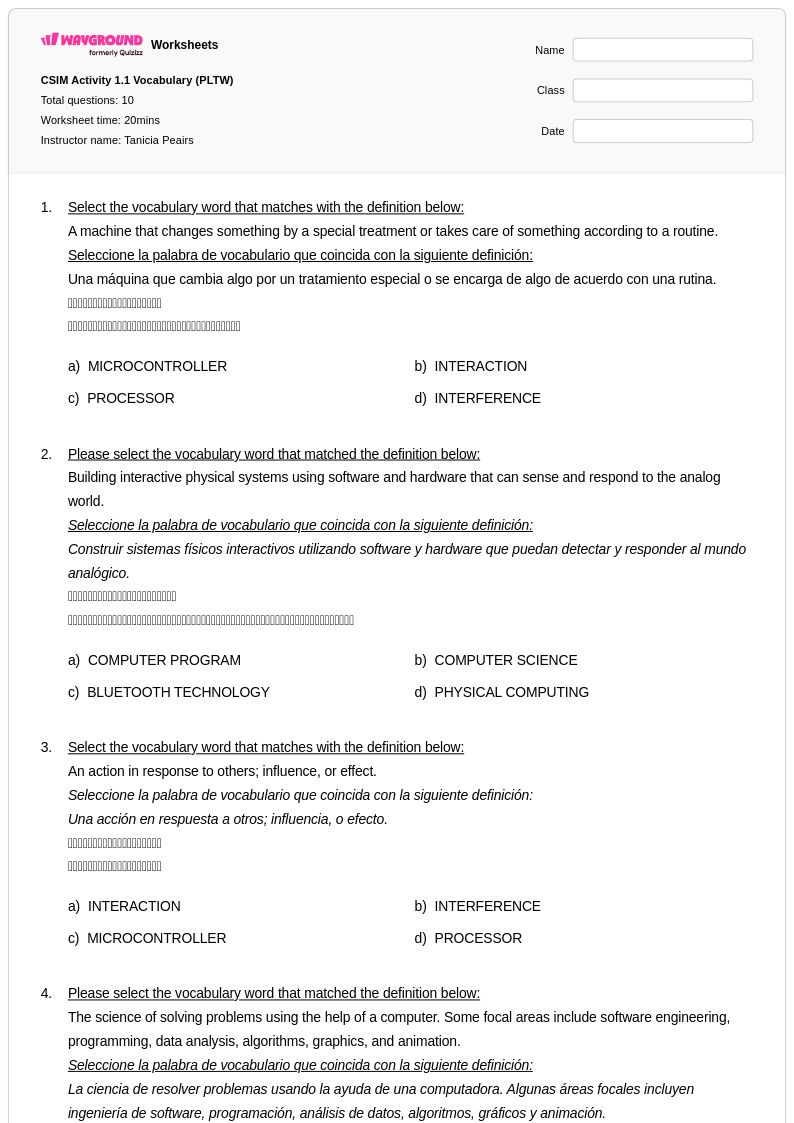
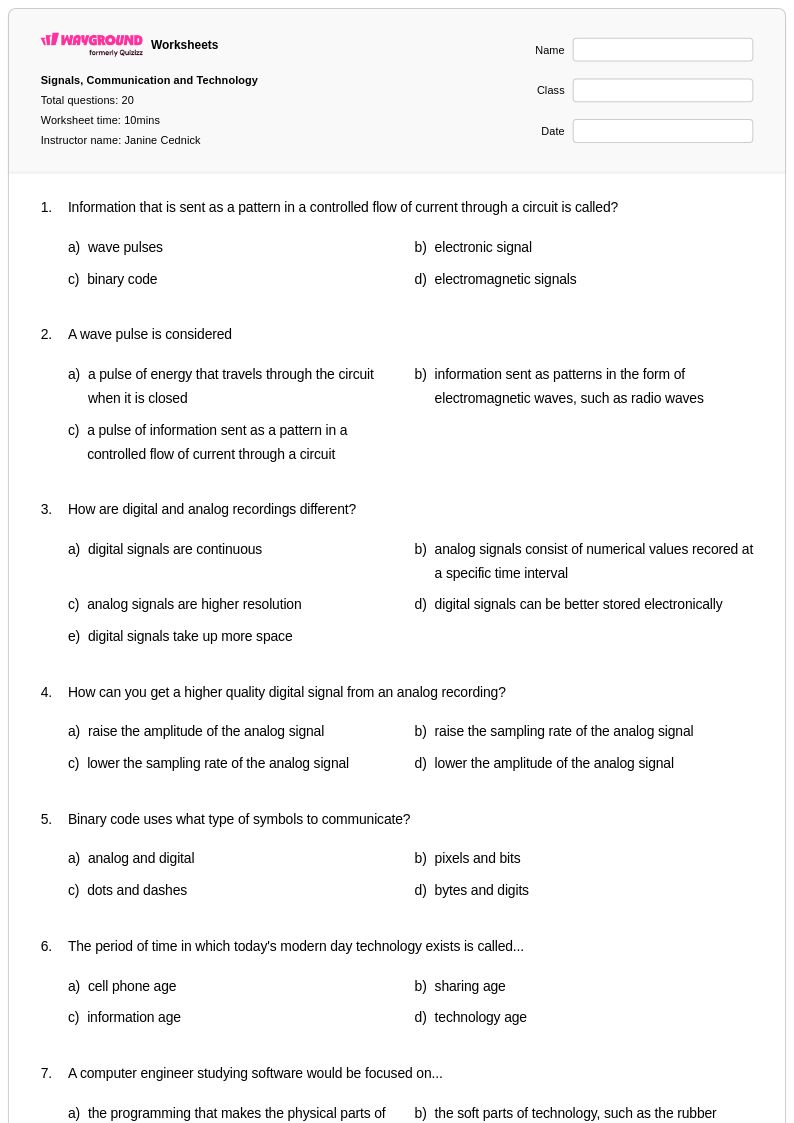
Computer hardware worksheets for Grade 6 students available through Wayground (formerly Quizizz) provide comprehensive coverage of essential computing components and their functions. These educational resources help students develop foundational understanding of processors, memory systems, storage devices, input and output peripherals, and motherboard architecture through hands-on practice problems and visual identification exercises. Each worksheet comes with a detailed answer key to support independent learning and self-assessment, while the free printable format makes these materials accessible for both classroom instruction and home study. Students strengthen critical thinking skills as they learn to distinguish between different types of hardware components, understand data flow within computer systems, and recognize how various parts work together to create functional computing devices.
Wayground (formerly Quizizz) empowers educators with millions of teacher-created computer hardware resources that can be easily searched and filtered by specific learning objectives and grade-appropriate content standards. The platform's robust differentiation tools allow teachers to customize worksheets for diverse learning needs, providing both remediation support for struggling students and enrichment opportunities for advanced learners. These materials are available in both printable pdf format for traditional paper-based activities and digital formats for interactive online learning experiences. Teachers can efficiently plan engaging lessons that build upon foundational computer science concepts while using these worksheets for targeted skill practice, formative assessment, and reinforcement of key hardware terminology and functions that prepare students for more advanced technological literacy in higher grades.
FAQs
How do I teach computer hardware concepts to students who have never opened a computer?
Start with a system overview before drilling into individual components — students need a mental model of how a computer functions as a whole before memorizing part names. Use diagrams of a motherboard to show physical relationships between the CPU, RAM, and storage, then build outward to input/output devices and peripherals. Connecting each component to a real-world function (e.g., RAM as a workspace, storage as a filing cabinet) helps abstract hardware concepts stick.
What are the best exercises for helping students practice identifying computer hardware components?
Labeling diagrams of motherboards and system units is one of the most effective practice formats because it requires students to recall component names in context rather than recognize them on a list. Matching exercises that pair component names with their functions reinforce the distinction between similar-sounding parts like RAM and ROM or HDD and SSD. Scenario-based questions — such as asking which component would you upgrade to improve multitasking — push students to apply conceptual knowledge rather than just recall it.
What mistakes do students most commonly make when learning about computer hardware?
The most frequent misconception is confusing RAM (volatile, short-term memory) with storage (non-volatile, long-term memory) — students often treat these as interchangeable. Students also frequently conflate the CPU's role with the motherboard's, not understanding that the motherboard is the communication hub rather than the processing unit. Another common error is assuming that more storage always means a faster computer, when in reality processing speed and memory capacity are the more direct performance factors.
How do I use computer hardware worksheets to support students at different skill levels?
For students who are new to the topic, start with component identification and basic function-matching activities before moving to more analytical tasks. Advanced learners benefit from worksheets that ask them to compare hardware specifications, troubleshoot performance scenarios, or explain how components interact within a system. On Wayground, teachers can apply accommodations such as read aloud support, reduced answer choices, and extended time to individual students, making the same worksheet accessible across a range of learning needs without requiring separate materials.
How do Wayground's computer hardware worksheets work in both classroom and remote learning settings?
Wayground's computer hardware worksheets are available as printable PDFs for traditional paper-based classroom use and in digital formats for technology-integrated or remote learning environments. Teachers can also host worksheets directly as a quiz on Wayground, giving students an interactive experience while automatically handling grading. Each worksheet includes a complete answer key, which supports both teacher-led instruction and independent student review regardless of the setting.
How do I align computer hardware worksheets with my computer science curriculum standards?
Wayground's search and filtering capabilities allow teachers to locate computer hardware worksheets aligned with specific learning standards and curriculum requirements, reducing the time spent hunting for appropriately scoped materials. Because worksheets cover distinct subtopics — processors, memory systems, storage devices, input/output components, motherboards, and peripheral connections — teachers can select resources that target exactly the standard or unit objective they are addressing rather than using one-size-fits-all materials.