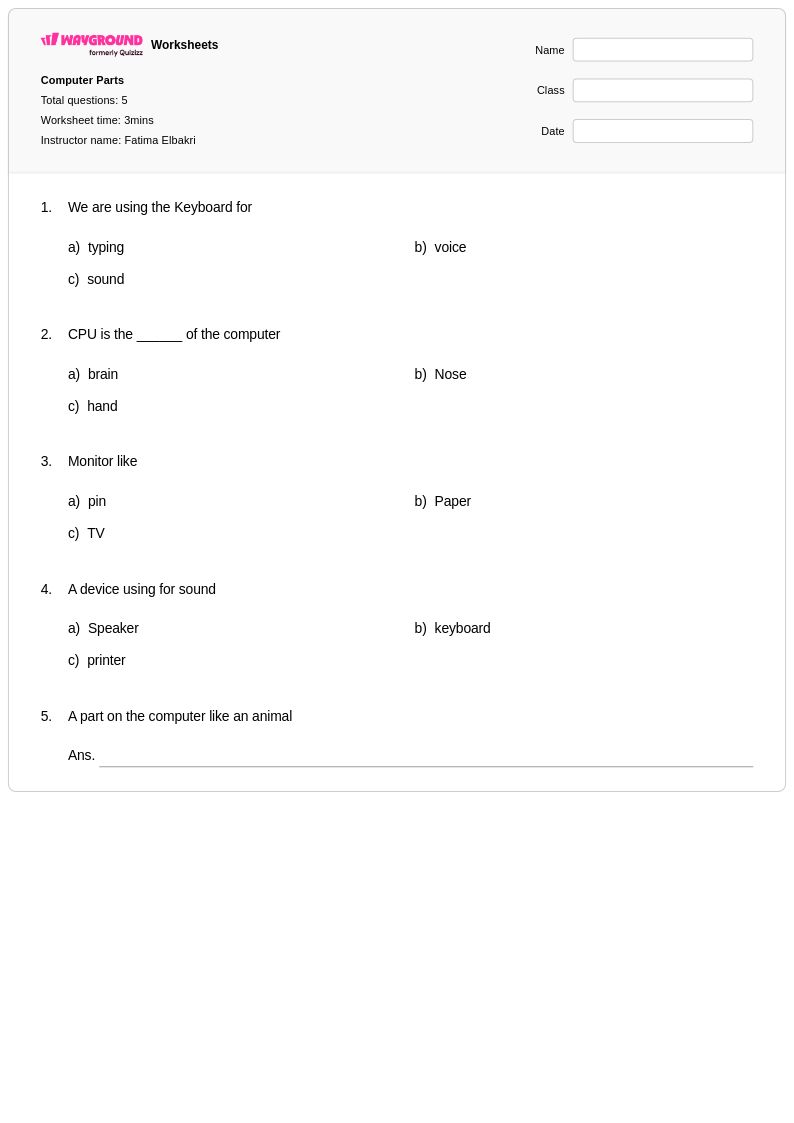
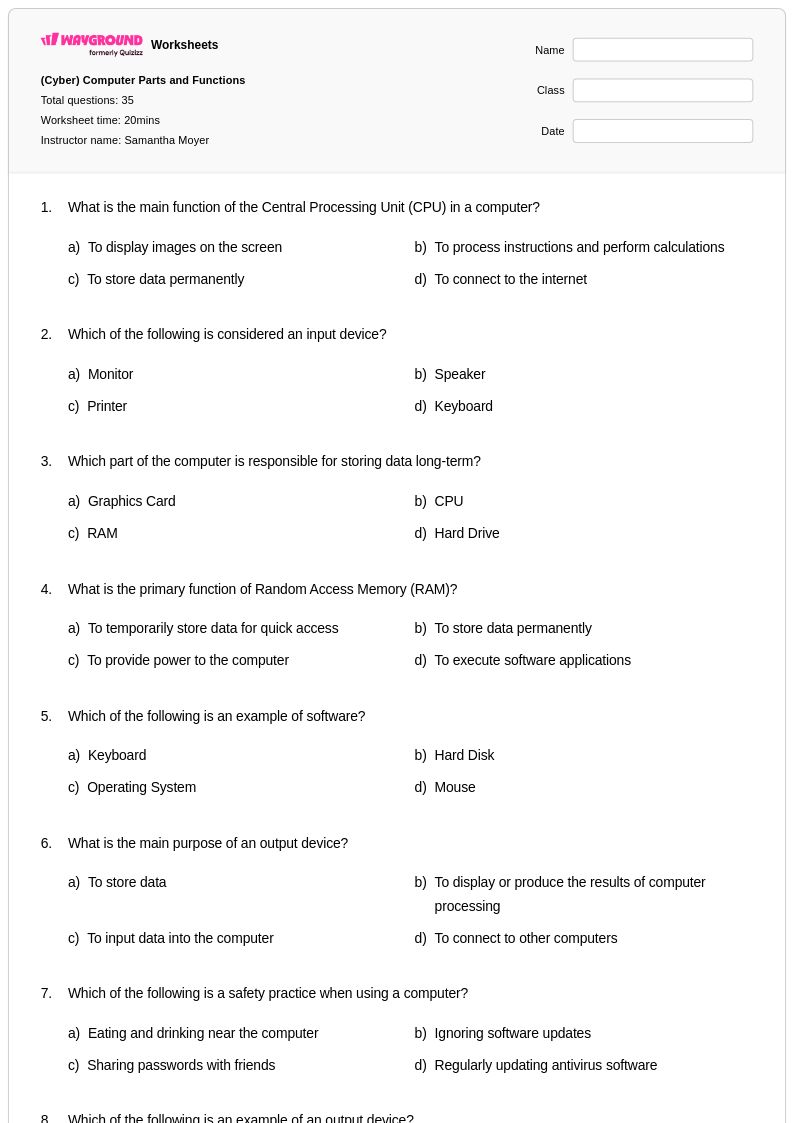
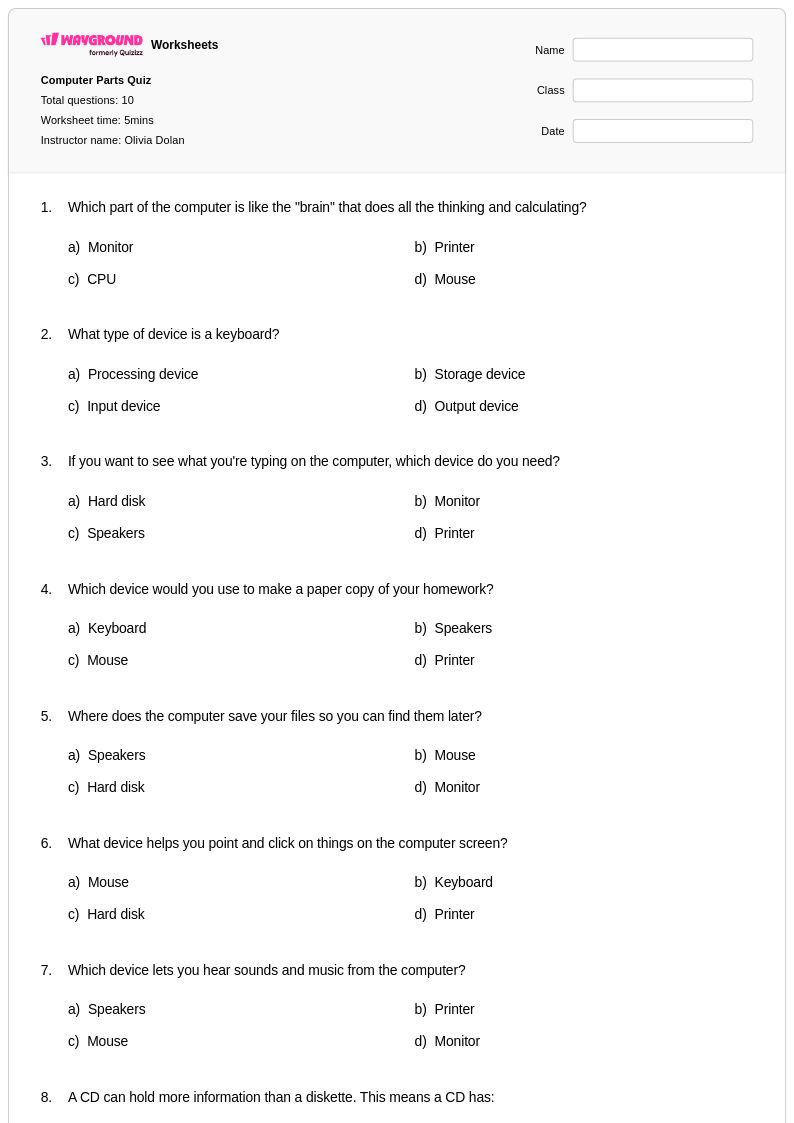
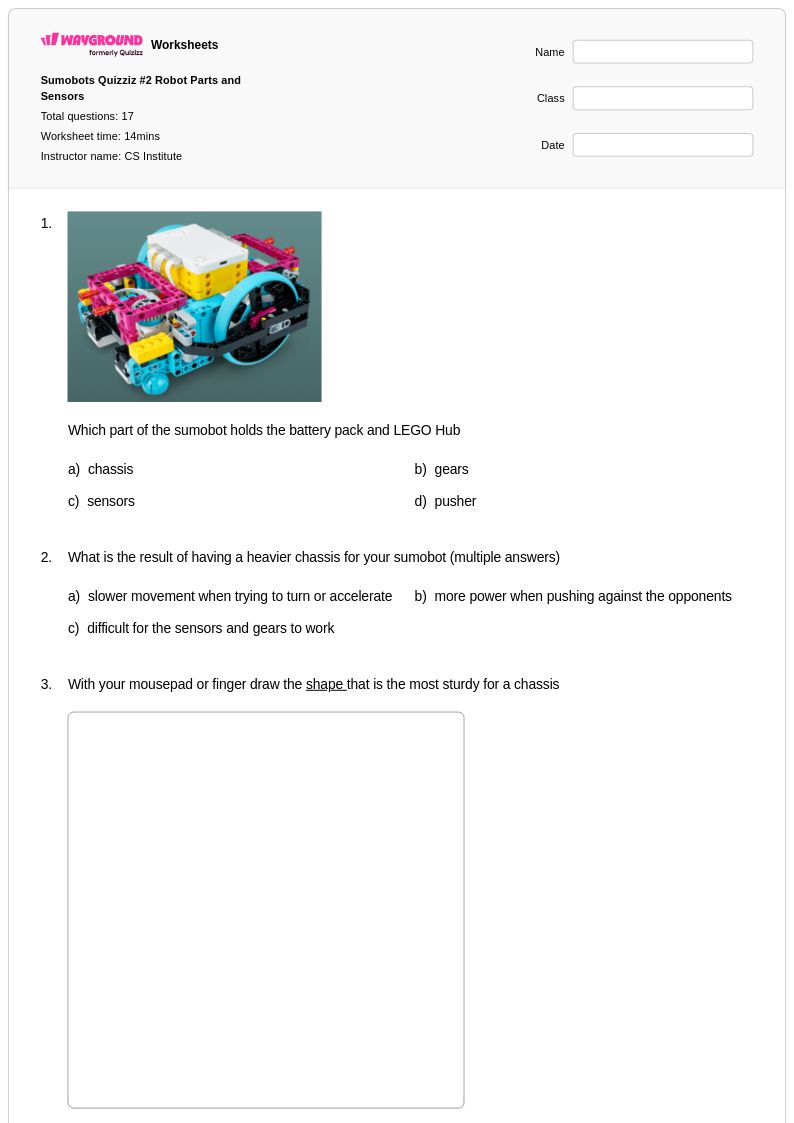
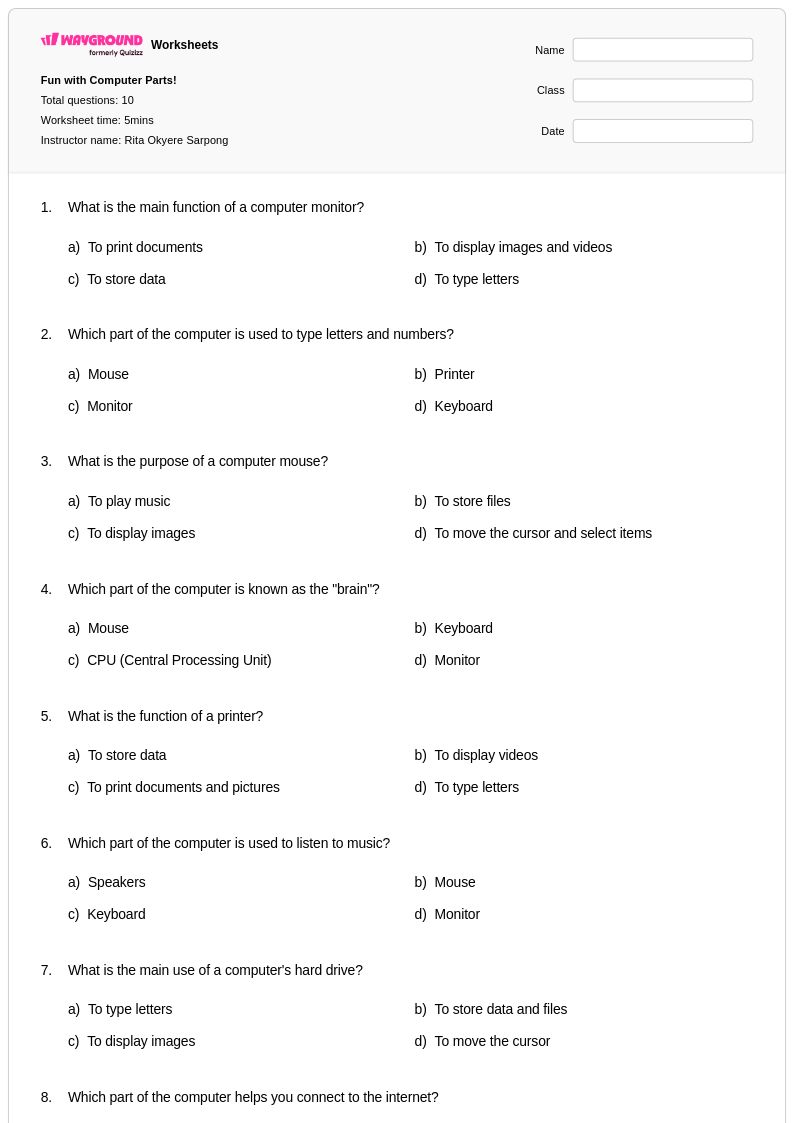
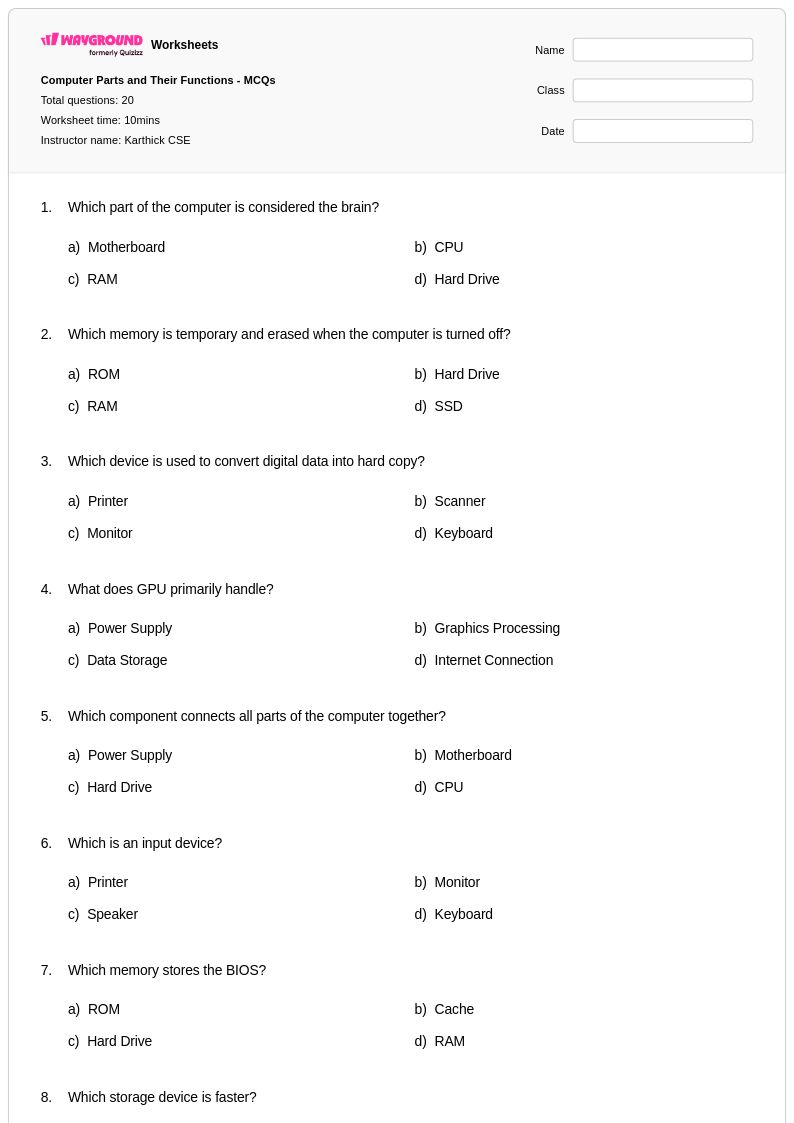
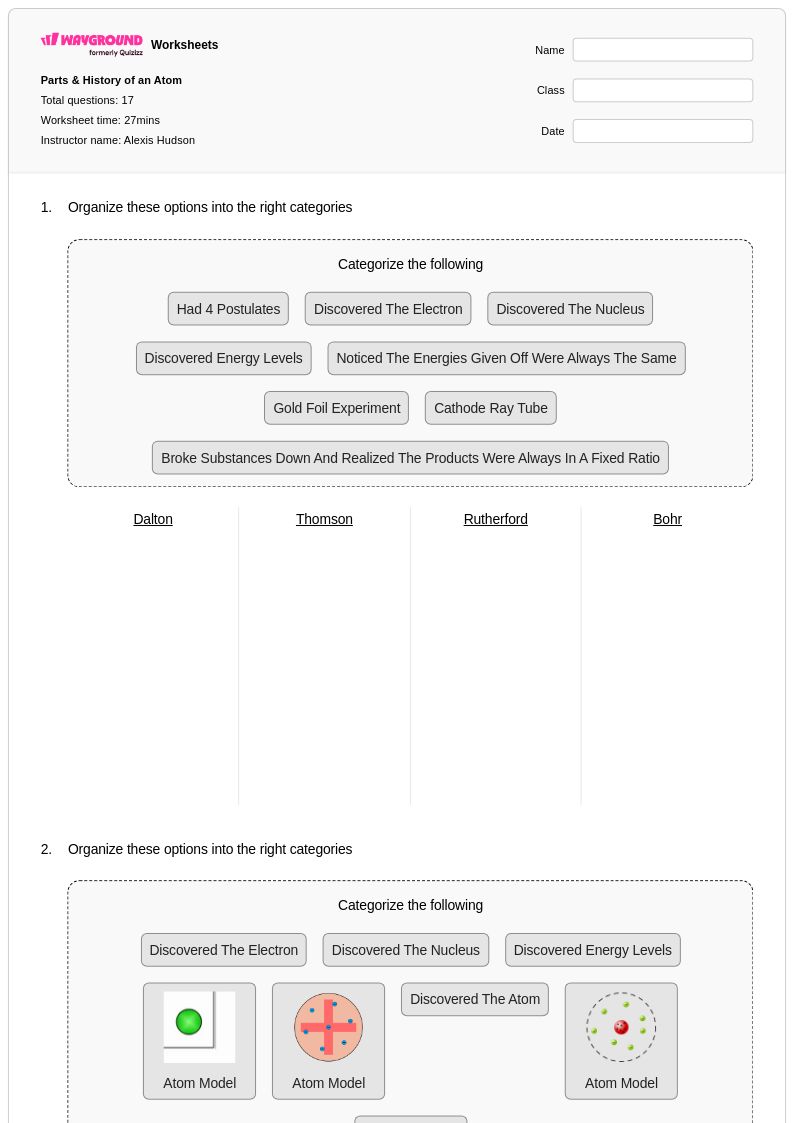
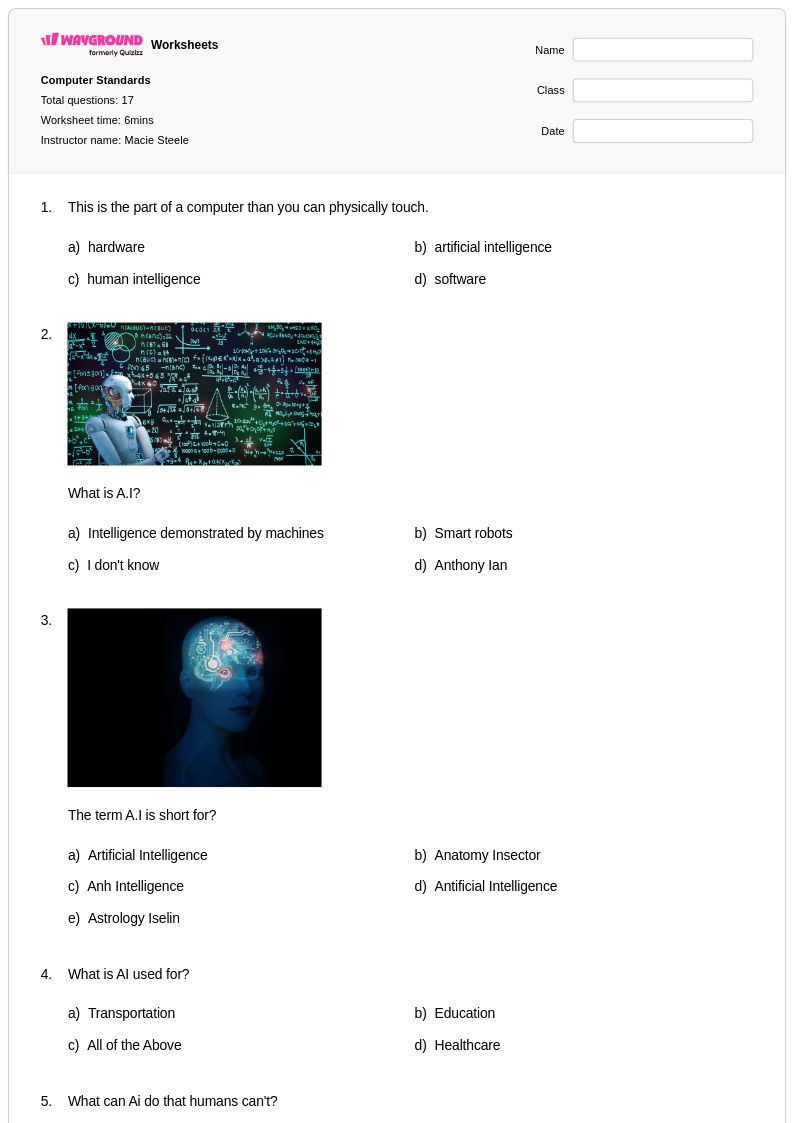
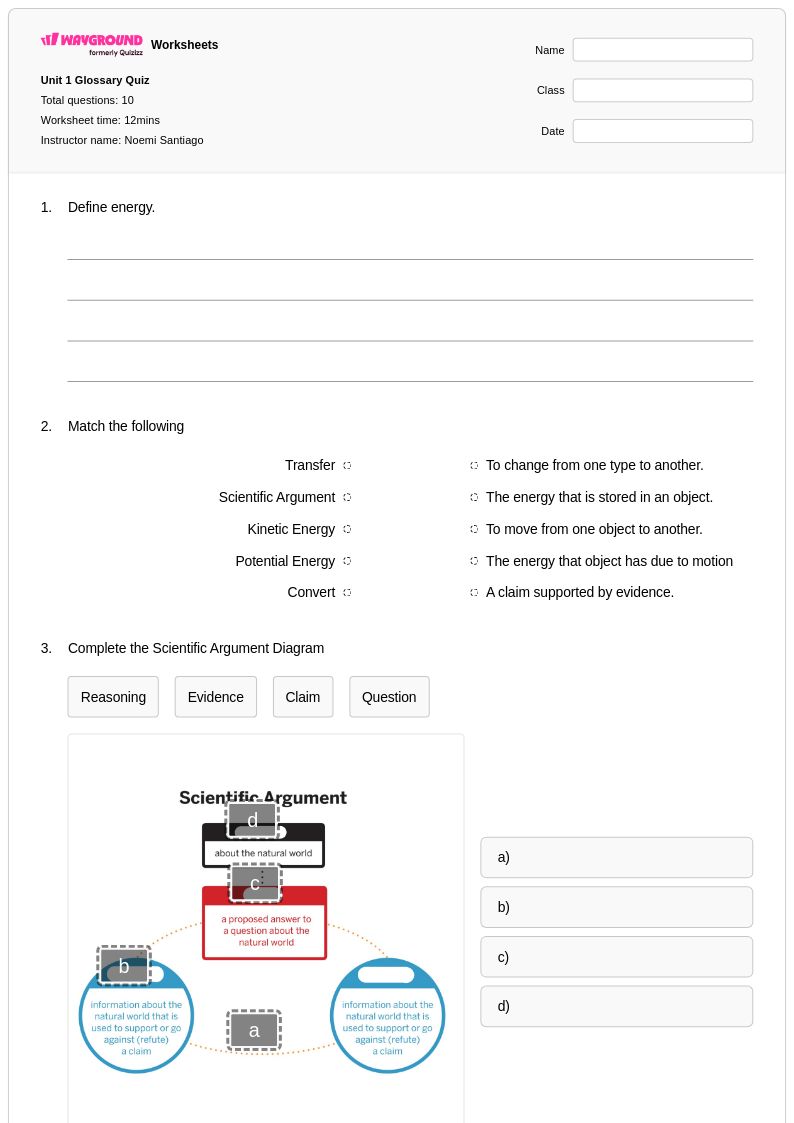
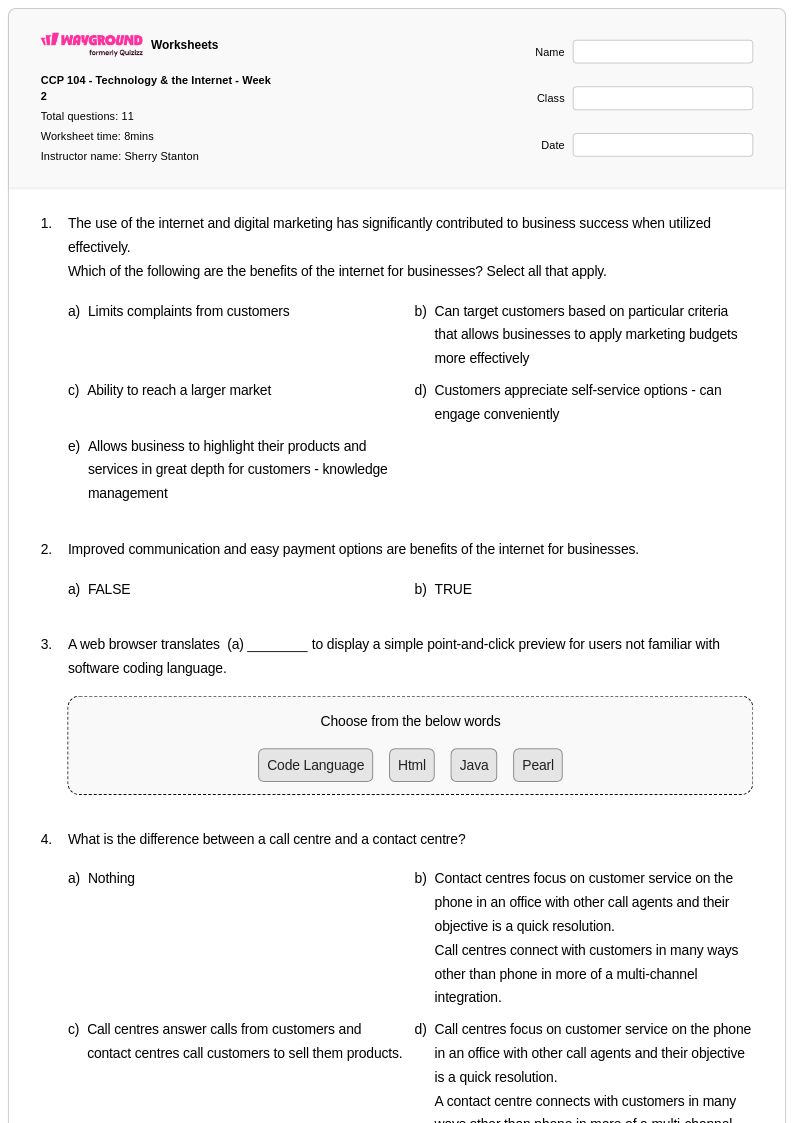
Explore Wayground's free computer parts worksheets and printables that help students identify, understand, and practice recognizing essential hardware components like CPUs, RAM, motherboards, and storage devices with comprehensive answer keys.
Computer parts worksheets available through Wayground (formerly Quizizz) provide comprehensive educational resources designed to build students' understanding of essential computer hardware components and their functions. These carefully crafted materials strengthen critical technology literacy skills by engaging learners with hands-on activities that cover processors, memory modules, storage devices, motherboards, power supplies, and input/output peripherals. The worksheet collections include detailed practice problems that challenge students to identify components, explain their purposes, and understand how different parts work together within computer systems. Each resource comes complete with answer keys to support effective learning assessment, and the free printables are available in convenient pdf format for seamless classroom integration and independent study.
Wayground (formerly Quizizz) empowers educators with access to millions of teacher-created computer parts worksheets that streamline lesson planning and enhance instructional effectiveness. The platform's robust search and filtering capabilities allow teachers to quickly locate resources that align with curriculum standards and match specific learning objectives for computer technology education. Advanced differentiation tools enable instructors to customize worksheets for diverse learning needs, supporting both remediation for struggling students and enrichment opportunities for advanced learners. These versatile resources are available in both printable and digital formats, including downloadable pdf versions, making them ideal for traditional classroom settings, hybrid learning environments, and remote instruction while facilitating targeted skill practice in computer hardware fundamentals.
FAQs
How do I teach computer parts to students who have never used a desktop before?
Start with a physical or visual tour of a computer system before introducing terminology. Use labeled diagrams to connect component names to their locations, then build understanding of function by asking what would happen if each part were removed. Grouping components by role — processing, storage, input, output — helps students build a mental framework rather than memorizing isolated names.
What exercises help students practice identifying computer hardware components?
Labeling diagrams, matching components to their functions, and fill-in-the-blank exercises that describe a part's role are all effective for reinforcing hardware identification. Activities that ask students to explain how parts like the CPU, RAM, and motherboard interact within a system push beyond recall into genuine conceptual understanding. Repeated low-stakes practice with immediate feedback is especially useful for building fluency with technical vocabulary.
What mistakes do students commonly make when learning about computer parts?
Students frequently confuse RAM with storage, treating both as places where data is permanently kept rather than distinguishing between temporary working memory and long-term storage. Another common error is conflating the CPU with the entire computer, not recognizing it as one component among many. Students also struggle to understand the motherboard's role, often failing to see it as the connective infrastructure that links all other components.
How can I differentiate computer parts instruction for students at different skill levels?
For students who need additional support, reduce the number of components introduced at once and focus on the most essential hardware before expanding. For advanced learners, extend activities to include how components interact under different workloads or how upgrading one part affects system performance. On Wayground, teachers can apply accommodations such as reduced answer choices for students who need less cognitive load, or enable Read Aloud so technical terminology is accessible to struggling readers — all without other students being notified.
How do I use Wayground's computer parts worksheets in my classroom?
Wayground's computer parts worksheets are available as printable PDFs for traditional classroom use and in digital formats for technology-integrated or remote learning environments. Teachers can also host worksheets as a quiz directly on Wayground, enabling real-time student responses and built-in assessment. Each worksheet includes a complete answer key, so grading and self-assessment are straightforward regardless of the format you choose.