wayground logo

Free Printable Worksheets

Font size

S
M
L
XL
Worksheets

Unit test Review Quiz

Total questions: 117

Worksheet time: 1hrs 1mins

Name
Class
Date
1.
Selection tool (V)
a)
1
b)
2
c)
3
d)
4
2.
Lasso tool (Q)
a)
1
b)
2
c)
3
d)
4
3.
Direct Selection tool (A)
a)
1
b)
2
c)
3
d)
4
4.
Magic Wand tool (Y)
a)
1
b)
2
c)
3
d)
4
5.
Pen tool (P)
a)
1
b)
2
c)
3
d)
4
6.
Curvature Tool (Shift+~)
a)
1
b)
2
c)
3
d)
4
7.
Type tool (T)
a)
1
b)
2
c)
3
d)
4
8.
Line Segment tool (\)
a)
1
b)
2
c)
3
d)
4
9.
Stoke (X)
a)
1
b)
2
10.
Fill (X)
a)
1
b)
2
11.
What is the arrow pointing to
a)
Artboard
b)
Menu Bar
12.
What is the arrow pointing to
a)
Artboard
b)
Menu Bar
13.
What is the arrow pointing to
a)
Option Bar
b)
Panels
14.
What is the arrow pointing to
a)
Tool Bar
b)
Workspace
15.
What is the arrow pointing to
a)
Tool Bar
b)
Workspace
16.
Working with Adobe illustrator in Mr. Bryan class, what does he want you to export as?
a)
.png file
b)
.ai file
17.
Rotate tool (R)
a)
1
b)
2
c)
3
d)
4
18.
Hand tool (H)
a)
1
b)
2
c)
3
d)
4
19.
What is the area you work on called?
a)
Board
b)
Canvas
c)
Artboard
20.
What is the tool called that can color a shape?
a)
Fill Tool
b)
Gradient Tool
c)
Shape Tool
21.
Which key do you hold down to select multiple objects?
a)
Ctrl
b)
Alt
c)
Shift
22.
The tool used to combine two or more selected objects?
a)
Combine
b)
Join
c)
Unite
23.
If you paste an image in Illustrator, you can trace the image by adding what?
a)
A layer
b)
An artboard
c)
A vector
24.
A graduated blend of colors used as a fill.
a)
Bounding Box
b)
Gradient
c)
Transparency
25.
What does this tool do?
a)
rotate an object
b)
increase size of object
c)
change the color of the object
26.
If I want to paint or color I use this..
a)
pencil tool
b)
brush tool
c)
shape tool
d)
slice tool
27.
Selects entire objects
a)
Pen tool
b)
Selection tool
c)
Direct Selection tool
d)
Magic wand tool
28.
Selects points or path segments within objects. (A) 
a)
Selection tool
b)
Direct Selection tool
c)
Group Selection tool
d)
Magic Wand tool
29.
Selects objects with similar attributes. (Y)
a)
Magic Wand tool
b)
Direct Selection tool
c)
Lasso tool
d)
Artboard tool
30.
What tool does this represent?
a)
Text or Type
b)
Layer blend
c)
Zoom
d)
Hand
31.
Which of the following is NOT one of the six basic shape tools?
a)
Polygon
b)
Ellipse
c)
Circle
d)
Star
32.
Which additional key is pressed when creating a square with the rectangle tool?
a)
Tab
b)
Control
c)
Option
d)
Shift
33.
What is a vector image?
a)
An image that is made from dots 
b)
An image that is based off a mathematical equation 
c)
A clipart image 
d)
None of the above
34.
What can the pencil tool be used for?
a)
Drawing shapes
b)
Drawing lines
c)
Editing existing lines
d)
All of the above
35.
What is the keyboard shortcut for the type tool?
a)
V
b)
T
c)
M
d)
TT
36.
What is the keyboard shortcut for the selection tool?
a)
S
b)
T
c)
V
d)
ST
37.
What is the shortcut for the erase tool?
a)
E
b)
shift+E
c)
ET
d)
X
38.
What is the shortcut for the rectangle tool?
a)
M
b)
RT
c)
R
d)
shift+R
39.
What is the shortcut for the paintbrush tool?
a)
PB
b)
B
c)
PT
d)
S
40.
Which of the following displays the file you're working on?
a)
Panels
b)
Status bar
c)
Document window
d)
Application bar
41.
Which of the following displays options for the currently selected tool?
a)
Control panel
b)
Status bar
c)
Tools panel
d)
Document window
42.
_____ is bounded by the solid lines and represents the entire region that can contain printable artwork. By default this is the same size as the page, but it can be enlarged or reduced.
a)
Canvas
b)
Artboard
c)
Printable area
d)
Edge of page
43.
How do you select an object that has no fill?
a)
Triple-click on the object
b)
Click the stroke of the object
c)
Double-click on the object
d)
Function+click on the object
44.
Which tool would you use to edit a segment on a curved line?
a)
Direct Selection tool
b)
Line tool
c)
Anchor point tool
d)
Selection tool
45.
What is the area you work on called?
a)
Board
b)
Canvas
c)
Artboard
46.
What is the tool called that can select an image?
a)
Pencil
b)
Pointer Tool
c)
Pen Tool
47.
The point on a drawn object is called what?
a)
A dot
b)
An anchor point
c)
A line
48.
Which tool allows you to push a document around much like you would a piece of paper on a desk? 
a)
Zoom Tool
b)
Hand Tool
c)
Select Tool
d)
Shaper Tool
49.
Selects points or path segments within objects. (Q)
a)
Artboard tool
b)
Line Segment tool
c)
Direct Selection tool
d)
 Lasso tool
50.
Draws straight and curved lines to create objects. (P)
a)
Delete Anchor Point tool
b)
Line Segment tool
c)
Add Anchor Point tool
d)
Pen tool
51.

What is the first and most basic element of design?

a)

line

b)

shape

c)

color

d)

size

52.

What is the most obvious elements of design?

a)

color

b)

shape

c)

line

d)

texture

53.

What element of design that is defined by boundaries, such as a lines or color, and they are often used to emphasize a portion of the page?

a)

shape

b)

line

c)

texture

d)

color

54.

What do you call the space that is commonly underutilized and misunderstood aspects of designing for the page?

a)

negative space

b)

space

c)

vector shapes

d)

shades

55.

It is an element of design that can create a more three-dimensional appearance on this two-dimensional surface. It also helps build an immersive world.

a)

texture

b)

shades

c)

space

d)

colors

56.

Which element of design involves line, color, texture and shapes? Words are important, but the style of the words is equally essential.

a)

shapes and colors

b)

typography

c)

image quality

d)

letters and symbols

57.

It refers to the size of one object in relation to the other objects in a design or artwork.

a)

scale

b)

proportion

c)

intention

d)

linear

58.

It refers to the size of the parts of an object in relationship to other parts of the same object.

a)

proportion

b)

scale

c)

dominance

d)

effects

59.

It is defined as an area or object within the artwork that draws attention and becomes a focal point.

a)

Emphasis

b)

dominance

c)

scale

d)

shades

60.

It refers to the visually satisfying practice of combining similar or related elements in an artwork.

a)

harmony

b)

emphasis

c)

dominance

d)

focal point

61.

What do you call the positioning of a body of text to the left, right or center of a page?

a)

alignment

b)

adjustment

c)

indention

d)

positioning

62.

This refers to the spatial relationship between elements on a page.

a)

proximity

b)

communicability

c)

reference

d)

intent

63.

It is a principle of design that helps the user to understand the meaning of an artwork through its text, graphics and other elements.

a)

communicability

b)

proximity

c)

scale

d)

intent

64.

The graphics and the text will appear related if they have been aligned vertically and horizontally.

a)

TRUE

b)

FALSE

65.

Choosing complementary colors to provide contrast can make the page easier to read.

a)

TRUE

b)

FALSE

66.

Alignment of text and lines in the page creates contrast and will avoid overpowering the text.

a)

TRUE

b)

FALSE

67.

Good Contrast in typography grabs the attention of the reader.

a)

TRUE

b)

FALSE

68.

To make the page look more organized, choose main theme colors and patterns.

a)

TRUE

b)

FALSE

69.

Using many different colors can make the page look dynamic.

a)

TRUE

b)

FALSE

70.

Excessive use of colors makes the page look balanced and organized.

a)

FALSE

b)

TRUE

71.

Using more than two fonts in typography makes the page look organized.

a)

FALSE

b)

TRUE

72.

Applying the principles of design can increase the impact of your project on your audience.

a)

TRUE

b)

FALSE

73.
A type of balance in which the two sides of an artwork look equally important even though they are not alike
a)
Symmetrical balance
b)
Asymmetrical balance
c)
Radial balance
d)
Bilateral balance
74.
Comparing parts of a whole is called:
a)
Scale
b)
Proportion
c)
Contrast
d)
Balance
75.
The comparison of one thing to another in terms of size is called:
a)
Balance
b)
Contrast
c)
Proportion
d)
Scale
76.
Which of these is NOT characterized by repetition?
a)
pattern
b)
unity
c)
contrast
d)
movement
77.
Using many different elements to create interest or contrast in an artwork is called:
a)
Variety
b)
Unity
c)
Balance
d)
Value
78.
This image shows an example of:
a)
asymmetrical balance
b)
symmetrical balance
c)
radial balance
d)
physical balance
79.
The way an artwork is arranged is called:
a)
design
b)
composition
c)
frame
d)
photo
80.
The focal point of an artwork is also called:
a)
background
b)
rhythm
c)
emphasis
d)
pattern
81.
The appearance of motion is called:
a)
calibration
b)
animation
c)
design
d)
movement
82.
Using similar elements to create a single theme
a)
unity
b)
variety
c)
emphasis
d)
space
83.
The placement of the elements so that no part of the design overpowers any other part or seems visually heavier is called:
a)
unity
b)
emphasis
c)
balance
d)
principles of design
84.
The amount of difference between things is called:
a)
contrast
b)
value
c)
variety
d)
unity
85.
A repeated design is called a:
a)
principle
b)
pattern
c)
element
d)
shape
86.
Asymmetrical , design details are divided unequally from the center
a)
emphasis
b)
informal balance
c)
formal balance
d)
proportion
87.
Symmetrical, design details are divided equally to create a centered balance
a)
formal balance
b)
repetition rhythm
c)
proportion
d)
informal balance
88.
How do you make this color?
a)
red+blue
b)
orange+blue
c)
yellow+blue
d)
purple+yellow
89.
Warm colors are ______.
a)
yellow, red, and orange
b)
yellow, read, and blue
c)
yellow, green, and blue
d)
orange, purple, and green
90.
Cool colors are _____.
a)
orange, green, and purple (violet)
b)
blue, green, and purple (violet)
c)
yellow, blue, and red
d)
white, black, and brown
91.
The circular chart used to remember color relationships is a _____.
a)
color scheme
b)
color wheel
c)
color ray
d)
color circle
92.
In design, there are 3 main types of balance:
1)  __________
2)  asymmetrical
3)  radial
a)
symmetrical
b)
weighted
c)
tip of the nose
d)
pan
93.
Colors can give people a feeling of emotion (hence the phrase "seeing red" for being angry).
a)
TRUE
b)
FALSE
94.
The picture shows an example of ...
a)
horizontal lines
b)
vertical lines
c)
zigzag lines
d)
curved lines
95.
The image is a good example of which element?
a)
pattern
b)
texture
c)
shape
d)
emphasis
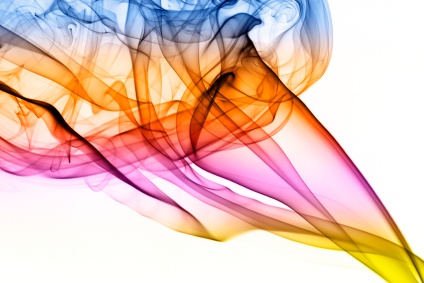
96.
This image is a good example of which element?
a)
movement
b)
pattern
c)
line
d)
form
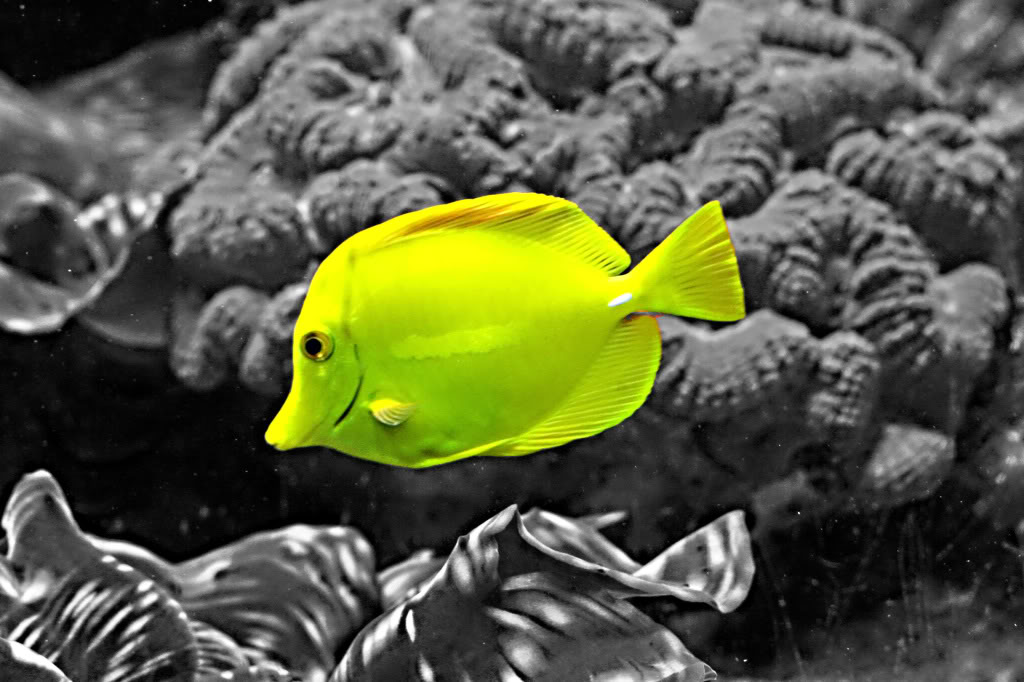
97.
This image is a good example of what principle?
a)
space
b)
emphasis
c)
line
d)
texture
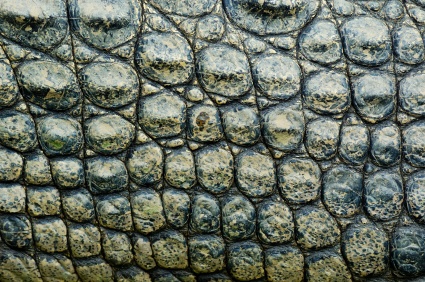
98.
_________ refers to the area around a shape or form.
a)
space
b)
color
c)
unity
d)
emphasis
99.
This image is a good example of which element?
a)
pattern
b)
unity
c)
space
d)
color
100.
__________ is the equal distribution of visual weight in a design.
a)
emphasis
b)
balance
c)
space
d)
value
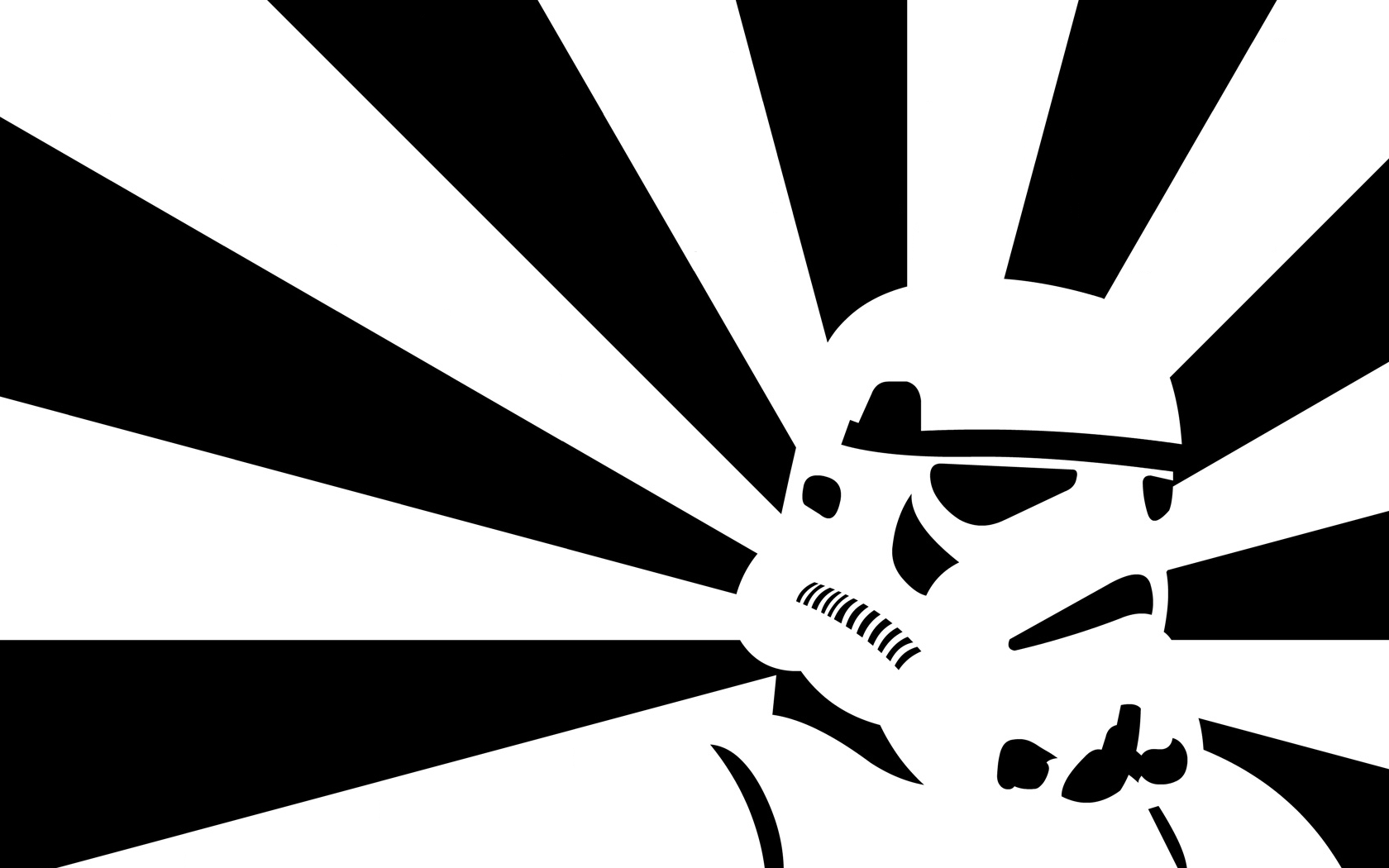
101.
This image is a good example of which principle?
a)
pattern
b)
form
c)
line
d)
color
102.
This image is a good example of which principle?
a)
value
b)
space
c)
movement
d)
contrast
103.
This image is a good example of which principle?
a)
space
b)
movement
c)
form
d)
value
104.
The principles of design
a)
are the building blocks of art
b)
are the governors of art
c)
arrange the elements into a composition
d)
are things like clay, pencils, paint, ect...
105.

__________ are made up of lines and curves defined by mathematical objects called vectors, which describe an image according to its geometric characteristics.

a)

Vector graphics

b)

Adobe illustrator

c)

Computer graphics

d)

Graphic software

106.

_______________ are computer graphics images that are defined in terms of 2D points, which are connected by lines and curves to form polygons and other shapes.

a)

Vector graphics

b)

computer graphics

c)

digital photos

d)

multimedia

107.

You cannot freely move or modify vector graphics without losing detail or clarity, because they are resolution-independent—they maintain crisp edges when resized.

a)

TRUE

b)

FALSE

108.

It is made up of one or more straight or curved segments. The beginning and end of each segment are marked by anchor points, which work like pins holding a wire in place.

a)

path

b)

curves

c)

lines

d)

segments

109.

When you draw a path using any combination of corner and smooth points, you can no longer change it.

a)

TRUE

b)

FALSE

110.

What are the two kinds of anchor points?

a)

corner and smooth points

b)

edge and corner points

c)

curves and smooth points

d)

corner points and lines

111.

This "point" can connect any two straight or curved segments,while a smooth point always connects two curved segments.

a)

corner point

b)

edge

c)

smooth point

d)

paths

112.

After you create a path or shape, you can change the characteristics of its stroke and fill.

a)

TRUE

b)

FALSE

115.

A _____ can have weight (thickness), color, and a dash pattern or a stylized line pattern.

a)

curve

b)

stroke

c)

fill

d)

layers

114.

What do you call a color or gradient applied to an open or closed path’s interior?

a)

gradient color

b)

fill color

c)

stroke color

d)

background color

115.

A _____ can have weight (thickness), color, and a dash pattern or a stylized line pattern.

a)

curve

b)

stroke

c)

fill

d)

layers

116.

Which does not describe "watermarks" in graphic designs?

a)

A transparent image or text that has been applied to a piece of paper, another image to either protect the original image, or to make it harder to copy the item

b)

It could be a written text or image that is embedded onto a graphic design to protect it from copying.

c)

It is an evidence that there has been a presence of water and it is difficult to remove.

d)

It is a distinguishing text or image lightly printed on paper or image to claim ownership from the owner and to prevent plagiarism or usage without the owners permission.

117.

Which figure projects four comer points?

a)

A

b)

B

c)

C