Worksheets
S2 Cyber Resilience and Internet Security
Total questions: 20
Worksheet time: 11mins
What is malware?
Malicious software
Software made by a company called Mal
Malicious hardware
Clothes that hackers wear
Which of these is an example of a phishing email?
You have won the lottery! Follow this link to claim.
Your bank account has been hacked. Login in here to protect yourself.
Help! I am stuck in Europe and I need money to travel home.
All of the above!
What should a strong password include?
At least one upper case letter
Short, easy to guess words
Date of birth
At least one number
At least 8 characters

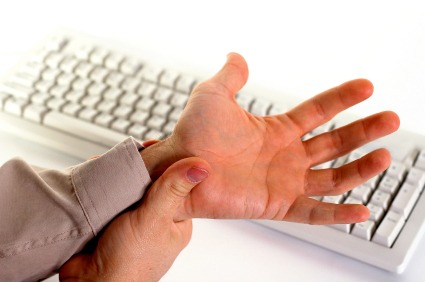
Incorrect computer ergonomics can result in:
Back aches
RSI
Sore eyes
All of the above.

Which of these is a phishing attack?
Sending an email that has a malicious link disguised as a valid email.
Creating a fake website that looks identical to a real one, in order to trick users into logging in.
Send someone a text message that contains a malicious link, disguised as something else.
All of the above
In relation to computers, what is a virus?
A program that secretly watches your computer activity and sends the information over the Internet
A program that damages files and your hard drive and affects the computer's operation
A URL that may lead the user to download a video file
A program that is useful to download from the Internet
In order to safeguard your important data you should backup your files. What does this mean?
Take a copy of the original files
Put your files in a safe place
Print out your files
Store all your files in the cloud
What type of chair should you use whilst using IT equipment?
Comfortable
One with wheels
Adjustable
Straight backed
The best definition of hacking is:
Glass frog slippers
Gaining an unfair advantage
Gaining unauthorized access
Gaining a black, grey or red hat

Whom is it okay to share your password with?
Anyone
Best Friend
Boss
No one
Parent or Brother or Sister
What does a firewall do?
Blocks unwanted data from the Internet
Installs Viruses
Give you SD cards
Blocks all content

In order to look after your eyes, you should take breaks from computer screens every:
20-25 minutes,
35-50 minutes,
Hour.
Which of the following is an example of natural loss?
Flooding
Not saving your file by accident
Spilling water on your file
A virus that deletes all your files