
 Worksheets
Scanning Call Driver
Total questions: 10
Worksheet time: 5mins

Scan to email can be set up in the front panel screen
TRUE
FALSE

Tim would like to scan a document using his HP Envy 5530 and is looking for the application to use. As an agent, what will you suggest?
Windows Scan
HP Scan
Easy scan Pro
Scanner Suite Pro
This tool is using to scan and enable the scan to computer option of the printer
Full Feature Software
HP Utility
HP Printer Assistant
Power Sequential
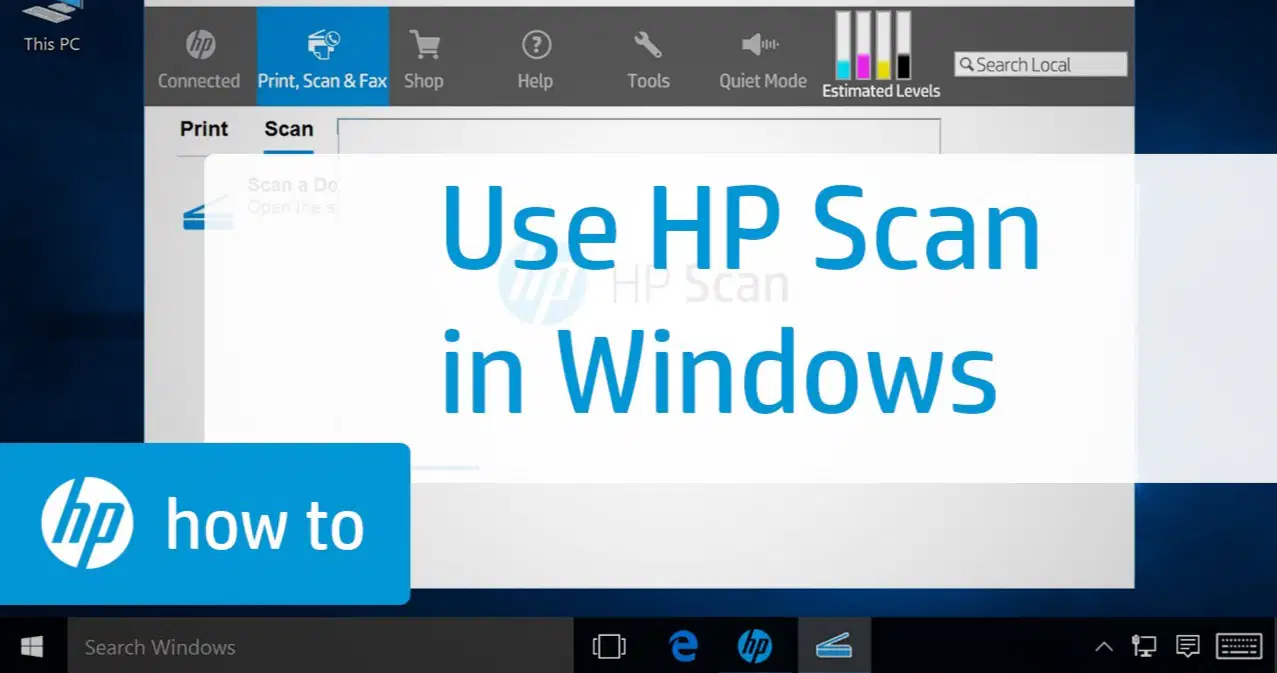
Which of the following steps are correct on how to scan using HP Scan?
Open control panel> Click printers and scanners > look for hp scan > In HP Scan, click the Scanner drop-down menu, and then select your printer.> Set scan preferences> Scan and edit
On desktop, look for HP Printer assistant > Click on Print, Scan, And Fax> Click Scan> Double Click on Scan a Document or Photo> Select Format> Click Show Viewer After Scan> Change preferred settings to customize your scan>Click Scan
From the desktop, click the Windows icon> Search for windows fax and scan > Click New Scan > Choose the scanner > Change preferred settings to customize your scan > Click Scan
None of the above

You need to install the full feature software if you want to use the "Scan to Computer"
True
False

Nancy called in regarding her Instant Ink account suspension but the call was routed to the IPG Department. You should:
Assist Nancy and proceed with the call
Inform Nancy she got the wrong department gave the phone number for instant ink
Disconnect the call
Inform Nancy she got the wrong department and transfer the call warmly to the Instant Ink department

This full feature software will give you an option which driver you would like to install on your windows computer.
HP Utility
HP Easy Start
Basic Driver
HP Smart
If a printer has the scan to email feature, you can setup the scan to email in:
HP Printer Assistant
EWS
Fax Setup Wizard
HP Printer and Scan Doctor

Web scan will work even when software is not installed.
True
False

Which of the following steps are correct on how to download the software?
Open browser> Search for Support.hp.com> type the printer model > click on software, firmware, driver > Change the Operating System> Click for driver you want to install
Open browser> Search for Support.hp.com> type the printer model > click on software, firmware, driver > Click for Driver-Universal Fax Driver
Open browser> Search for Support.hp.com> type the printer model > click on software, firmware, driver > Click firmware > click download
All of the Above

