
 Worksheets
ICT is fun
Total questions: 129
Worksheet time: 1hrs 5mins

What is ICT?
Integrating communication technologhy
Information Communication technology
Information Connecting Technology
Information communication technique

What browser is this the icon of?
Internet Explorer
Mozilla Firefox
Google Chrome
Safari

What part of the computer is this?
Screen
Desktop
TV
Monitor
What can you do with computer ?
Playing games
Cooking
Send emails
Writing

What is your favorite game ?

What is this ?
Pen drive
Flash drive
Portable disk
Hard disk
Which of the picture below is a mouse ?
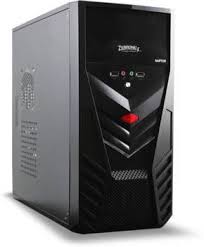
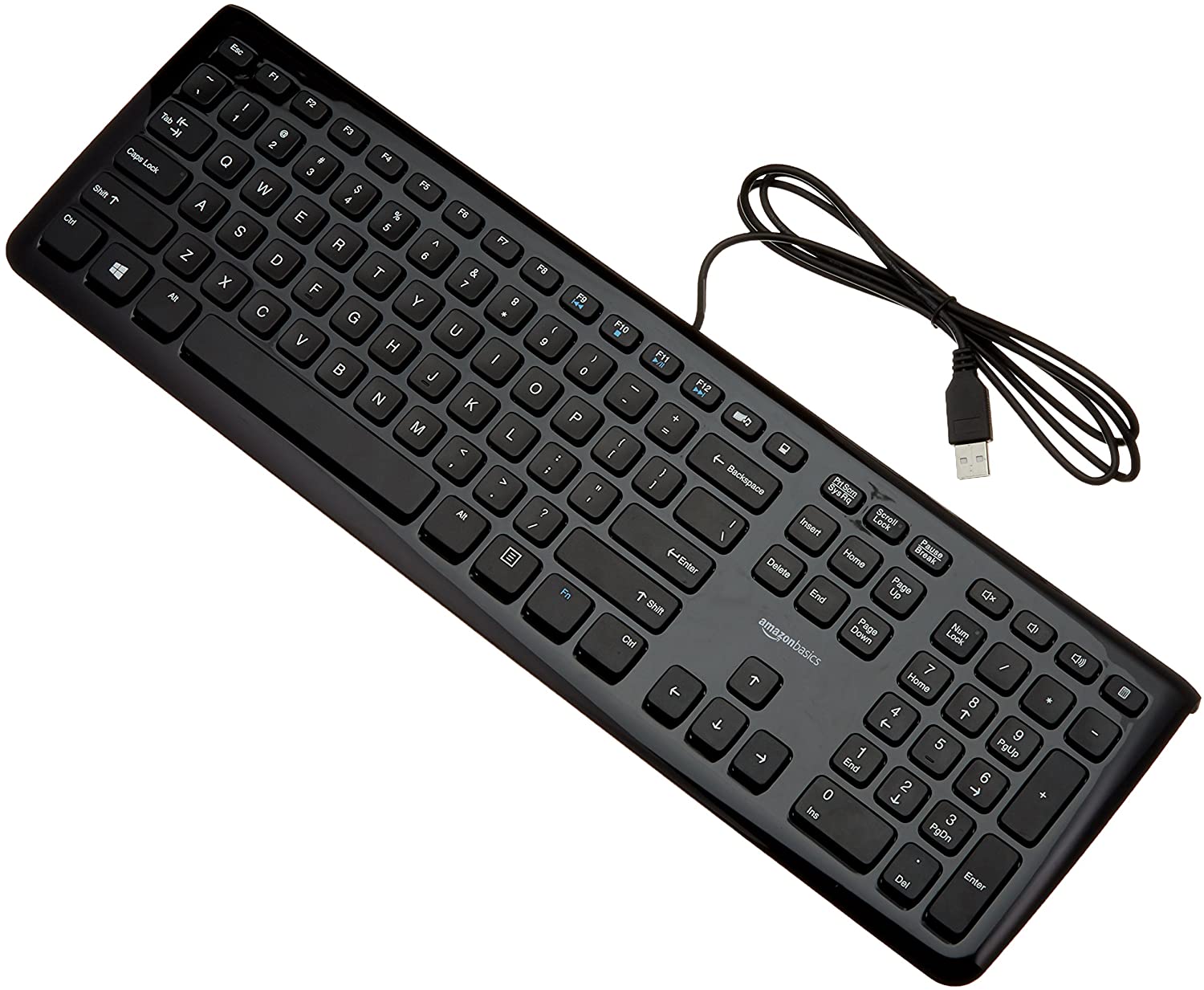
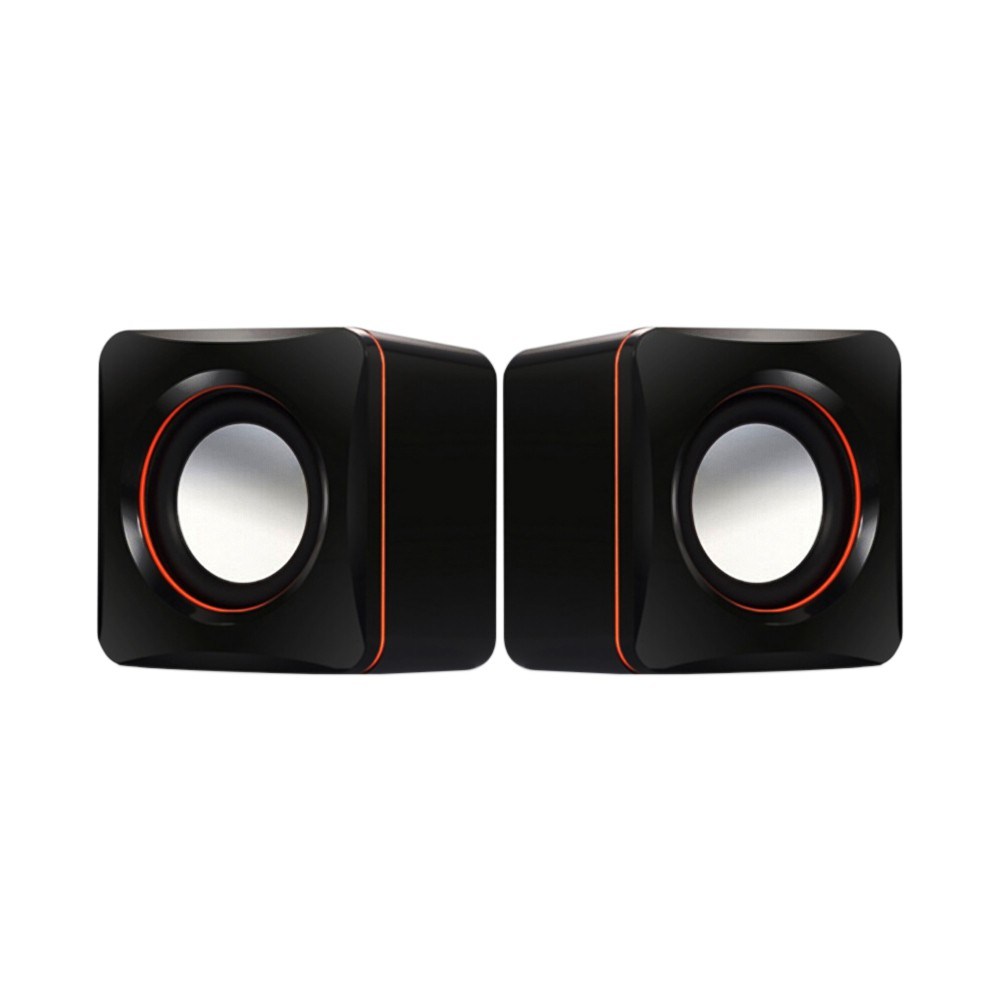
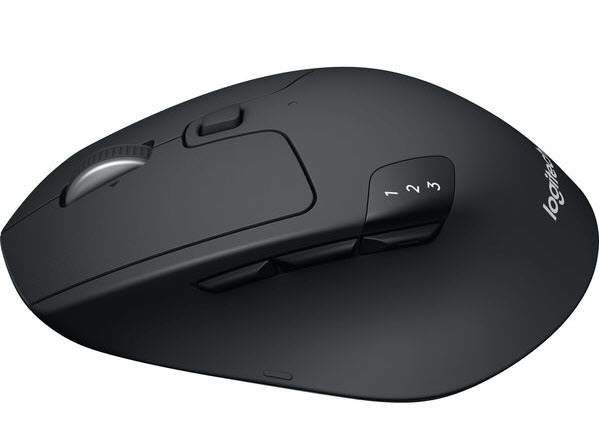

What icon is this?
Basket
Container
Recycle Bin
Trash Can
What icon is this
Volume
Bluetooth
WiFi
All of the above

What is TOTS stand for ?


What are the component ?
CPU
Picture
Keyboard
Monitor

What is the name of the picture ?
Flash drive
CD
Mouse
CPU
What is a machine?


What is your favorite color ?

In what year was Facebook created?
1990
1996
2004
2008

What is the most popular social media app in the world?
Snapchat

What percentage of the world is on social media?
20%
70%
50%
90%

What percentage of the world does not have access to the internet?
25%
65%
45%
85%

On average, what fraction of our life is spent "in front of a screen"?
1/8
1/4
1/3
1/2

What does the internet prefix WWW stand for?
Western Washington World
Wide Width Wickets
Worldwide Weather
World Wide Web

Small pictures used in electronic devices to express feelings are called...
Emoticons
Emojis
Avatar
Embodiments

How many phones are currently in use worldwide?
3,5 billion
3,5 trillion
3,5 million
3,5 cuadrillion

How many searches are conducted in Google every minute of the day?
3 million
2 million
1 million
4 million

When was the first message sent?
1974
1981
1992
1999

How many videos are on Youtube?
1 million
10 million
1 billion
10 billion

What part of the computer lets you click?


Select the work which you cannot do on a computer.
Play games
Draw cartoons
Swim
Play music
A computer can be used to send and receive___________.
messages
apples
A ______________ can be used to book an online railway ticket .
Scanner
CD
Camera
Computer
What part of the computer lets you click?
A computer is a electronic ____________________.
box
machine
Select the work which you cannot do on a computer.
Play games
Draw cartoons
Swim
Play music
A computer can be used to send and receive___________.
messages
apples
A ______________ can be used to book an online railway ticket .
Scanner
CD
Camera
Computer
Computers are used in a _________ to store information about the books.
Railway Station
Library
Banks
Resorts
We need an _________________ to send e-mails.
Bank account
e-mail account
_______ and _______ are called mobile devices because we can carry them anywhere with ease.
Printers and Scanners
Smartphones and Tablets
Computers can be used to ______________ sums
solve
draw
paint
book




What type of computer is this?
Laptop
Smartphone
Tablet
Flip phone


What type of computer is this?
Tablet
Phone
Flip phone
Smartphone

What type of computer is this?
phone
computer
Desktop
laptop
The _________ is a TV like device that shows us what we do on the computer.
Monitor
screen
keyboard
There are two types of devices in computer, ________ and _______
Input and Output Devices
In and Out devices
Monitor and Mouse devices

Computer components
speakers
keyboard
monitor

A computer component
USB
Printer
CD ROM

Computer components
monitors
printer
mouse
_______uses computer in preparing X-ray reports.


A computer helps to ____ to music.
hear
doctor
A computer helps to withdraw money from ________
police station
Bank
________ uses computers for preparing school results or reports.
What can you do on computer ?


How do you use computers at railway stations?
We book the tickets.
We sleep at the station.
A computer is used to send and receive ___________.
Messages
Chocolates
Which is Laptop?


- Computer is an ____________________________
Electronic machine
Natural thing
Which are the parts of computer?


Which are the parts of computer?


Which are the parts of computer?


Which are the parts of computer?
Which are the parts of computer?
Which are the parts of computer?
Things that can be connected to the computer.


Things that can be connected to the computer.


Which are the parts of computer?


What is the name of this part of computer?
CPU
Monitor
Box

What is the name of this part of computer?
Mouse
Whiteboard
Keyboard

What is the name of this part of computer?
Mouse
Bulb
CPU

What is the name of this part of computer?
TV
Monitor
Box

Please type the name of this part of computer correctly.
(a)

Please type the name of this part of computer correctly.
(a)

Please type the name of this part of computer correctly.
(a)

Please type the name of this part of computer correctly.
(a)
It is an input device used to enter data and instructions to the computer by clicking its buttons.
Mouse
Flash Light
USB
This computer hardware displays the programs that you work unto your computer. It also enables us to see pictures, videos, and drawings.
Monitor
System Unit
Mouse
It is where you see the letters, numbers and pictures.
Screen
Power Switch
Base
Which of the following is NOT an action of a computer mouse?
clicking
dragging
jumping
This cable is connected directly to the system unit in order to display information on the screen.
Video Cable
Power CABLE
Casing
True or False:
Double -clicking is pressing the left mouse button twice quickly.
True
False
True or False:
Never clean your monitor regularly.
True
False
True or False:
Always pull-out any cable of the monitor.
True
False
True or False
Through computer monitor, you can see the letters, numbers, videos and pictures on the computer
True
False
Which of the following cables can be found in the computer monitor?
Video Cable
Mouse Cable
Fan Cable
Data can be __________
Number
Word
Picture
All of these
Computers can store the data in _____________
Words
Cupboard
Memory
True or False
1 2 3 4 5 can be data.
True
False
_____ is a computer storage device
Pen holder
Pen drive
Pencil Box
Identify the computer storage.


All of these

Name this
Hard Disk Drive
Pen drive
CD drive
Identify CD.


The word, number and the symbols that we enter into the computer is known as _____
Memory
Storage
Data
_______ is data.
A b c d
1 2 3 4
! @ # $
All of these
Which storage place can be used to keep your books?
School Bag
Refrigerator
Trash bin
Name a text document creating App.
Paint
WordPad
Tux Type
We cannot enter symbols in a computer as data?
True
False

What is this?
This is a computer.
This is a keyboard
This is a monitor
This is a CPU

What is this?
This is a monitor
This is a printer
This is the CPU
This is a camera

What is this?
This is the keyboard.
This is the CPU
This is the monitor
This is a computer

What is this?
This is a camera
This is a monitor
This is a printer
This is a CPU

What is this?
This is a CPU
This is a mouse
This is a monitor
This is the keyboard

What is this?
This is the right click
This is the scroll
This is the left click
This is the CPU

What is this?
This is a camera
This is a monitor
This is a printer
This is a CPU

What is this?
This is the right click
This is the scroll
This is the left click
This is the CPU

What is this?
This is the right click
This is the scroll
This is the left click
This is the CPU

Cpu is also called _______ of a computer.
Brain
Friend
Remote

Input device
Output device

Input device
Output device
Input devices allow us to __________________to the computer.
Send information
Receive information
___________ gives us voice output.


Output device allow us to ___________ from the computer.
Send information
receive information
A computer use ___________ device to show us something.
Input
Output
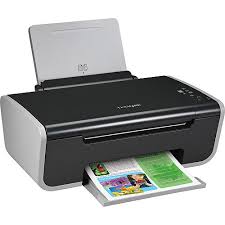
Is this device Input or Output?
Printer
Input
Output

What is the device shown in the picture?
A keyboard
A monitor
A mouse
A printer
A mouse is an __________ device.
input
output
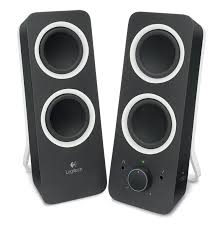
Speaker
_______ controls all the connected input and output devices.
CPU
Mouse
Keyboard
Monitor
Input device
Output device
Is this device Input or Output?
Printer
Input
Output
What is your favorite computer
We can print our paper on that
printer
ICT
mouse
queen
guiter

What is your favorite food?
hamburger
pizza
hotdog
baby

