wayground logo

Free Printable Worksheets

Font size

S
M
L
XL
Worksheets

graphics packages

Total questions: 70

Worksheet time: 35mins

Name
Class
Date
1.

A bitmap image is........

a)

Created using a grid of pixels

b)

Created using an algorithm

c)

the same no matter what size it is

d)

created with only two colours

2.

The 5 principles of effective logo design are

a)

Simple, Versatile, Appropriate, Memorable

b)

Versatile, complex, Appropriate, Memorable, small

c)

Simple, Memorable, Timeless, Versatile, Appropriate

d)

Simple, Memorable, confusing, Versatile, Appropriate

3.

Which is a good logo?

a)
b)
c)
d)
4.

A logo must include the company name?

a)

True

b)

False

5.

Which one of these is not a common RASTER file?

a)

bitmap

b)

png

c)

jpg

d)

pdf

6.

what does PDF stand for?

a)

Portable device format

b)

Portable document format

c)

Picture document format

d)

Preferred document format

7.

A VECTOR graphic is made up of lines and shapes based on...

a)

pixels

b)

Hexadecimal code

c)

Mathematical equations

d)

RBG values

8.

Lossless compression can reduce a file size without loss of quality

a)

True

b)

False

9.

Which file type allows for compression and transparency?

a)

PNG

b)

JPG

c)

BMP

d)

PDF

10.

Which is the smallest form of data?

a)

Bit

b)

Byte

c)

Nibble

d)

8 Binary Digits

11.

Which answer is correct from smallest to largest?

a)

Kilobyte, Gigabyte, Megabyte

b)

Gigabyte, Megabyte, Terabyte

c)

Megabyte, Terabyte, Kilobyte

d)

Byte, Kilobyte, Megabyte

12.

Which is unit of storage is larger ?

a)

Megabyte

b)

Gigabyte

13.

How many Bits are in a Byte

a)

2

b)

4

c)

10

d)

8

14.

Which is larger?

a)

Bit

b)

Byte

15.

How many bits are in a nibble?

a)

16

b)

8

c)

4

d)

32

16.

A kilobyte is...

a)

1024 Bits

b)

1024 Bytes

c)

1024 Megabytes

d)

1024 Gigabytes

17.

A megabyte is...

a)

1024 Bits

b)

1024 Bytes

c)

1024 Kilobytes

d)

1024 Gigabytes

18.

Which of these is the smallest?

a)

Megabyte

b)

Kilobyte

c)

Gigabyte

d)

Terabyte

19.

A typical mp3 track is around 50 megabytes in size.

a)

No - they are more like 3 megabytes

b)

Yes - that's about right

c)

No - they're more like 200 megabytes

d)

No - they're more like 1 gigabyte

20.
A kilobyte is usually rounded to 1000 bytes. But actually it is _____ bytes:
a)
1024
b)
512
c)
1048
d)
9600
21.

The following is a correct order of units of storage from lowest to highest:

a)

Bit, Nibble, Byte, Kilobyte, Megabyte, Gigabyte, Terabyte

b)

Bit, Byte, Kilobyte, Nibble, Megabyte, Gigabyte, Terabyte

c)

Terabyte, Gigabyte, Megabyte, Kilobyte, Byte, Nibble, Bit

d)

Megabyte, Byte, Kilobyte, Nibble, Gigabyte, Bit, Terabyte

22.
RAM & ROM are known as what kind of memory?
a)
Secondary storage
b)
Main memory
c)
Registers
d)
Flash memory
23.
What does the acronym RAM stand for?
a)
Random Alignment Memory
b)
Read Access Memory
c)
Random Access Memory
d)
Read All Memory
24.
What does the acronym ROM stand for?
a)
Read Only Memory
b)
Random Option Memory
c)
Read Once Memory
d)
Random Operating Memory
25.
Where is ROM usually found inside a computer?
a)
Inside the CPU
b)
As part of the hard drive
c)
On the motherboard
d)
With the CD drive
26.
In terms of computer memory, what is meant by the term 'volatile'?
a)
It retains its content when power is cut
b)
It loses its contents when power is cut
c)
It is not stable and should not be used
d)
Memory chips can overheat
27.
Which statement best describes RAM?
a)
Fast, permanent storage
b)
Slow, volatile stoage
c)
Fast, volatile storage
d)
Slow, permanent storage
28.
Which statement best describes ROM?
a)
A flash memory chip that contains a small amount of non-volatile memory
b)
A memory store containing a large amount of volatile memory
c)
A register within the CPU responsible for storing memory addresses
d)
A memory store containing a small amount of volatile memory
29.
What is usually held in the contents of RAM?
a)
BIOS and Boot sequence needed to start the computer
b)
Operating System and currently running programs
c)
Software programs stored within the computer
d)
Recently executed instructions in case they are needed again
30.
What is stored in Read Only Memory (ROM)?
a)
Recently opened programs
b)
Operating system and currently running programs
c)
BIOS and boot sequence (the computer's initial start-up process)
d)
The CPU's registers
31.
True or False? The closer a memory type is to the CPU, the slower it takes for the CPU to access the instructions and execute them. However, the closer it is to the CPU the larger and cheaper the memory is.
a)
TRUE
b)
FALSE
32.
Found in the computer's BIOS, what actually is the 'bootstrap'?
a)
The program which takes the computer through steps that lead up to the loading of the operating system (OS)
b)
The program responsible for loading the drives for peripheral devices like the keyboard and mouse
c)
The computer's initial start-up process
d)
The device used to attach the ROM to the computer's motherboard
33.
What is the average size of RAM in a PC or laptop computer?
a)
512 MB
b)
1 - 2 GB
c)
8 - 16 GB
d)
32 - 64 GB
34.
What is Virtual Memory?
a)
An additional memory slot located in one of the RAM ports
b)
A section of volatile memory created temporarily on the storage drive
c)
Memory stored in the 'cloud'
d)
Memory that doesn't exist inside the computer but on an external device such as a USB pen drive
35.
Why is Virtual Memory needed or used by a computer?
a)
When RAM becomes full because of too many programs running at once
b)
When ROM is too small and struggles to store the Operating System
c)
When users wish to store data on an external server such as 'the cloud'
d)
When chosen by the user or computer administrator
36.
What is the term commonly used to describe the constant swapping in-and-out of programs between the RAM and Virtual Memory?
a)
Swapping
b)
Paging
c)
Disk thrashing
d)
Over-clocking
37.

Is the image shown a hardware or software?

a)

hardware

b)

software

38.

Is the image shown hardware or software?

a)

software

b)

hardware

39.

Is the image shown hardware or software?

a)

hardware

b)

software

40.

Is the image shown hardware or software?

a)

hardware

b)

software

41.

Is the image shown hardware or software?

a)

software

b)

hardware

42.

Is the image shown hardware or software?

a)

hardware

b)

software

43.

Es un dispositivo de entrada

a)

Windows

b)

Teclado

c)

Impresora

d)

Parlantes

44.

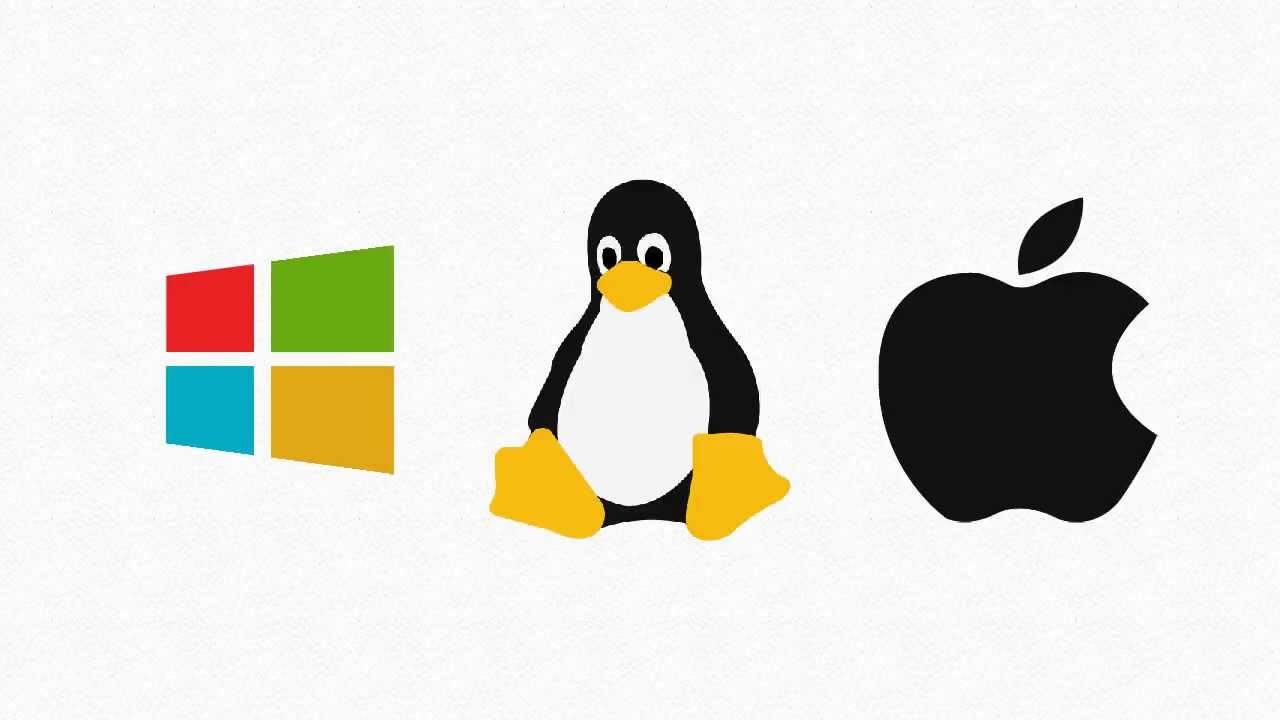
Linux es...

a)

Software de Almacenamiento

b)

Software de programación

c)

Software de sistema

d)

Dispositivo de Entrada

45.

El monitos es ...

a)

Dispositivo de Entrada

b)

Dispositivo de Salida

c)

Dispositivo de Almacenamiento

d)

Software

46.

Microsoft Word es un

a)

Hardware

b)

Software de programación

c)

Software de Aplicación

d)

Software de Sistema

47.

Es un dispositivo de Salida

a)

Parlantes

b)

Mouse

c)

Teclado

d)

Mac OS X

48.

EL HARDWARE ES...

a)

LOS COMPONENTES Y LOS PERIFÉRICOS DE UN ORDENADOR

b)

LO QUE HACE FUNCIONAR A LA MÁQUINA

c)

LOS COMPONENTES DE UN ORDENADOR

d)

TODAS SON CORRECTAS

49.

EL SOFTWARE ES....

a)

EL SISTEMA OPERATIVO

b)

PROGRAMAS QUE APORTAN FUNCIONALIDAD AL HARWARE DEL EQUIPO

c)

LA CPU DEL ORDENADOR

d)

PERIFÉRICOS

50.
a)

Hardware

b)

Software

51.

Meet es un...

a)

Hardware

b)

Software

52.

Cuáles de los siguientes dispositivos son dispositivos de entrada

a)

Ratón

b)

Escáner

c)

Pantalla

d)

Impresora

53.

El lápiz óptico es un dispositivo de...

a)

Entrada

b)

Entrada y Salida

c)

Salida

54.

Un curriculum vitae en Word es...

a)

Hardware

b)

Software

55.

EL sistema operativo Windows es...

a)

Hardware

b)

Software

56.

Este tipo de micrófono es un....

a)

Software

b)

Hardware

c)

Dispositivo de entrada

d)

Dispositivo de salida

57.

Los altavoces son...

a)

Dispositivos de entrada

b)

Dispositivo de salida

c)

Hardware

d)

Software

58.

¿Cuál es la principal diferencia entre hardware y software? Señala la respuesta correcta

a)

El hardware son los dato y el software los programas

b)

El hardware son los programas y el software los datos

c)

El software se puede tocar el el hardware no

d)

El hardware se puede tocar el el software no

59.

Es la parte lógica de una computadora.

a)

Hardware

b)

Software

c)

Ninguna es correcta

d)

Todas son correctas

60.

La memoria USB es un periférico de:

a)

Salida

b)

Entrada

c)

Almacenamiento

d)

Ninguna es correcta

61.

Instagram es...

a)

Hardware

b)

Software

62.

El Software se clasifica en 3 partes:

Son todos los programas y aplicaciones que permiten que el usuario realice sus tareas cotidianas.

a)

Software de Programación

b)

Software de Sistema

c)

Software de Aplicaciones

d)

Ninguna es correcta

63.
The CPU is called the _______________ of the computer.
a)
arm
b)
mother
c)
brains
d)
leg
64.
Programs that give instruction to the computer.
a)
keyboard
b)
mother board
c)
hardware
d)
software
65.
An example of software would be...
a)
MS Power Point
b)
keyboard
c)
monitor
d)
printer
66.

An example of the computer's hardware would be ...

a)

MS Word

b)

MS Publisher

c)

speakers

67.
Why do we need a computer monitor?
a)
To keep the computer from overheating.
b)
Because it is like the brain of the computer
c)
To see what the computer is doing
d)
Just because
68.

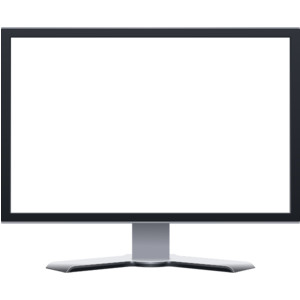
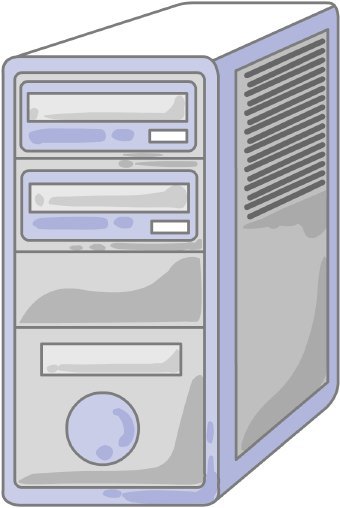
What is this piece of hardware?

a)

Tower/Computer Case

b)

Storage Unit

c)

Monitor

d)

CPU

69.
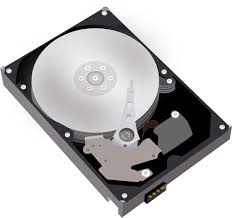
What does the hard drive do?
a)
Stores information temporarily 
b)
Gives Instructions
c)
Stores information permanently 
d)
Drives through the computer
70.

What is the most important program that runs on your computer, it lets software and hardware work together?

a)

Operating System

b)

Programs

c)

Applications

d)

Hardware