
 Worksheets
File Transfers & Uploads or Downloads
Total questions: 36
Worksheet time: 23mins
Which of the following is a flash drive?


A small electronic device containing rapid memory used for storing data or transferring it to or from a computer is called a -
(a)
A photograph of oneself taken by oneself is called a -
(a)
The memory card slot looks like -


When organizing files, it's common to right-click an item and press (a) to change the name of the item.
What is of main importance when naming image files according to what they involve?
for the purpose of deleting and replacing
for the purpose of identifying and organizing
for the purpose of transferring and covering
for the purpose of backup and recovery

The image would be best classified into the organizational category of -
sports
soccer
football
competition
Uh-oh!
The filename soccer was already used and cannot be used again. So, what name would be the next best choice in renaming the image file?
socks
soccer1
454476945
omg
Why is it important to delete old, unused files from your computer?
a large amount of saved data on your computer can be overwhelming
many files can clutter your hard drive
too many files can slow the speed of your computer
all of the above
A slow-performing, outdated computer with too many files and low memory can -
explode
catch fire
crash
none of the above
One way to move files from one location to another on a computer screen is by clicking and holding the file, dragging it, and then ___________ it into the desired location.
deleting
dropping
dribbling
dabbing
A flash drive usually has unlimited amounts of space for uploads.
true
false
Once finished using a portable transferring device like a flash drive, it is wise to ________ the device before unplugging it from its port.
decipher
toss
rewind
If you remove a device before pressing the eject button, you risk the chance of -
corrupting files
a broken firewall
blowing a fuse
unhinged viruses

The image is depicting the method of -
Drag and Dig
Drag and Drool
Drag and Drop
Drag and Ditch
What is a Universal Serial Bus?
USR
UTA
USB
UTV
How can files be stored?
the cloud
a thumb drive
a computer hard drive
online
all of the above
Backup files are those ________ and stored in another location for safekeeping primarily in case the originals are destroyed or lost.
deleted
copied
altered
corrupted
Match the following steps for the method of Drag and Drop.
Step 1
Find the file
Step 2
Click and hold the File
Step 3
Drag the file to the desired location
Step 4
Drop the file where you want it
Step 5
It saves in its new location

USB

SD

AUX
When transferring files, if you cannot plug your memory device into the computer port -
Delete the files and try again from the beginning
Try to find a compatible adapter to use
Give up and ignore the obstacle that is presented to you
All of the above
The use of a digital flash drive, like Google Drive, helps with -
securing files with a password
storing files for easy access
sharing files with others
All of the above
A Google account offers users to store up to 15 Gb of memory in their Google Drive for free.
True
False
Before taking photos, it’s a good idea to check your camera for -
a charged battery
a memory card
a neck strap
All of the above
A (a) drive might get lost if you misplace it, and a (b) drive might get lost if you lose your access password.
Which of the following is the refresh button?




When pushing the refresh button, the user is -
resetting the computer
reloading and updating the information on the webpage
sending a message to someone in an email
inserting a virus onto their device
If a computer crashes, it means it -
becomes valuable
becomes highspeed
becomes dysfunctional
becomes connected to Wifi
When uploading photos to Google Classroom, they are better when they are -
appropriate
polite
useful
all of the above
To copy and paste an item means to -
crop an item from one place to another
validate an item from one place to another
size an item from one place to another
replicate an item from one place to another
After connecting the USB device to a laptop, you can search through its files in -




When looking for images from a camera device, the most common file location would be -
IBM
DCMI
MWRD
IMDB
The file DCMI stands for -
Digital Design Deletion
Digital Animation Corporation
Digital Assets Consortium
Digital Camera Images
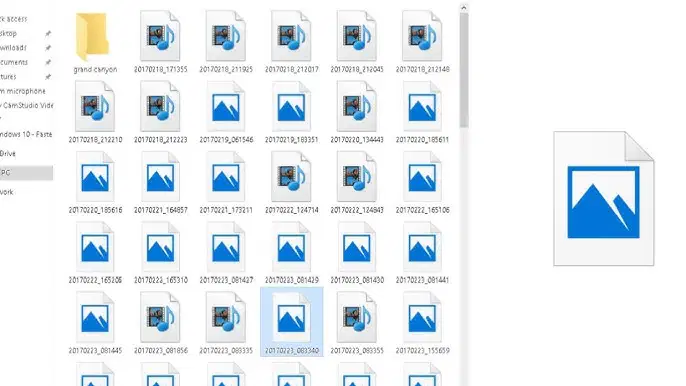
What button do you push to see a list of previews for photo files?
music
sort
view
details
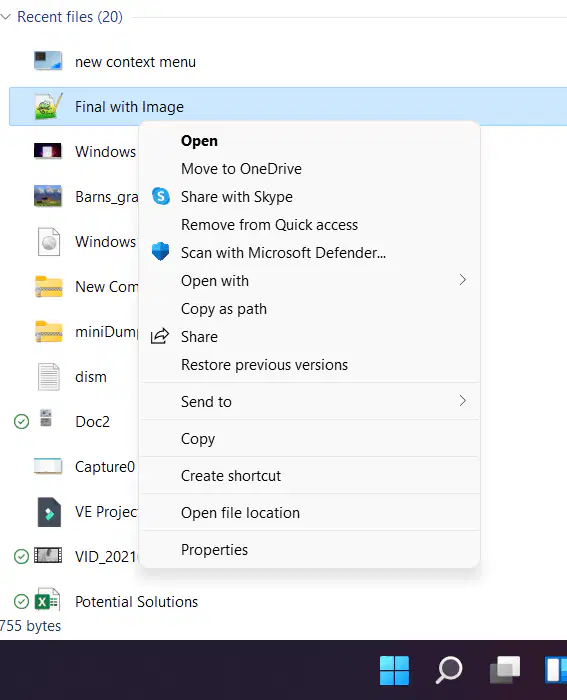
Instead of using the drag-and-drop method to upload files, you can also use -




Sometimes, when inserting a removable drive into a computer, a ___________ message may appear, notifying you that a new device has being detected.
popup
wifi
timeline
video

