
 Worksheets
DIGITAL PAINTING-ILLUSTRATION 2
Total questions: 31
Worksheet time: 39mins
Used to deselect an object in Photoshop
Ctrl + D
Ctrl + C
Ctrl + V
Ctrl + T
Used to scale and make free transformations to a text or image
Ctrl + N
Ctrl + T
Ctrl + D
Ctrl + ENTER
It is used to select the color of an image and put it in our color palette
paint bucket
brush
eyedropper
Zoom
Used to fill a layer with 1 flat color- Choose the name of the tool and the shortcut
Gradient
G
Bucket
G
Gradient
D
Brush
B
It is used to put two combined and transitioned colors in one layer
Gradient
Paint bucket
Efects
Mixer brush
TOOL FOR PAINTING AND DRAWING FREEHAND
PEN
BRUSH
PENCIL
LASSO
If we save an image in JPG format we can later use the layers again.
false
true
The quality of the image depends on the resolution, but you can tell which of these statements is correct
A higher resolution means a higher number of centimeters
A lower resolution means fewer pixels

HOW DOES THIS BAR CALLED?
WORK BAR
HISTORY BAR
LAYER BAR
TOOL BAR
THE "Z" SHORTCUT CORRESPONDS WHICH TOOL?


Change the quality of the image

What is the shortcut key to access the "Brush Tool" in Photoshop
A
B
C
M

The little triangles that appear to the right of some of the tools indicates what?
The tool is currently inactive and cannot be used.
The tool is currently selected.
There is a sub-menu of additional tools hidden beneath.
It has no meaning-all the tools have the triangle.
How can you temporarily make a layer invisible?
delete the layer
use the magic wand tool to select it
click on the eye icon in front of the layer
layers are always visible
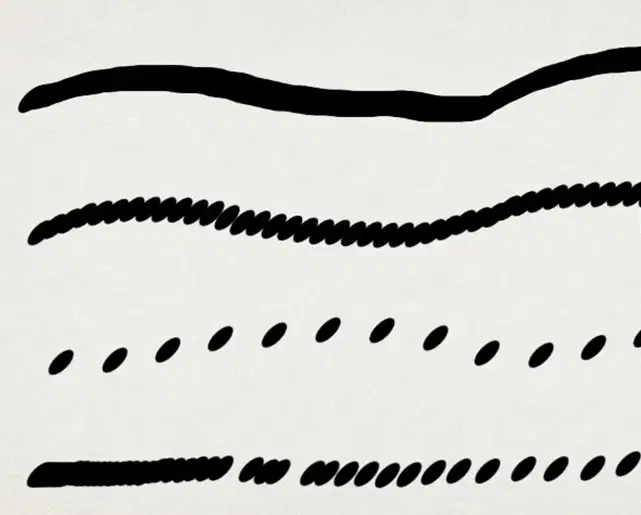
If you select the brush tip shape, you
can adjust by form, size, angle, roundness,
strengh and -----------.
(a)

Describe the function of Scattering

Every time you draw and
don ́t let go the brush, the
ink will stay applied in the
same place, as we were
accumulated with ink.
This brush setting is called:
(a)
Inside the brush settings panel, to -------------- you need to select all the features you want
by cheking the boxes for each brush option, then save it.
Create your own brush
Deactivate brush settings
Create a dual brush
Draw freehand

This brush stroke is made by clicking the ---------- feature ON.
Flow
Opacity
Transfer
Wet-edges
It is used to connect spaces without losing the previous selections:
intersect selections
substract selections
single selection
add selections
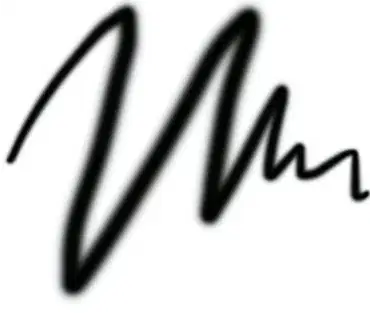
This feature is what gives line quality to the brushes.
For this you have to turn on the pressure of the pen in the control section.
Pressure of the pen
Shape dynamics
Brush tip shape
Brush pose
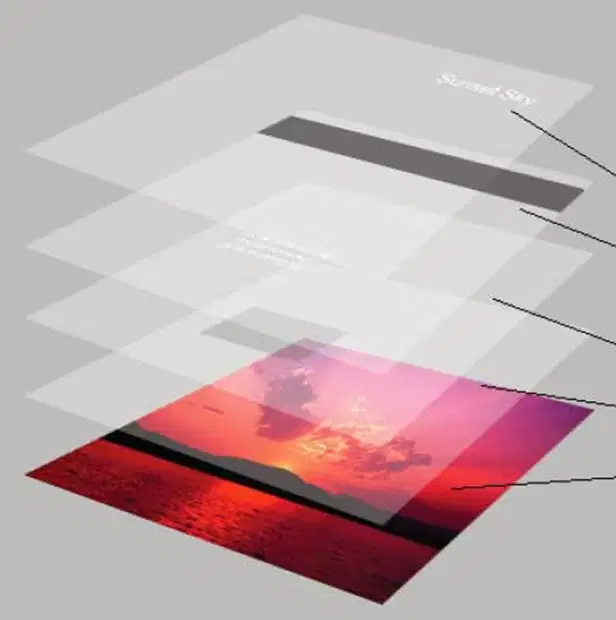
The layers in the top are
the ones more closer to
the --------- of the work,
and the ones in the bottom
are the more closer to the----------.
lights/shadows
surface/background
artist/computer
distance/scenario
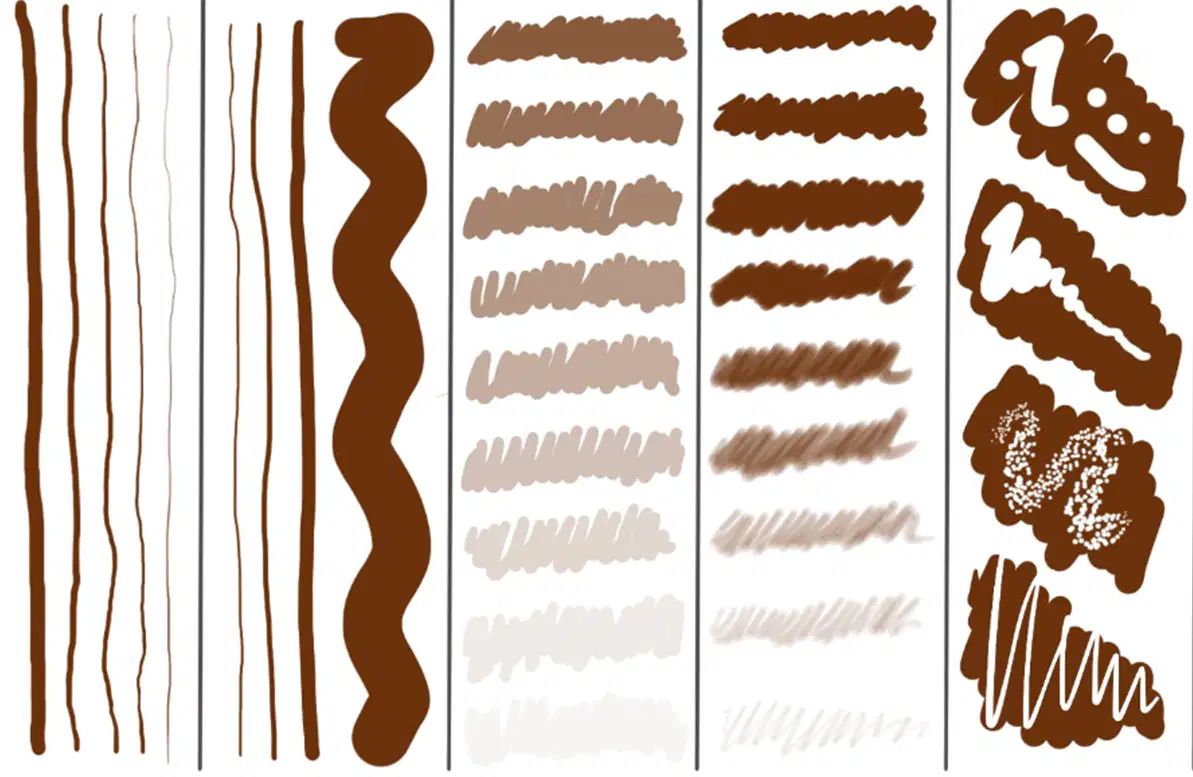
Identify each brush setting and name them from left to right
Combines the colors by grabbing one color with another
Work in a new layer, "sample all layers" must be activated
smudge
blur
sharpen
finger
This tools are used to create selections:
Polygonal Lasso
Magic wand
Rectangular Marquee Tool
Quick selection tool
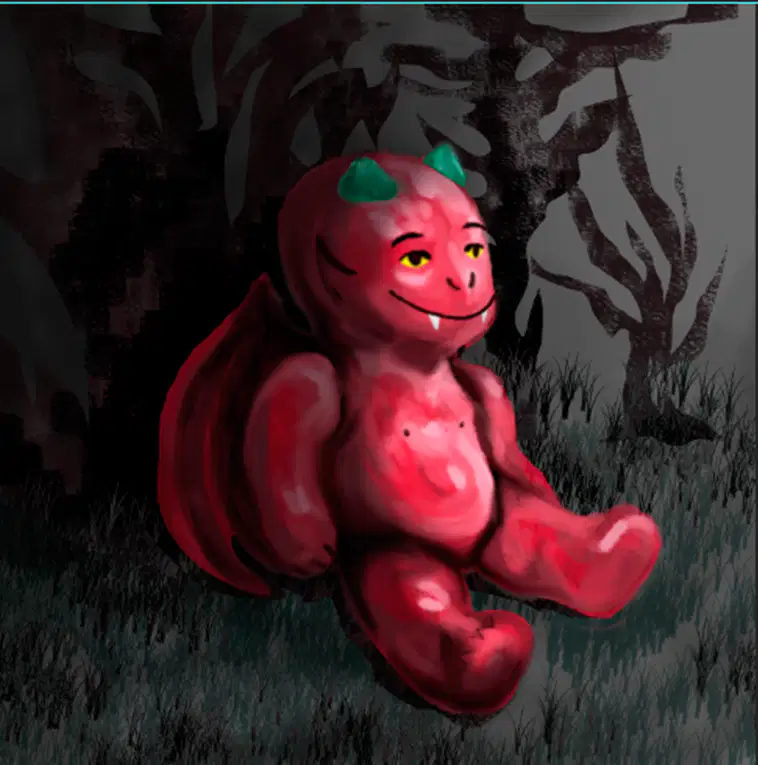
Using blend modes on layers:
In digital painting if we do shadows with gray tones,
and the combine them with any of these darken modes,
the effect will be more visible, for example: -------------.
(a)

Describe the process carried out so far in this painting:
Draw and explain the steps of
the digital painting method/process seen in class
Use the following image as reference
Be creative, clear and specific
Use text and drawings to explain it better
DESCRIBE EACH STEP NOT ONLY NAME THEM

Write your name and group:

