
Font size
 Worksheets
LESSON 3: COMPUTER CLASSIFICATIONS & FACTORS TO CONSIDER
Total questions: 21
Worksheet time: 13mins

The fastest and most expensive computer in the world.
Mainframe Computer
Microcomputer
Minicomputer
Supercomputer
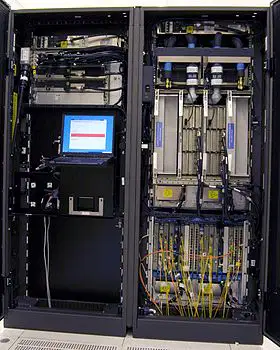
is a large computer that can process data at a very high rate of speed. It is mainly used by big businesses and companies to process and compute large, bulk amounts of data and handle millions of transactions.
Mainframe Computer
Microcomputer
Minicomputer
Supercomputer

The first step in planning your new PC is to set a budget -- decide how much you can afford to spend on the entire project. Later on, you can use this budget to help you make decisions about individual components. What was being described in this statement?
COST
INTENDED USE
OPERATING SYSTEM
REPUTATION
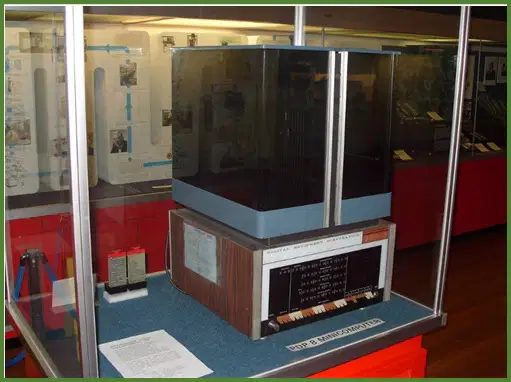
is another type of multi-use machine that is smaller, less expensive and less powerful than mainframe.
Mainframe Computer
Microcomputer
Minicomputer
Supercomputer
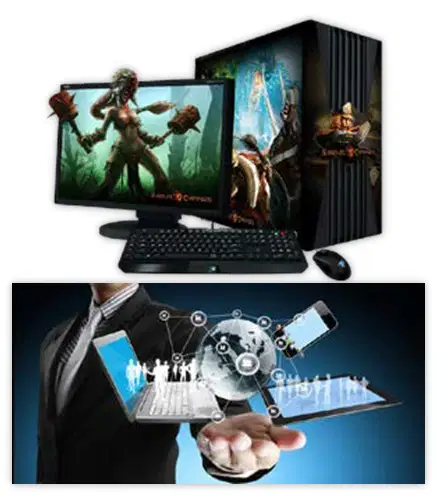
What was being pointed out in this statement? "If you only want to run office applications, surf the Internet, and do other low-pressure tasks, then you can save a bundle by selecting components that are low-cost but more advanced".
In short, you need to ask yourself 'What do you plan on doing with the computer?'.
COST
INTENDED USE
OPERATING SYSTEM
REPUTATION
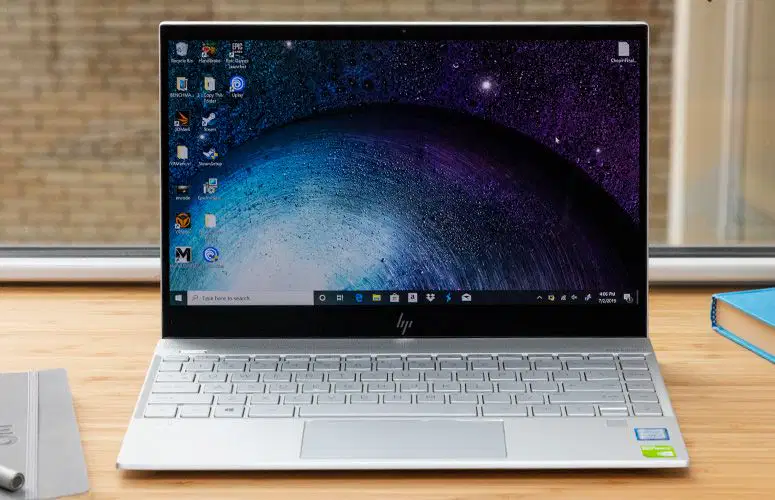
It uses binary number system in which there are only two digits 0 and 1. Each one is called a bit. It can perform arithmetic operations like addition, subtraction, multiplication and division and also logical operations.
Analog Computer
Digital Computer
Hybrid Computer
Super Computer

What was being pointed out in this statement? "If you are planning to use Linux, BSD, or some other non-Microsoft operating system, then make certain that your components will work with that system. Most Linux distributions, for example, maintain lists of hardware that will work with their distribution". This comes with the question 'How much processing power do you need?'
COST
INTENDED USE
OPERATING SYSTEM
REPUTATION
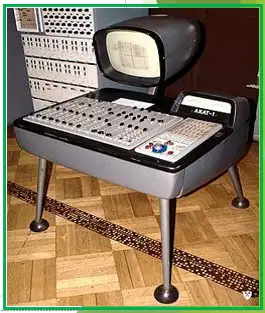
It is computing device that works on continuous range of values.
Analog Computer
Digital Computer
Hybrid Computer
Microcomputer

"As you begin to lay out your new PC, it is better to check the reviews, newsgroups, and message boards to see what others think of the components you are considering". What was being described in this statement?
COST
INTENDED USE
OPERATING SYSTEM
REPUTATION
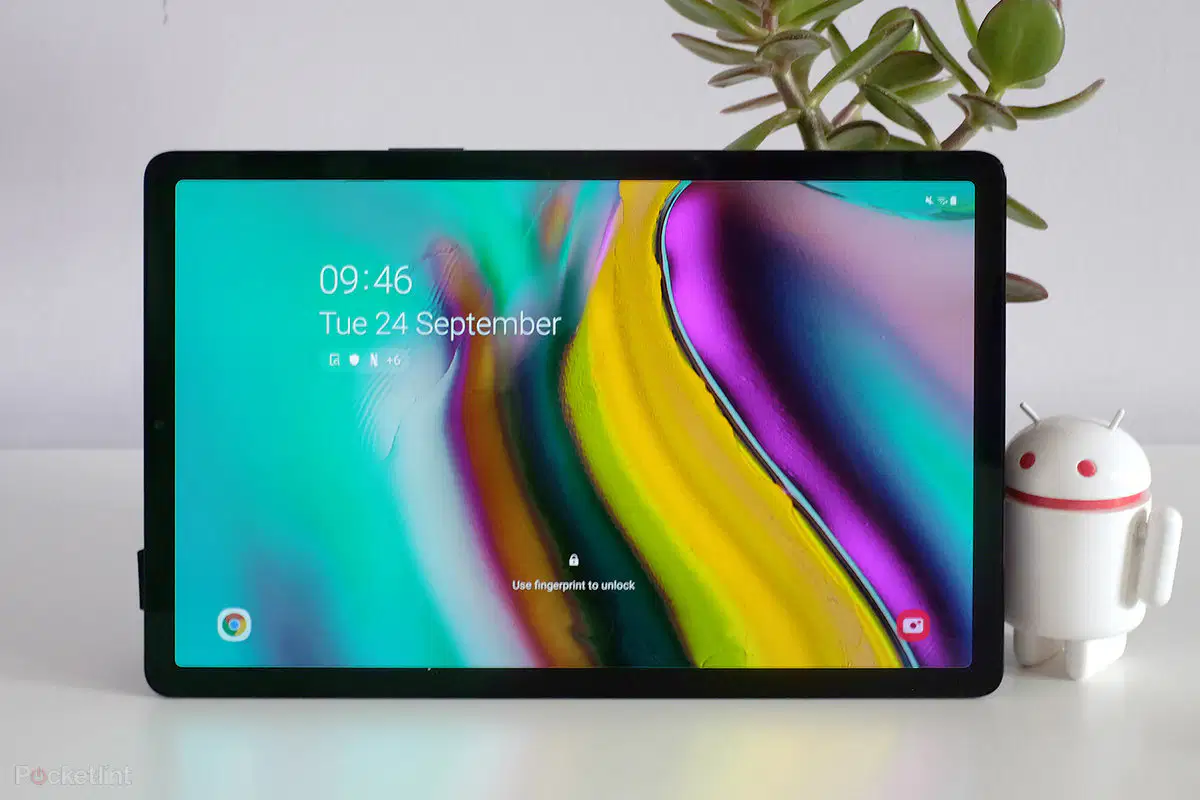
computers are handheld portable devices along with touch screen interface, and they are smaller in size than notebook devices but bigger to Smartphone.
Game Console
Laptop
Smart TV
Tablets
It combines the desirable features of analog and digital computers. It is mostly used for automatic operations of complicated physical process and machines.
Analog Computer
Digital Computer
Hybrid Computer
Super Computer

Hardware advances that make a component forefront this year may just almost satisfy the minimum system requirements for software released a few years from now. If you can afford it, selecting the most current components available may enable your computer with an extra year or so of life. What was being described in this statement?
LIFESPAN
PERSONAL PREFERENCES
COMPATIBILITY
REPUTATION
These are classifications of computers based on principles of operation.
Analog Computers
Digital Computers
Hybrid Computers
Microcomputers

Some people would disagree with other’s opinions, and that's fine. But when you build a machine for your own use, you tend to choose hardware from companies that you like -- companies whose products has a good experience with. That is your right to choose which companies' parts will go into your computer, because It's your machine. What was being described in this statement?
LIFESPAN
PERSONAL PREFERENCES
COMPATIBILITY
REPUTATION
These are classifications of computers based according to purpose.
General Purpose Computers
Hybrid Computers
Special Purpose Computers
Supercomputers
If you decide to design your computer yourself, check the newsgroups and message boards to see if anyone's had problems with the particular combinations you've selected. Some components simply don't play nicely with each other. What was being described in this statement?
LIFESPAN
PERSONAL PREFERENCES
COMPATIBILITY
REPUTATION
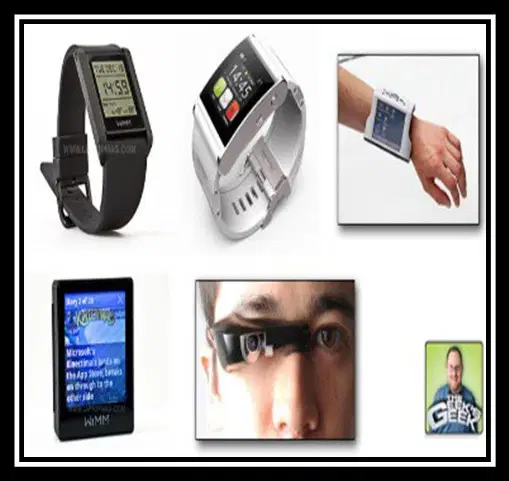
These are small technology devices capable of storing and processing data that will be worn on the body.
Game Consoles
PDA Computers
Tablets
Wearable Computers
These are classifications of computers based on configuration (Size/Capacity and Capability)
Mainframe Computers
Microcomputers
Minicomputers
Supercomputers

provides services to another computer program and its user, also known as the client. It is powerful than normal computers. Server hardware also differs from desktop hardware in terms of its form factor.
Digital Computers
Mainframes
Minicomputers
Server
These are called Micro Computers and under the category of Micro Computer.
Game Consoles
Mainframe Computer
PDA Computers
Smartphones
Wearable Computers

It is a special kind of computer primarily used for playing video games. It is a device that outputs a video signal or visual image to display a video game that one or more people can play.
Game Consoles
Laptop
Smart Phones
Smart TV

