
 Worksheets
Chromebook Parts Review (5th-6th)
Total questions: 19
Worksheet time: 10mins
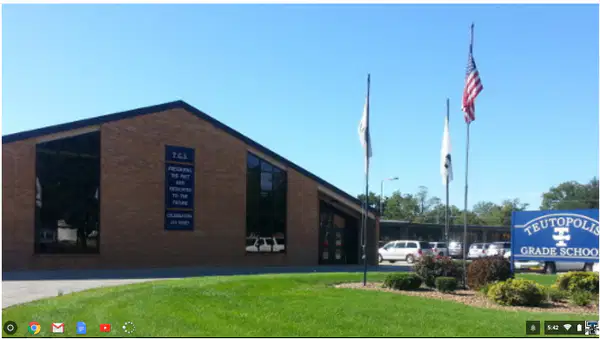
Desktop
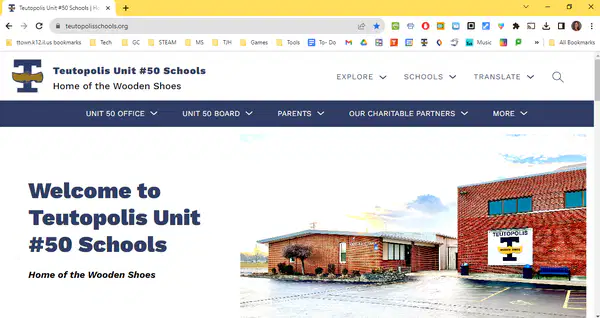
Web page
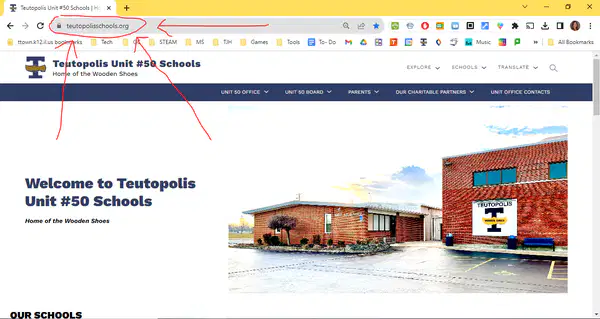
circle with arrows
T-town home page
Which should you press if you make a mistake in a Google doc?

Option a

Option b

Option c

Option d
Refresh- if you make a mistake
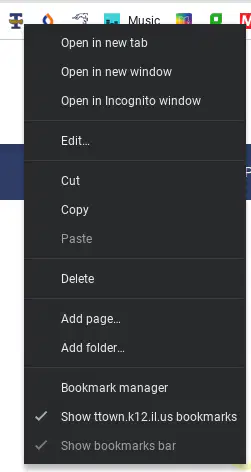
Double tap on bookmark, then edit

Oh no! Your tabs and bookmark bar are missing! How can you get them to reappear?

Press Full Screen to exit

Press Full Screen to Exit

Press Refresh

Press ctrl shift 0 to reset zoom


How can you make the browser fill the screen when it looks like this?

Press Maximize to fill

Press Refresh
Close it, then reopen it
Raise your hand and wait for help
If you can't find a bookmark (and you didn't put it in a folder) where could it be?
In your locker behind the 2 month old cookies.

In the overflow

The "and there's more" menu
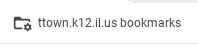
in the T-town bookmark folder
Which is NOT a good thing to do with your bookmarks?
Only use folders if you run out of room on your bookmark bar
Shorten their name to save room
Put folders in folders in folders in folders so it takes 30 seconds to find one
Name folders by class or type of website
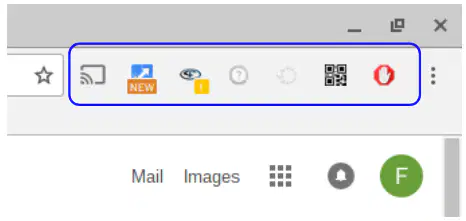
Which extension would you click on to cast your screen to my board?


What are the shortcuts to 1) split your screen and 2) undo split?
1) ctrl shift 2
2) ctrl shift z
1) ctrl shift z
2) ctrl shift 2
1) ctrl 2
2) ctrl z
1) ctrl shift s
2) ctrl z
What are the shortcuts to zoom in/out/reset the browser PAGE?
ctrl +
ctrl -
ctrl 0
ctrl shift +
ctrl shift -
ctrl shift 0
ctrl C
ctrl O
ctrl W
shift +
shift -
shift 0
What are the shortcuts to zoom in/out/reset the WHOLE SCREEN?
ctrl +
ctrl -
ctrl 0
ctrl shift +
ctrl shift -
ctrl shift 0
ctrl P
ctrl I
ctrl G
shift +
shift -
shift 0
What's the shortcut to open a tab you last closed?
ctrl shift t
ctrl t
ctrl yo self
shift t
What are the 3 main trouble-shooting steps? (Things to try if your Chromebook isn't working right)
1) Refresh
2) Restart
3) Check for updates
1) Restart
2) Refresh
3) Check for updates
1) Raise your hand
2) Wait for help
3) Wait some more
1) Undo
2) Refresh
3) Check for updates
What happens if you press REFRESH instead of UNDO?
Undo won't work!
Undo is for boo-boos
Refresh is to reload
Refresh won't work!
You will have to press ctrl z to undo
You will be banned from wifi FOORRREEVVER!

