
 Worksheets
Form 3 Revision
Total questions: 135
Worksheet time: 1hrs 18mins
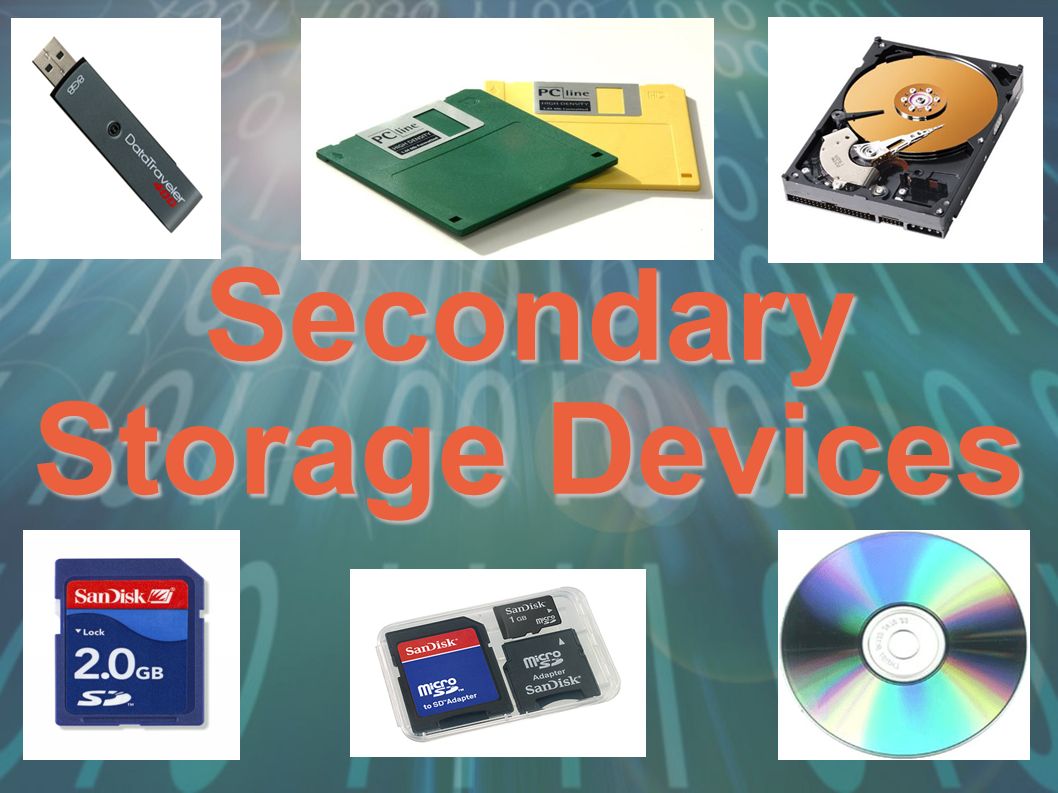
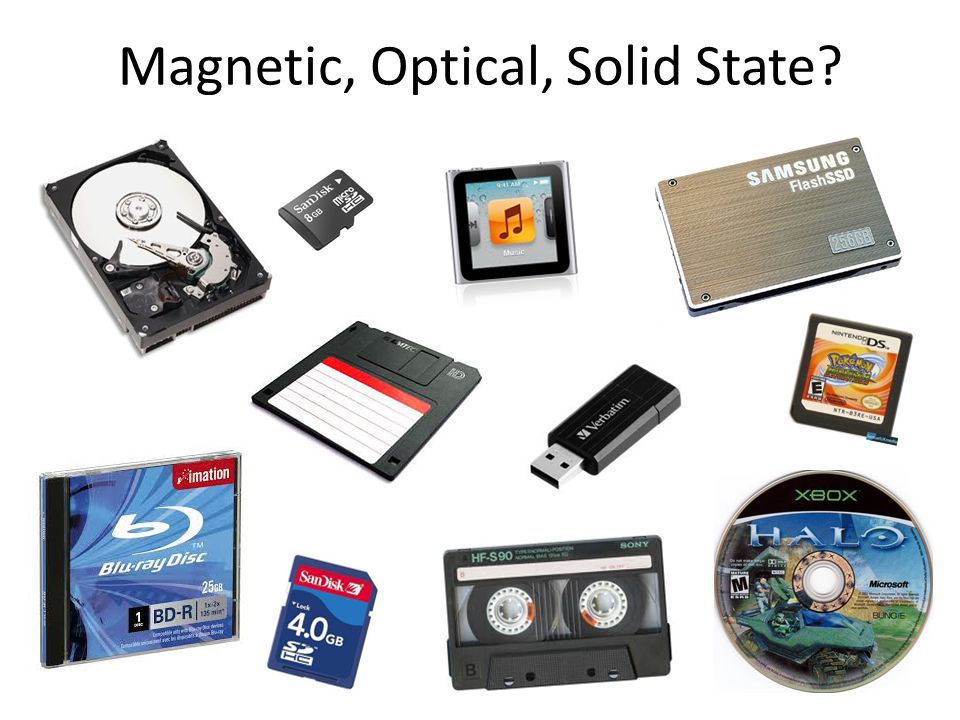
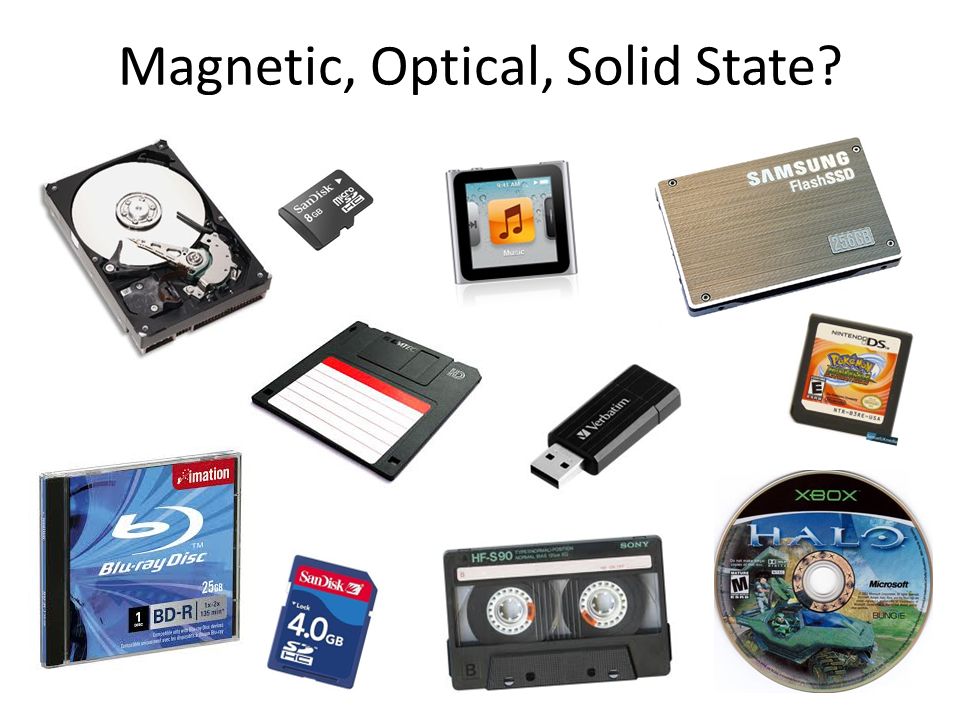
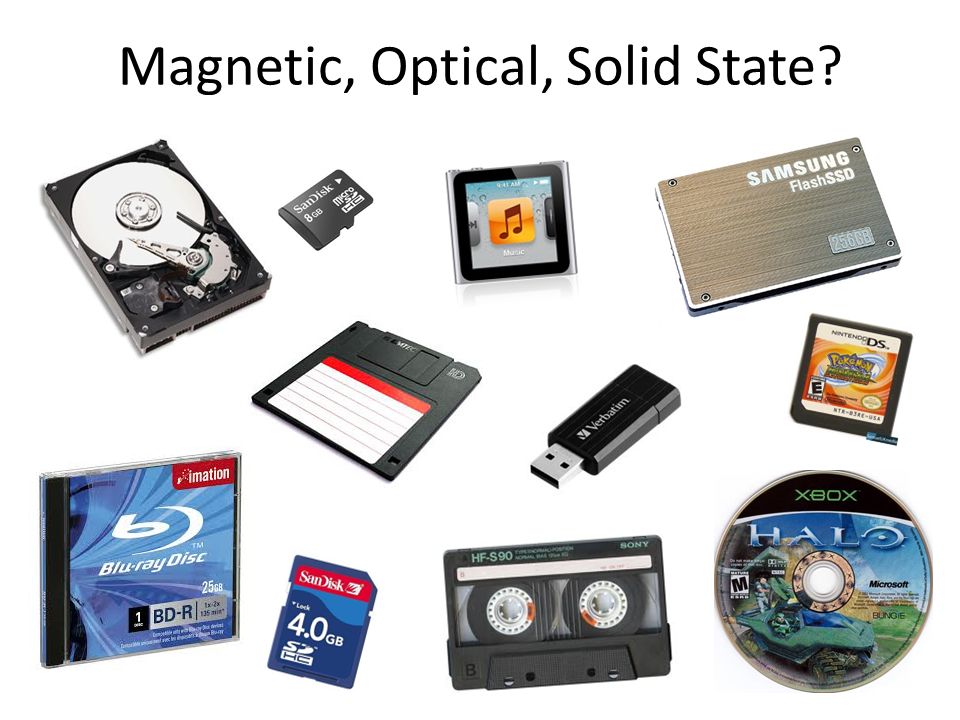
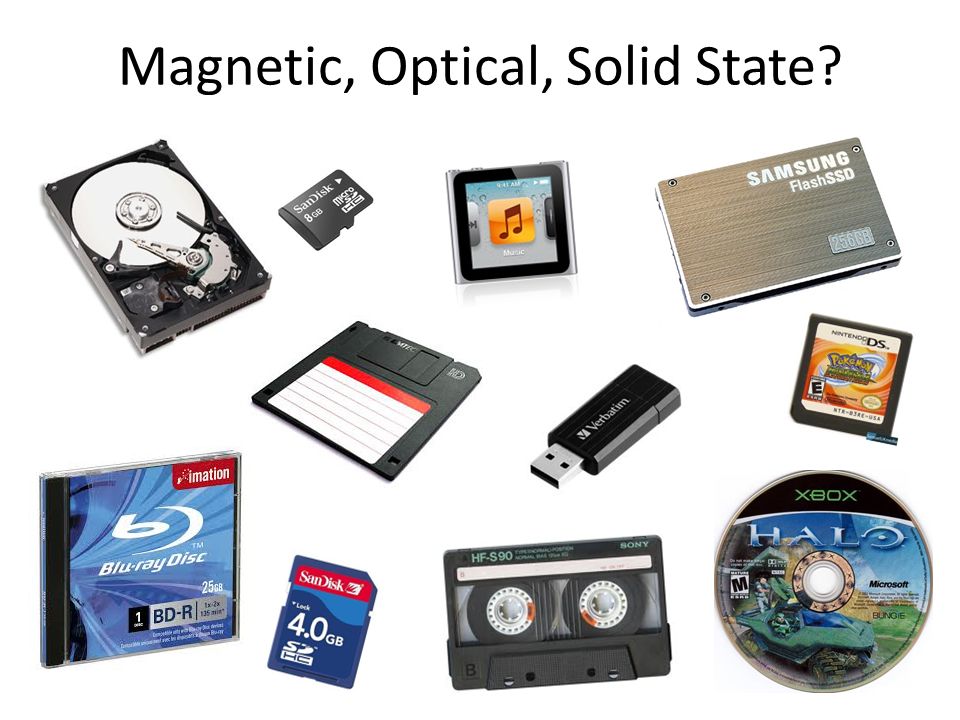
Secondary storage devices can be grouped into three categories - what are they?
Magnetic, Flash and Optical
Magnetic, Optical and Solid State
Solid State, Flash and Hard Drives
Hard Drives, CDs and USBs
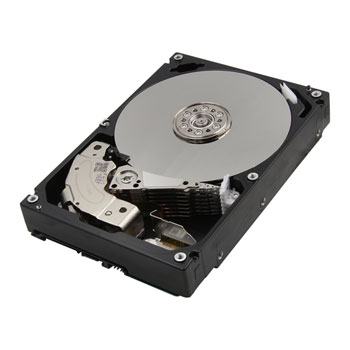
Hard Disk Drives are a type of...
Optical storage device
Magnetic storage device
Solid State memory
Primary memory
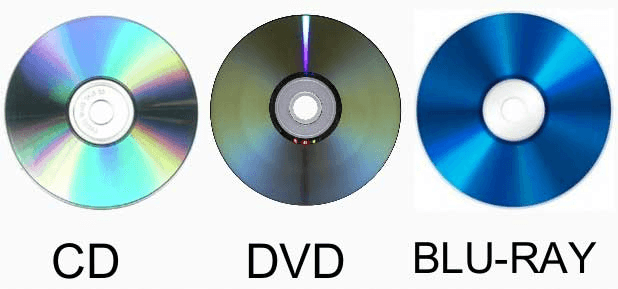
CDs, DVDs and Blu-Rays are all types of...
Magnetic storage devices
Optical storage devices
Solid State memory
Primary memory
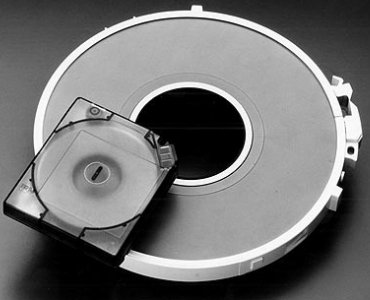
Magnetic tape storage is what kind of device...
Solid state memory
Optical storage
Magnetic storage
Primary memory
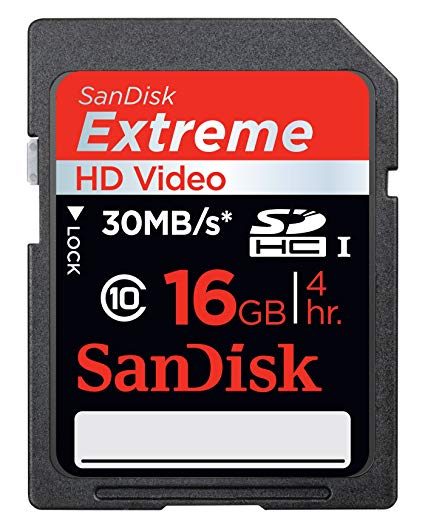
What category of storage device is a HD card?
Magnetic
Optical
Solid state
Primary memory
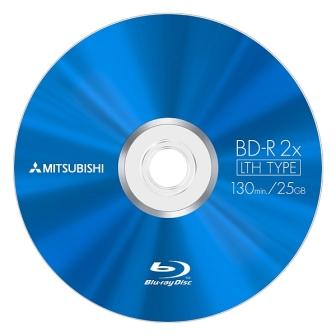
What category of storage is a Blu-Ray disk?
Magnetic
Optical
Solid State
Primary memory
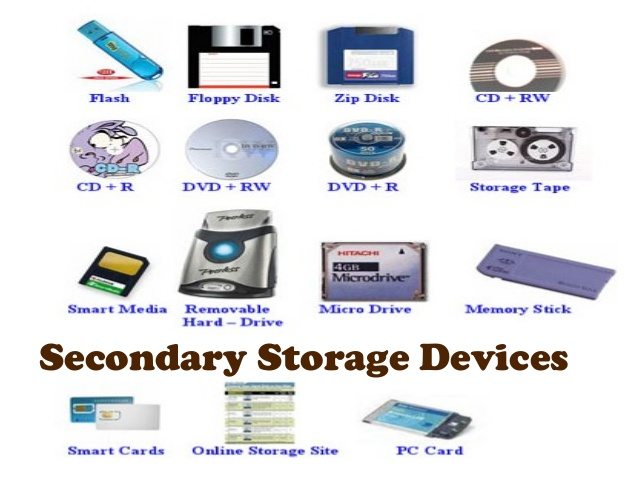
Which of the 3 categories of secondary storage is the least durable due to its moving parts?
Optical storage
Primary memory
Solid state storage
Magnetic storage
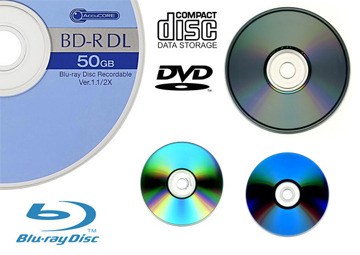
Which optical storage device has an average memory size of around 4.7GB?
CD
DVD
Blu-Ray
USB flash drive
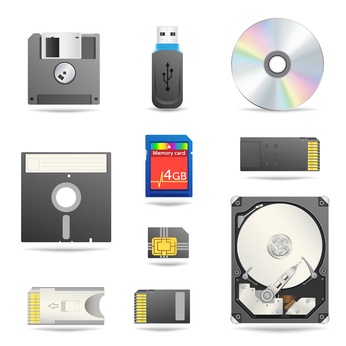
Which category of secondary storage devices has the fastest access speeds? (i.e. quicker to read and write to)
Magnetic storage
Solid state storage
Primary memory
Optical memory
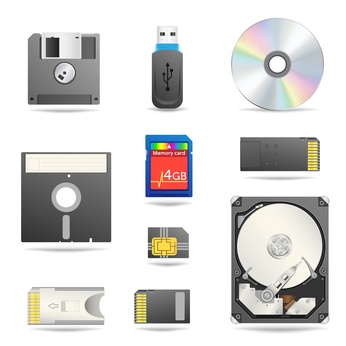
Which category of secondary storage devices has the slowest access speeds? (i.e. slower to read and write to/from)
Magnetic devices
Optical devices
Solid state memory
Primary storage
Which category of secondary storage devices uses beams of light and lasers that read "pits" and "lands" as binary 1s and 0s?
Magnetic storage
Optical storage
Solid state storage
Which category of secondary storage devices uses semiconductor chips to store data? It is also known as flash memory.
Magnetic storage
Optical storage
Solid state
Which of the TWO categories of secondary storage devices are highly portable? (i.e. easy to carry)
Magnetic and Optical
Solid state and Optical
Solid state and Magnetic
Which of the secondary storage categories are the most durable (or strong/ toughest to break)?
Magnetic
Solid State
Optical
Primary memory
Which of the 3 categories of secondary storage are the cheapest to buy, per megabyte (MB)?
Magnetic
Optical
Solid State
Secondary storage gets its name because...
It is secondary to main memory
It is mostly used in secondary schools
It is fast - things load in a second
Which one is NOT secondary storage
Hard disk
Floppy Disk
Cache
CD
Why do computers have secondary storage
Primary Storage might be full
To give another option where to save files
Main memory is volatile
Which of these would match a typical memory stick (flash memory)
2 megabytes
500 megabytes
8 gigabytes
1 terabyte
Which of these would most closely match a CD?
200 megabytes
650 megabytes
3.7 gigabytes
600 gigabytes
Which of these would most closely match a DVD
650 megabytes
5 gigabytes
250 gigabytes
1 terabyte
Which of these would most closely match a hard drive in a laptop
800 kilobytes
50 megabytes
500 megabytes
500 gigabytes
Magnetic tape is useful and cheap storage
True
False
Traditional hard drives and old floppy disks use magnetic storage.
True
False
CDs and SSD's (solid state drives) use optical storage
True
False
A typical mp3 track needs about 50 megabytes of space
No - they are more like 3 megabytes
Yes - that's about right
No - they're more like 200 megabytes
No - they're more like 1 gigabyte
An image is 20 x 20 pixels and each pixels is coded with 4 bits
The whole image is 400 bytes
The whole image is over 1 kilobyte
The whole image is 50 bytes
The whole image is 200 bytes
Solid State Drives are fast, but no good for laptops because they are too fragile when moved.
True
False
CDs are cheap and very reliable, so why don't we use them for carrying work around?
It's a lie. Blank CDs are really expensive
You'd need about 20 CDs instead of one memory stick
CDs are very fragile
CDs are easily 'wiped' by magnets
Some companies keep all there back up files on magnetic tape.
Because it is very cheap to store massive amounts
It is really quick to restore lost files if they are backed up on tape
They are too old-fashioned to use SSD's
Tape cannot be erased, once you have written on it
If you keep your work to a memory stick...
Don't worry - it is safe now.
Watch out, these devices often fail after a while
DON'T drop it, it will break easily
Don't do it. They are really bulky to carry around
Room 102 has solid state drives in all the computers...
Great - they will be faster than hard disk drives
Not good - SSD's are so slow.
Why not - they are cheaper than old hard disk drives
OK, but be careful - SSD's are more fragile.
CDs have a spiral track. A laser beam reflects off it to read binary data as 'burnt' spots (or not 'burnt') as the disk spins round.
False - CDs don't actually spin
False - you can't use lasers, it is dangerous.
True - and you can fit about 650 million bits on a CD
False - there is no spiral track, but the rest is correct
A computer's internal hard drive is often considered a _______ storage device
primary
secondary
tertiary
external
A computer's external hard drive is often considered a _______ storage device
primary
secondary
tertiary
tertiary
Which of the following is NOT a primary storage device?
RAM
Harddisk
Cache
ROM
Primary storage is the area in a computer in which data is stored for quick access by the ________.
RAM
ROM
CPU
CD-ROM
Which of the following is volatile?
RAM
ROM
CPU
CD-ROM
A _______ memory does not lose stored data when the device is powered down.
volatile
non-volatile
tertiary
small
The function of the cache is...
temporarily store data or control information needed by the CPU
Direct the flow of instructions and data
perform mathematical and logic functions
store the most frequently used data and instructions
ROM stands for...
Read Optical Memory
Random Only Memory
Read Only Memory
Random Optical Memory
What happens if you don't have enough RAM?
Your computer will slow down because it has to load everything from the Hard Drive
Your computer will speed up
You won't get much wool from your sheep
Your computer will run out of Hard Drive Space
In order of fastest to slowest with the fastest on the left and slowest on the right, name each type of memory in order.
Cache > RAM > Hard Drive
Hard Drive > RAM > Cache
RAM > Cache > Hard Drive
RAM > Hard Drive > Cache
When there is no room left in RAM, a computer may have to make use of (a) memory to store programs or data
A user upgrades the memory on their laptop from 4GB to 8GB. How might these affect the operation of the computer? (Choose as many answers as appropriate)
More programs can be opened and run at the same time
More programs can be installed on the hard drive
Less need for virtual memory
More need for virtual memory
Data stored on ROM cannot be (a) ?
Which of the following statements about virutal memory is NOT true?
Programs will run faster and more efficiently when making use of virutal memory
Programs are loaded from hard-drive to Virtual Memory before they are executed.
Hard-Drives transfer data more slowly then RAM, so the use of Virtual Memory has a negative impact on performance.
The more RAM a computer has, the more Virtual Memory is needed.
Where is ROM usually found inside a computer?
Inside the CPU
On the motherboard
As part of the hard drive
With the CD drive
Raw facts and figures are known as _______________.
Data
Information
Memory
A device that inputs moving images into a computer which is mainly used for video conferencing.
Digital camera
Video camera
Web cam
Film camera
Input device for sound data
Scanner
Voice control
Voice recognition
Microphone
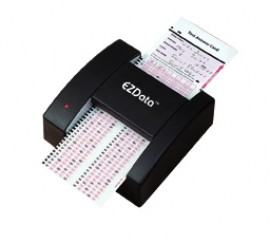
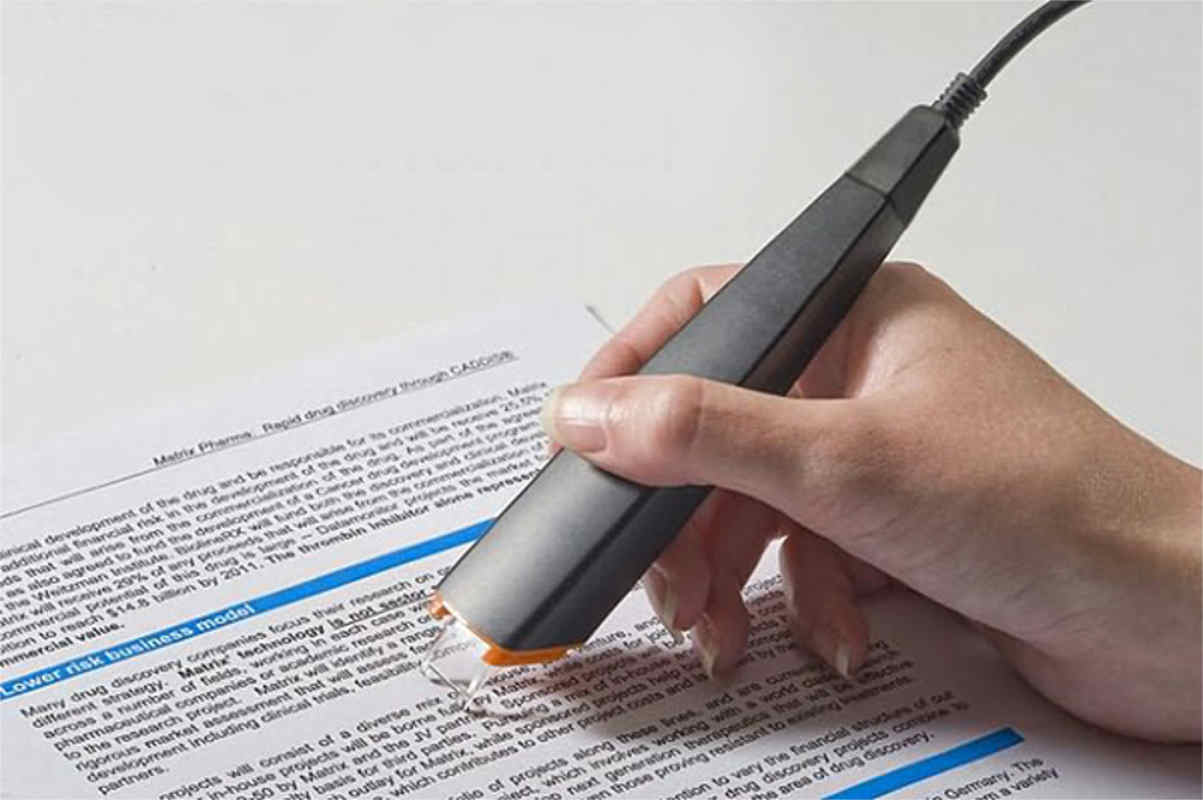
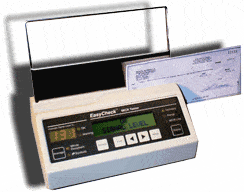
The device used to input the data from a contactless credit card
Bar code reader
Magnetic stripe reader
RFID reader
Pin Pad
You can use this to input printed documents to a computer ?
Trackerball
Scanner
Keyboard
Mouse
Input device commonly found on laptops instead of a mouse in the form of a small panel containing different touch-sensitive areas.
Touch pad
Scanner
Sensors
Stylus
Input device that reads text written in special magnetic ink. Often used at the bottom of checks.
Magnetic stripe readers
Optical Character Recognition
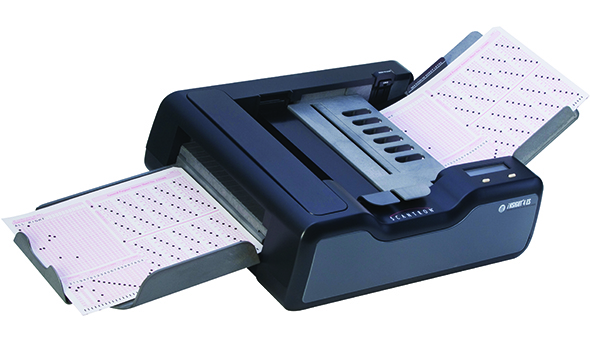
Optical Mark Recognition
Magnetic Ink Character Recognition
Input device that reads printed text, scans it, and converts it to text that can be edited in a word processor.
Magnetic stripe readers
Optical Character Recognition
Optical Mark Recognition
Magnetic Ink Character Recognition
This can be used to record videos and photos. Also the data is stored in digital memory.
Webcams
Video camera
Digital camera
Film camera
Enters sound onto a computer
Microphone
Speakers
Touch Screen
Light pen
Input device used to record video, often found in laptop computers.
Trackball
Voice recognition
Webcam
Sensors
RFID uses ________ to read information.
Radio waves
Special ink
Visible red light
Pin
Barcode reader uses ________ to read information.
Radio waves
Special ink
Visible red light
Pin
Magnetic stripe reader reads information from _________
RFID tags
Chips
Magnetic stripes
Special ink
Used to convert books (hardcopy) into digital versions (e-books).
OCR
OMR
MICR
RFID
Some hotels uses this to replace actual keys for their rooms.
Bank card
Membership card
Door card
Smart card
RFID tag
In the "Chip and Pin Reader" method, what is used to ensure the person using the card is the actual owner?
Name
Pin
Password
Account number

What am I?
QR code
Barcode
RFID tag
Special ink

What am I?
RFID reader
Barcode scanner
Optical mark reader
Magnetic stripe reader
What is used to quickly process answer sheets for multiple choice examinations?
RFID
MICR
OCR
OMR
A 2D barcode is also known as ________
QR code
Special code
RFID code
MICR code
Below are uses for RFID except _______.
contactless payment card
track movement of livestock
quickly locate a particular item in a warehouse
to quickly process cheques
Which of these methods below are used to quickly process cheques?
Chip and Pin reader
Magnetic Stripe reader
RFID
Barcode scanner
Magnetic Ink Character Recognition
Below are information normally stored in a product's barcode except?
Product ID
Manufacturer
Country of origin
Price
A typical OCR system consists of a _________ along with special software.
special ink
scanner
RFID tag
laser pointer
RFID stands for (a) ?
OCR stands for (a) ?
OMR stands for (a) ?


What is an output device?
It is something you don't connect to a computer that has information sent to it.
It is something you connect to a computer that sends information into the computer.
It is something you connect to a computer that has information sent to it.
It is somebody you connect to a computer that sends information into the computer.

Choose the output devices.
monitor, printer, mouse
monitor, printer, keyboard
monitor, printer, speakers
mouse, keyboard, smartboard
Fires ink into the page
Laser Printer
Inkjet Printer
3D Printer
Best for photographs
Inkjet Printer
Laser Printer
3D Printer
Used to create prototype and models
Inkjet Printer
Laser Printer
3D Printer
Works layer by layer
Inkjet Printer
Laser Printer
3D Printer
Useful for producing architectural drawings
dot-matrix
plotter
thermal
Which of the following is the largest in terms of size?
Inkjet
Laser
Plotter
Thermal
The most common types of outputs are soft copy and hard copy. Which of the following device DOES NOT produce soft copy?
Monitor
Printer
Projector
Speakers
What is the purpose of the CPU?
To process all the data and instructions.
To turn the computer on.
To create PowerPoint presentations.
To provide power to the computer.
What does RAM stand for?
Random All Memory
Read All Memory
Random Access Memory
Read Access Memory
True or False:
RAM is fast temporary memory
TRUE
FALSE
What is the main function of the CPU?
To carry out processing of the data.
To help with playing games.
To fetch instructions from memory, decode them and execute the instructions.
To heat up the computer.
What does GHZ stand for?
Gigahertz
Gigabyte
Gigahearts
Gigabent
What happens to the RAM if the computer is switched off?
It explodes
All the data stored on it is wiped
Nothing
It crashes
What is meant by Quad Core?
It's a CPU on a Quad Bike
4 CPU's
2 CPU's
1 CPU
Put the components in order from slowest to fastest as it relates to the execution of an instruction by the CPU.
RAM
Hard Drive
Cache
Removable Devices
Instructions are loaded into ____________ when the computer is booted.
RAM
Cache
Control Unit
ROM

What is this?
ROM
RAM
Hard disk
ROM stands for__________________
Random Only Memory
Read Only Memory
Access Only Memory
Which is placed inside the system permanently?
Hard disk
RAM
ROM
CD ROM
What is the memory capacity of Floppy disk?
1.44 MB
1.44 GB
4.11 MB
4.11 GB
What is the memory capacity of CD-ROM?
700 MB
700 GB
700 KB
700 TB
Kamala wants to copy a movie. Which storage device can she use?
Floppy disk
CD-ROM
CD-R/W
DVD




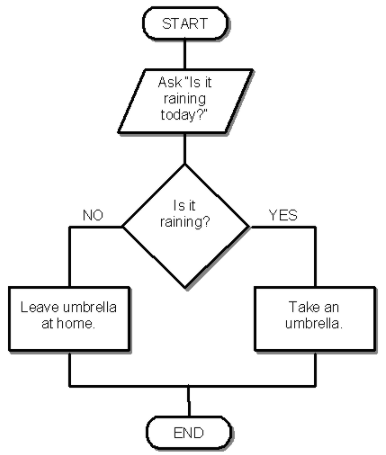
Yes

19


This flowchart is made to...
Calculate the area and perimeter of a square
Output figures of different sizes
Calculate the area and perimeter of a circle
Find out how long it takes to get to the moon

What would the program output with the following inputs?
Payrate - 12
Hours Worked - 10
12
Final pay
OUTPUT
120
To signify the start and end of a pseudocode algorithm, we use...
START...END
BEGIN...END
START...FINISH
BEGIN...FINISH
The control structures that use a condition are...
SELECTION
ITERATION
SEQUENCE
ARRAYS

Assume n1 = 10 ... n2 = 2 ... n3 = 2
What will be displayed as output?
10
20
30
40

