
Font size
 Worksheets
Google Drawing Quiz
Total questions: 20
Worksheet time: 20mins

Which two of these methods will allow you to DUPLICATE a shape in Google Drawing?
Ctrl + X
Copy the Shape then Paste
Ctrl + D
Ctrl + Shift
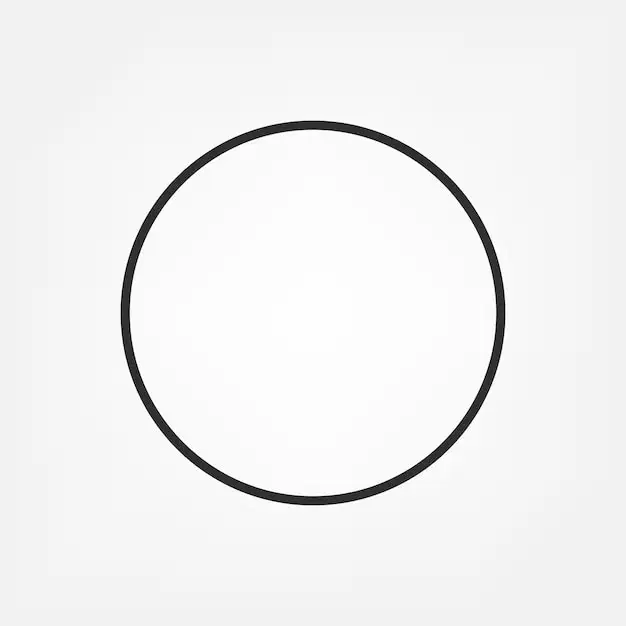
If you want to make a perfect Circle, which tool would be the best to use?
Polyline Tool
Shape Tool
Curve Tool
Line Tool

Which tool was most likely used to create this shape?
Curve Tool
Line Tool
Polyline Tool
Shape Tool
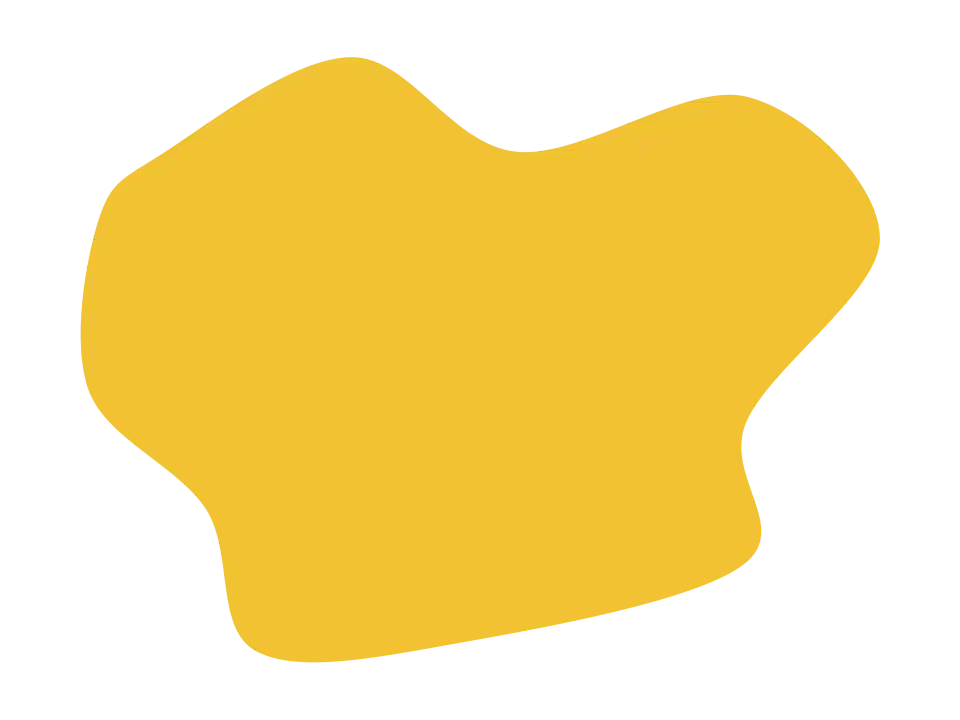
Which tool was most likely used to create this shape?
Polyline Tool
Shape Tool
Line Tool
Curve Tool

What project was this?
Mosaic
Atmospheric Landscape
Who I Am
Gradient Landscape
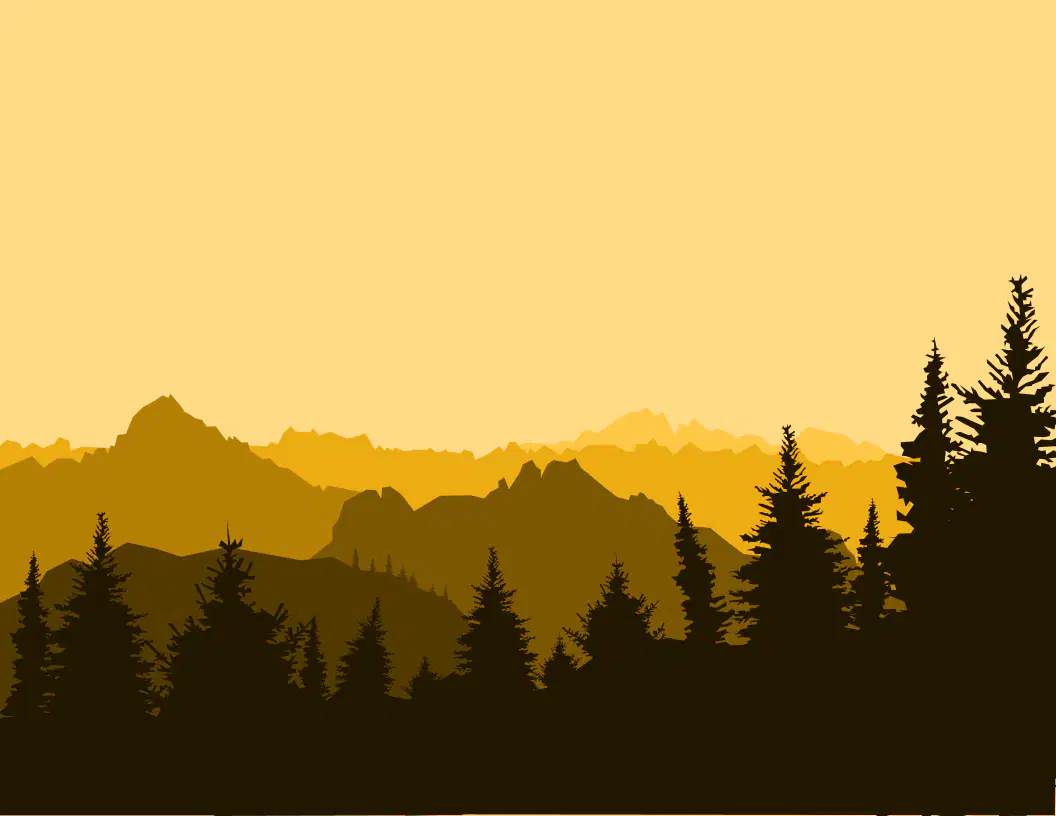
What is it called when we look at a landscape and the values get lighter as they get farther away?
Gradient Landscape
Mosaic
Colorful
Atmospheric Perspective
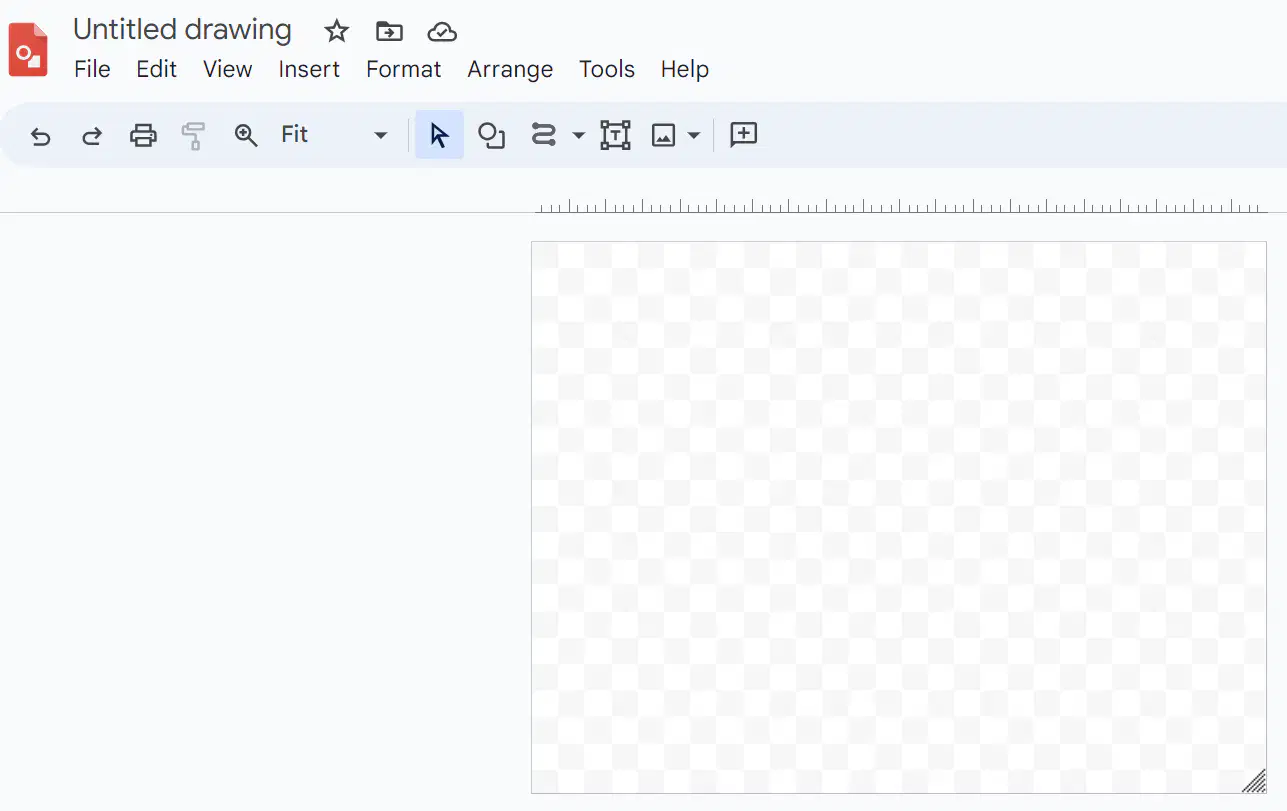
How do you change the Canvas Size of a Google Drawing?
Right Click on the Canvas, then click Canvas Size
Use the Edit menu
File Menu->Page Setup->Standard 4:3->Then enter the canvas size
Use the Shape Tool
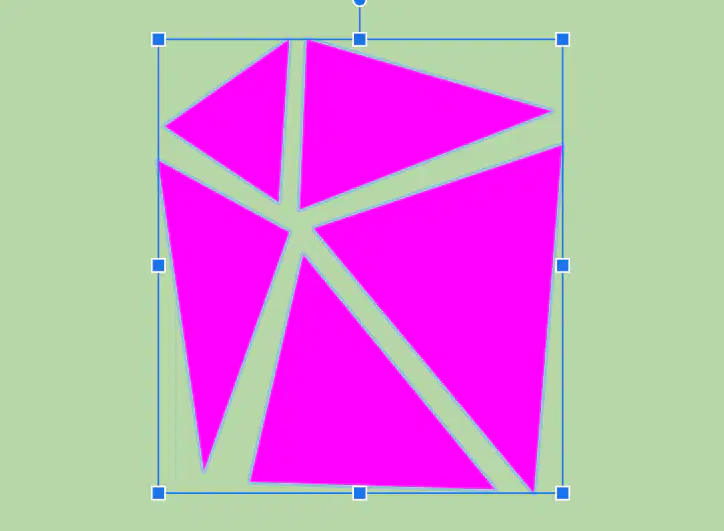
What is it called when you select all the shapes in your drawing and set them to make them move together as one shape?
Grouping
Merging
Copying
Sizing
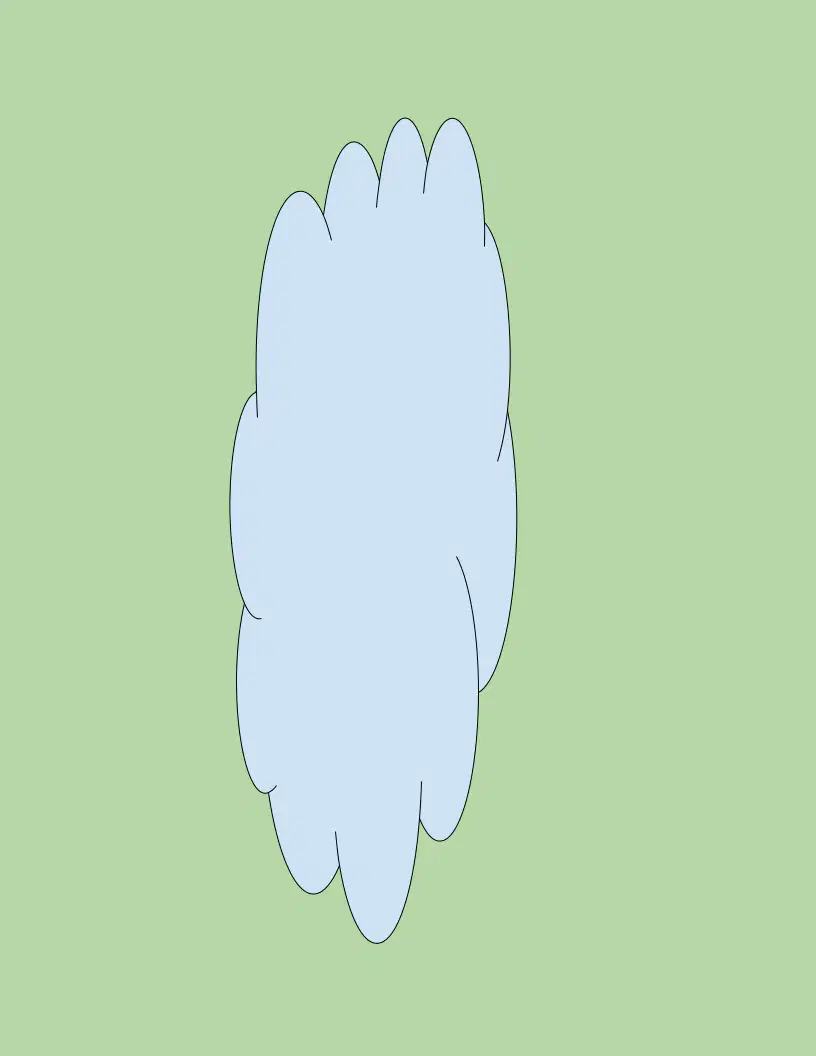
Why is it best to set the correct Canvas Size BEFORE you start creating your Drawing?
You don't need to
Your drawing will get wonky if you change the canvas size after you make it & there are more steps involved to fix it afterward.
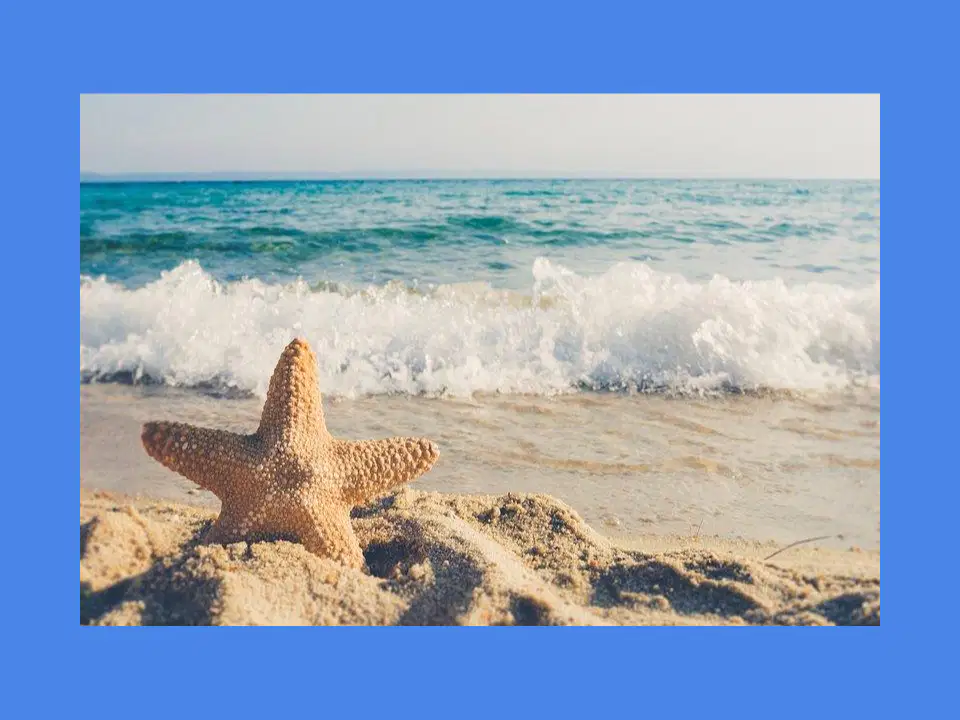
What is the correct way to resize a Photo added to your canvas in order to prevent it from getting wonky or distorted?
Drag the image from any side
Drag the image from the top
Drag the image from the bottom
Drag the image from a corner

What are all the little circles called in this drawing?
Touch Points
Hot Points
Vector Points
Circles

Why are Vector Points useful in a Google Drawing?
They make the image more transparent.
They help you make adjustments to a vector shape without having to redraw it.
They make the image more opaque.
The make the image change colors.
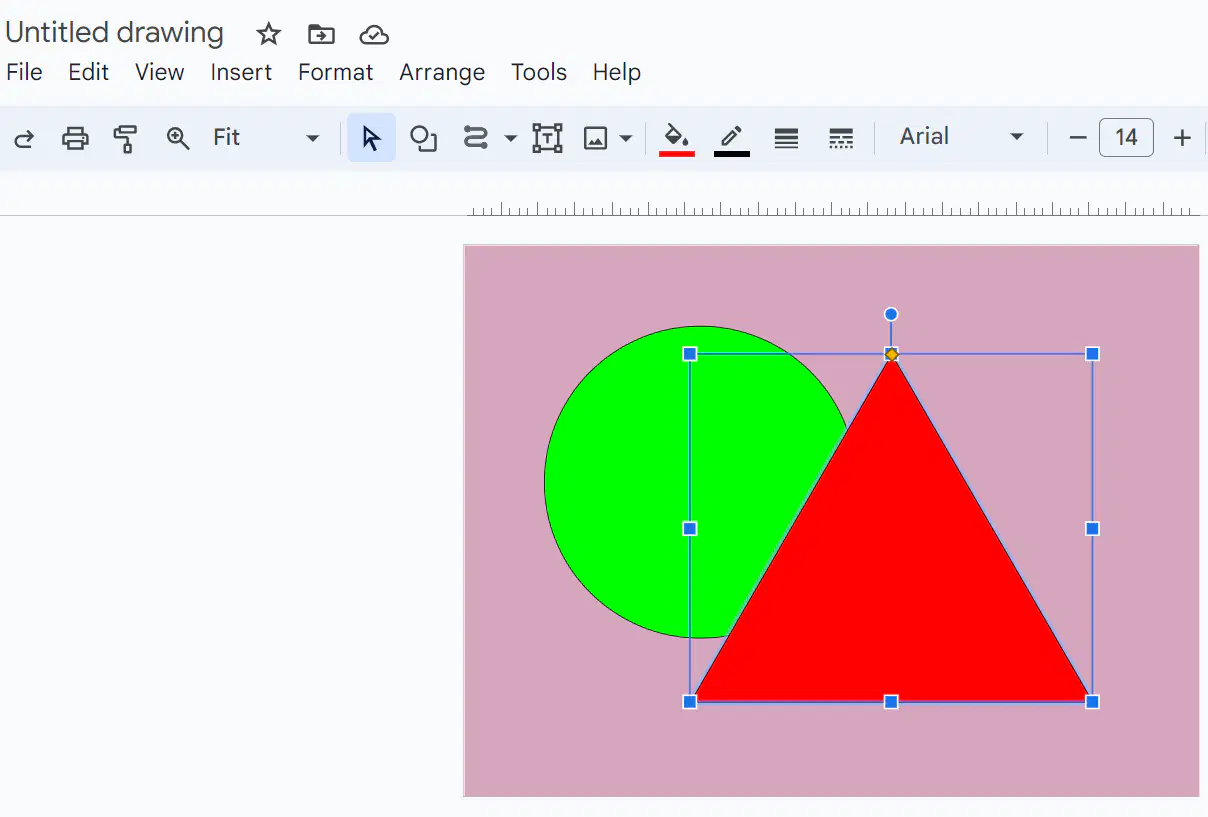
Which menu would I click on if I want to move the Triangle in this picture so that it is behind the Circle?
File
Edit
Format
Arrange
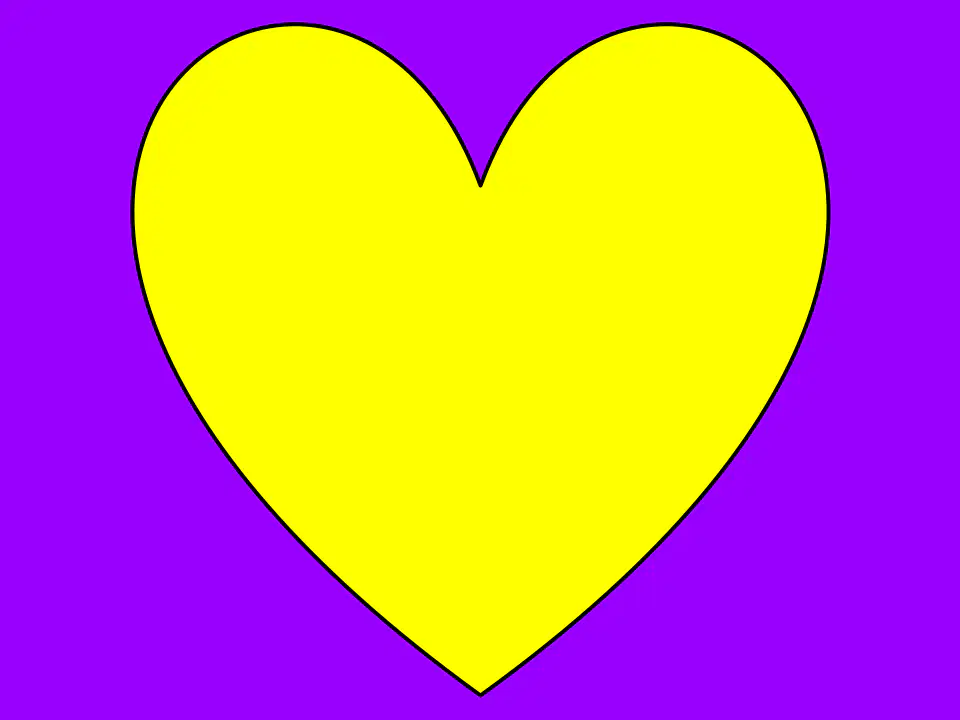
Which Tool would let me change the Border Color of this image?



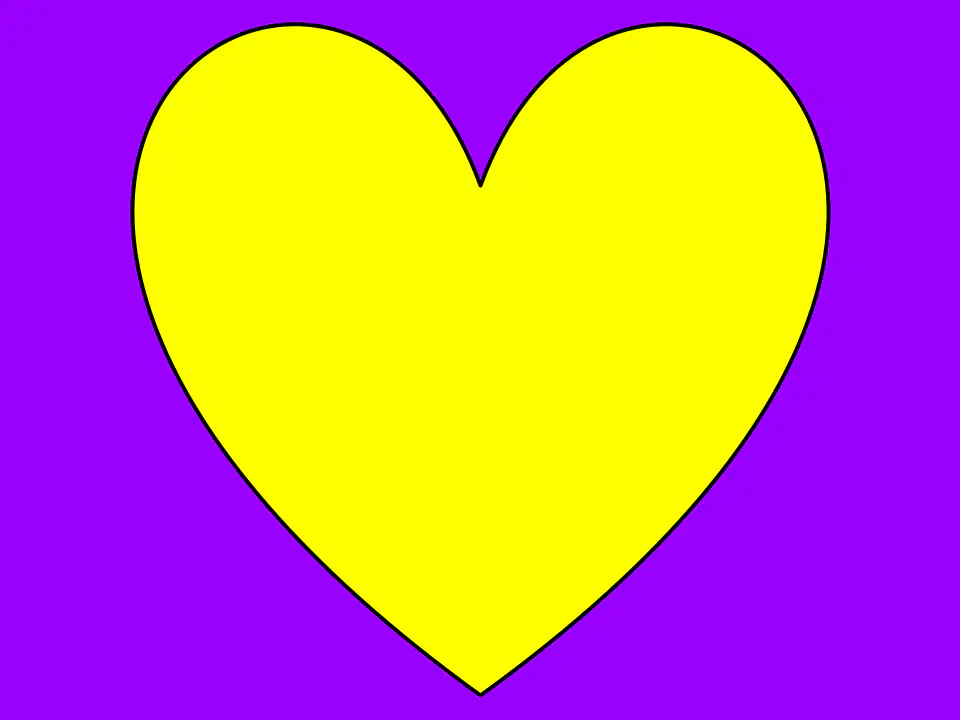
Which tool would let me change the Fill Color of this image?



Which tool would let me add an Image to my canvas?



What is the purpose of the small Circle above this triangle?
It lets you change the color of the triangle.
It lets you change the border of the triangle.
It lets you change the background.
It lets you change the direction of the triangle.
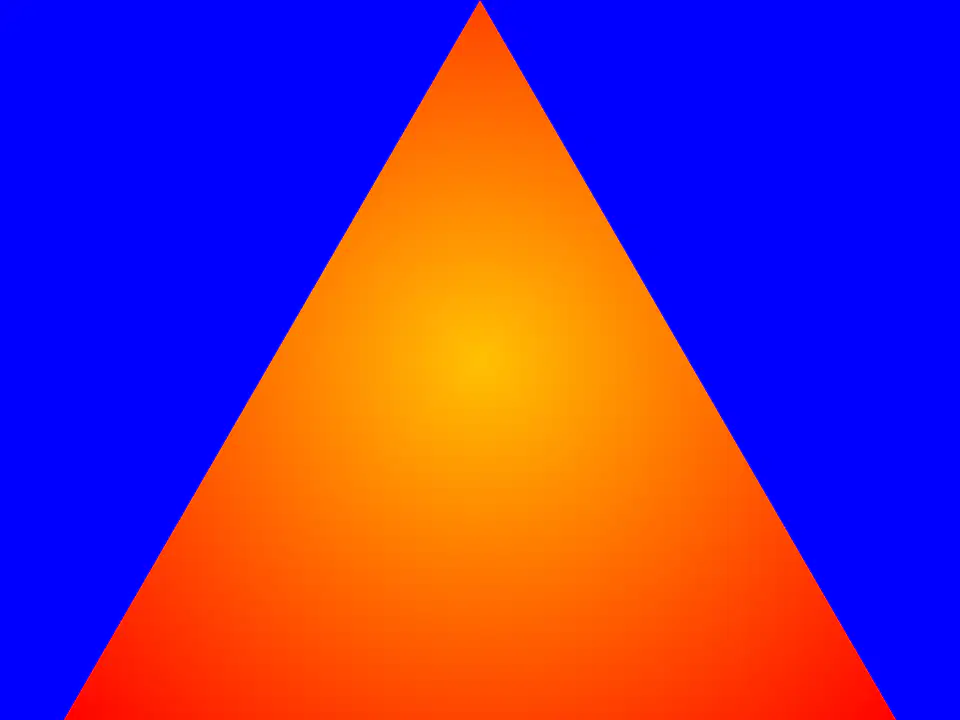
Gradients are Flat Colors
True
False
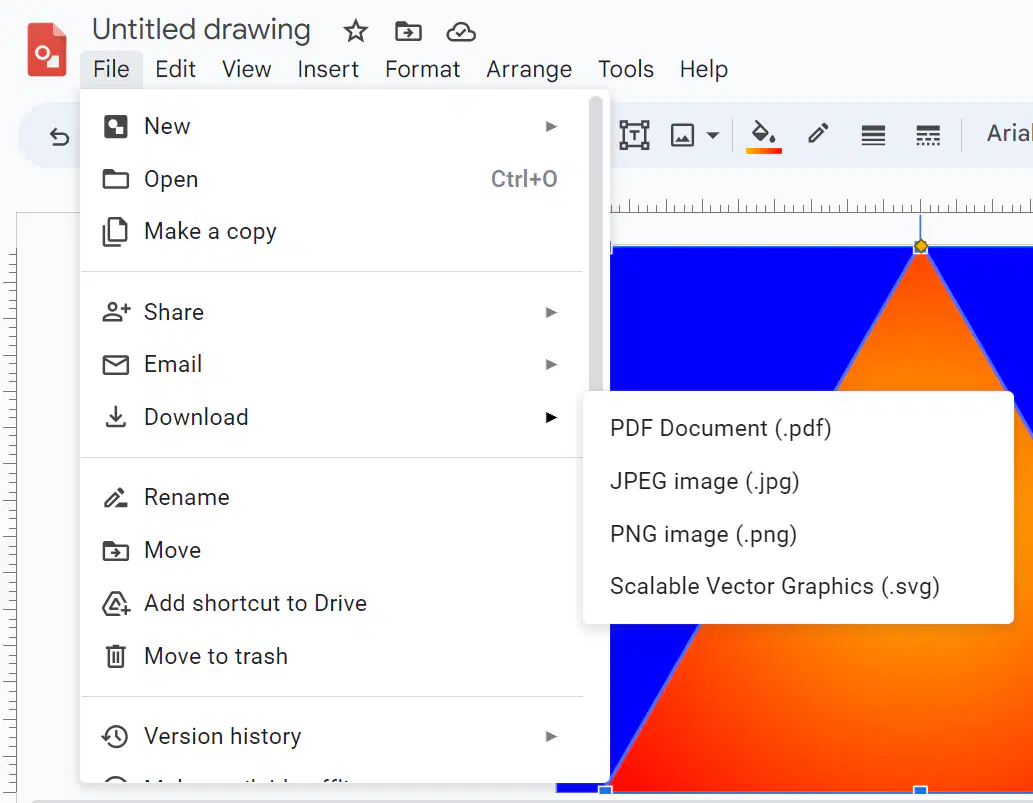
Which file format do we download our finished drawing as to save it?
JPEG
PNG
SVG
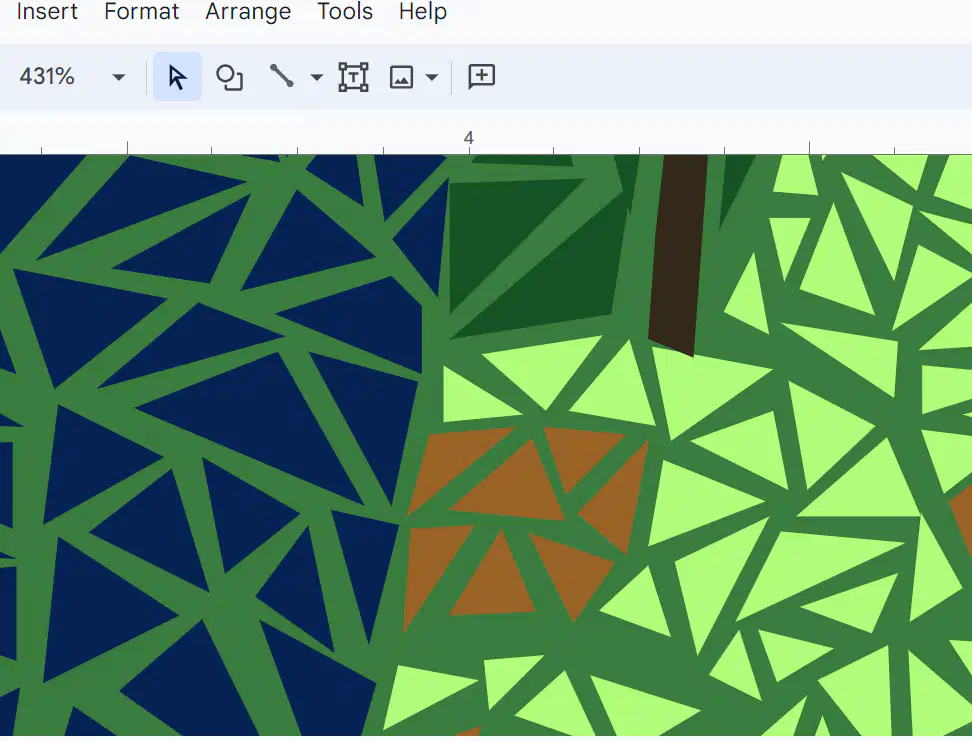
What would you do in order to see the shapes & spaces better and make it easier to create small shapes without the shape snapping into a line?
Group
Zoom Out
Zoom In
Ungroup

