
 Worksheets
4th Week Assessment
Total questions: 33
Worksheet time: 17mins
How do you create a New Document Template?
How do you create a new document from an existing template?
What is the difference between a New Document Template and a New Document Preset?
What happens when you double-click the Hand tool?
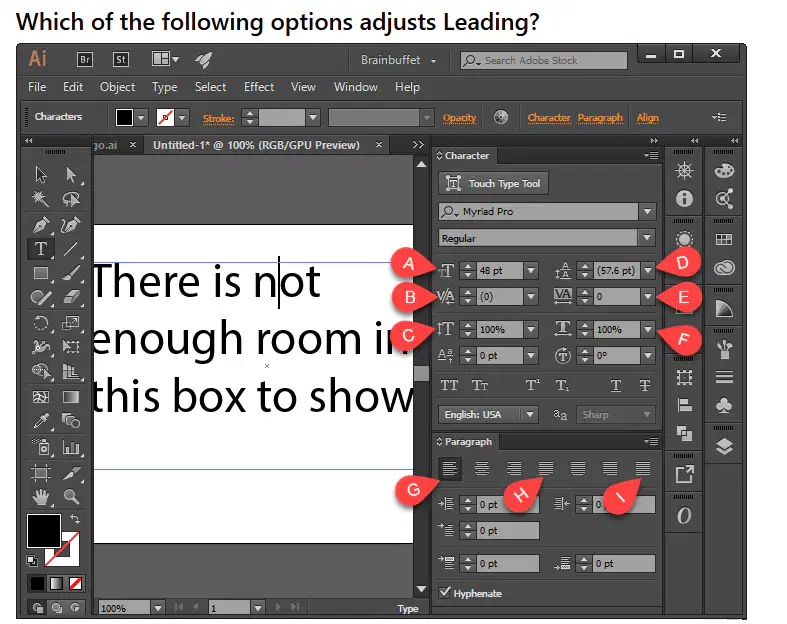
While drawing a shape like a circle or rectangle, what happens when you hold the Shift key?
What does it mean that Illustrator is resolution independent? Why is this a benefit over Photoshop?
Explain the difference between displaying your document in Preview and Outline modes.
What does the Direct Selection tool do?
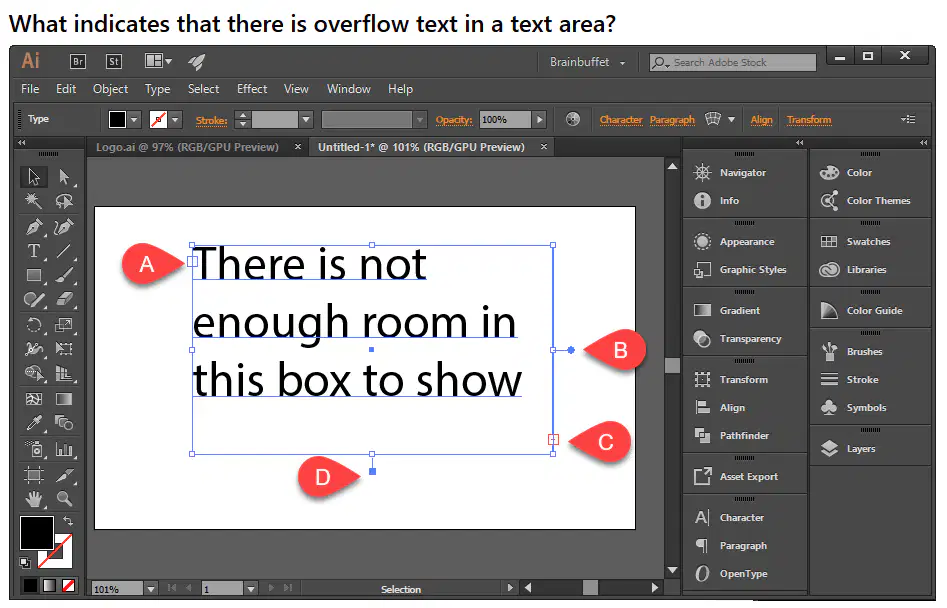
What happens when you are in Isolation mode?
What are three vector file formats?
While drawing with the Pen tool, how do you exit a path?
What setting in the Paragraph panel controls whether or not words that can’t fit on a line will bump down to the next line or will be broken in half with a hyphen?
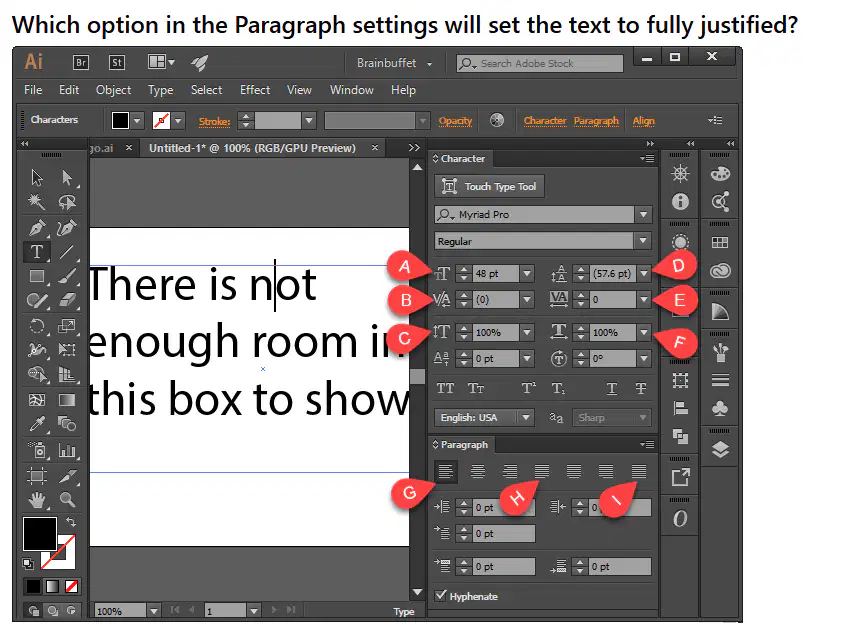
What does the Opacity setting control when applied to text?
What tool must you have active in order to see the Envelope Warp icon appear in the Options Bar?
After you’ve created warped text, how do you edit the text itself?
Which view mode allows you to see the stroke thickness and color of objects you have created?
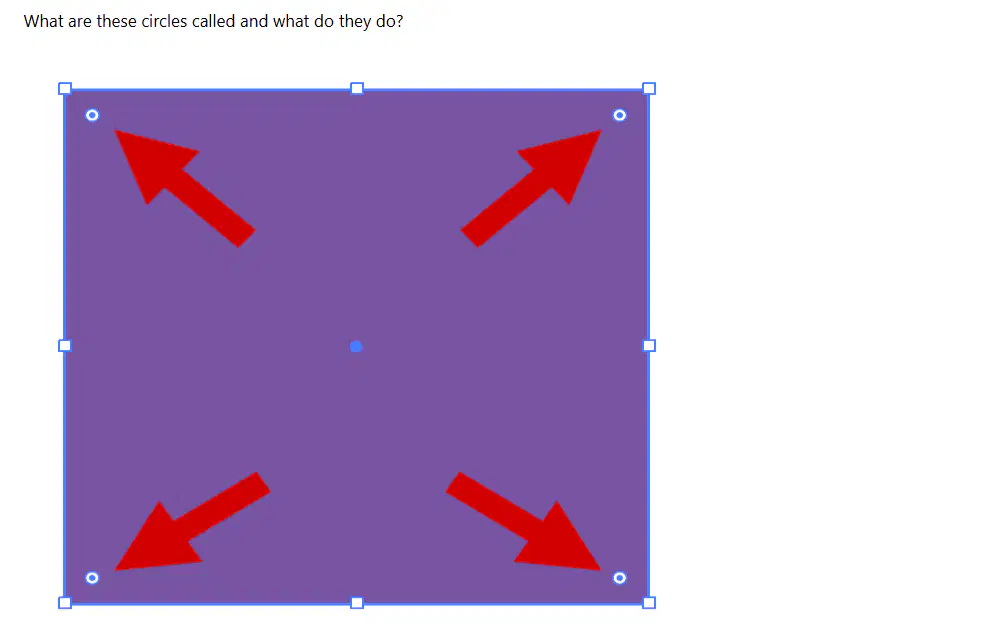
Which two options describe what the two types of vector anchor points look like? (choose two)
How do you change the name of a layer in Illustrator?
A fellow designer needs your help on a document that uses a specific typeface they can't share because of licensing. How will he send the file without changing the look or layout of the text?
Which of the following options are the most accurate ways to reflect an object? (Select two)
What is the difference between a corner and a smooth anchor point?
What does the icon for the Add Anchor Point tool look like?
How do you create a group to contain multiple objects?
Explain the difference between the Save and Save As commands.
How do you add an effect to an object?
What shortcut key is used to toggle between the Selection tool and the Direct Selection tool?
A) V
B) A
C) S
D) D
How can you quickly duplicate an object in Illustrator?
A) Hold Alt and drag the object
B) Press Ctrl+D
C) Right-click and select Duplicate
D) Use the Copy and Paste commands
What does the Clipping Mask feature do in Illustrator?
A) It hides parts of objects outside a defined shape.
B) It merges multiple objects into one.
C) It creates a new layer for selected objects.
D) It changes the color of the selected object.

