
 Worksheets
Computer Ergonomics
Total questions: 10
Worksheet time: 10mins
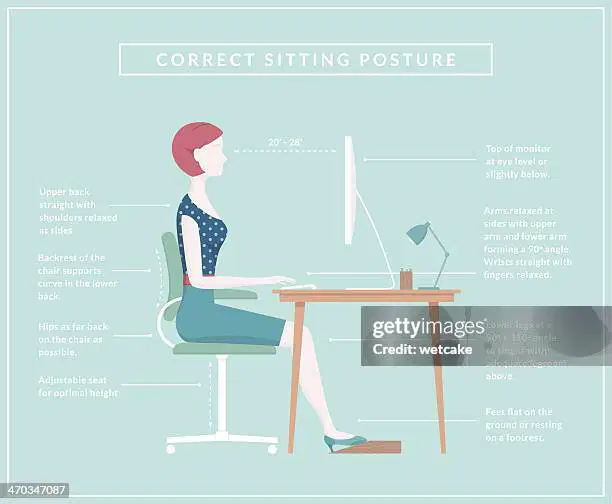
Why is it important to sit up straight while using a computer?
To look taller
To avoid getting tired
To prevent back pain
To see the screen better

Which body part can get strained if you use the mouse for too long without a break?
Eyes
Neck
Wrist
Legs
How often should you take a break when using a computer?
Every 5 minutes
Every 30 minutes
Once a day
Never
What is the best position for your feet when sitting at a computer?**
Hanging in the air
On top of the desk
Flat on the floor
Crossed over each other

Which of the following is NOT a good practice to avoid computer-related injuries?
Using a chair with good back support
Keeping the screen at eye level
Sitting very close to the screen
Taking regular breaks
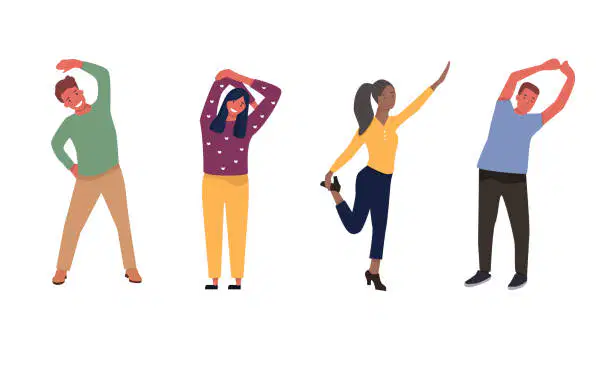
What should you do if your eyes feel tired after using the computer?
Keep staring at the screen
Take a break and look at something far away
Close one eye
Use the computer in the dark
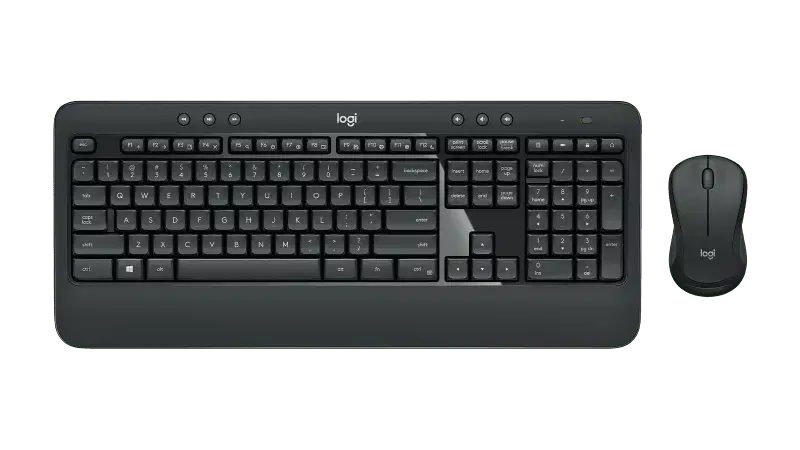
Why should the computer mouse be close to the keyboard?
To make it easier to reach
To save space on the desk
To make the desk look neat
To avoid moving your arm too much

How should you position your hands when typing on the keyboard?
High above the keyboard
Resting on the desk
Flat and relaxed over the keys
Using only one finger

Why is it important to adjust the brightness of your computer screen?
To save battery
To make the screen look pretty
To reduce eye strain
To match the room's colour
Which of the following computer related health injuries is caused by sitting for a longer time?
Headache
Wrist pain
Body stiffness
Eye strain

