
 Worksheets
Tools Panel Overview
Total questions: 49
Worksheet time: 25mins
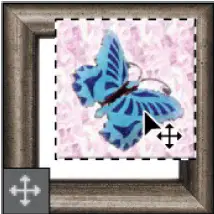
Moves selections, layers, and guides.
The Artboard tool
The Move tool
The marquee tools
The lasso tools
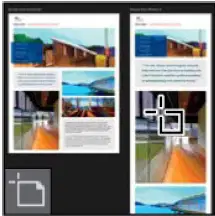
Moves, resizes, and adds artboards.
The Move tool
The marquee tools
The Artboard tool
The lasso tools
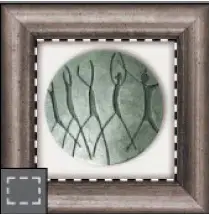
Make rectangular, elliptical, single row, and single column selections.
The Move tool
The marquee tools
The Artboard tool
The lasso tools
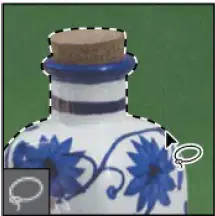
Make freehand, polygonal (straight-edged), and magnetic (snap-to) selections.
The Move tool
The marquee tools
The Artboard tool
The lasso tools
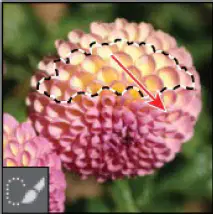
Lets you quickly “paint” a selection using an adjustable round brush tip.
The Slice tool
The Magic Wand tool
The crop tools
The Quick Selection tool
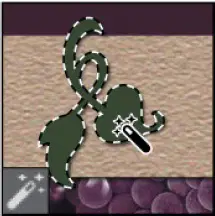
Selects similarly colored areas.
The Slice tool
The Magic Wand tool
The crop tools
The Quick Selection tool
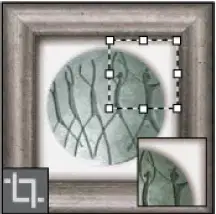
Trim, straighten, and change the perspective of images.
The Slice tool
The Magic Wand tool
The crop tools
The Quick Selection tool
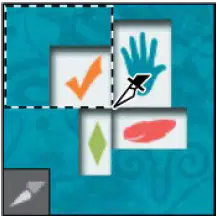
Creates slices.
The Slice tool
The Magic Wand tool
The crop tools
The Quick Selection tool
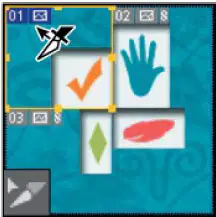
Selects slices.
The Slice tool
The Eyedropper tool
The Slice Select tool
The 3D Material Eyedropper tool
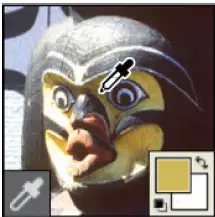
Samples colors in an image.
The Color Sampler tool
The Eyedropper tool
The Slice Select tool
The 3D Material Eyedropper tool
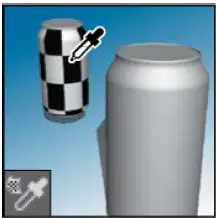
Loads selected material from a 3D object.
The Color Sampler tool
The Eyedropper tool
The Slice Select tool
The 3D Material Eyedropper tool
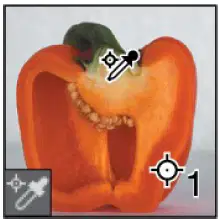
Samples up to four areas of the image.
The Color Sampler tool
The Eyedropper tool
The Slice Select tool
The 3D Material Eyedropper tool
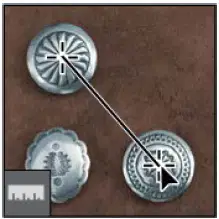
Measures distances, locations, and angles.
The Count tool
The Ruler tool
The Spot Healing Brush tool
The Note tool
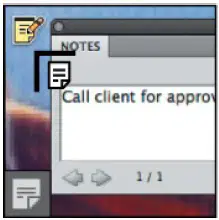
Makes notes that can be attached to an image.
The Count tool
The Ruler tool
The Spot Healing Brush tool
The Note tool
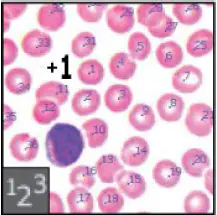
Counts objects in an image.
The Count tool
The Ruler tool
The Spot Healing Brush tool
The Note tool
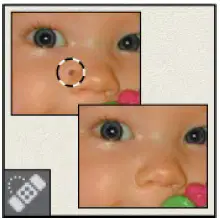
Quickly removes blemishes and imperfections from photographs with a uniform background.
The Count tool
The Healing Brush tool
The Spot Healing Brush tool
The Note tool
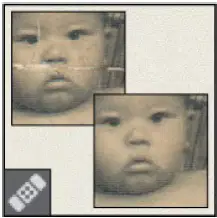
Paints with a sample or pattern to repair imperfections in an image.
The Healing Brush tool
The Patch tool
The Spot Healing Brush tool
The Red Eye tool
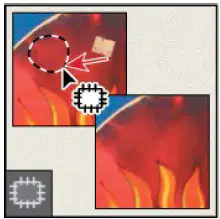
Repairs imperfections in a selected area of an image, using a sample or pattern.
The Healing Brush tool
The Patch tool
The Spot Healing Brush tool
The Red Eye tool
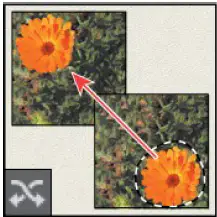
Recomposes and blends pixels to accommodate a moved object.
The Healing Brush tool
The Patch tool
The Content-Aware Move tool
The Red Eye tool
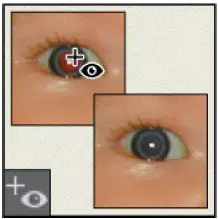
Removes red eye in flash photos with one click.
The Healing Brush tool
The Patch tool
The Content-Aware Move tool
The Red Eye tool
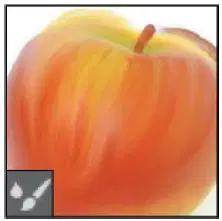
Blends a sampled color with an existing color.
The Pencil tool
The Mixer Brush tool
The Color Replacement tool
The Brush tool
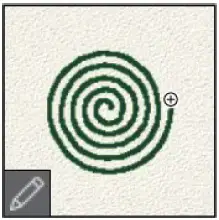
Paints hard-edged strokes.
The Pencil tool
The Mixer Brush tool
The Color Replacement tool
The Brush tool
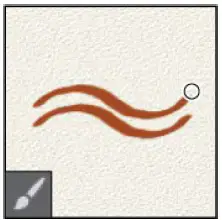
Paints brush strokes.
The Pencil tool
The Mixer Brush tool
The Color Replacement tool
The Brush tool
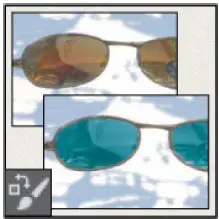
Substitutes one color for another.
The Pencil tool
The Mixer Brush tool
The Color Replacement tool
The Brush tool
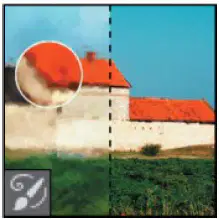
Paints stylized strokes that simulate the look of different paint styles, using a selected state or snapshot.
The History Brush tool
The Art History Brush tool
The Pattern Stamp tool
The Clone Stamp tool
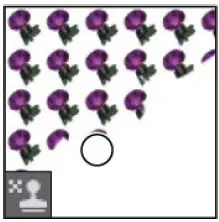
Paints with a part of an image as a pattern.
The History Brush tool
The Art History Brush tool
The Pattern Stamp tool
The Clone Stamp tool
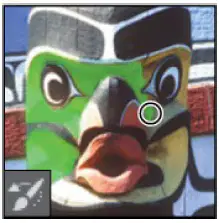
Paints a copy of the selected state or snapshot into the current image window.
The History Brush tool
The Art History Brush tool
The Pattern Stamp tool
The Clone Stamp tool
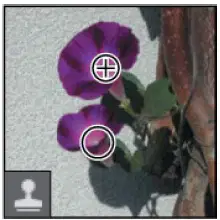
Paints with a sample of an image.
The History Brush tool
The Art History Brush tool
The Pattern Stamp tool
The Clone Stamp tool
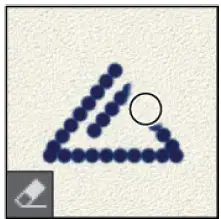
Erases pixels and restores parts of an image to a previously saved state.
The Gradient tool
The Background Eraser tool
The Magic Eraser tool
The Eraser tool

Erases solid-colored areas to transparency with a single click.
The Gradient tool
The Background Eraser tool
The Magic Eraser tool
The Eraser tool
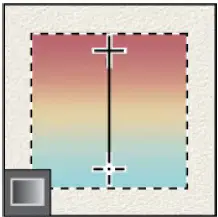
Creates straight-line, radial, angle, reflected, and diamond blends between colors.
The Gradient tool
The Background Eraser tool
The Magic Eraser tool
The Eraser tool
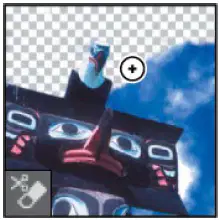
Erases areas to transparency by dragging.
The Gradient tool
The Background Eraser tool
The Magic Eraser tool
The Eraser tool
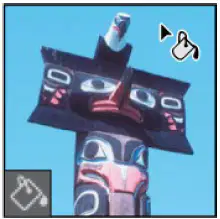
Fills similarly colored areas with the foreground color.
The Sharpen tool
The Blur tool
The 3D Material Drop tool
The Paint Bucket tool
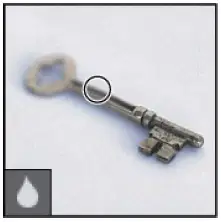
Blurs hard edges in an image.
The Sharpen tool
The Blur tool
The 3D Material Drop tool
The Paint Bucket tool
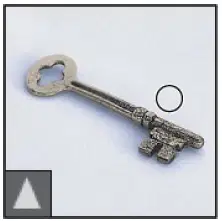
Sharpens soft edges in an image.
The Sharpen tool
The Blur tool
The 3D Material Drop tool
The Paint Bucket tool
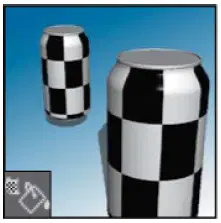
Drops the material loaded in the 3D Material Eyedropper tool onto the targeted area of a 3D object.
The Sharpen tool
The Blur tool
The 3D Material Drop tool
The Paint Bucket tool
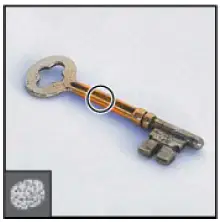
Changes the color saturation of an area.
The Burn tool
The Smudge tool
The Dodge tool
The Sponge tool
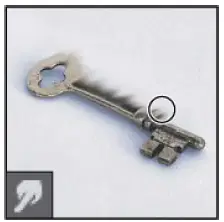
Smudges data in an image.
The Burn tool
The Smudge tool
The Dodge tool
The Sponge tool
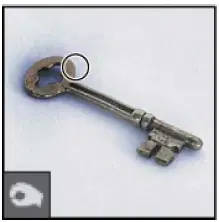
Darkens areas in an image.
The Burn tool
The Smudge tool
The Dodge tool
The Sponge tool
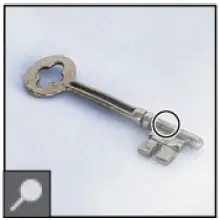
Lightens areas in an image.
The Burn tool
The Smudge tool
The Dodge tool
The Sponge tool
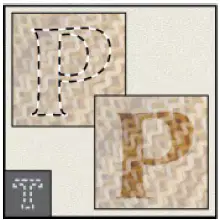
Create a selection in the shape of type.
The type tools
The type mask tools
The pen tools
The path selection tools
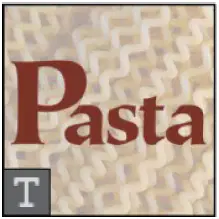
Create type on an image.
The type tools
The type mask tools
The pen tools
The path selection tools
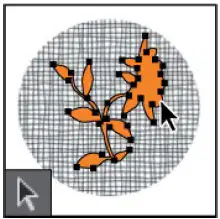
Make shape or segment selections showing anchor points, direction lines, and direction points.
The type tools
The type mask tools
The pen tools
The path selection tools
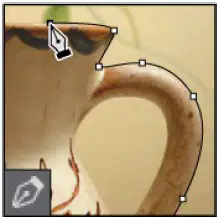
Draw and modify smooth-edged paths.
The type tools
The type mask tools
The pen tools
The path selection tools
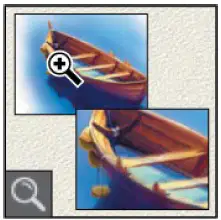
Magnifies and reduces the view of an image.
The Custom Shape tool
The Hand tool
The Rotate View tool
The Zoom tool
The shape tools and Line tool
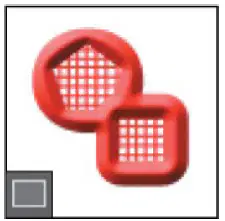
Draw shapes and lines in a normal layer or shape layer.
The Custom Shape tool
The Hand tool
The Rotate View tool
The Zoom tool
The shape tools and Line tool
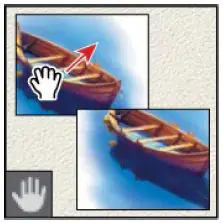
Moves an image within its window.
The Custom Shape tool
The Hand tool
The Rotate View tool
The Zoom tool
The shape tools and Line tool
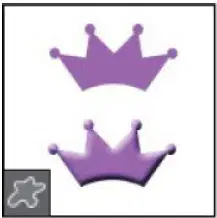
Makes customized shapes selected from a custom shape list.
The Custom Shape tool
The Hand tool
The Rotate View tool
The Zoom tool
The shape tools and Line tool
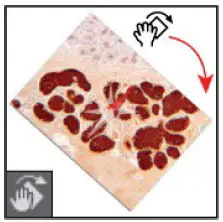
Nondestructively rotates the canvas.
The Custom Shape tool
The Hand tool
The Rotate View tool
The Zoom tool
The shape tools and Line tool

