
 Worksheets
Photoshop Certification: Tool Icons
Total questions: 25
Worksheet time: 13mins
Use this tool to move a selection or layer.


Use marquee tools, such as this one, to make rectangular, elliptical, horizontal, and vertical selections.
Use this tool to make freehand or polygonal (connecting straight lines) selections.
Use this tool to quickly "paint" a selection using an adjustable round brush tip that automatically finds and follows defined edges in the image.

This tool lets you select a consistently colored area or color range (for example, a red flower) relative to the original color you click.
A tool that enables cutting out a defined area of an image or changing the size of the canvas.


This tool samples colors in an image.


Use this tool to paint with pixels from another part of your image.


This is Photoshop's primary painting tool. Use it to paint brush strokes on a layer or on a layer mask.


Use this tool to easily replace the color of an object with a different color.
This tool draws customizable gradual blends between multiple colors.

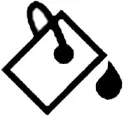
This tool fills an area of similar color with your Foreground color or a pattern.
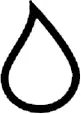
This destructive tool blurs and softens areas you paint over.
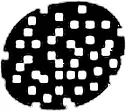
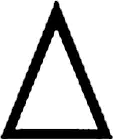
This destructive tool sharpens areas you paint over.
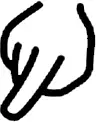
This destructive tool smudges and smears the areas you paint over.
Paint over areas in the image with this destructive tool to lighten them.

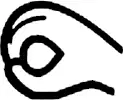
This destructive tool will darken the areas you paint over.
Paint over areas with this destructive tool to increase or decrease color saturation.
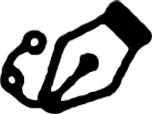
This default tool allows you to draw extremely precise paths, vector shapes, or selections.
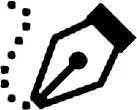
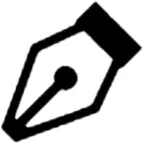
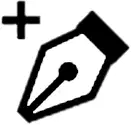
This tool is an easier, simplified version. Use it to make curved paths and selections.
Use this tool to add standard type to your document.
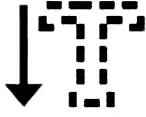


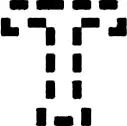
Use this tool to add vertical (up and down) type to your document.
Use this tool to create a selection outline in the shape of type.
Use this tool to create a selection outline in the shape of vertical type.
This tool draws rectangular vector shapes, paths or pixel shapes, with sharp or rounded corners.

