
 Worksheets
Illustrator Formative Assessment 1
Total questions: 23
Worksheet time: 23mins
What is the primary purpose of identifying the target audience when preparing images for a design project?
To determine the color scheme
To ensure the design meets the audience's needs
To select the software to use
To decide on the file format
Which of the following is a key term related to understanding audience needs in design?
Iterations
Demographics
Wireframes
Change orders
What is the importance of using wireframes in communicating design plans?
They provide a detailed color scheme
They help visualize the layout and structure
They finalize the design process
They are used for printing purposes
Which project management concept helps prevent scope creep?
Cloud utilization
Project scope
File management
Feedback loop
Why is it important to understand the type of copyright and licensing required for an image?
To enhance the image quality
To avoid legal issues
To improve the design aesthetics
To increase the file size
Which of the following best describes the term "scope creep" in project management?
The gradual expansion of project scope without adjustments to time, cost, and resources
The initial planning phase of a project
The reduction of project scope to meet deadlines
The use of cloud storage for project files
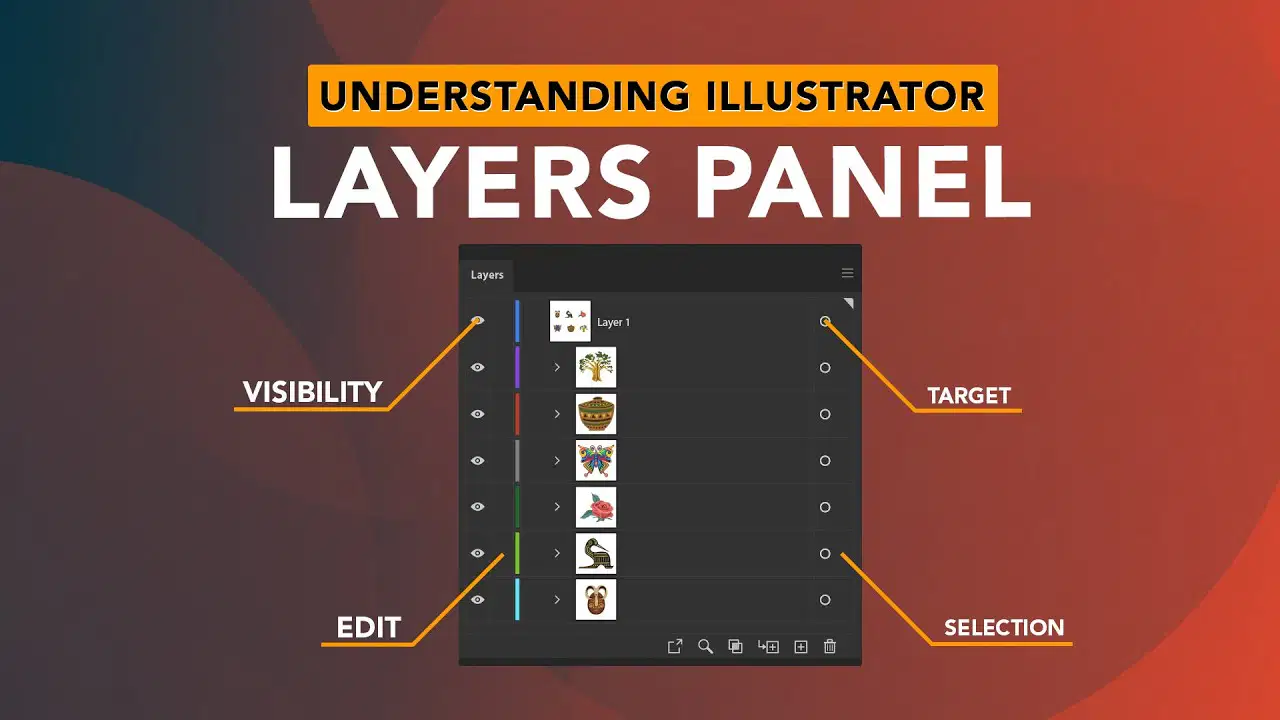
What is the primary purpose of using layers in Adobe Illustrator?
To increase the file size
To manage and organize design elements
To change the color of the design
To export files in different formats

Which tool in Adobe Illustrator allows you to create a smooth transition between two or more colors?
Pen Tool
Gradient Tool
Eraser Tool
Shape Builder Tool

What is D?
Application Bar
Tools Panel
Artboard
Panel Dock
The various draw modes in Illustrator CC can be found on the _____________________panel.
editable
tools
shape
color
What is C?
Application Bar
Tools Panel
Artboard
Panel Dock
What is A?
Application Bar
Tools Panel
Artboard
Panel Dock
What is B?
Application Bar
Tools Panel
Artboard
Panel Dock
What is C?
Application Bar
Tools Panel
Artboard
Panel Dock
What is D?
Application Bar
Tools Panel
Artboard
Panel Dock
The various draw modes in Illustrator CC can be found on the _____________________panel.
editable
tools
shape
color
The entire Illustrator interface is housed within the:
Control panel
Application frame
Panel dock
Workspace
What is the white area in Illustrator called?
Canvas
Whiteboard
Artboard
Paper
From where can you access and manage workspaces?
Arrange documents menu
Adobe Bridge
Workspace switcher menu
Application bar

To select and move entire objects, I use the...
Direct Selection Tool
Selection Tool
Pen Tool
Shape Builder Tool

To select and adjust anchor points and path segments within objects I can use the...
Pen Tool
Selection Tool
Direct Selection Tool
Eyedropper Tool
Which file type should you save your work in if you need to continue editing your design?
JPEG
PNG
AI

What are Fill and Stroke?
Fill is when you use the paint brush to paint inside an object and stroke is using the paint brush to trace around the outline.
Fill is what is inside the object and stroke is adding patterns to that fill.
Fill is what the inside of an object is colored with and stroke is what the outline of an object is colored with.
Fill is when the color exceeds the edges of a shape and stroke is is there is only color to the outside.

