
 Worksheets
Information Processing Cycle
Total questions: 30
Worksheet time: 23mins
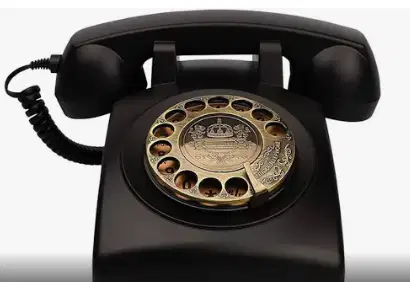
This is a computer.
True
False
This is a computer.
True
False

This is a computer.
True
False

This computer part is...
flash drive
cd
dvd
hard disk drive
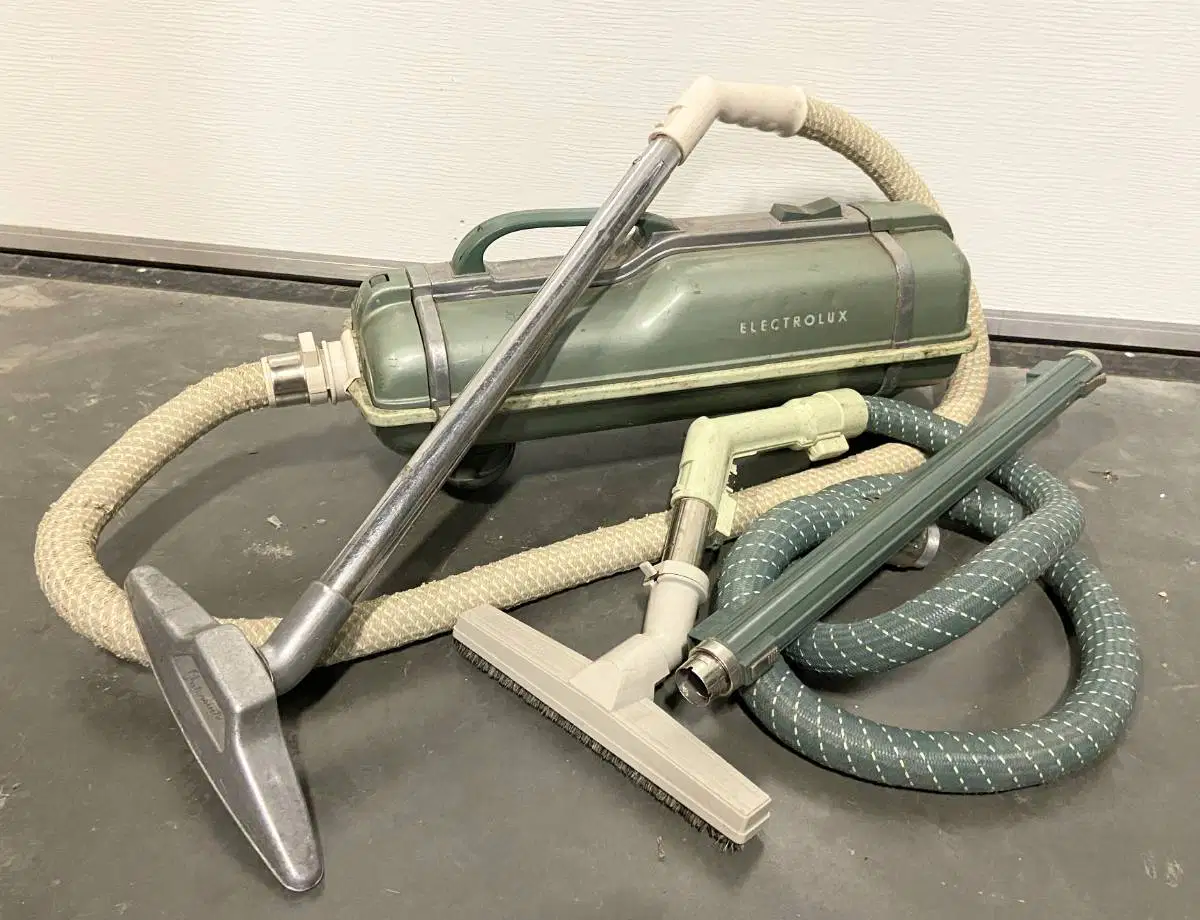
This is a computer.
True
False

This is a computer.
True
False
Which part of the computer manages the software and hardware?
VGA
Mother Board
Operating System
File System
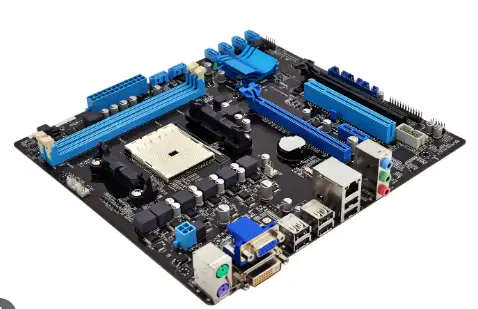
This computer part is...
microchip
circuit board
mother board
graphics card
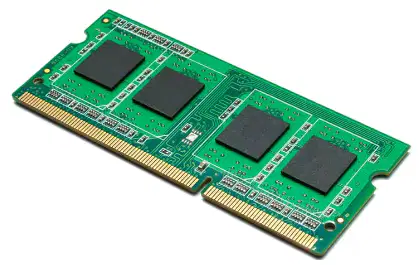
This computer part is...
circuit board
RAM
flash drive
mother board
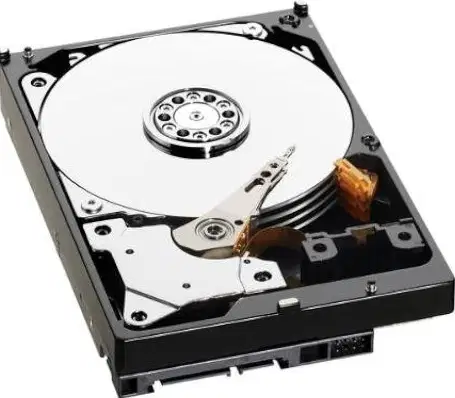
This computer part is used as a storage device.
True
False
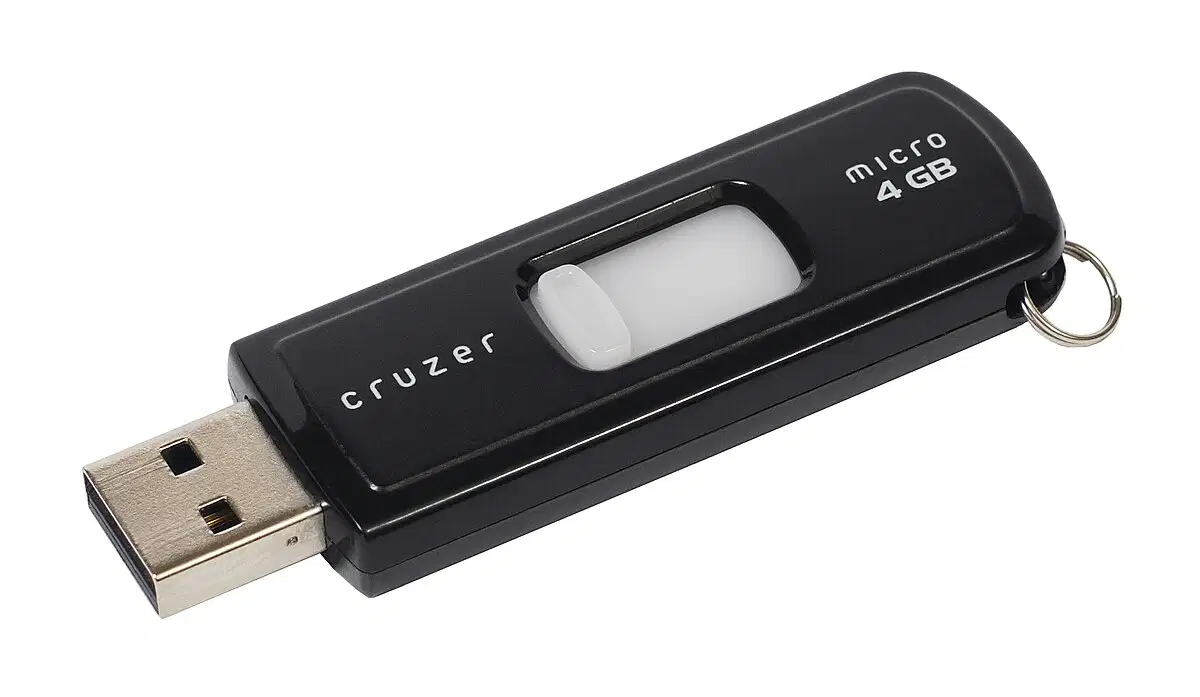
This USB flash drive is used as a storage device.
True
False
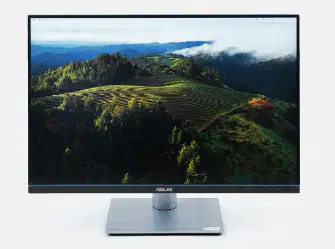
This computer part is a storage device.
True
False

This device is used for...
processing
storage
ouput
input
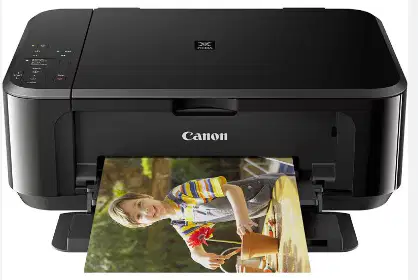
This peripheral device is used for...
input
output
storage
processing
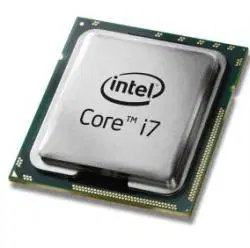
This computer part is used for...
input
output
storage
processing

Code is used for...
input
output
storage
processing
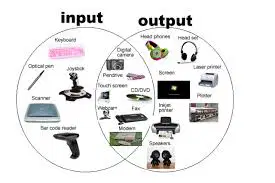
The items in the picture are peripheral devices?
True
False

The picture describes what part of the computer system?
coding
software
hardware
Circle the "computer" in the photo.

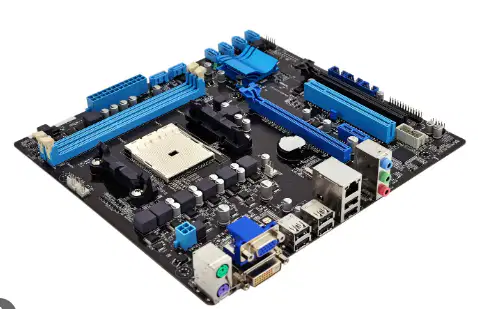
What part of the computer is considered the "master circuit"?
mother board
CPU
circuit board
main frame
When troubleshooting a computer problem, what should you do first?
call a technician
make a list of possible causes
ask a trusted adult
buy a new computer
Organize these options into the right categories
mouse
keyboard
microphone
track pad
tablet
laptop
printer
monitor
speaker
flash drive
hard drive
CD
tape media
all-in-one computer

Operating System
Software
Browser

Operating System
Software
Browser

Operating System
Software
Browser

Operating System
Software
Browser

Operating System
Software
Browser

Operating System
Software
Browser
What are the four parts of the information processing cycle?
input, processing, output, and storage
input, processing, output, and deletion
input, processing, output, and transmission
input, processing, output, and retrieval
When troubleshooting a computer problem, there are 4 basic steps to keep in mind.
write down your steps
take notes about errors
check cables
restart the computer

