
 Worksheets
7.1 Recap Starter
Total questions: 41
Worksheet time: 45mins

Is this a computer?
Yes
No

George is setting up his new gaming console. Is a Nintendo Switch hardware or software?
Hardware
Software

Freya is looking at a device on her desk. Is this a computer?
Yes
No
Aarav is learning about computers and discovers that the processor is the component that (a)
controls the operation of a computi
executes program instructions
Others
stores the programs and data curren
Arjun is working on his computer and notices that all his unsaved work is lost after a sudden power outage. Is the RAM in his computer volatile?
Yes
No
Amelia's (a) is the main storage device in her computer.
CPU
Hard drive
Motherboard
CD-Rom

Match the following components with their descriptions.
CPU
The brain of the computer that performs instructions
RAM
Volatile memory used for temporary data storage
Hard Drive
Storage device for permanent data storage
Select the input devices.
Select the output device.
CPU stands for (a) (b) (c)
Central
Processing
Unit
Power
Control

Match the following devices with their types.
Desktop
Personal computer used at a fixed location
Laptop
Portable computer suitable for use while traveling
Tablet
Handheld device with a touchscreen interface
Games Console
Device primarily used for playing video games
Match the following components with their functions.
RAM
Temporary data storage for quick access
CPU
Processes instructions and performs calculations
Hard Drive
Stores data permanently
Graphics Card
Renders images and video
(a) includes the physical parts of a computer, like CPU, RAM, and motherboard.
hardware
software
firmware
malware
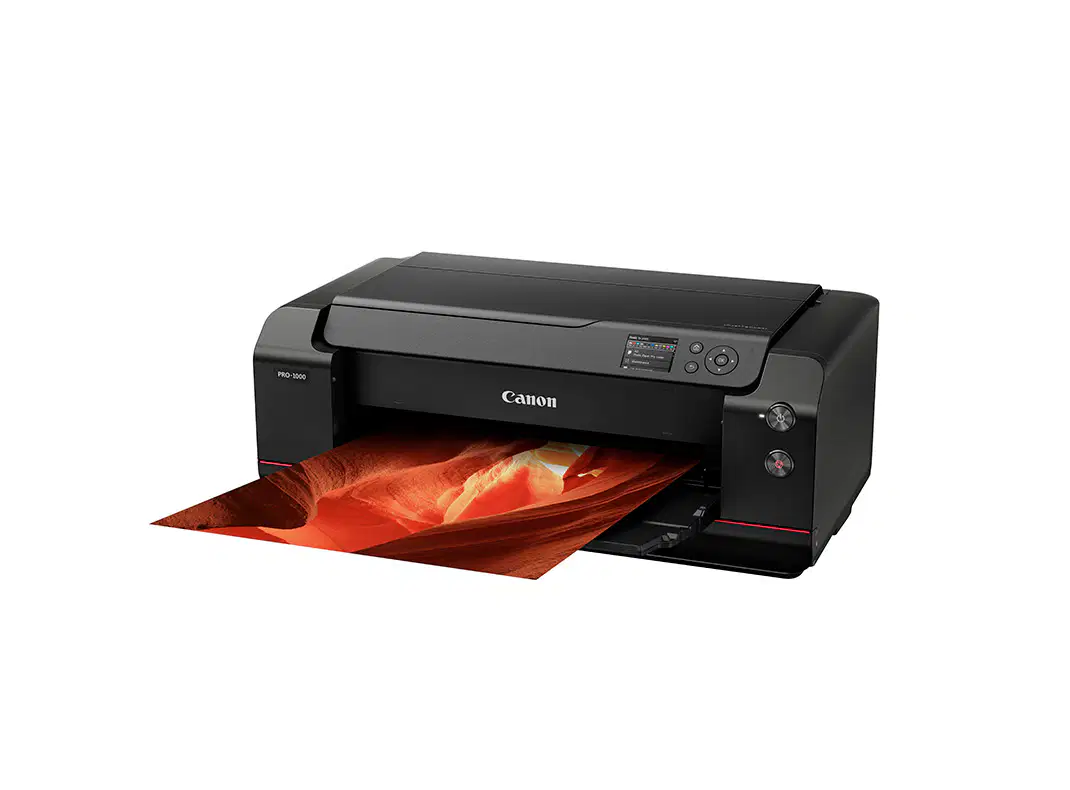
What type of device is this?
Input device
Computer
Output device
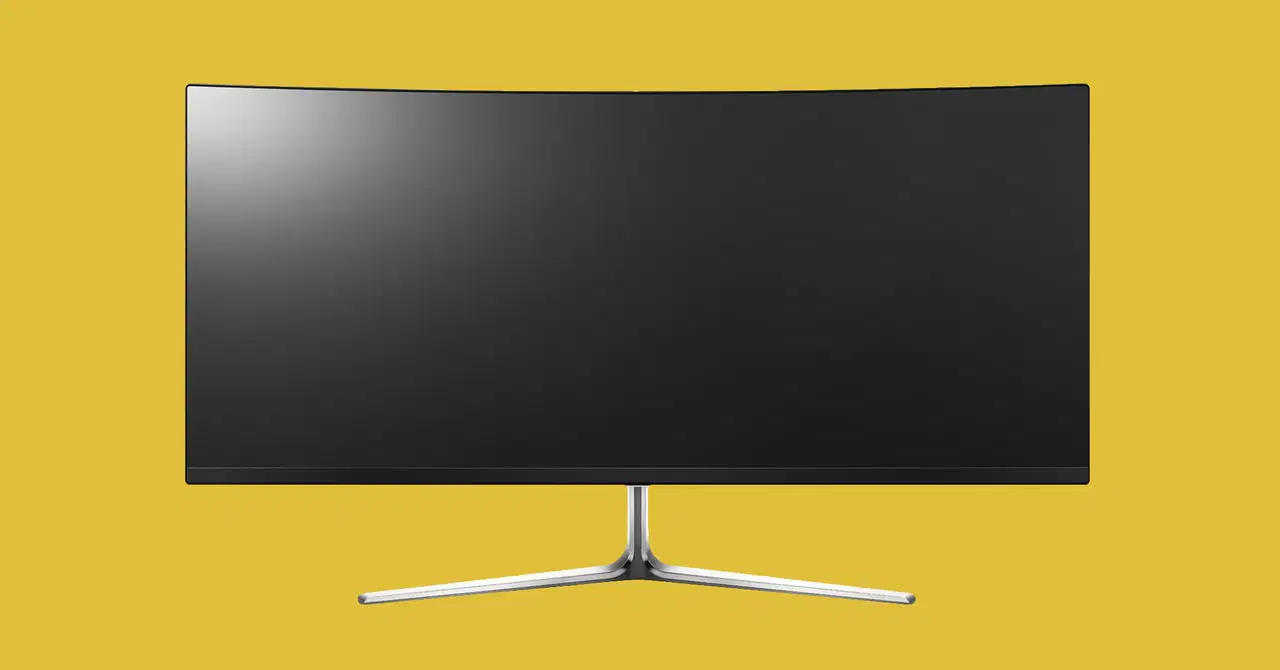
What type of device is this?
Input device
Computer
Output device

Match the following items with their categories.
Documents
PDF, Word, Excel
Software
Operating System, Application
Hardware
Monitor, Keyboard, CPU
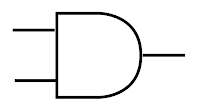
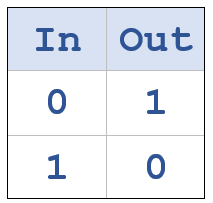
Which logic gate is this?
AND
OR
NOT
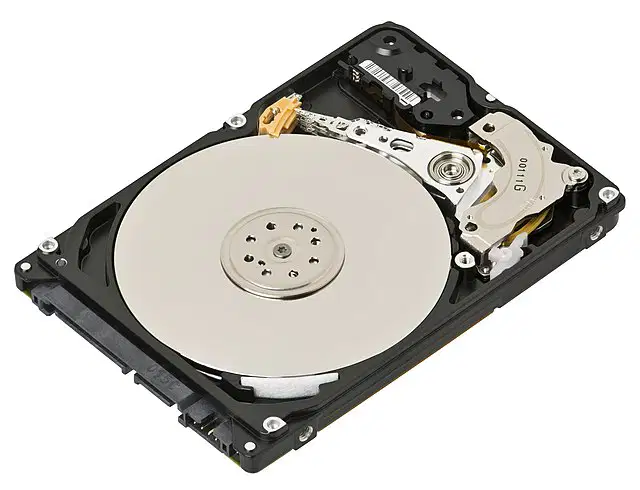
A ______ is the main storage device in your computer.
CPU
Hard drive
Motherboard
CD-Rom
What is this?
ROM
CPU
RAM
Hard Drive
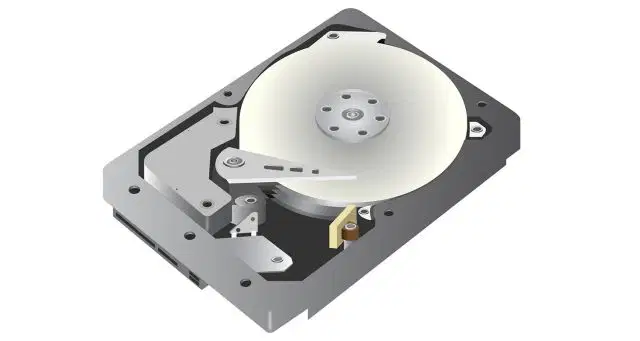
What is an advantage of a Hard drive?
Easily scratched, leading to the loss of data
Large storage capacity
Expensive to buy
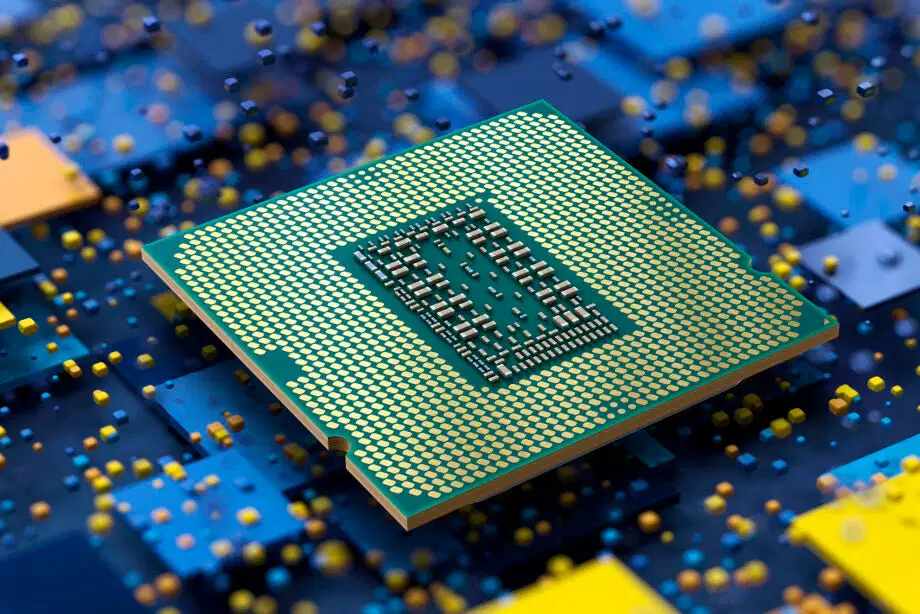
What is the primary function of a CPU?
Store data
Process instructions
Display graphics
Manage network connections
Match the following

CPU

RAM

HDD

Motherboard
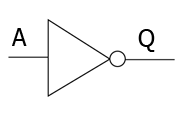
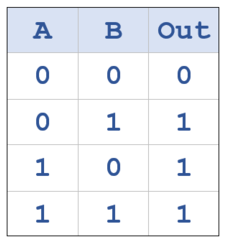
Which is the truth table for the AND gate?
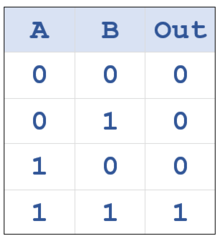
Match each data storage item with the correct image.

Floppy DIsk

USB Drive

Cloud Storage

CD-ROM

External Harddrive

Why do CPU's use Binary?
because the inventor didn't like maths
because they can't count to bigger numbers
they are made of billions of switches which can be on or off
because 1 and 0 are related to input and output
Which are these are input devices?
Mouse
Printer
Keyboard
Scanner

What does the term 'Hardware' mean?
Anything that is hard wearing
All of the different types of programming languages
Any physical component used in the workings of a device
Components that are particularly hard such as reinforced glass
What is a Power Supply?
How powerful a device is
How fast a device can run
How much a device can store
A component that provides electrical current to a device

What is an output device?
Anything that outputs
hardware used to display or output data that has been processed in a computer
Software that helps display content on the screen
Hardware used to improve the speed of a device
Which of the following are output devices?
Printer
Hard Drive
Speaker
Keyboard
What is the role of a motherboard in a computer?
To store data permanently
To connect and allow communication between various components
To provide power to the computer
To display graphics
Which of the following is considered an input device?
Monitor
Keyboard
Printer
Speaker
What is the primary function of RAM in a computer?
To store data permanently
To process instructions
To temporarily store data and instructions
To manage network connections
Which component is responsible for executing instructions in a computer?
RAM
CPU
Hard Drive
Motherboard
What is the function of a graphics card in a computer?
To process audio signals
To manage network connections
To render images and video
To store data permanently
Which of the following is a non-volatile storage device?
RAM
Cache
Hard Drive
CPU
Please categorise the following hardware
CPU


Key

HDD
SSD
RAM

Keyboard
Random Access Memory
Processor


