
Font size
 Worksheets
GIMP CLASS 7
Total questions: 28
Worksheet time: 16mins
Q.1 _______ displays the options relevant to the selected tool.
Menu Bar
Tool Options
Panel
Title Bar
Q.2 Digital images in GIMP are made up of tiny, solid colour squares called___________
Dots
Effect
Pixels
Points
Q.3 You can change the____________ of the desired part of an image with the help of the Zoom tool.
Size
Magnification
Effect
Colour
Q.4 _______tool can be used to cut only the desired part of an image.
Selection
Move
Scale
Crop
Q.5 _________ tool is used to select the groups of similarly coloured pixels.
Rectangular selection
Ellipse Selection
Fuzzy Selection
Free Selection
Q.6 _____ tool an make oddly shaped selections.
Free Select
Rectangular Select
Ellipse Select
Scissor select
Q.7 _______tool is used to select elements of your image that have well defined edges.
Rectangle Select
Scissors Select
Fuzzy Select
Free Select
Q.9 Name the colour mode which we can apply on image in GIMP
Blue
RGB and Grayscale
Red and Green
White
Q.10 Which tool can be used to select a colour from an open image?
Clone
Crop
Colour Picker
Paint Bucket
How do you create a new document/canvas:
File > Save
File > Open
File > New
File > Export

What is this image called?
Tool Options
Menu
Toolbox
Navigation Window
If you don't see your toolbox, what menu item lets you reopen it?
File
Image
Layers
Windows

What is in this image?
Toolbox
Tool Options
Brush Options
Layers
If you want to undo a previous command, you can:
click ctrl + z
click ctrl + c
click ctrl + f
click ctrl + p
When you need to resize an image, you use the:
Scale Tool
Alignment Tool
Crop Tool
Gradient Tool

In this image, is the foreground color black or white
Black
White
The Tool Options box:
Is the same for every tool.
Changes depending on what tool you select.
A stroke is a _____.
Border that surrounds a layer
Custom-made paintbrush
Special effect that creates an outer glow
Specialty brushes found on Brushes Tab
_____ are images applied to another image to add detail and texture.
Brushes
Gradients
Noises
Patterns

The __________________ tool is used to select parts of an image in a rectangular or square shape.
Cube select
Square Select
Rectangle Select

You can use this tool to erase a mistake in your drawing.
Eraser Tool
Rubber Tool
Delete Tool
Q.7 _______tool is used to select elements of your image that have well defined edges.
Rectangle Select
Scissors Select
Fuzzy Select
Free Select
Q.4 _______tool can be used to cut only the desired part of an image.
Selection
Move
Scale
Crop
What format keeps all edited layers and allows you to continue editing your image later in gimp
.XCF
.JPG
.GIF
.PIC

Which is the text tool?
A
C
D
B
Select all the options which are available in Bucket fill tool in the tools option.
Fg color fill
Bg color fill
Pattern
None of them
Short cut key for Rectangle select tool is ____________
R
E
U
B
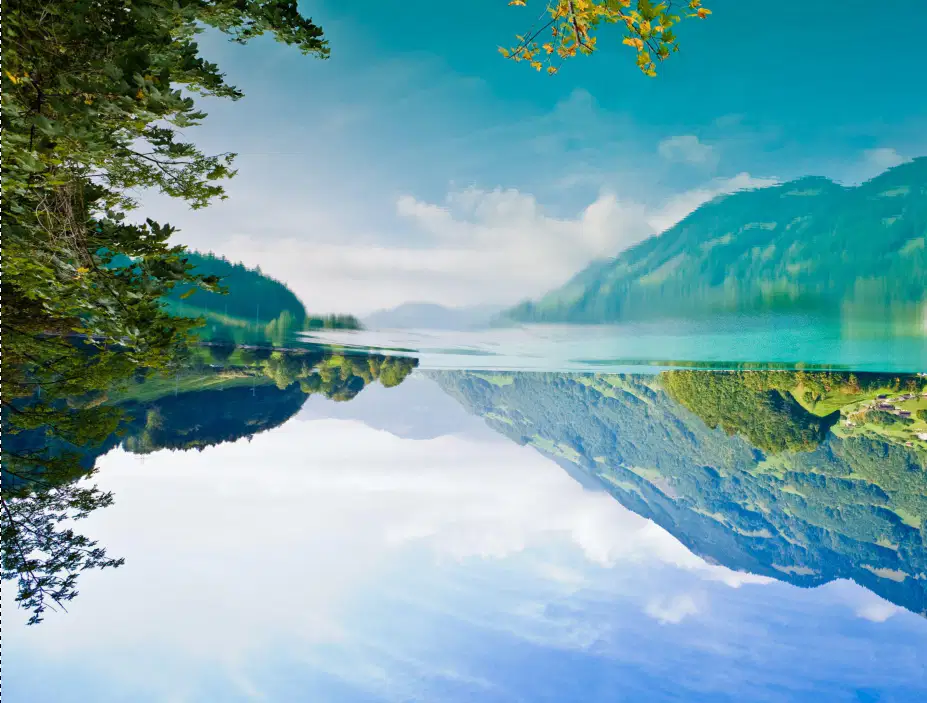
The picture is visualizing upside down. This can be done using which tool in GIMP?
SHEAR
PERSPECTIVE
FLIP
ROTATE

