
 Worksheets
Scratch
Total questions: 55
Worksheet time: 35mins
Scratch is a programming app which uses pre-coded blocks.
True
False

The area where the blocks are dragged to and connected to form the program is the _______________.(#2)
Scratch Library
Preview
Files
Workspace

Once the program is complete, you can see if it runs correctly here. (#3)
Preview
Files
Workspace
Scratch library

Where do you go to get/add a sprite?
Image #1
Image #2
Image #3
Image #4

Where do you go to add a backdrop?
Image #1
Image #2
Image #3
Image #4

There can be multiple sprites in a program. Where can you see which sprite you're currently programming?
Image #1
Image #2
Image #3
Image #4
Changing the look of a sprite is done with ____________.
Looks/Variables
Looks/Events
Looks/Control
Looks/Costumes
Which sprite has the most available costume options?


Which sprite has the fewest available costumes?


When selecting a sprite, you can hold the cursor over the sprite. If it stays the same it has only one 'costume' - if it changes it has more than one.
True
False

Which would reduce the number of blocks in this program to draw a square?
Repeat 2 block containing the 100 steps and 90 degree turn
Forever block around the first 100 steps and 90 degree turn
Forever block surrounding all of the blue blocks
Repeat 4 block containing the 100 steps and 90 degree turn

Which option in the costume file would cause this sprite to face left instead of right?
Flip horizontal
Flip vertical
Forward/Backward
Front/Back
When conversation is a part of the program, everyone should not speak at once. Which will allow the sprites to speak individually rather than all of their lines showing up at the same time?


A chase game requires at least two sprites.
True
False
There are multiple ways to make the 'chaser' move. Which of the following will move the chaser where you want to move it?


The sprite being chased is different. The player should not know where that sprite is going. Which block will help the sprite being chased to move around without you knowing where or when?


Which of the following will allow the movements to occur continuously to various positions?


When playing the game, scores need to be reset periodically. Which will reset the score when you restart the game?


Many blocks allow you to set a variable inside. These variables allow you to pick certain aspects of what the block uses to function. What allows this to happen within the block?
Drop down arrow
Shape of the block
Color of the block
White circle
How do you remove a block from the workspace?
Drag it to the right of the workspace
Drag it to the file section
Drag it down
Double click the block you want to move
Scratch requires practice in order to learn.
True
False

What happens when you click on the sprite?
The sprite changes costume
You win the game
You lose the game
Adds 1 point to the score variable
What happens to a sprite's script if this sprite was deleted?
The script will be saved if you decided to use this sprite later
You can't delete a sprite before deleting the script written in it.
The script will be deleted with the sprite
Which sprite has the most available costume options?


A blocks that hold value and can be changed
Operational Blocks
Event Blocks
Sensing Blocks
Variable Blocks
Which command let the sprites walk?
Walk
Run
Move
Go
Scratch is...
a programming language
a gaming application
video editing software
sound editing software

These blocks are different examples of what?
motion
events
controls
sound
Variables are used to hold data that cannot change.
True
False
A completed program in scratch is called
Scratch
Volume
Project
Document

What will the cat say when this script is run?
Have a nice day. (only)
Here's some fruit. (only)
Here's some fruit. Have a nice day.
You can't have any. Have a nice day.
To add a new sprite to your code, you click on:


What is the variable in this code?
keep score
random position
edge

When is this used?
With the point in direction block.
With the move block.
When I want the game to end.
When I want to change costume
To make character pause or slow in scratch, control that is added to script is
Forever
Repeat
Wait
Next costume
Sensing blocks are used to tell the sprite what to do when touching something on the stage.
True
False
What happens to a sprite's script if this sprite was deleted?
The script will be saved if you decided to use this sprite later
You can't delete a sprite before deleting the script written in it.
The script will be deleted with the sprite
Which sprite has the most available costume options?
These blocks are different examples of what?
motion
events
controls
sound
What will the cat say when this script is run?
Have a nice day. (only)
Here's some fruit. (only)
Here's some fruit. Have a nice day.
You can't have any. Have a nice day.

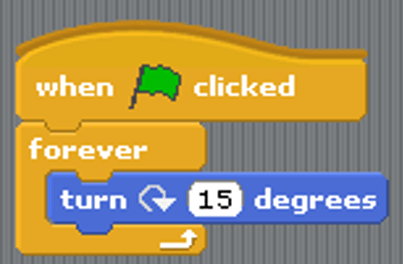
What does this block do?
Repeat the code forever
Repeat the code 2 times
Repeat the code until touching the sprite
choose the sprite.


What happens when we click this?
Nothing happens
The scene stops
We can change the sprite
The scene starts
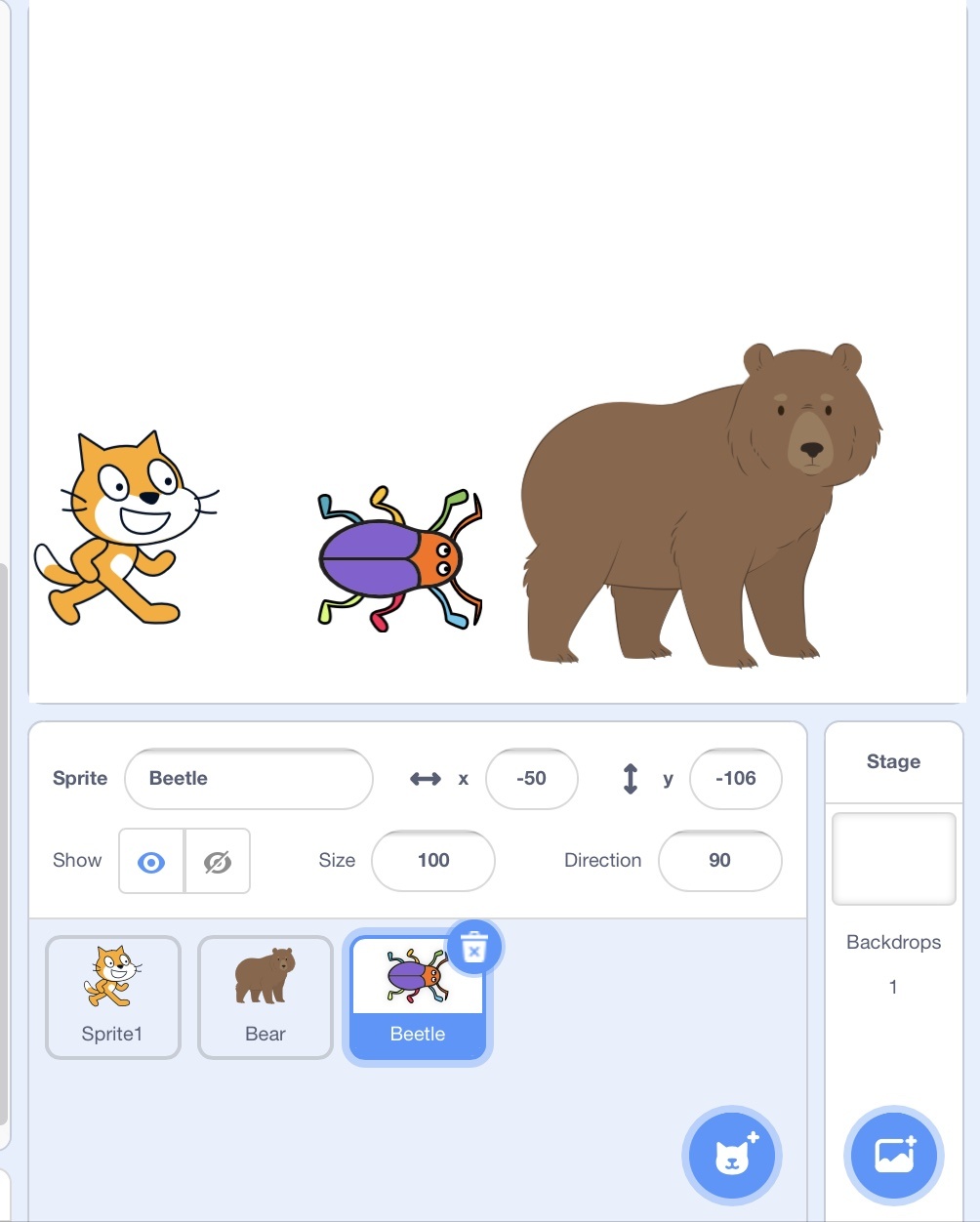
To add more sprite (character) which button should you click?



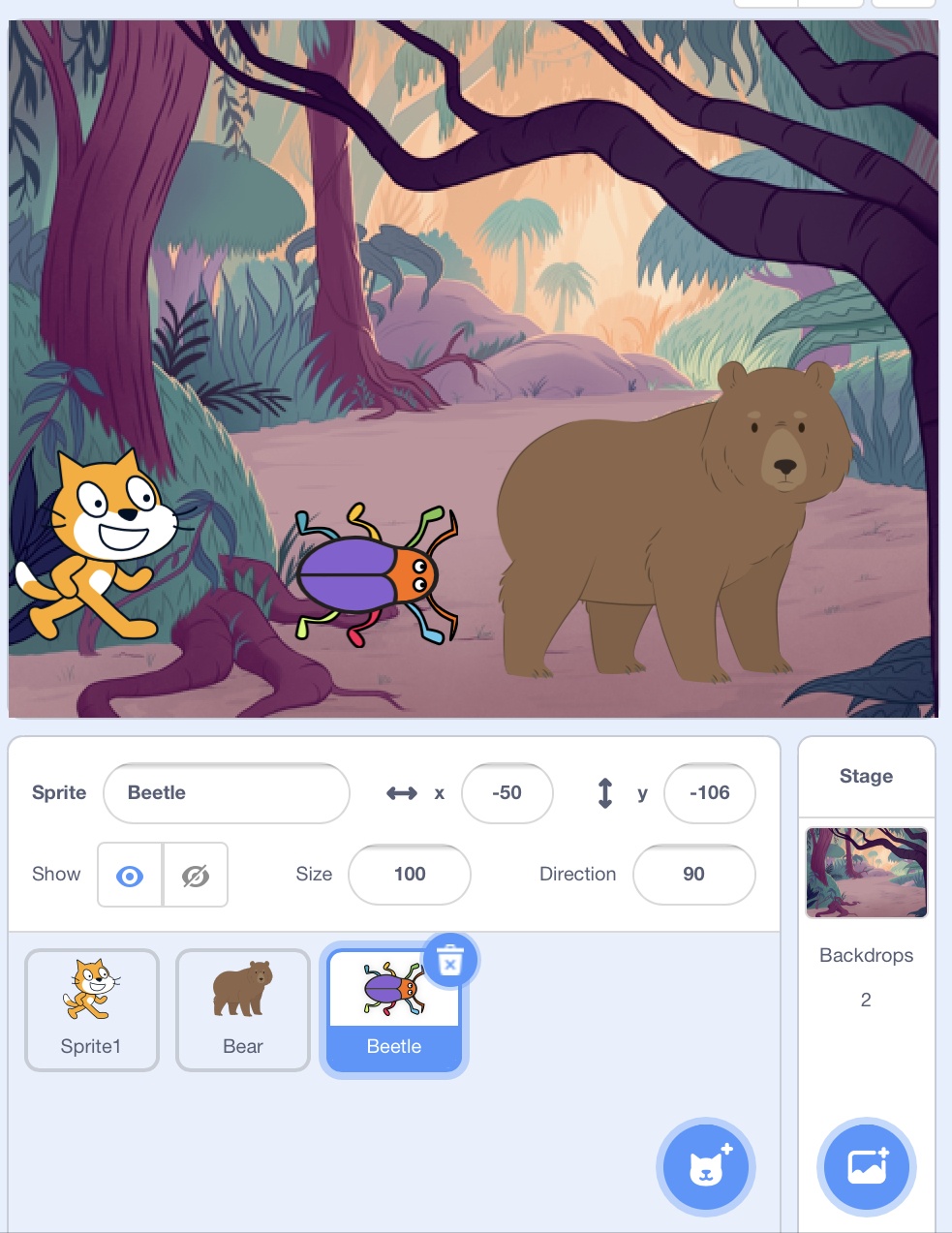
Which icon should you click to change Scratch backdrop


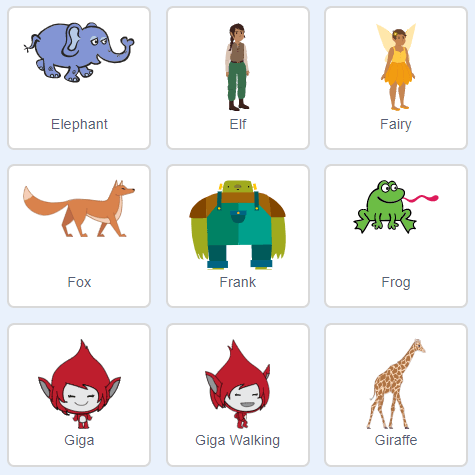
What is the name of this part of Sratch?
Sprites
Backdrop
Costume
Blocks
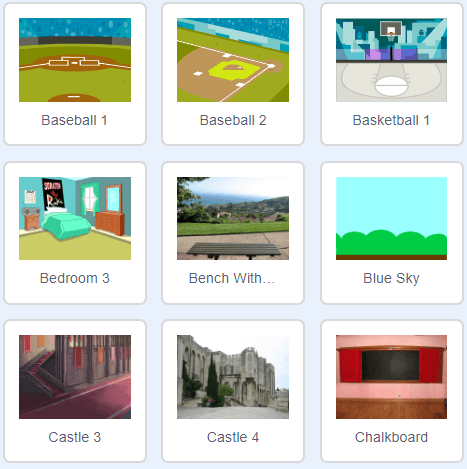
What is the name of this in Scratch?
Costumes
Code
Script
Backdrop
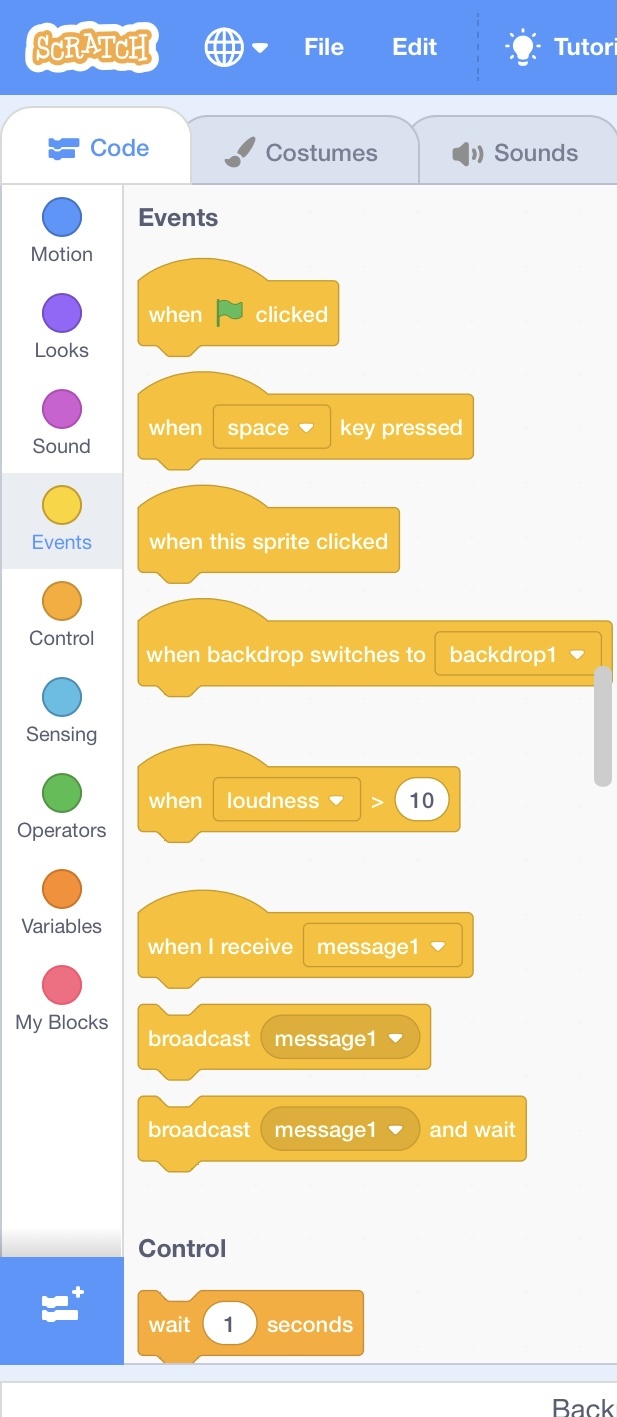
What colour blocks allow the code to start move (event)?
Blue
Green
Yellow
Red
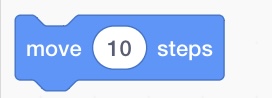
What happen to sprite if you use this block?
Sprite will jump
Sprite will move 10 steps
Sprite will change colour
Sprite will say hello
Can we add any variable in the motion block?
True
False
What will the cat say when this script is run?
Have a nice day. (only)
Here's some fruit. (only)
Here's some fruit. Have a nice day.
You can't have any. Have a nice day.
To add a new sprite to your code, you click on:
A block that sends messages from one sprite to another
When the green flag is clicked
Broadcast block
Forever Loop
If/Then Block

