
 Worksheets
Year 5 MidTerm Exam Sem 2 2025 reviewer
Total questions: 30
Worksheet time: 15mins
________________ is a type of programming language that is used to move a turtle on the screen.
LOGO
C++
Python
What does a turtle draw when it moves?
number
line
angle
The LOGO turtle is represented by a _______________.
square
triangle
oval
Microsoft Windows LOGO is a ____________ application that can be downloaded from the internet.
expensive
cheap
free
Where to download MSWLogo?
http://www.google.com/y8.html
http://www.softronix.com/logo.html
http://www.friv.com/2021/adobe.html
To download and save the LOGO application, click on the '__________' button.
Cancel
Save
Run
To launch LOGO, click on the '__________' button.
Start
Close
Shut down
What is the MSWLogo icon?


MSWLogo consists of ________ main sections.
2
3
4
Which part of windows displays tools and functions?
turtle
Screen window
Menu Bar
Each time the turtle moves, it draws a line using a ________________.
pen
marker
pencil
Where can we change the size of the pen in MSWLogo?
Bitmap menu
Set menu
File menu
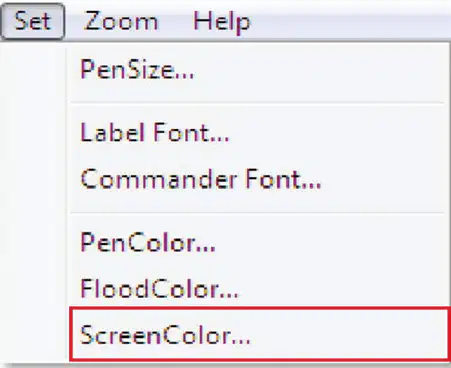
With this menu, we can __________________________.
change the size of the pen.
change the pen color.
change the background color.
Which code is the same function as 'Exit'?
Sayonara
Bye
ohayo gozaimasu
In the File menu, which one clears the screen and opens a new project?
Save
Load
New
Which of these quits the MSWLogo application?
Exit
Edit
Erase
Which of these tools opens a saved Logo file?
Edit
Save
Load
___________________ allows you to erase a procedure.
Erase
Edit
New
Which of these files can only open in MSWLogo application?
BMP or LGO
DOC or PDF
PNG or GIF
Who created the MSWLogo application?
teachers
volunteers
doctors
Part of windows where shapes and patterns are displayed drawn by the turtle.
(a)
There are (a) parts in Commander window.
To watch the turtle in action, type instructions and click on ' (a) '.
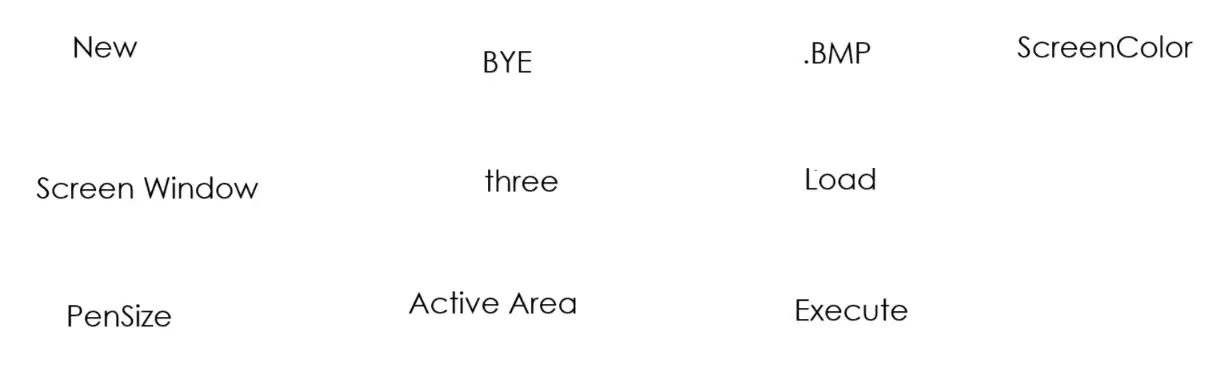
MSWLogo can only open files such as .LGO or (a) .
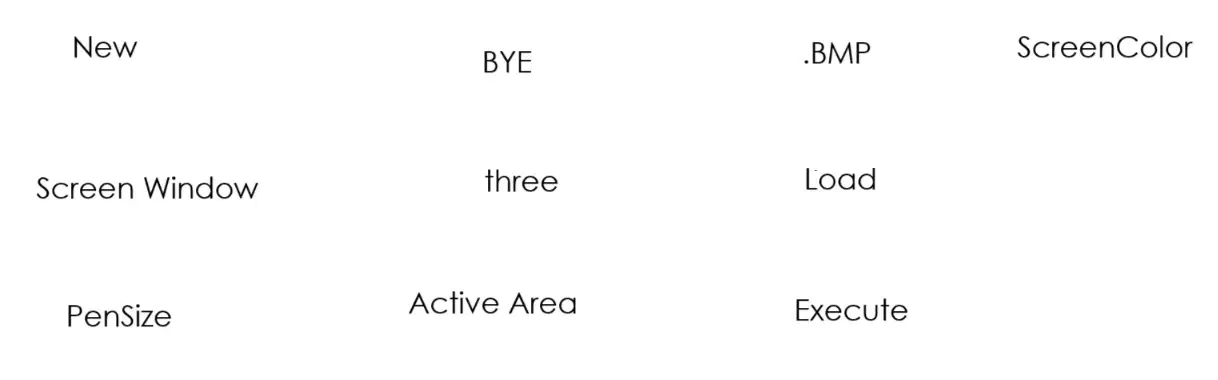
You can exit MSWLogo at any time by typing ' (a) ' in the Input window.
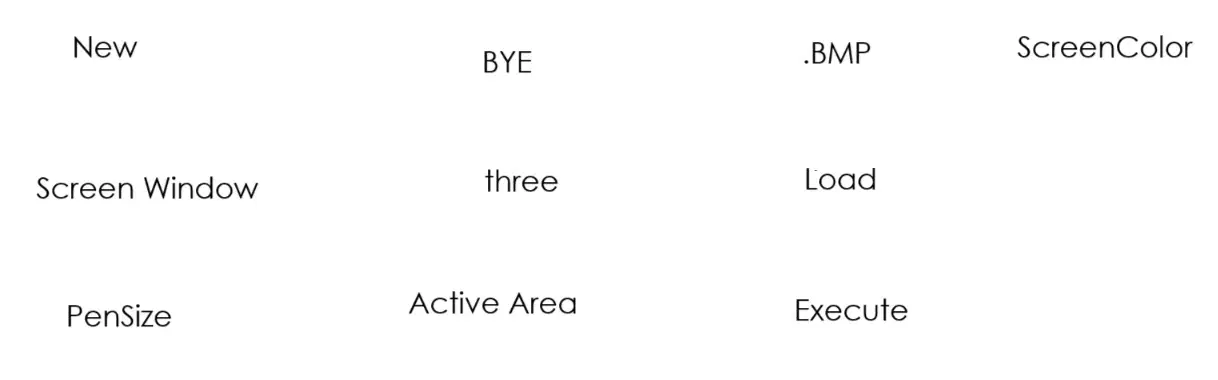
(a) clears any bitmap pictures on the screen.
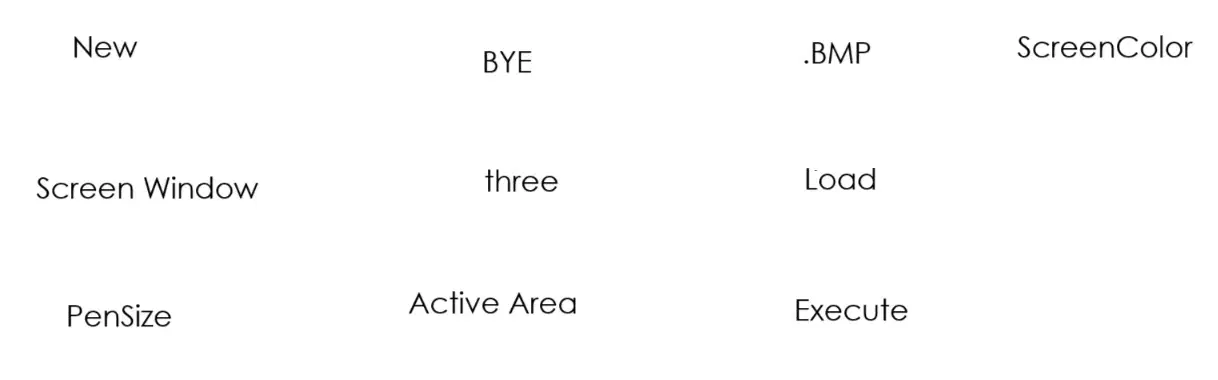
(a) allows you to import a bitmap image into the drawing area.
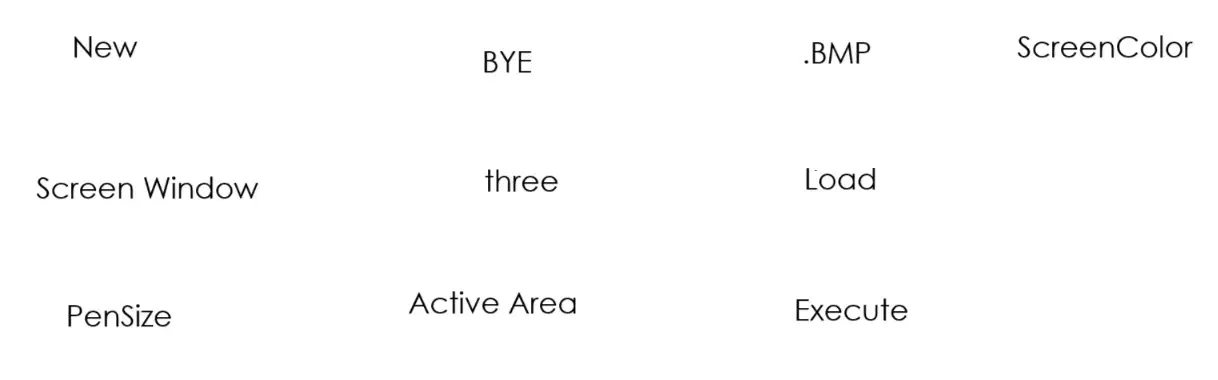
(a) allows you to change the size of the drawing area.
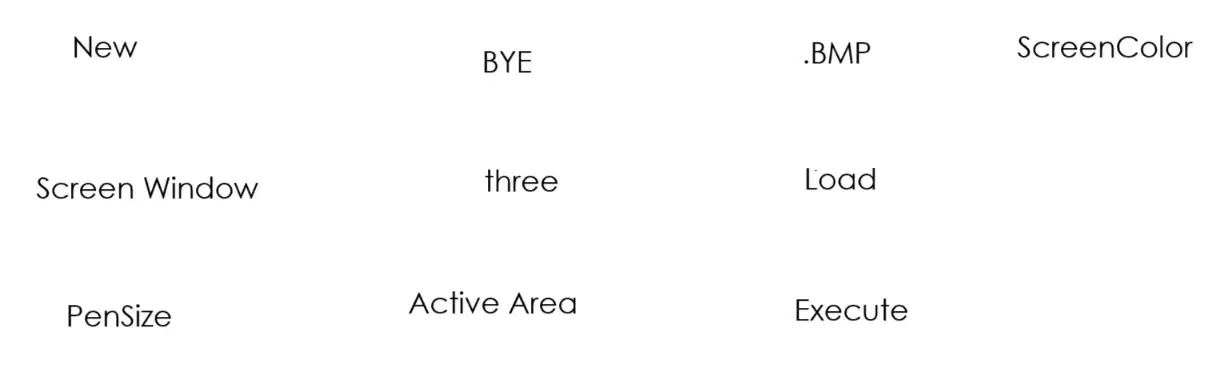
(a) allows you to change the size of the pen.
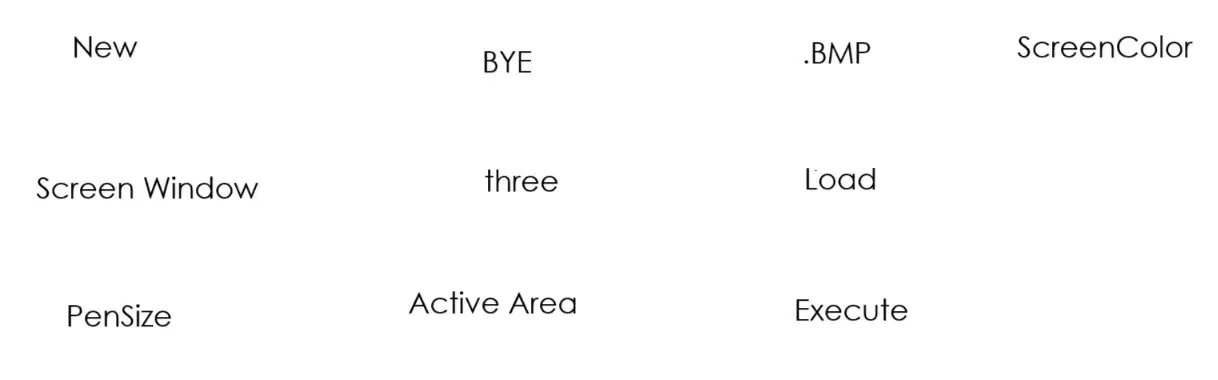
(a) allows you to change the colour the screen.

