
 Worksheets
Introduction to Fusion 360
Total questions: 16
Worksheet time: 8mins
What is Fusion 360 primarily used for?
2D graphic design software
Web development platform
Video editing and animation tool
3D CAD, CAM, and CAE software for product design and manufacturing.
Which company developed Fusion 360?
Microsoft
Adobe
Autodesk Maya
Autodesk
Can Fusion 360 be used for both 2D and 3D design?
Fusion 360 cannot be used for any design.
Yes, Fusion 360 can be used for both 2D and 3D design.
Yes, but only for 2D design.
No, Fusion 360 is only for 3D design.
What file formats can Fusion 360 export to?
JPEG
STL
PNG
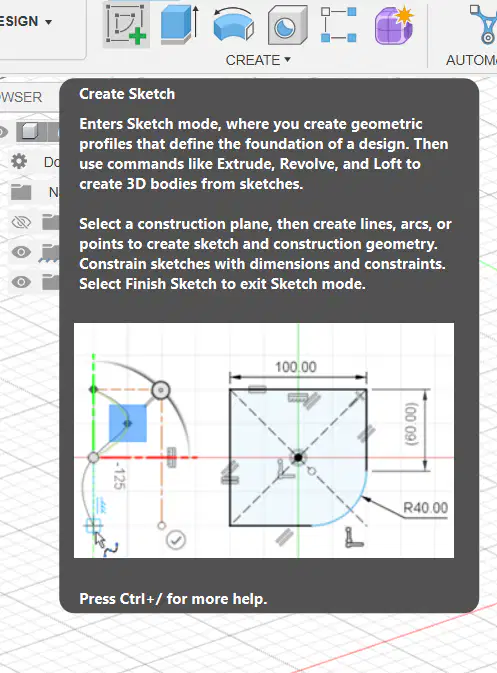
What is the function of the 'Sketch' workspace in Fusion 360?
The 'Sketch' workspace is used for animating designs.
The 'Sketch' workspace is for rendering 3D models.
The 'Sketch' workspace is for managing project files.
The 'Sketch' workspace is for creating 2D profiles for 3D modeling.
Every 3D Model starts with
extruding something
drawing a 2D sketch
revolving a face
When creating a new sketch you need to choose
an extrusion type.
the timeline.
a plane to draw on.

What do these orange squares represent?
Planes you can put sketches on.
Ships you can sketch on.
Faces you can doodle on.

Which tool from the Create menu would be used to make this effect?
Extrude
Sweep
Revolve
What do we call the point where all three axes (x,y,z) meet?
The beginning
The Origin
Zero

What is the fastest way to fix this view?
Zoom in, rotate the View Cube.
Rotate the View Cube, zoom in.
Click the home button beside the View Cube.

What are the dimensions of the gray (top left) rectangle?
30mm x 50mm
30mm x 30mm
30 x 30
60mm x 30mm
Tools like rectangle and lines requires you to have two inputs via text boxes. How will you switch text boxes when drawing these elements?
Use the Right Mouse Button
Double Click on the Canvass
Use the Tab Key on the Keyboard
Use the S Key on the Keyboard
To create a 3D Model on the Fusion 360 application, we need to first design a sketch?
True
False
I think so
I don't know

How do I turn a 2D drawing into a 3D object
Fillet
Revolve
Extrude
Rectangular pattern
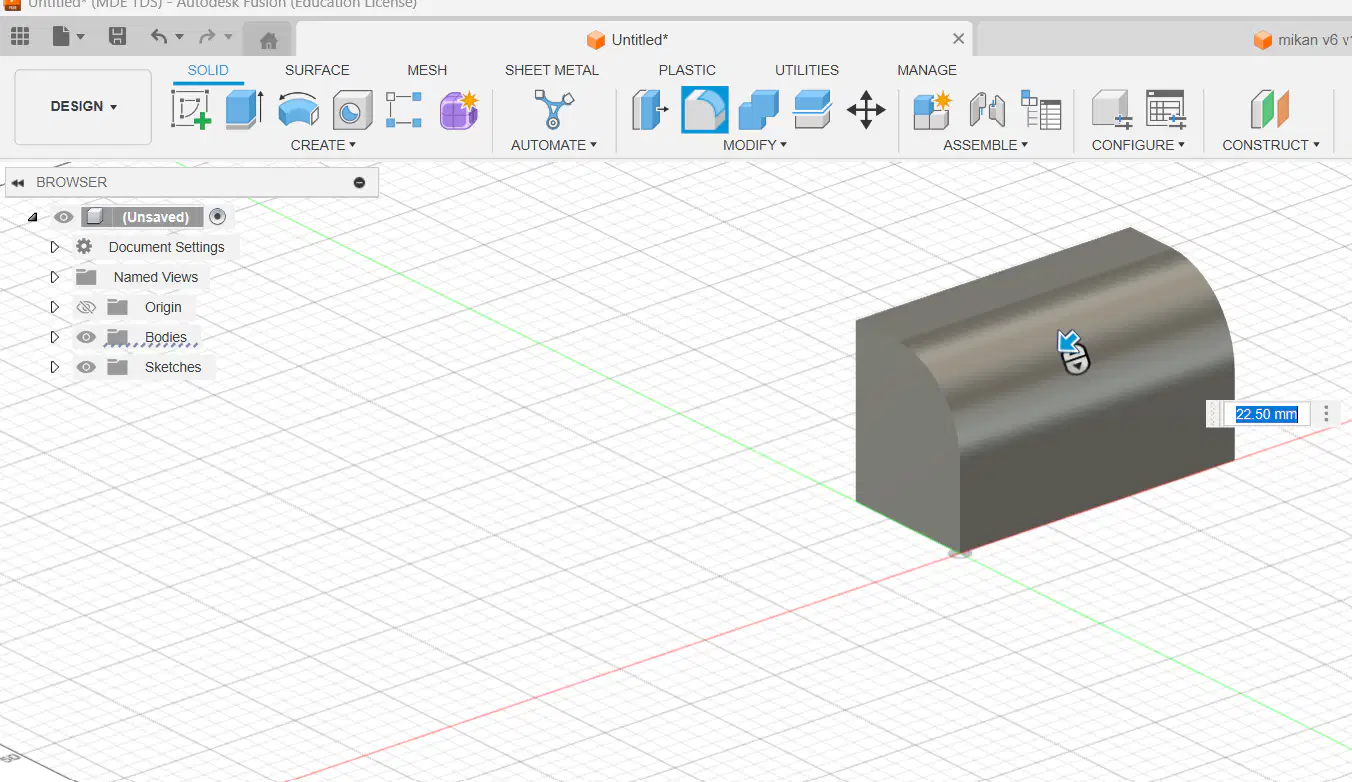
How to a curve the edge of an object on Fusion?
Extrude
Fillet
Sketch
Sandpaper

