
 Worksheets
JENIS-JENIS HARDWARE (KELAS 3)
Total questions: 65
Worksheet time: 35mins
Apa itu hardware komputer?
Software yang digunakan dalam komputer.
Jaringan yang menghubungkan komputer.
Proses yang dilakukan oleh komputer.
Hardware komputer adalah komponen fisik dari sistem komputer.
Perangkat keras komputer yang berfungsi untuk memasukkan data kedalam komputer adalah...
perangkat pemproses
media penyimpan
perangkat output
perangkat input
Peralatan komputer berupa papan ketik yang berfungsi memasukkan data, angka, dan karakter serta menjalankan perintah pada komputer adalah...
keyboard
scanner
joystik
mouse

Berikut merupakan ...
Keyboard
Monitor
Mouse
Joystick
Komputer terdiri dari perangkat keras yang meliputi berikut ini, kecuali .....
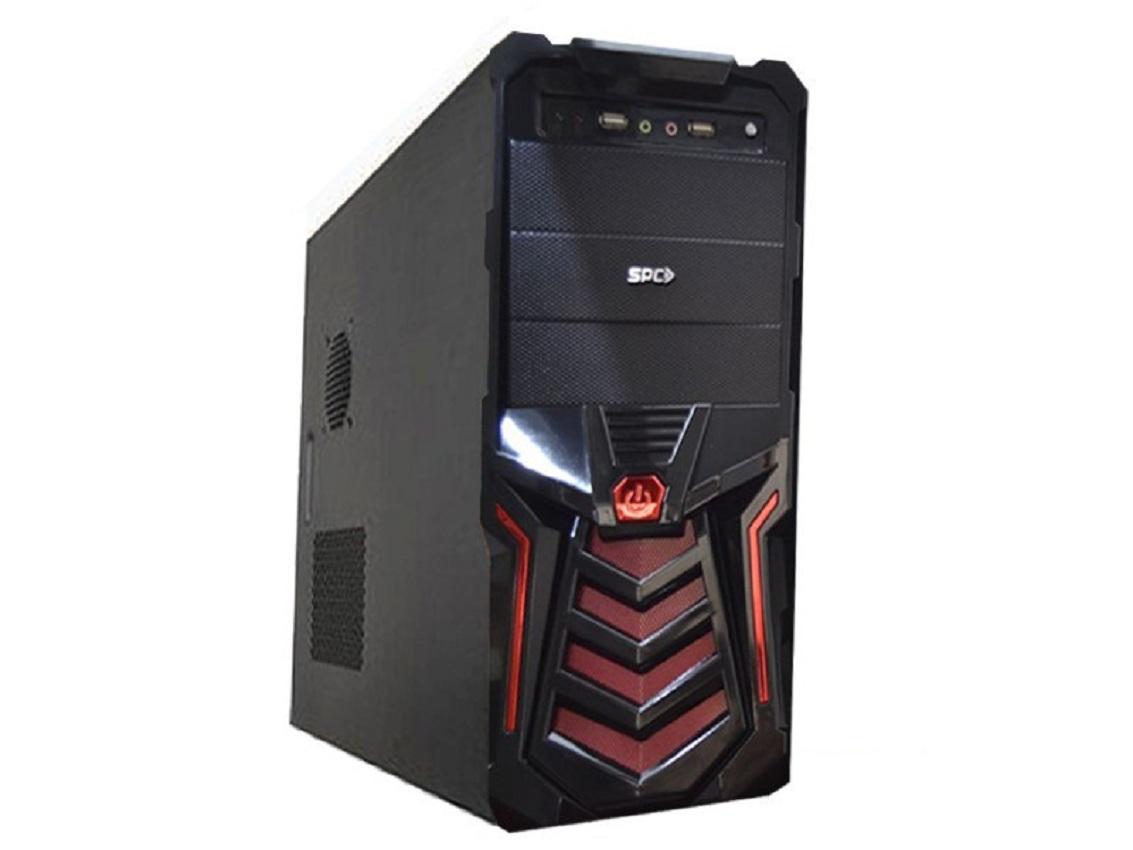
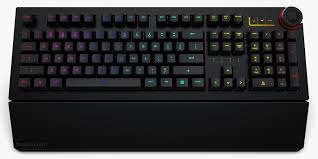
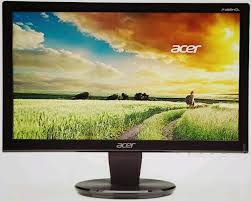
Berikut ini yang termasuk perangkat output adalah.....
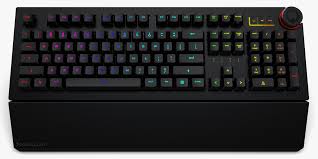
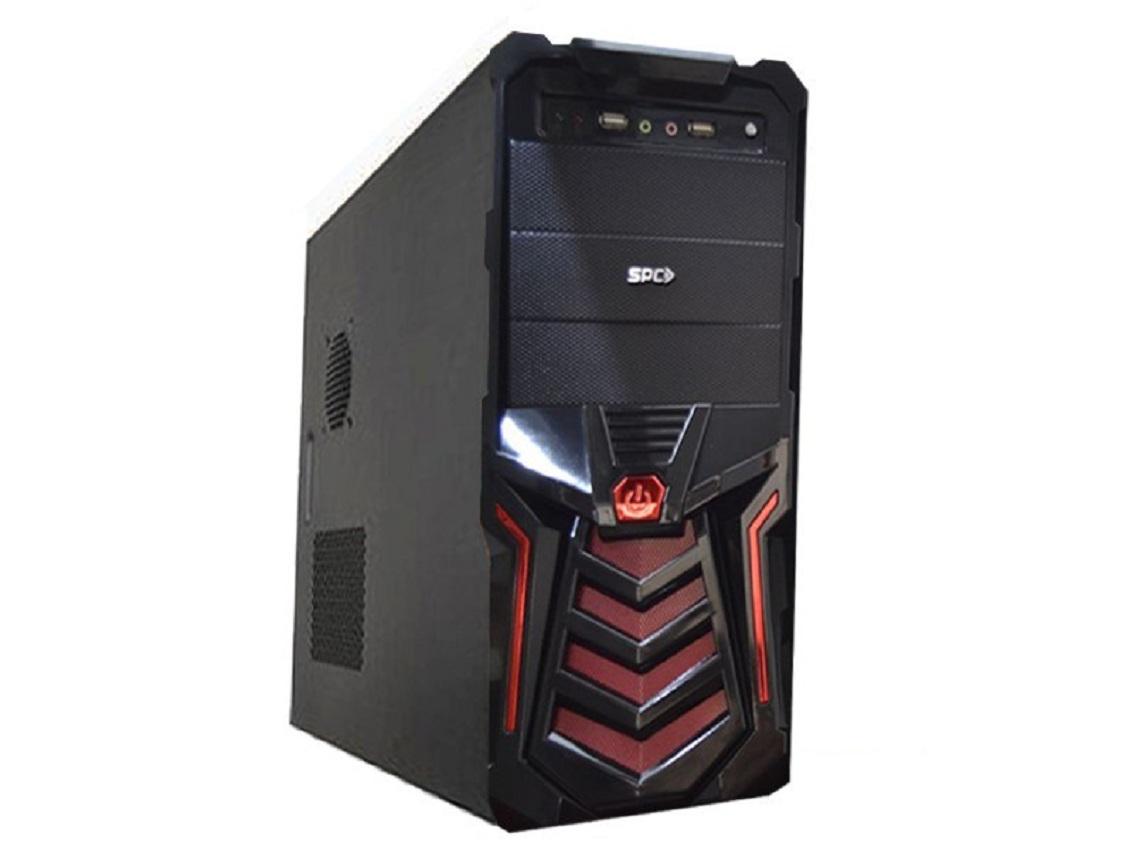
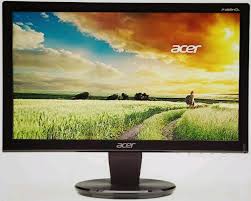
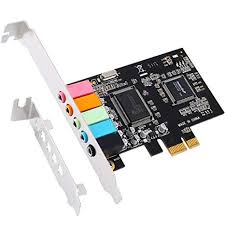
Dibawah ini yang tidak termasuk piranti masukan adalah ...
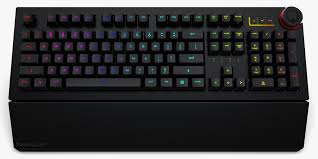
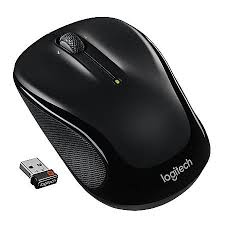
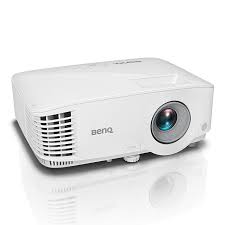
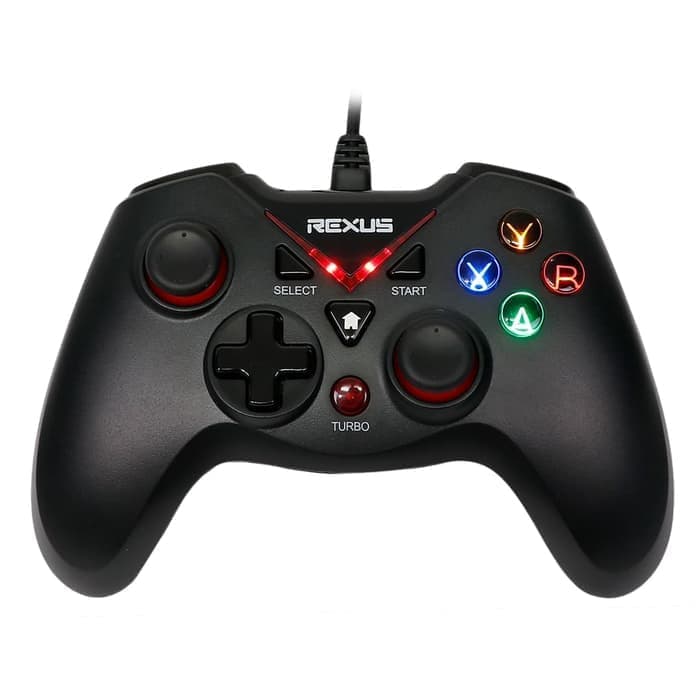
Dibawah ini yang tidak termasuk macam-macam monitor kecuali ...


Contoh input device
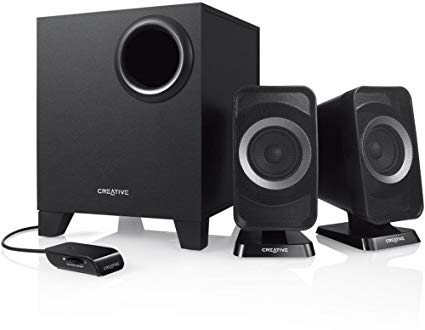
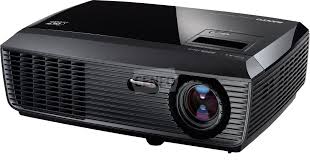
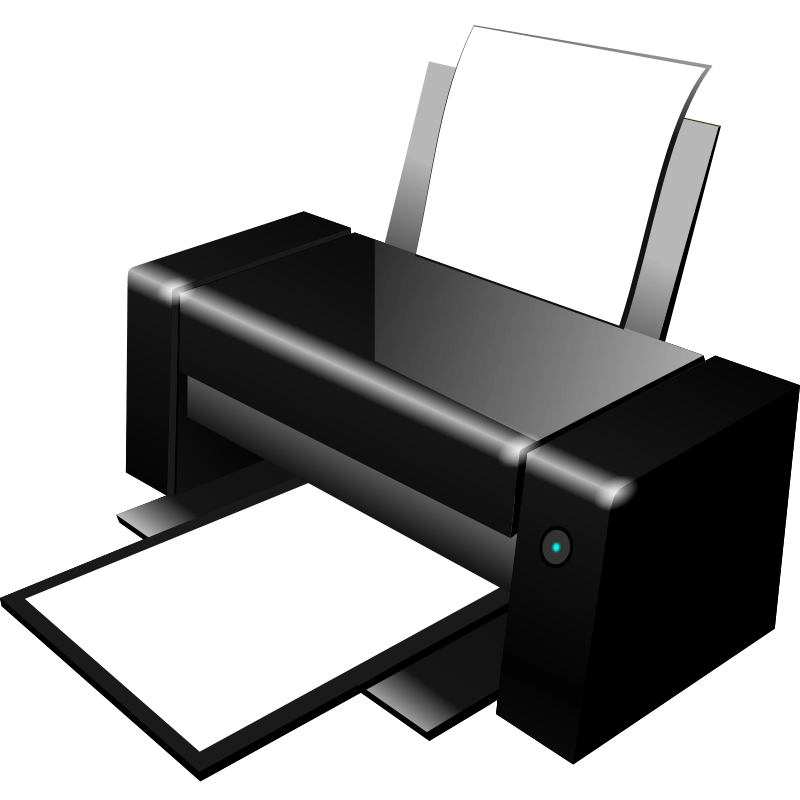
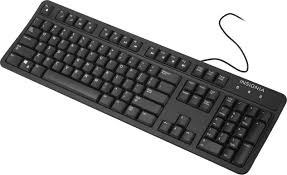

Berikut merupakan ...
Mouse
Monitor
Keyboard
Piano

What component of computer system is this?
HARDWARE
SOFTWARE
DATA
PEOPLE

it contains a collection of program. one example of it is paint application
HARDWARE
SOFTWARE
DATA
PEOPLE

Microphone
Headset
Mouse

Identify this device.
Scanner
Monitor
Speaker

_______________ is known as the brain of a computer.
Monitor
Keyboard
CPU
System
We can touch and feel the ________.
SOFTWARE
HARDWARE

identify the picture.
A scanner
compact disk
A printer
A reader


What is the device shown in the picture?
A webcam
A printer
A projector
A scanner

What is the device shown in the picture?
A game controller
A microphone
A joystick
A webcam
After processing, the computer gives us the _____________
Input
Output
Process

Name the device.
Keyboard
Mouse
CPU
Monitor

Which Storage device is this?
Memory Card
Flash Drive
Hard Disk
The computer is an ___________ device.
System
Electronic
Mac OS
Application
A computer is an electronic device.
True
False
Output is the data that you enter into a computer.
True
False
MS Word is a kind of hardware
False
True
The computer cannot work without system software.
False
True
_______ are used to listen to music and sound stored in a computer.
speakers
joystick
light pen
all
none
_________ is used to read the text or pictures printed on a paper.
keyboard
printer
scanner
all
none


The hardware that records and/or retrieves items to and from storage media
Usb Flash drive
Pen Drive
Storage Capacity
Storage Device
What are the 2 main types of software?
System and Application
Informational and Entertainment
Dynamic and Static
Professional and Home-based
A computer needs both hardware and software to work
true
false


A barcode scanner is a type of...
Output device
Backing storage device
Input device
Computer system

What is this?
Monitor
Speaker
Keyboard
Mouse

What is this?
Printer
Speaker
Keyboard
Mouse

What is this?
Printer
Speaker
Keyboard
Mouse

What is this?
Projector
Speaker
Microphone
Mouse
berikut merupakan contoh perangkat keras komputer yang berguna sebagai alat masukan


Apa yang dimaksud dengan perangkat keras komputer?
aplikasi yang terdapat pada komputer
perangkat komputer yg secara fisik dapat dilihat dan di raba
perangkat komputer yang tidak terlihat secara fisik
perangkat masukan
The hardware to click is ...
Monitor
Keyboard
Mouse
Printer
The hardware to show videos is ...
Monitor
Keyboard
Mouse
Printer
The hardware to print is ...
Monitor
Keyboard
Mouse
Printer

Hardware - OUTPUT
Hardware - STORAGE
Hardware - SYSTEM UNIT
Hardware - INPUT

Microphone
Hardware
Software

Keyboard
Hardware
Software

Mouse
Hardware
Software

Operating System
Hardware
Software

Minecraft
Hardware
Software

Web Browser
Hardware
Software

Printer
Hardware
Software


