
NEW
Font size
 Worksheets
Intro to Google Slides - Part 2
Total questions: 20
Worksheet time: 10mins

Which of the following tools is the best option to use to place emphasis on an image object inserted on a slide?
Slide transition
Laser pointer
Crop
Animation
Speaker notes are the notes added to a slide in the Notes pane and displayed in a separate window unseen by the audience during the presentation.
True
False
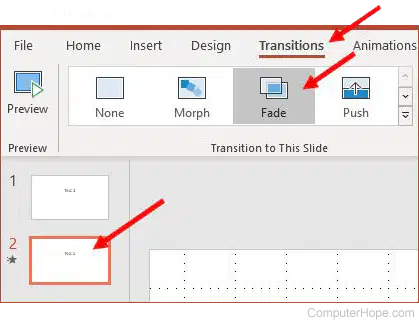
Which of the following are effects which occur in a presentation when moving from one slide to another?
Slide transition
Auto-play
Animation
Slide layout
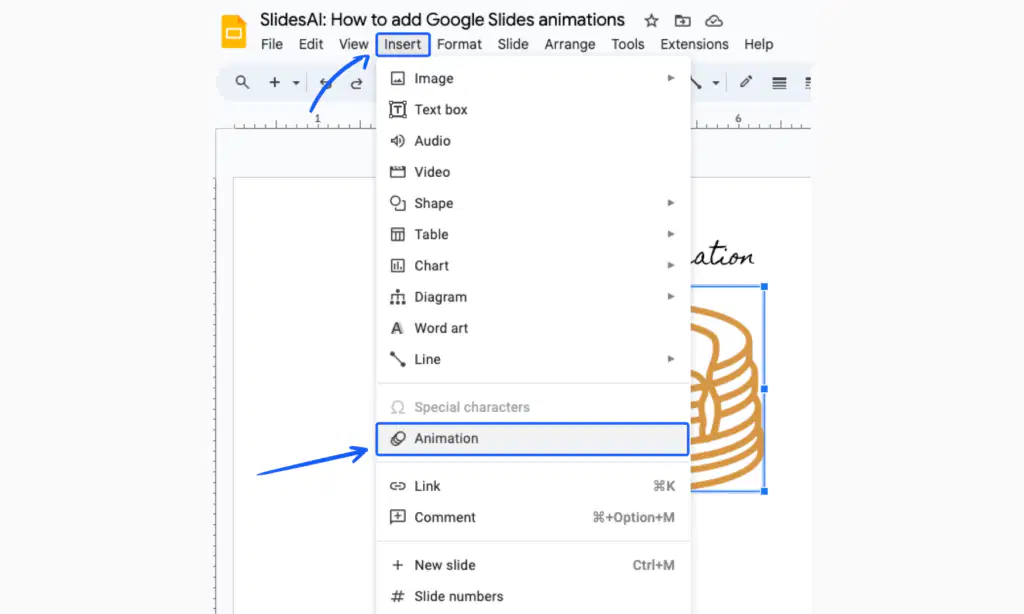
Adam is looking at a presentation and notices there is a three-ring icon next to slide five in the Filmstrip pane. This appears due to which of the following?
An animation has been removed from the slide
An animation or a transition appears on the slide
A slide contains a video object
A slide is hidden from view during the presentation
Tatum is presenting a slideshow to her History class. Which of the following is NOT an option to advance to the next slide?
Pressing the spacebar
Clicking the mouse
Pressing the right arrow key on the keyboard
Using the laser pointer
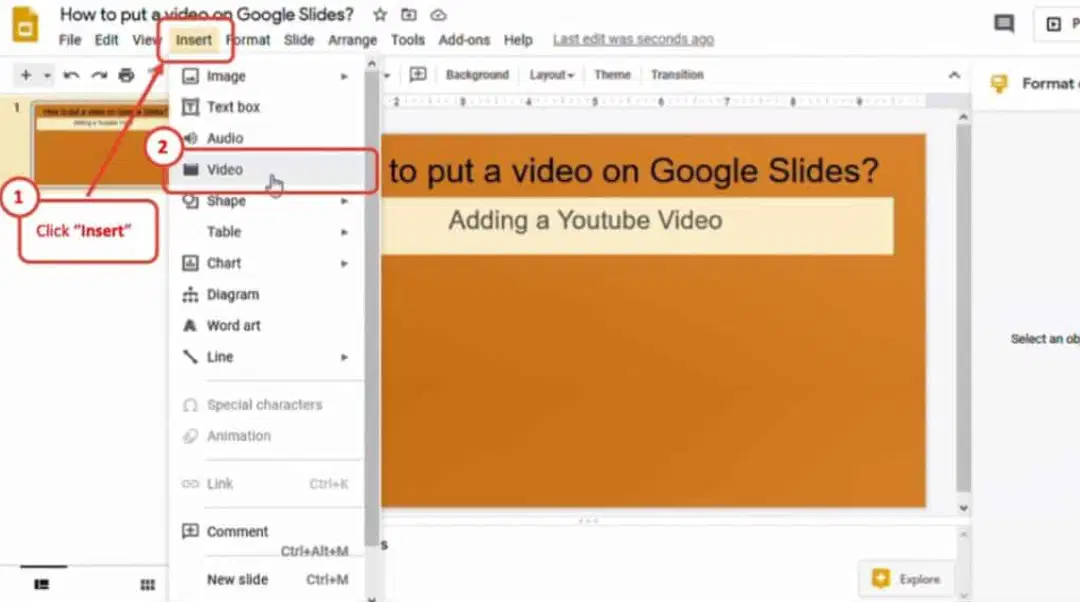
Evelyn found a video on YouTube® and saved the URL. She wants to upload it in her Google Slides™ presentation. Which is the best option for her to upload the video to her presentation?
Select the Insert menu, choose the Video option and click the Google Drive™ tab
Select the Insert menu, choose the Video option and click the Search tab
Select the Insert menu, choose the Video option and click the Upload from computer tab
Select the Insert menu, choose the Video option and click the URL tab
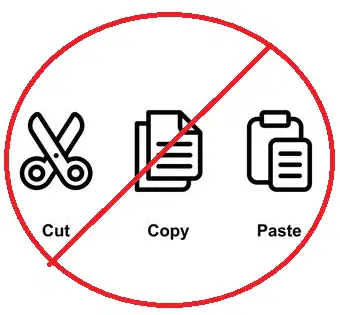
Which of the following is NOT located on the shortcut toolbar?
Undo
Cut, copy and paste
Layout
Transition
Placeholders CANNOT be resized.
True
False

Which of the following is NOT an option to add a slide to a slideshow?
Clicking the plus sign (+) button on the shortcut toolbar
Selecting the Insert menu and choosing New slide
Pressing Control M on the keyboard
Clicking the Layout button on the shortcut toolbar
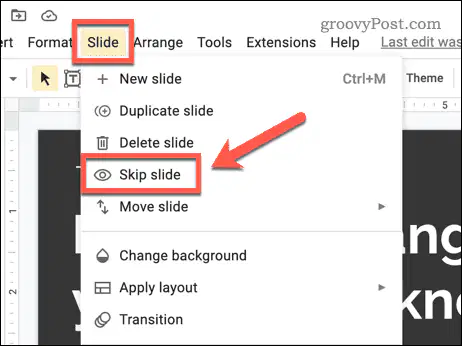
Ari is presenting a slideshow to his Science class. Another student shared their presentation before Ari. He realized he had some of the same information in his slideshow and does not want to duplicate this information. Ari needs to keep the slides in his Google Slides™ file. Which is the best option for him to not share the slides and keep the slides in his file?
Use the skipped slide option
Delete the slides and add them back after the presentation
Advance past the slides by clicking the mouse quickly
Explain to the class he has the same information
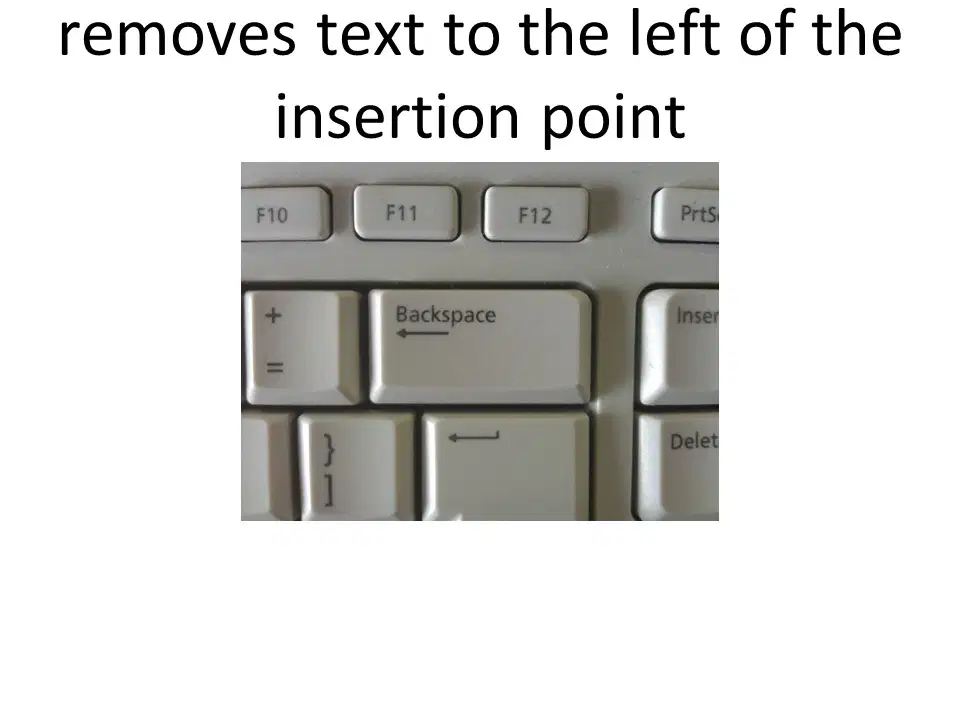
backspace key
delete key
enter key
space bar
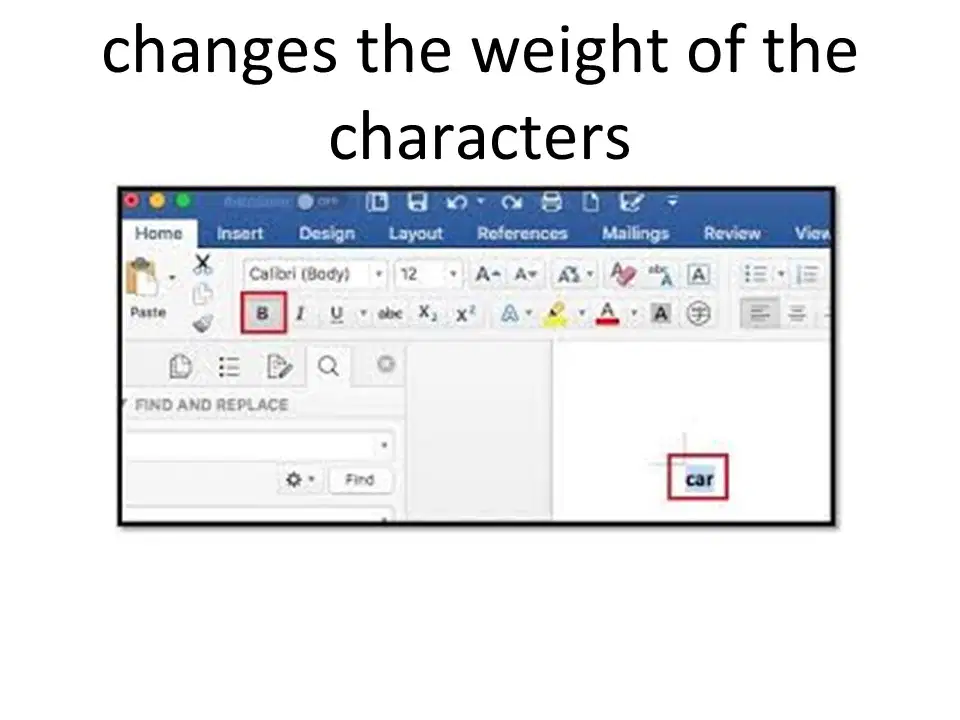
bold
italliac
underline
scale
copy
cut
paste
insert
cut
paste
copy
insert
emailing
spamming
printing
saving
loop
placeholder
emailing
bold
copy
paste
cut
insert
printing
saving
copying
pasting
saving
emailing
printing
spamming

placeholder
bold
cut
emailing

