
 Worksheets
Questar Software Review Quiz
Total questions: 25
Worksheet time: 13mins

When using the Questar testing app, this symbol tells you that:
You need to review your answer.
You are offline for the test.
The answer is correct.
You are online for the test.

In the Questar app, this symbol indicates that you are not online.

In the Questar app, this symbol always means that you may:
erase
reset
pause
share
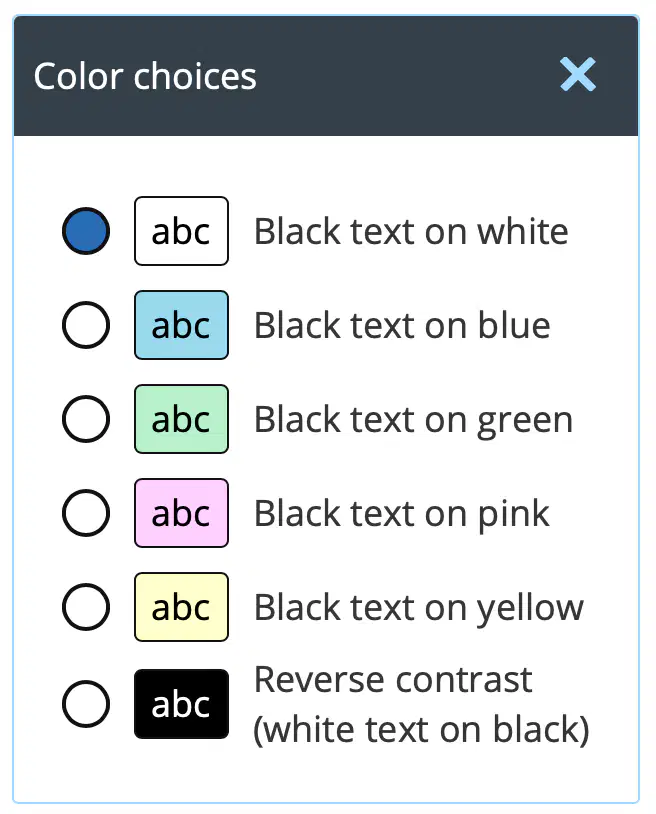
The button selected for color choices indicates that the text will be black and the background will be yellow.
True
False

In the Questar app, this symbol can be found at the
bottom of the screen
top of the screen
along the left side of the screen
along the right side of the screen

In the Questar app, this symbol means that you may:
neutralize the text
increase the size of the text
reset
decrease the size of the text

In the Questar app, is this an example of line elimination?
True
False

In the Questar app, what does this symbol represent?
Star
Flag
Deletion
Bookmark
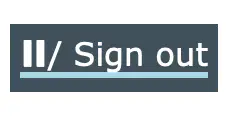
In the Questar app, this symbol allows you to:
Sign out
View profile
Change password
Access settings

In the Questar app, this symbol allows you to:
eliminate answers
use the line reader
highlight
zoom the text

In the Questar app, this symbol allows you to change the width of the Notes and Line Reader test tools.
When using a Chromebook, the way to open the Questar app is to log/sign in on the
New York City DOE log/sign-in page.

In the Questar app, this symbol represents the
answer eliminator
drawing tool
notes tool

In the Questar app, this image represents the
line reader
answer eliminator
highlighter
zoom

This is an example of where you would type the answer to a constructed response (essay) question.
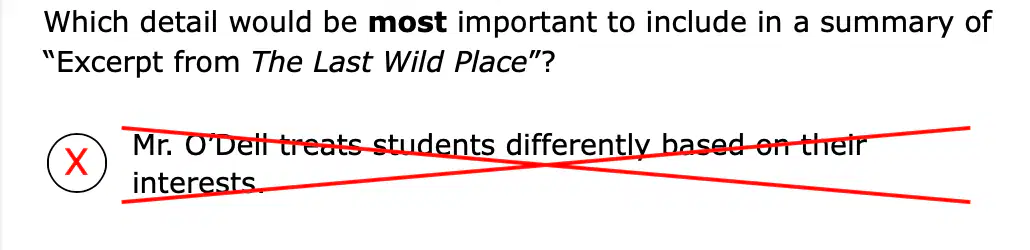
In the Questar app, this is an example of the
(a)

In the Questar app, this is an example of the
line reader
notes
zoom
answer eliminator
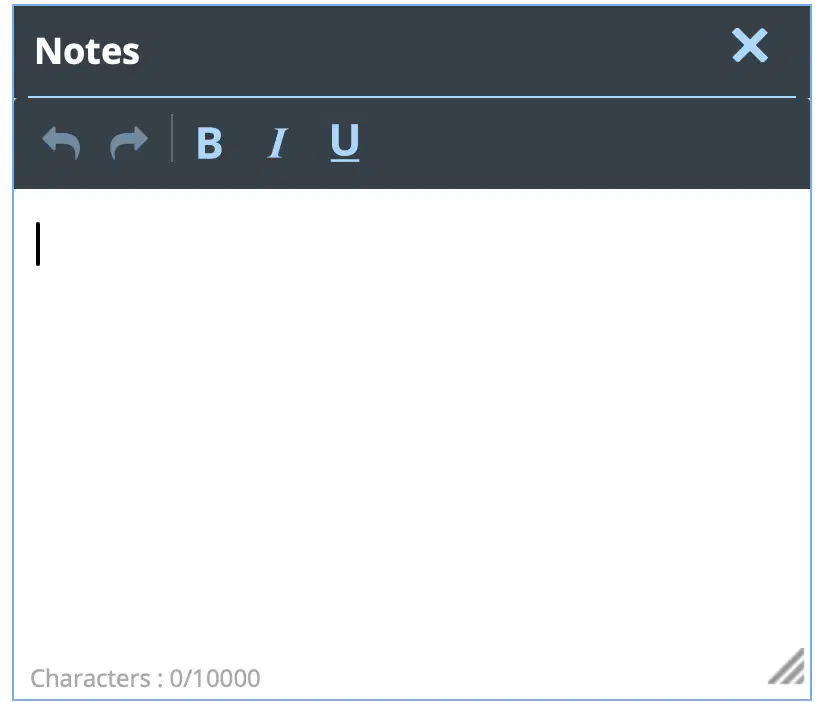
In the Questar app, one may write and annotate the reading text in Notes. One may also move and enlarge the Notes tool. What is a very important feature that a student can also do in Notes?
Copy/Cut and paste

In the Questar app, this image allows you to split the screen so that the left or right sides may have more or less space for reading.

In the Questar app, this is the Review menu, how many questions have been unanswered?
8

This is the Review menu in the Questar app. The first question is the only question that has a note.

How does this Review window help the test taker?
It tells how many questions were not answered.
It tells how many questions were bookmared for additional review.
It indicates that the test may be submitted for grading
It allows the test taker to go back and review their answers

This is the image for Color choices in the Questar app. It may be found at the top left of the screen.

In the Questar app, use the Review button
to see your progress on the test and quickly move between questions.
to make notes or annotate.
to submit your test when you are finished.
to bookmark questions.

In the Questar app, this image allows you to
move between different questions on your test by using the buttons.
The arrow pointing to the right moves you back one.
The arrow pointing to the left moves you back one.
split the screen.

