
 Worksheets
EXAM: WOW! - VECTOR GRAPHICS
Total questions: 32
Worksheet time: 2hrs 42mins


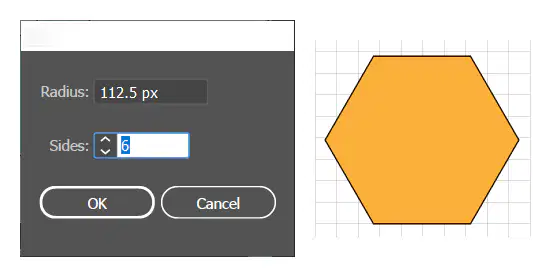
This tool allows you to create a multi-sided shape by selecting it and then clicking on the artboard. A dialog box will appear, giving you radius and sides/points options.
Add Anchor Point
Pathfinder
Shaper
Rounded Rectangle

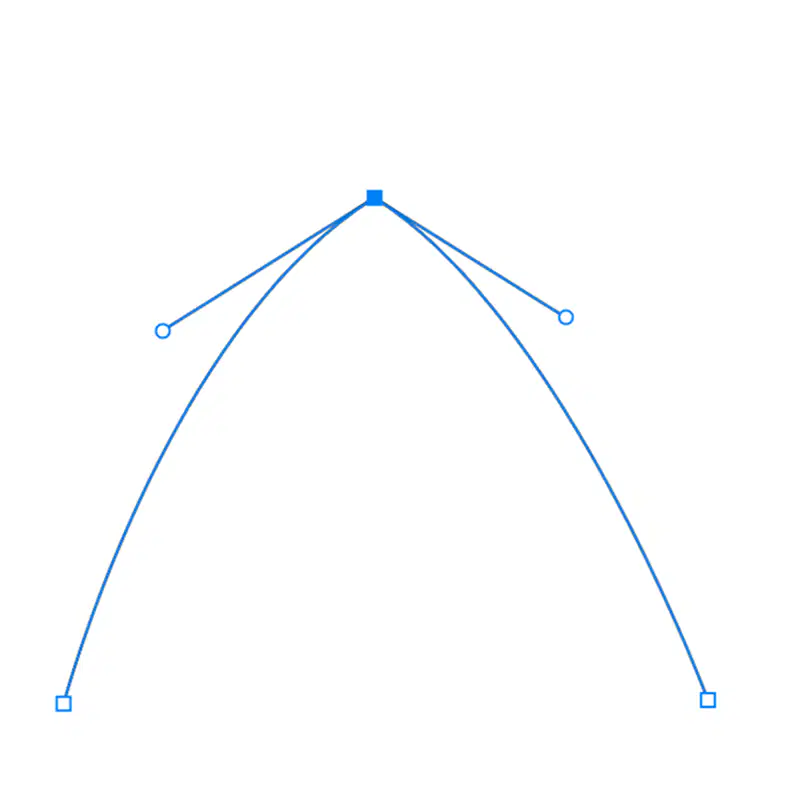
Line Segments
Smooth Points
Corner Points

Have a realistic, 3-dimensional appearance.
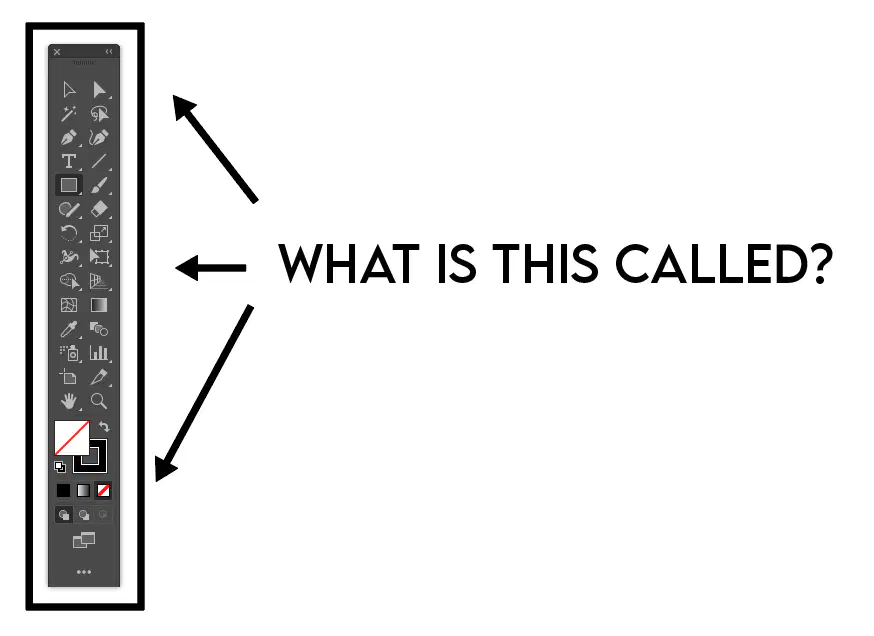
Name this feature of the Adobe Illustrator workspace. It contains sections for the tools, fill and stroke color panels, drawing and screen modes.
Options Panel

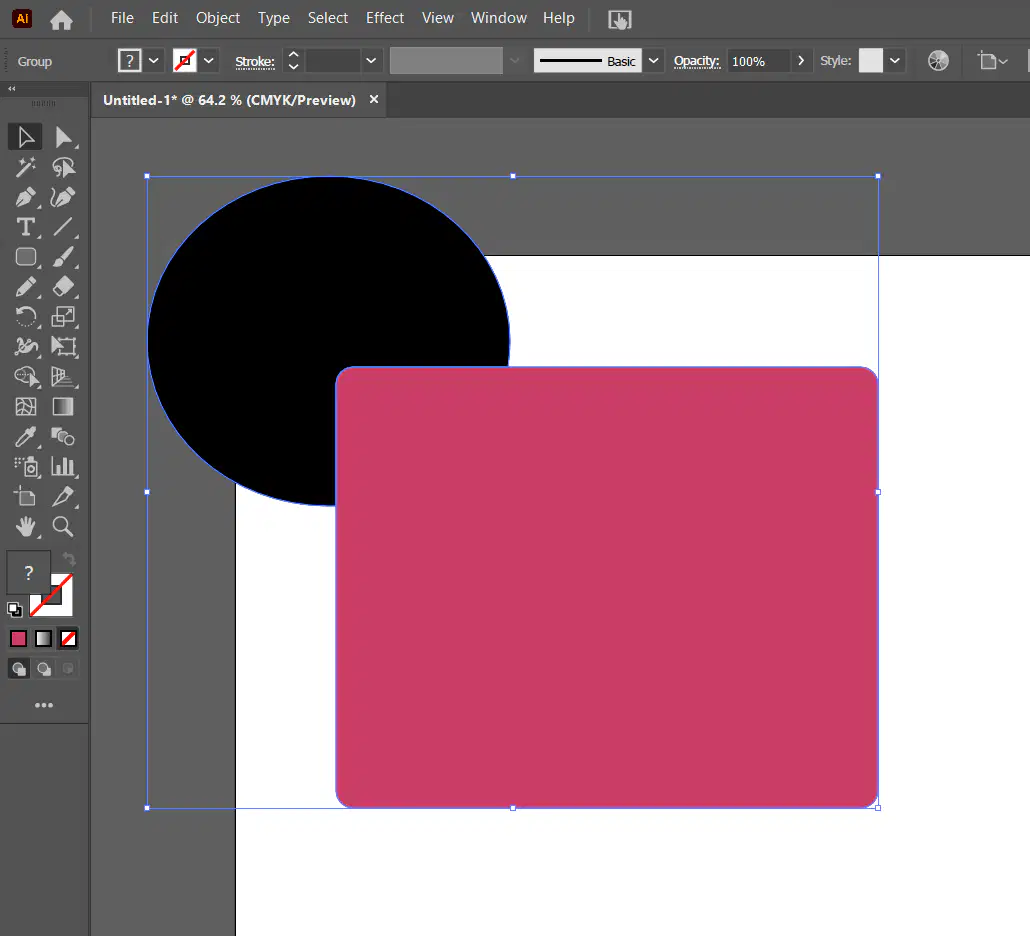
Calligraphic Brush
Open Path

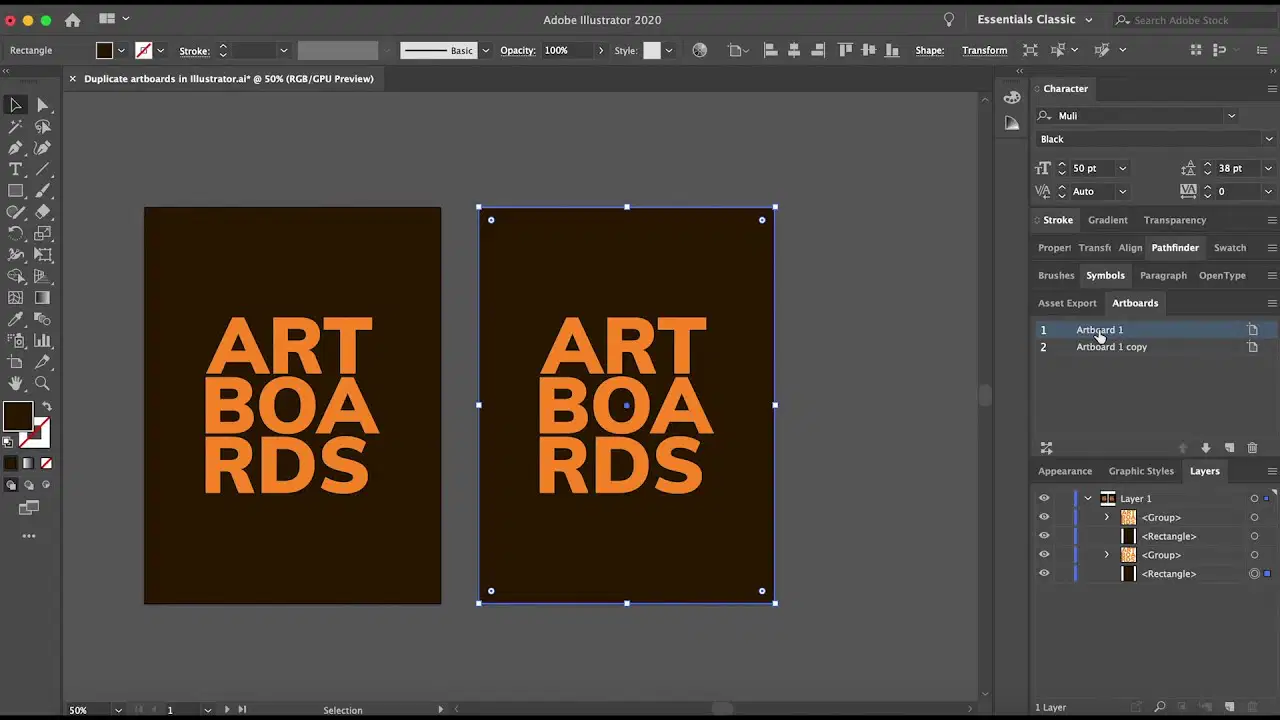
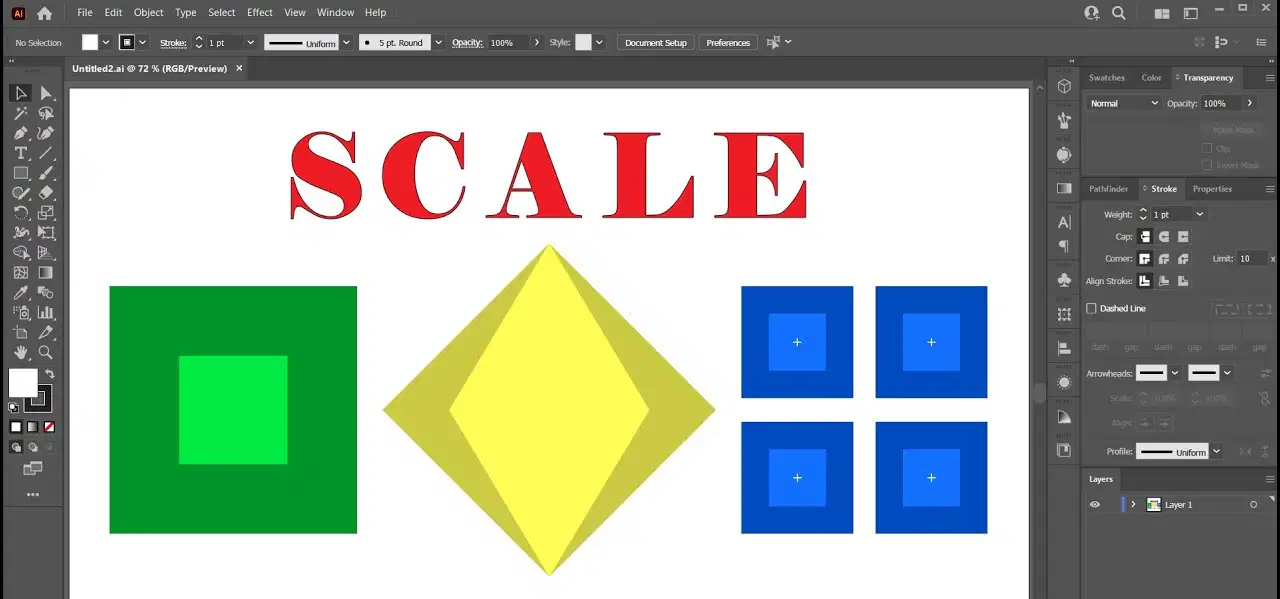
Explain the process of resizing or rescaling a shape using the Selection tool.
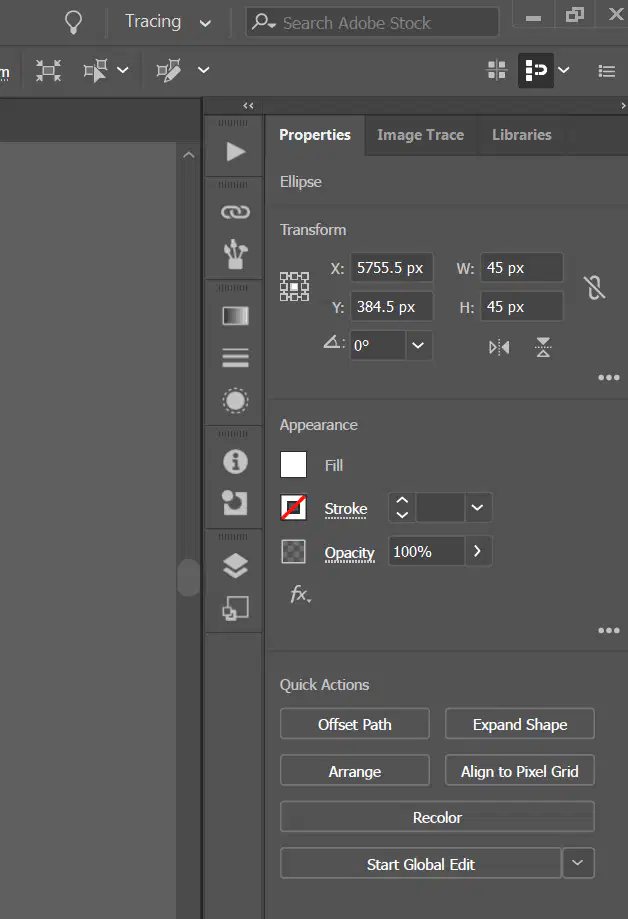
In Adobe Illustrator, these tools provide access to various functions or controls for creating and editing artwork. The user can customize how to organize them.
Panel
Menu Bar
Workspace

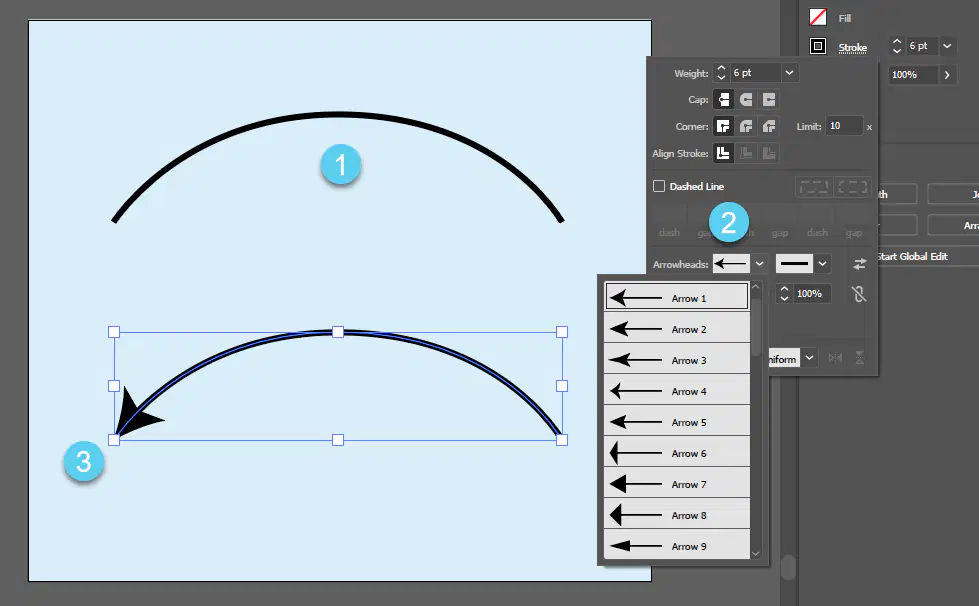
Line segment is another name for ___________.


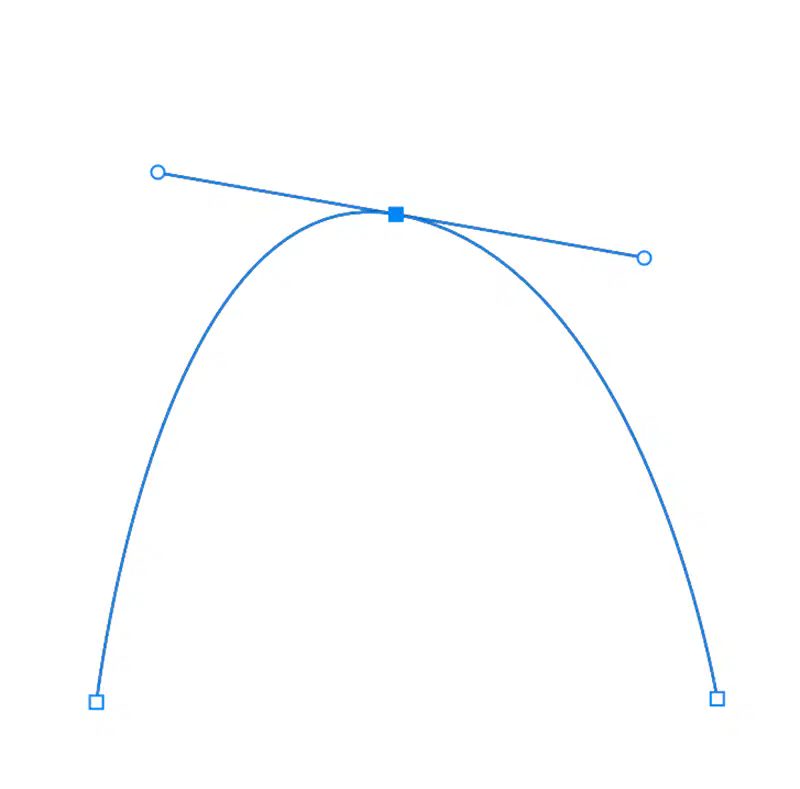
Anchor points that result in a curved path between the points are called _____.
Corner Points
Straight Points
Cusp Points
Linear Points
Smooth Points

Match the Adobe Illustrator tool with the shortcut:
Selection tool
V
Direct Selection tool
A
Line Segment tool
\
Rectangle tool
M
Ellipse tool
L

Name the cloud-based platform where you save and upload your work.
Match the term with the definition:
Asset
The files used to create a graphic design project.
Deliverable
The final graphic design project given to the client.
Native file
The project that was created in a graphic design program that allows editing.
Output file
The image of the graphic design project that is not editable, such as photograph

What term describes the color on the outside of a defined object in Adobe Illustrator?
Stroke
Outline
Selection
Background
Fill

What term describes the color on the inside of a defined object in Adobe Illustrator?
Stroke
Outline
Border
Background
Fill

What is the command to save a document on a Mac?
Shift + V
Control + V

What is the shortcut for taking a screenshot of the entire screen on a Mac?
Command + Shift + 3
Command + Shift + 5
Command + P
Command + Option + 3
Control + P

What is the shortcut for copying something on a Mac?
Shift + C
Command + C
Control + C
Option + C
Command + O
What is the purpose of layers in a document as described in the Layers Panel?
Enhance the color of a document.
Help in printing documents more efficiently.
Adding audio to a document.
Increase the file size of a document.
Organize and manage different elements separately.
Match the term with the definition:
Control Panel
Changes based on the tool you are currently using.
Workspace
Customizable layout arrangement to draw, paint and change shapes.
Toolbar
Used for creating, drawing, editing, and manipulating vector artwork.
Menu
List of commands and options available to the user.
Panel
Small, customizable windows to view and edit artwork.

The correct way to title your assignments:
Last name_First Initial_Design
Period_Name
Class name_First name
Date_Class_Last name
First initialLast name_Assignment_Date in numbers

What are the default colors of the fill and stroke in Adobe Illustrator?
Fill: white
Stroke: black.
Fill: gray
Stroke: black.
Fill: black
Stroke: white.
Fill: black
Stroke: gray.
Fill: white
Stroke: gray.

