
 Worksheets
Acceptable Use Policy 2025-2026
Total questions: 34
Worksheet time: 17mins

What is an AUP?
Acceptable Use Policy
Authorized Under Protection
Always Use Politeness

Using technology responsibly can make learning more fun.
True
False

What are two benefits of using technology responsibly?
It gives you and your teachers more freedom and creative opportunities.
It makes technology more expensive for everyone.
It limits your ability to learn new things.
It reduces the need for communication with others.

According to the SAA Parent-Student Handbook, school-owned devices (iPads, Chromebooks, etc.) are for which of the following purposes?
Personal entertainment
Educational use only
Social media browsing
Online shopping

Students are allowed to use their school-provided Chromebooks for non-school-related searches and activities if they are off campus.
True
False

What will happen if a student uses their Chromebook for non-school-related activities?
Students will lose the privilege of the Chromebook
Students will be given extra homework f
Students will write an apology note

Which type of sites should you go to on school devices?
Entertainment sites
Shopping sites
Educational sites approved by a teacher or administrator
Social media sites
Does the Acceptable Use Policy apply when you are off campus?
Yes
No

Which of the following is an example of an educational site shown in the image?
Google Classroom
Online Shopping
Social Media
Video Streaming

According to the Acceptable Use Policy (AUP), is personal gaming allowed?
Yes
No
According to the Acceptable Use Policy (AUP), is changing your background allowed?
Yes
No
According to the Acceptable Use Policy (AUP), is changing your profile picture allowed?
Yes
No
According to the instructions, what should you do when completing online assignments?
Copy answers from the internet
Write your own answers
Ask a friend for answers
Leave the assignment blank
You should only use AI or search engines for assignments when a teacher has directed you to and in the way the teacher told you to use them.
True
False
It is important to cite your sources when you use an idea, words, or pictures from a website because:
it gives credit to the original creator and avoids plagiarism.
it makes your work look longer.
it helps you avoid using the internet.
it allows you to copy anything without permission.
Fill in the blank: If you use an idea, words, or pictures from a website, give the creator credit by ______ the source in your work.
citing
deleting
ignoring
hiding
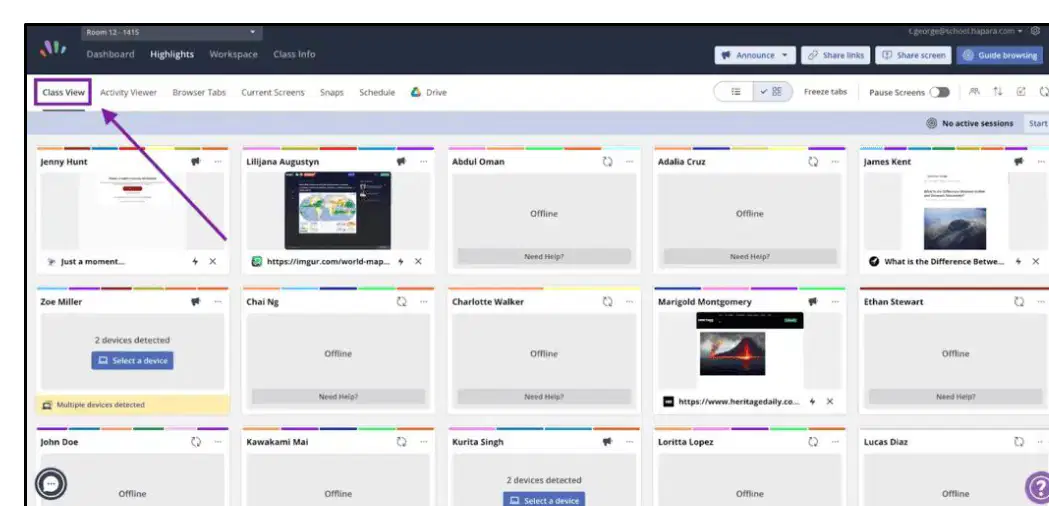
True or False: SAA staff can see any site you go to on your school device.
False
True

Anything typed on an SAA device can be seen by staff, even after you click out of a window or delete a word.
True
False

Information typed on an SAA device can be shared with your parents if needed.
True
False

Fill in the blank: Be _____ with the keys.
gentle
rough
careless
loud
Is it okay to put stickers on your school Chromebook?
Yes
No

Fill in the blank: Whenever possible, leave the device _____ on the desk rather than in your lap or on the floor.
flat
closed
vertical
tilted

According to the No Cell Phones policy at San Antonio Academy, are students allowed to bring personal electronic devices (cell phones/smart watches) to school?
Yes
No
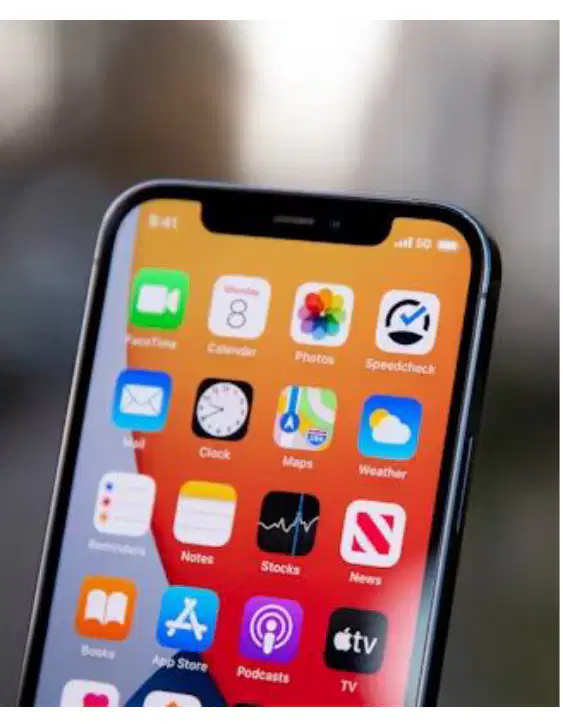
If a student at San Antonio Academy needs to contact a parent or guardian before 5:00 PM, what should he do?
He may utilize a landline in an administrative office.
He should wait until after 5:00 PM to make the call.
He must send an email instead of calling.
He should leave campus to use a public phone.
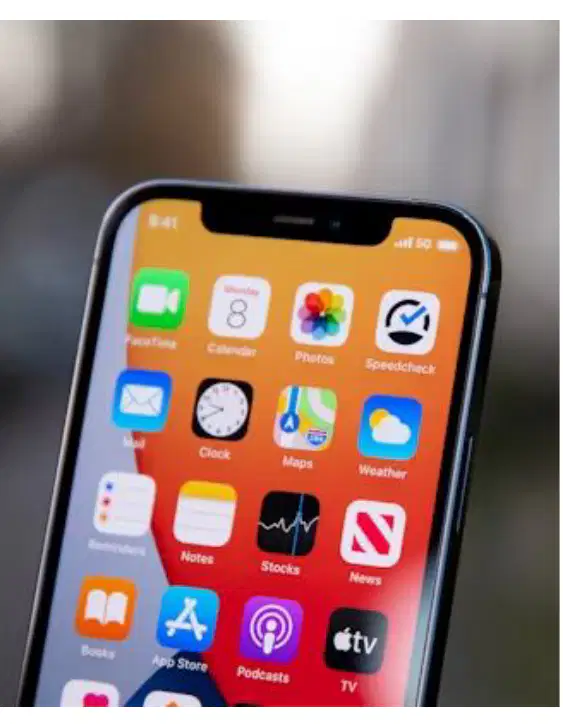
Students at San Antonio Academy can use their cell phones on campus if they have permission from a parent.
True
False
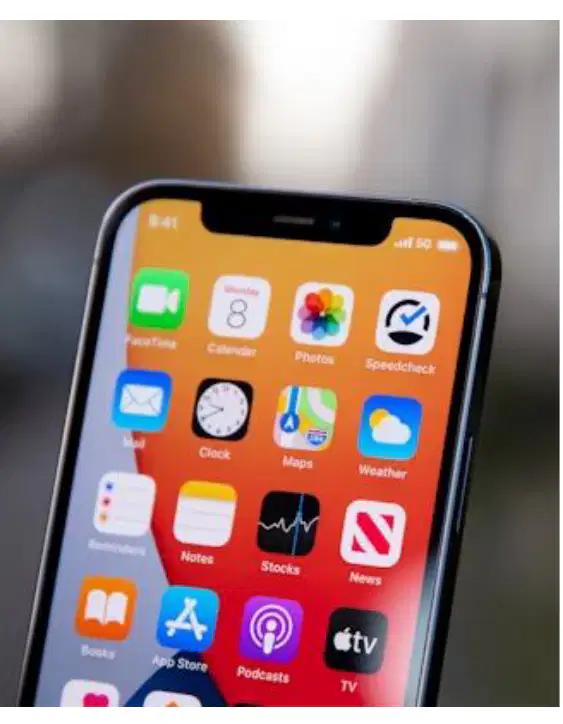
What happens if a student is found in possession of or using a personal electronic device on campus at San Antonio Academy?
The device will be collected by faculty or staff
The student will be suspended
The device will be returned immediately
The student will receive a warning only
The device will only be returned following a meeting between _____________ and a school administrator?
a parent or guardian
the student

You should __________ share your last name or address online.
never
try to
always

Who should know your password?
only you
you and one close friend
anyone who follows your YouTube channel
your teacher
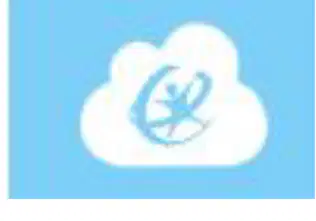
This icon is for the ___________ app.
Classlink
Google Classroom
Blackbaud
Chrome
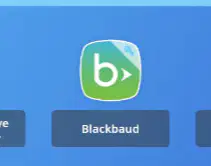
This icon is for the _______________ app.
Classlink
Blackbaud
Chrome
Google Classroom
When is it okay to use AI?
When the teacher instructs you to
When I think it's a good idea
When it is convenient
When I can access AI on my school computer
It is okay to have your cell phone on campus as long as it's in your backpack and OFF.
True
False
It is okay to have your cell phone after school.
True
False

