
 Worksheets
KELAS 6 SISTEM KOMPUTER
Total questions: 100
Worksheet time: 59mins
Perangkat komputer yang digunakan untuk memasukkan data berupa huruf dan angka ke dalam komputer adalah...
Printer
Keyboard
Microphone
Monitor
Perangkat komputer yang berfungsi sebagai alat output adalah...
Mouse
Microphone
Scanner
Monitor
Program utama yang menjalankan komputer dan mengatur semua perangkat keras dan perangkat lunak disebut...
Sistem Operasi
Aplikasi
Monitor
Hardware
Contoh perangkat lunak dari komputer adalah...
Speaker
Proyektor
Ms. Word
Brainware
Microsoft Word dan Google Docs adalah contoh dari...
Sistem Operasi
Brainware
Software
Hardware
Alat yang digunakan untuk mencetak dokumen atau gambar di kertas adalah...
Printer
Monitor
Speaker
Proyektor
Google Chrome, Mozilla Firefox dan Microsoft Edge adalah contoh dari...
aplikasi pengolah kata
aplikasi untuk membuat presentasi
web browser
game
Bagian komputer yang bisa dilihat dan disentuh disebut...
Software
Hardware
Sistem Operasi
Brainware
Perangkat keras yang digunakan untuk merekam suara ke dalam komputer
Mouse
Speaker
Microphone
Monitor
Perangkat keras komputer disebut....
hardware
software
braimware
internet
Komponen komputer yang dapat dilihat secara fisik, dapat dipegang atau di pindahkan disebut…
hardware
brainware
software
harddisk

Gambar berikut ini adalah...
Harddisk
Printer
Memori
Monitor
manakah yang merupakan gambar CPU ?


Yang bukan merupkakan perangkat keluaran atau output device adalah
Monitor
Printer
Speaker
Scaner
Yang bukan merupakan perangkat masukan adalah ... ?


Hardware yang digunakan untuk mencetak dokumen adalah ...


Webcam merupakan perangkat Hardware yang tergolong dalam...
Input Device
Output Device
Proccessing Device
Storage Device

Compact Disk merupakan perangkat..
Input Device
Output Device
Proccessing Device
Storage Device
Program-program komputer
dalam sistem komputer disebut ....
hardware
brainware
software
homeware
Sebuah sistem komputer memiliki alat yang diperlukan untuk:
masukan
menyimpan
proses
keluaran
mengatur
yang berperan sebagai masukan disistem komputer ialah ....
Output
Memory
CPU
Input

gambar diatas digunakan untuk memasukkan suara ke dalam komputer yang bernama ...
Keyboard
Mouse
Scanner
Microphone

Alat ini dapat digunakan dengan cara
menekan langsung pada permukaan layar
pilihan atau perintah yang terdapat di
komputer yang dinamakan ....
pulpen
pulpen listrik
Light Pen
pulpen cahaya listrik

Berikut ini adalah perangkat dari
Scanner
Monitor
Printer
Plotter
Memori
Perangkat keras komputer yang berfungsi untuk memasukkan data kedalam komputer adalah...
perangkat pemproses
media penyimpan
perangkat output
perangkat input
Harddisk, CD, DVD, USB Flashdisk, Micro SD merupakan perangkat keras komputer yang berfungsi sebagai…..
perangkat pemproses
media penyimpan
perangkat output
perangkat input
Harddisk, CD, DVD, USB Flashdisk, Micro SD merupakan perangkat keras komputer yang berfungsi sebagai…..
perangkat pemproses
media penyimpan
perangkat output
perangkat input
Komputer terdiri dari perangkat keras yang meliputi berikut ini, kecuali .....
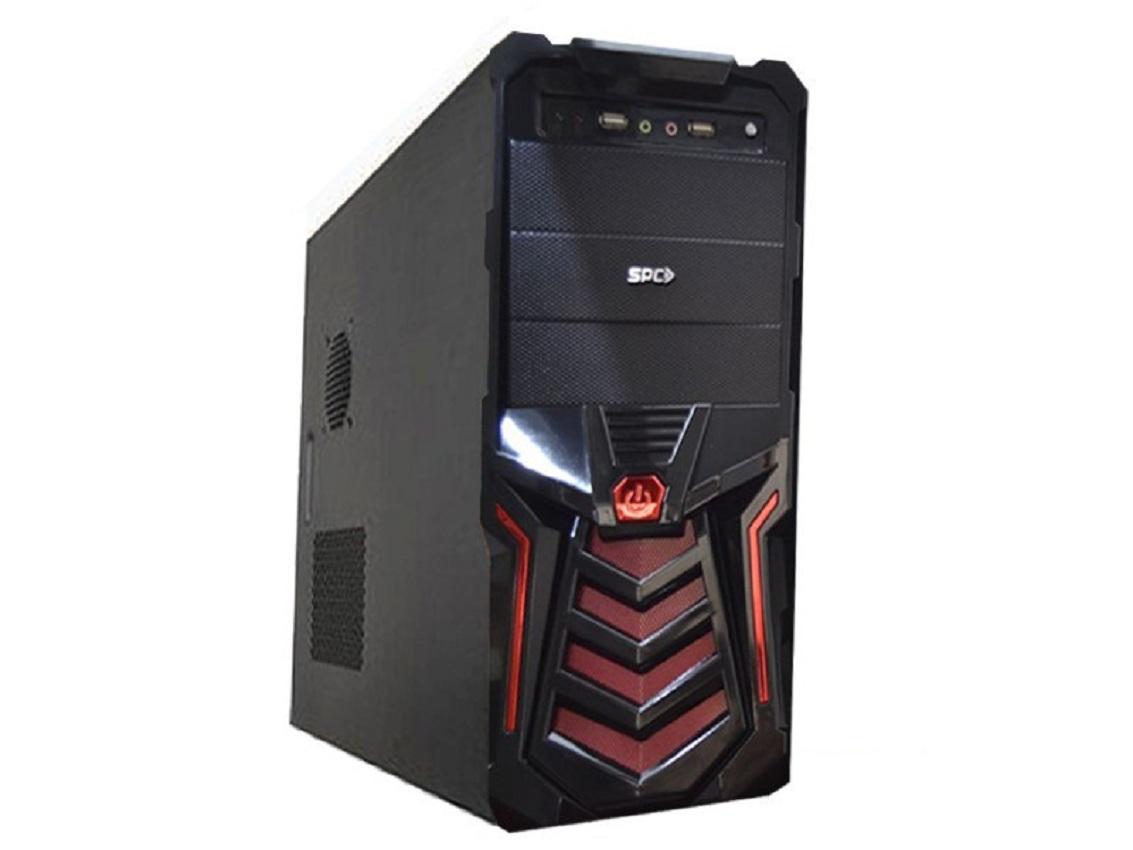
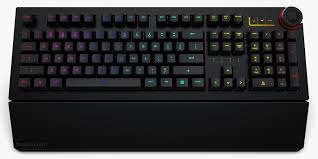
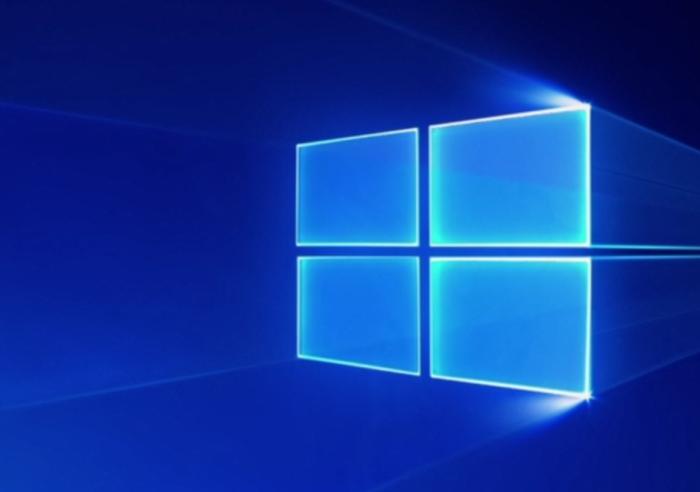
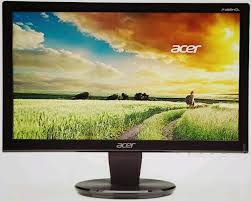
Berikut ini yang termasuk perangkat output adalah.....
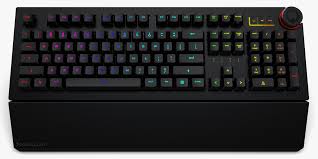
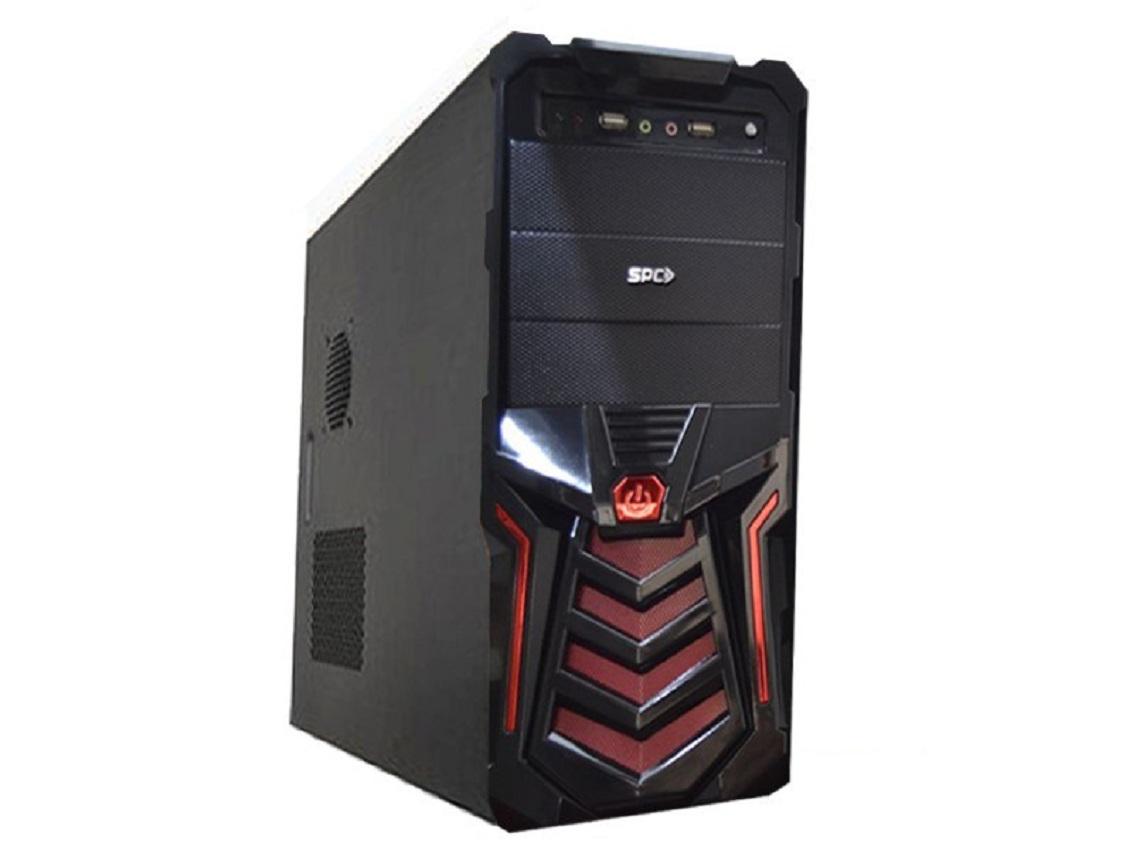
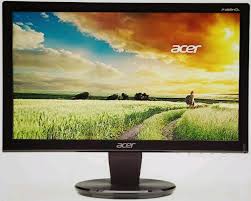
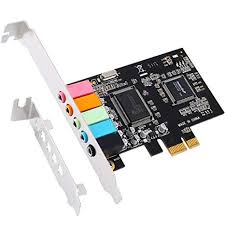
Contoh input device
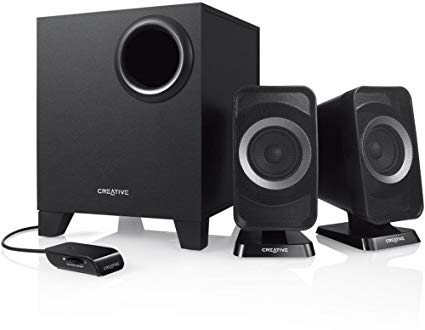
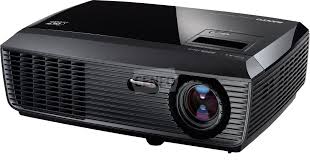
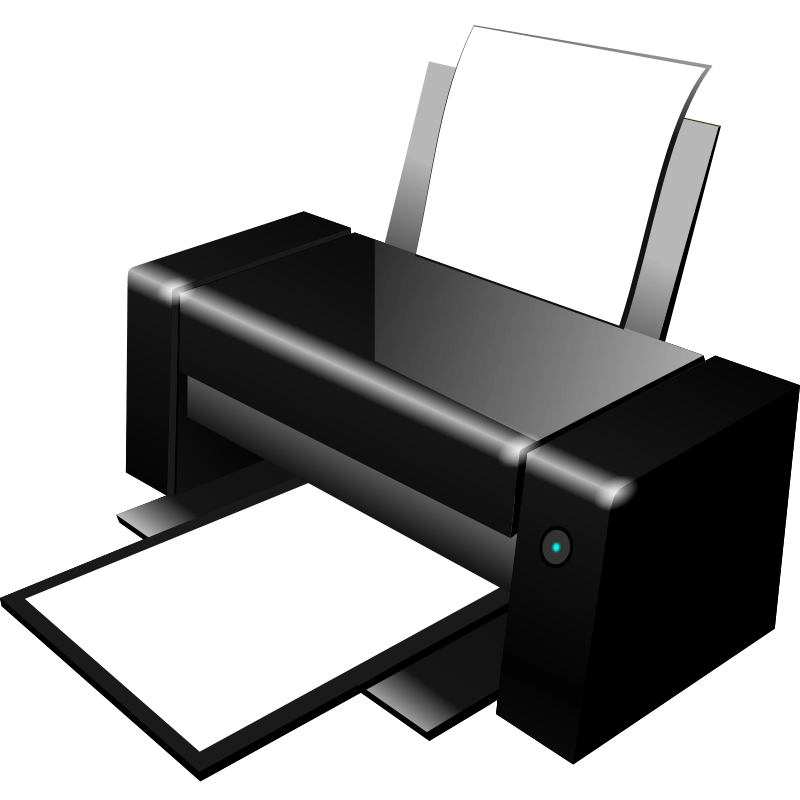
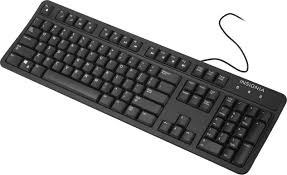
Perangkat Keras Komputer yang merupakan otak dari sebuah komputer yang mengontrol seluruh proses di komputer ialah perangkat..
RAM
Prosesor
ROM
Memory
Sistem Komputer terdiri dari 3 komponen yaitu....
hardware
software
brainware
benar semua
Komponen sistem komputer yang dapat disentuh disebut....
hardware
software
brainware
portware
Komponen sistem komputer yang tidak dapat disentuh, yang berisikan instruksi atau perintah disebut....
hardware
software
brainware
portware
Komponen sistem komputer yang berwujud manusia disebut....
hardware
software
brainware
portware
Contoh dari hardware adalah....
operating system
software
keyboard
murid
Contoh dari software adalah....
operating system
monitor
keyboard
murid
Contoh dari brainware adalah berikut ini kecuali....
karyawan
guru
otak komputer
murid
Berikut ini adalah contoh dari software kecuali....
operating system
microsoft word
google chrome
monitor
Arti hardware adalah keras, software adalah lunak, brainware adalah....
otak
kepala
kaki
tangan
Software ialah ....
Perangkat Keras
Perangkat Lunak
Perangkat Komputer
Perangkat Keras dan Lunak
Hardware ialah ...
Perangkat Keras
Perangkat Lunak
Perangkat Komputer
Perangkat Jaringan
Tombol Shut down pada sistem operasi berfungsi untuk...
Mematikan Monitor
Mematikan Komputer
Merestart Komputer
Menstabilkan Komputer

Perangkat dalam gambar berikut adalah?
Motherboard
VGA Card
SoundCard
CPU
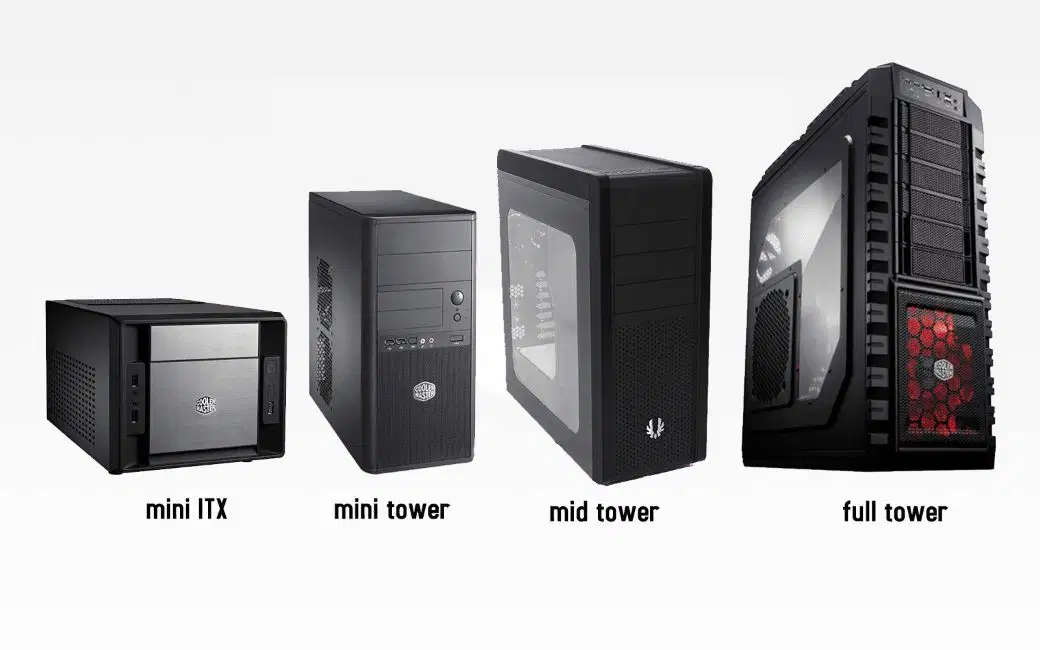
Perangkat dalam gambar berikut adalah?
CPU
Casing PC
Monitor
VGA Card

Perangkat dalam gambar berikut adalah
Cooler CPU
Power Supply
Motherboard
Sound Card

Perangkat dalam gambar berikut adalah?
CPU
Harddisk
RAM
Motherboard

Perangkat dalam gambar berikut adalah
CPU
Motherboard
RAM
ROM
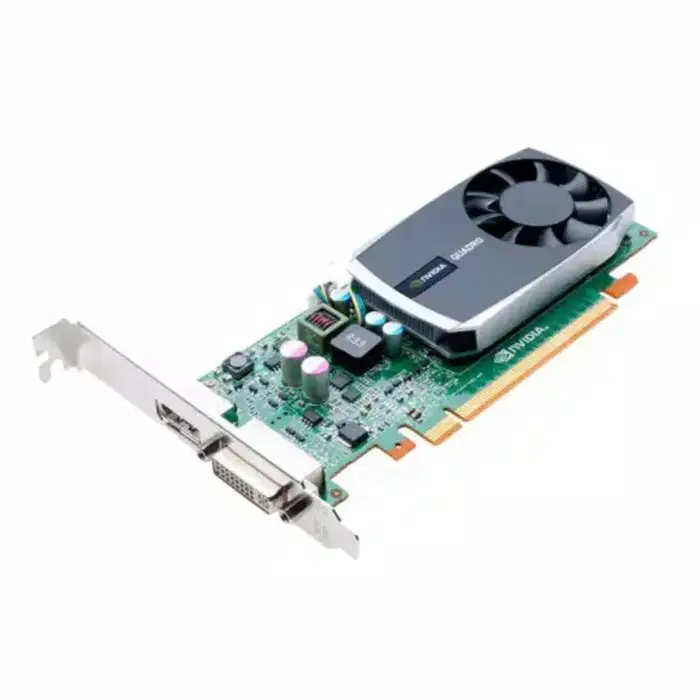
Perangkat dalam gambar berikut adalah?
VGA Card
RAM
SSD
Motherboard
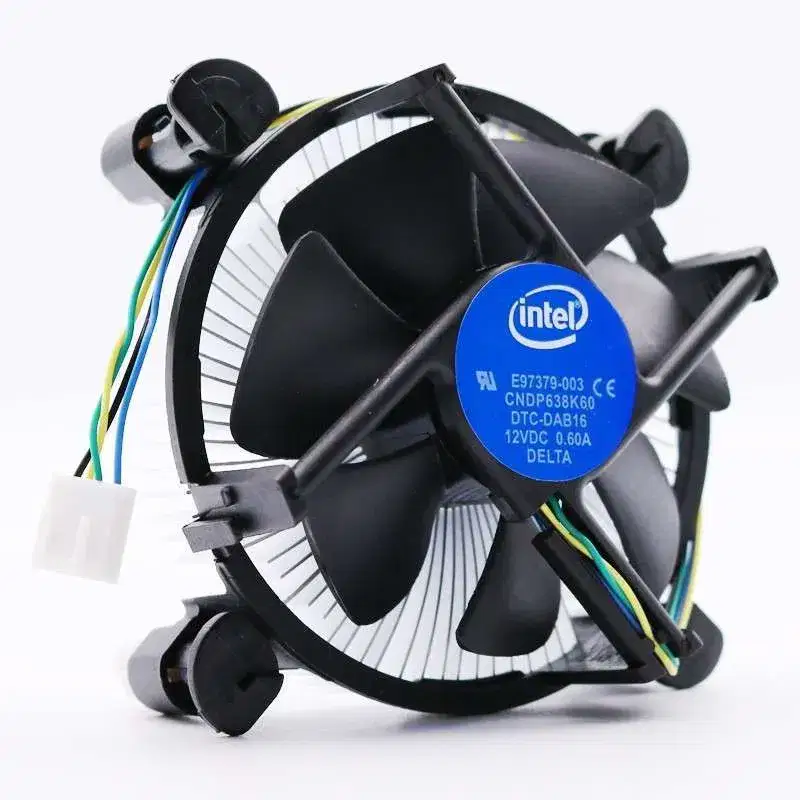
Perangkat berikut adalah
CPU
Heatsink / Pendingin CPU
RAM
Harddisk
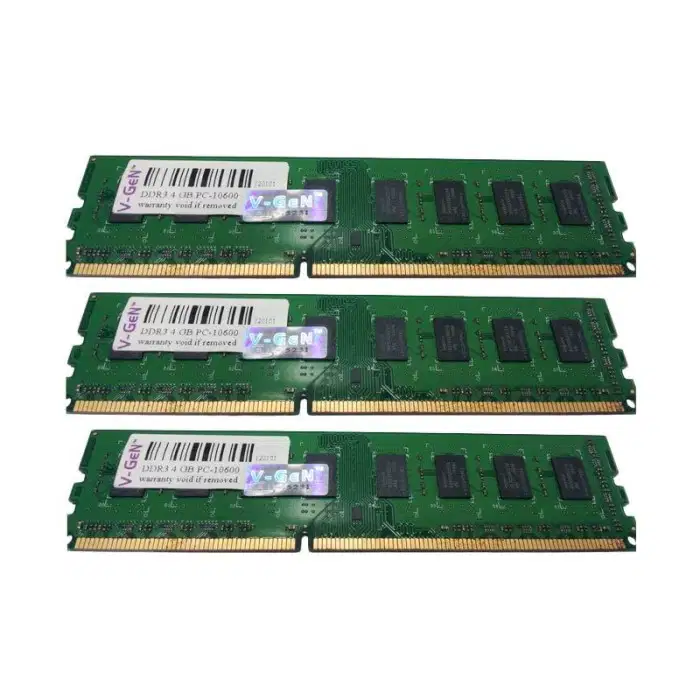
Perangkat berikut adalah
Harddisk
RAM
ROM
SSD

Perangkat berikut adalah
Sound Card
RAM
ROM
VGA Card


Which component is this?
CPU Socket
RAM Connectors
Northbridge
CMOS Battery

Which component is this?
PCI Expansion Slots
CMOS Battery
RAM Connectors
I/O Connectors

Which component is this?
PCI Expansion Slot
RAM Connectors
CMOS Battery
Southbridge

Which component is this?
Northbridge
Southbridge
RAM Connectors
CMOS Battery

Which component is this?
CPU Socket
RAM Connectors
Southbridge
CMOS Battery

Based on the picture given, what is Q?
CPU slot
RAM slot
EXpansion Slots
Memory slot
RAM Chips are plugged into these slots.
PCI Slots
PCI-E Slots
Northbridge Slot
Memory Slot
These are connections between the peripheral devices and the motherboard that serve as there interface.
Ports
Bus
Panels
Bridges

Identify this type of printer.
inkjet printer
laser printer
3D printer

Identify this type of printer.
inkjet printer
laser printer
3D printer

Identify this type of printer.
inkjet printer
laser printer
3D printer
What type of printer do we have here in the computer lab?
inkjet printer
laser printer
3D printer
The type of printer that is the most expensive and complex is:
an inkjet printer
a laser printer
a 3D printer
The type of printer most people use at home is:
an inkjet printer
a laser printer
a 3D printer
When printing with an inkjet printer, you need to be careful of smudges because the ink comes out wet.
True
False
When printing with a laser printer, you do not have to worry about smudging.
True
False
The three primary colors are:
red, orange, and yellow
red, yellow, and blue
orange, green, and purple
red, blue, and purple

DIsebut apakah benda di samping ini?
Scanner Drum
Scanner Drummer
Scanner Flatbed
Scanner Film

Disebut apakah benda di samping...
Flatbed Scanner
Film Scanner
Scanner Hand
Hand Scanner
Jenis scanner yang
fungsinya sama seperti flatbed scanner,
Flatbed Scanner
Scanner rolling
Roller Scanner
Scanner film

Disebut apakah benda di samping ini....
Flatbed Scanner
Scanner drum
Scanner film
Roller Scanner
Yang mana Logo CamScanner ...


Jenis scanner yang bisa kita aplikasikan dengan sangat mudah, karena cukup dengan menggunakan tangan...
Length Scanner
Hand Scanner
Scanner Drum
Roller Scanner

Disebut apakah Benda di samping ...
Film Scanner
Foto Scanner
Hand Scanner
Foot scanner
Jenis-jenis Scanner dibawah ini kecuali...
Scanner Drum
Film Scanner
Hand Scanner
Bed Scanner
Bagian mana yang menampilkan informasi berupa gambar kepada kamu ?


Bagian Komputer yang seperti otak manusia adalah ?


Bagian mana dari komputer yang digunakan untuk mengetik ?


Perangkat penyimpanan yang paling populer dan berukuran kecil adalah...


File adalah data elektronik yang di simpan dalam . . .
File
Media Penyimpanan
CD
Flash Disk
File atau data bisa terdiri dari....
teks dan gambar
foto dan suara
video dan program/aplikasi
semua jawaban benar
File dapat disimpan pada....
Dompet
Rak buku
Flashdisk
Tempat pensil

