Worksheets
Information Processing Cycle Test
Total questions: 40
Worksheet time: 20mins
A computer processes instructions using two binary digits, ____ and ____.
1 and 5
1 and 10
1 and 0
Computer _____________ is any physical device used in or with your machine.
Malware
Software
Hardware
An example of computer hardware is...
Web Browser
App
Keyboard
Operating System
Computer _____________ is a set of instructions that tells a computer what to do or how to perform a task.
Software
Hardware
Malware
An example of computer software is...
CPU
Mouse
Operating System
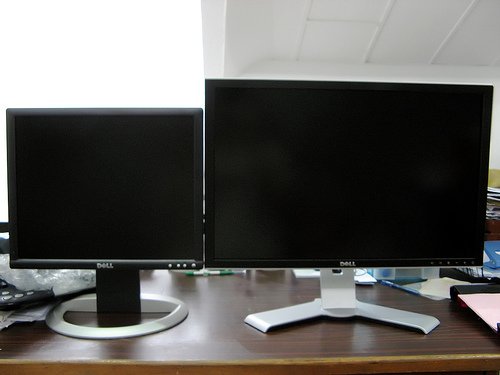
Monitor
One drawback of a desktop is...
More expensive
Less portable
Less storage than laptops
One benefit of a laptop is...
Generally cheaper than a desktop
Can be easily upgraded
More portable than a desktop
One drawback of a laptop is...
Generally feature a smaller keyboard and no keypad
Portable
Less expensive than a desktop
One benefit of a tablet is...
Requires a power source
May not have as many functions as a laptop or desktop
Extremely portable
A server is a type of computer that does the following...
All of the above
Serves up information to other computers on a network
Plays an important role in making the internet work
Stores and shares data
Who built one of the first modern computers?
IBM
Mac
HP
Lenovo
RAM is...
the backbone of the computer
where information is stored
is the working memory of a computer
what executes the commands from the hardware or software
Routers are used to do what?
allows users to access the internet
Connects to a modem to spread the internet signal
allows you to listen to audio
connects all hardware components together
A modem is a device that...
allows the user to access the internet
sends graphical information to the screen
stores files on a computer
executes the commands of the user
Software is...
the computer
the physical components of a computer
how to get internet on the computer
the programs run on a computer
The results given by a computer...
output
processing
storage
input
Using this type of technology allows you to connect your device without wires...
MP3
Browser
USB
Bluetooth
Smart phones are like mini computers?
True
False
Computer Scientists usually...
prefer to work alone
work with computers to complete projects
prefer to work in groups
work with their hands to complete projects
Computer Screen device is called the _______________.
mouse
CPU
keyboard
monitor
What Operating System is on a Microsoft computer?
Windows
CentOS
Android
OSX
The part of a desktop PC that holds the computer components...
Monitor
Hardware
Tower
PC
Peripheral devices are connected to a computer to expand its functionality...
Hardware
Software
Virtual Reality (VR) headsets are examples of...
Hardware
Software
What is a App?
System
Application
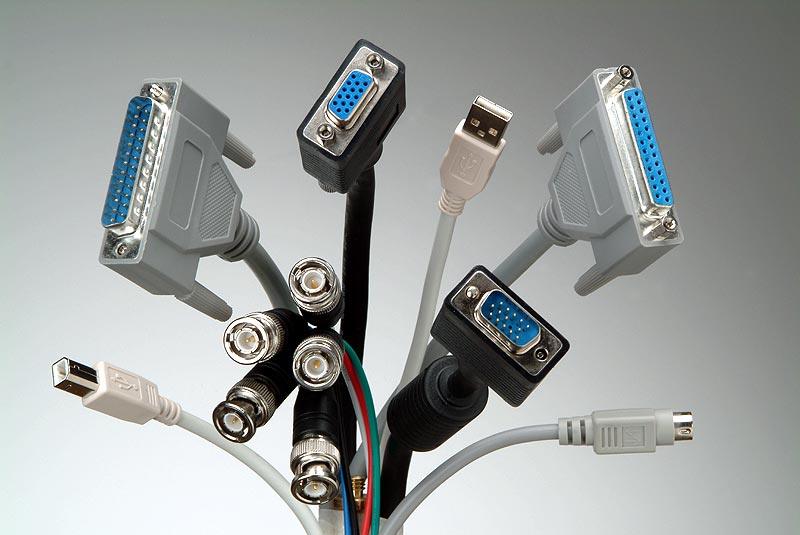
Which of these is a peripheral device connector?
CPU
USB
RAM
GPU
Cloud-based software stores data...
Only on the computer’s hard drive
On remote servers accessible online
In the CPU
On a keyboard
What is required to access cloud-based software like Google Docs?
No internet connection
An internet connection
A printer
A mouse
Which type of software controls the computer’s basic functions?
Application software
System software
Entertainment software
Accessibility software
An example of application software is...
Windows
Word processing (e.g., Microsoft Word)
Mac OS
Linux
Troubleshooting is...
A way to install new software
A step-by-step method to fix computer problems
A type of hardware
An input device
A common troubleshooting step is...
Increase screen brightness
Check connections
Play music
Turn off the monitor
The CPU’s role in the information processing cycle is...
Storing data long-term
Processing data to produce output
Displaying output
Providing input
Which device can have both input and output functions?
Speaker
Touchscreen
Hard Drive
Keyboard
One benefit of proper touch typing is...
It makes the computer faster
It improves efficiency and reduces injuries
It adds more storage
It connects peripherals

RAM, Processors, Printers, Mouse, Keyboard, and Monitors are all examples of
software
malware
spyware
hardware