wayground logo

Free Printable Worksheets

Font size

S
M
L
XL
Worksheets

Grade 4 review assessment

Total questions: 32

Worksheet time: 16mins

Name
Class
Date
1.
What is repetition?
a)
Repetition is the repeating of actions.
b)
Repetition is the way we move around.
c)
Repetition is a question where you have to make a choice.
d)
Repetition is the way to remove everything.
2.
Choose icon of uCode4
a)
Option 1
b)
Option 2
c)
Option 3
d)
Option 4
3.
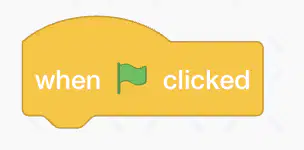
What does the green flag do?
a)
Start
b)
Stop
c)
Finish
d)
Control
4.
What does the button do?
a)
Start
b)
Stop
c)
Finish
d)
Control
5.
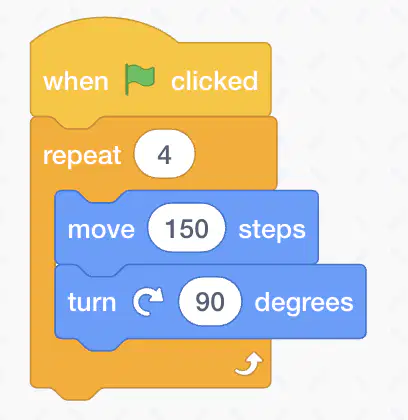
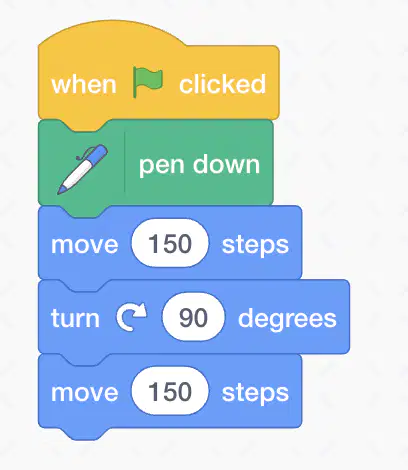
How many times does it repeat?
a)
4 times
b)
90 times
c)
150 times
d)
9 times
6.
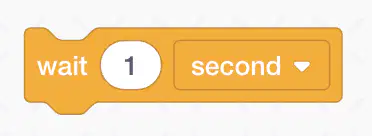
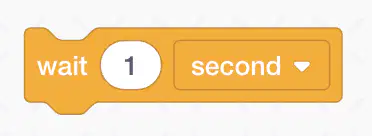
Which block should you use to make the program delay or slow down?
a)
Option 1
b)
Option 2
c)
Option 3
d)
Option 4
7.
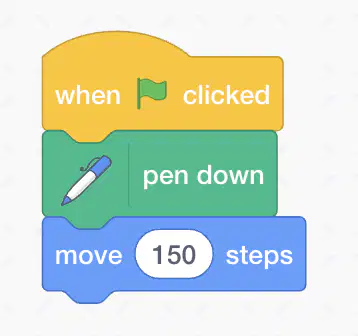
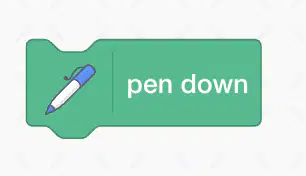
Which block tells the Sprite to start drawing?
a)
Option 1
b)
Option 2
c)
Option 3
d)
Option 4
8.
Which block tells the Sprite to stop drawing?
a)
Option 1
b)
Option 2
c)
Option 3
d)
Option 4
9.
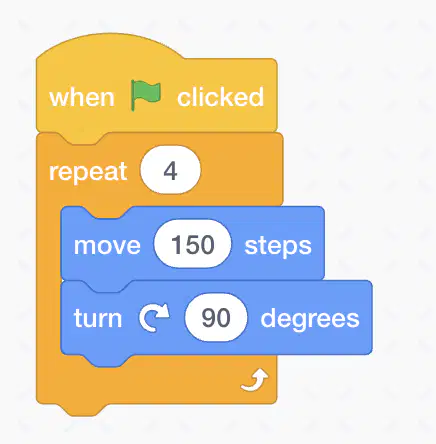
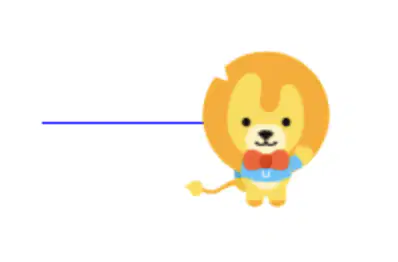
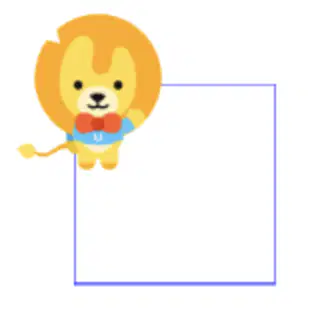
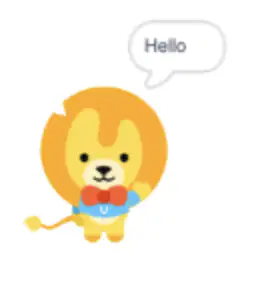
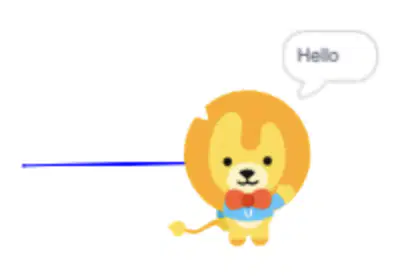
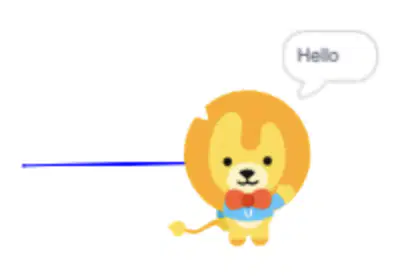
What is the result of this program?
a)
Option 1
b)
Option 2
c)
Option 3
d)
Option 4
10.
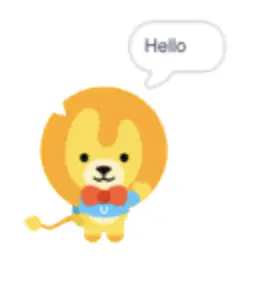
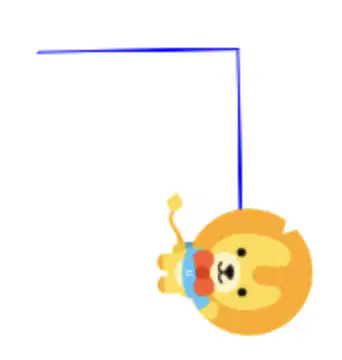
What is the result of this program?
a)
Option 1
b)
Option 2
c)
Option 3
d)
Option 4
11.
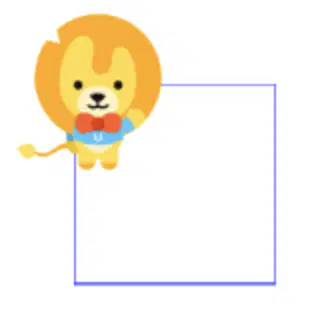
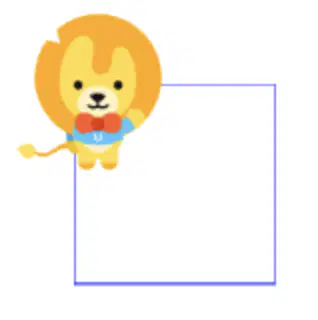
What is the result of this program?
a)
Option 1
b)
Option 2
c)
Option 3
d)
Option 4
12.
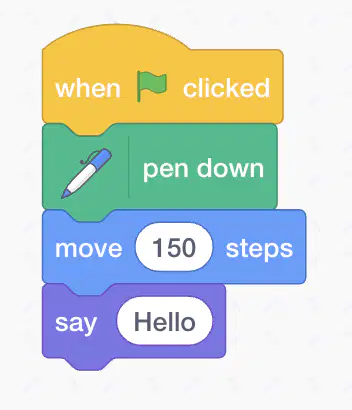
What is the result of this program?
a)
Option 1
b)
Option 2
c)
Option 3
d)
Option 4
13.
What is the result of this program?
a)
Option 1
b)
Option 2
c)
Option 3
d)
Option 4
14.
Which is the first block of a Scratch to make program run?
a)
Option 1
b)
Option 2
c)
Option 3
d)
Option 4
15.
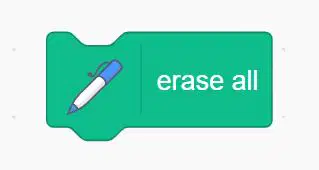
Which block do you use to remove all previous drawings?
a)
Option 1
b)
Option 2
c)
Option 3
d)
Option 4
16.
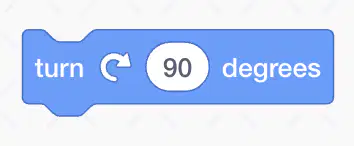
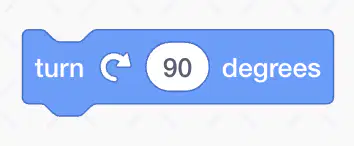
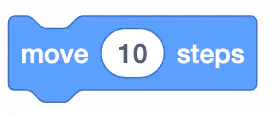
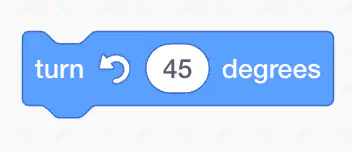
What does this block do?
a)
Turn left 90 degrees
b)
Move forward 40 steps
c)
Turn right 90 degrees
d)
Hide the Sprite
17.
What does this block do?
a)

Turn off the robot after 5 cm

b)

Set the wide for the robot 5 cm

c)

Set the height for the robot 5 cm

d)

Turn on the robot after 5 cm

18.
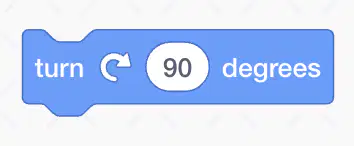
What does this block do?
a)
Turn left 90 degrees
b)
Move forward 45 steps
c)
Turn right 90 degrees
d)
Show the Sprite
19.
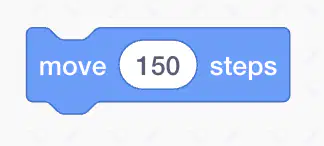
What does this block do?
a)
Turn left 100 degrees
b)
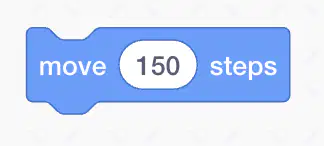
Move forward 150 steps
c)
Turn right 200 degrees
d)
Move back 200 steps
20.
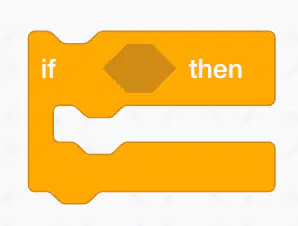
What is this block?
a)
Move block
b)
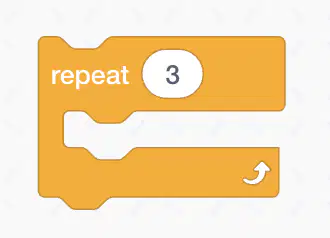
Repeat block
c)
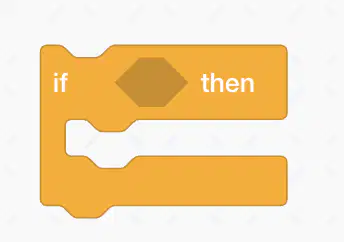
If block
d)
Say block
21.
What is this block?
a)
Move block
b)
Repeat block
c)
If block
d)
Say block
22.

What is the purpose of this block?

a)

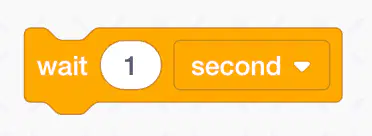
Wait block

b)

Control block

c)

Repeat block

d)

If block

23.

How does this block affect the Sprite?

a)

Makes it visible

b)

Changes its color

c)

Resets its position

d)

Moves it to a new position

24.

What action does this block perform?

a)

Turn right 45 degrees

b)

Turn left 45 degrees

c)

Hide the Sprite

d)

Move forward 30 steps

25.

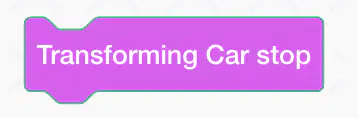
What does this block do?

a)

Stop the robot immediately

b)

Stop the robot in few seconds

c)

The robot keeps going

d)

The robot keeps turning

26.

What block will make the robot go forward 80 cm?

a)

b)

c)

d)

27.

What block will make the robot go forward with the speed of 40 cm per second?

a)

b)

c)

d)

28.

What block will make the robot turn left 80 degrees?

a)

b)

c)

d)

29.

What block will make the robot turn left (non-stop)?

a)

b)

c)

d)

30.

Which block controls the distance sensor?

a)

b)

c)

d)

31.

Which block is used to detect the distance between the car and an obstacle?

a)

Transforming Car Forward speed 40 cm/s

b)

Transforming Car stop

c)

Distance sensor ID – distance to obstacle < 8 cm

d)

When the Run button is clicked

32.

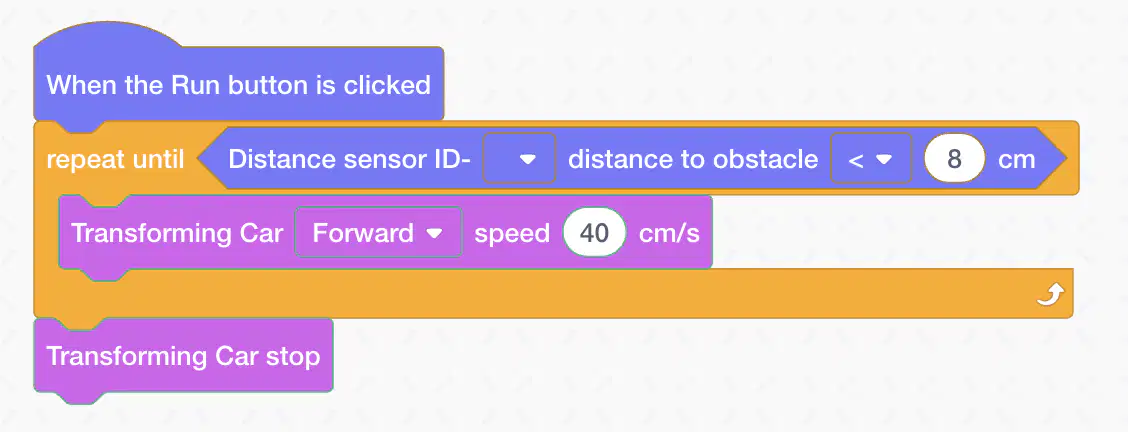
What do these blocks do?

a)

Measure the distance to the obstacle. If the distance is bigger than 8 cm, the robot will stop.

b)

Transforming Car stop

c)

Measure the distance to the obstacle. If the distance is smaller than 8 cm, the robot will stop.

d)

When the Run button is clicked. the robot will keep going forward with speed 40cm/s