
 Worksheets
2.1 The Internet and Digital Devices
Total questions: 71
Worksheet time: 36mins
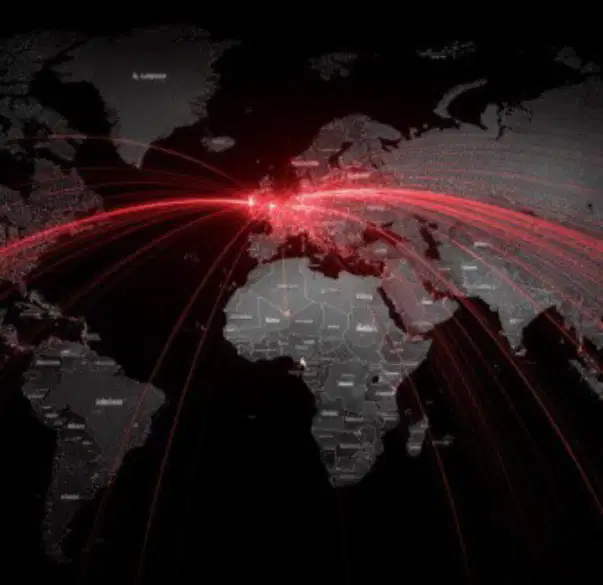
Digital devices connect to each other and the Internet through:
wireless networks and cables
only through Bluetooth
manual data transfer only
satellite phones only
The main components of the Internet’s infrastructure are:
Routers, servers, cables, and data centers
Smartphones, tablets, and laptops
Printers, scanners, and copiers
Television, radio, and newspapers
The Internet and the World Wide Web are:
The Internet is the global network of computers, while the World Wide Web is a collection of information accessed via the Internet.
The Internet and the World Wide Web are the same thing.
The World Wide Web is the hardware, and the Internet is the software.
The Internet is only used for email, while the World Wide Web is for websites.
Web browsers, websites, and URLs work together to allow users to access and interact with information on the internet. Which of the following best describes how they function?
Web browsers use URLs to locate and display websites for users.
Websites use browsers to create URLs for users.
URLs are used to create web browsers for websites.
Web browsers and websites do not interact with URLs.
Search engines help us access information online by:
organizing and retrieving relevant information from the internet
creating new websites for users
restricting access to online content
removing outdated information from the internet

What is the term for the following definition? Global computer network sharing information.
Internet
Intranet
Bluetooth
Ethernet
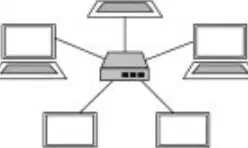
What is the term for the following definition? A group of two or more computers linked together to share resources and information.
Network
Database
Processor
Algorithm
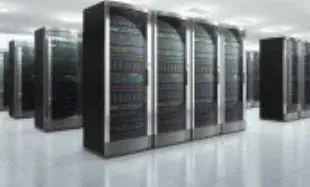
What is the term for the following definition? Powerful computer providing services/resources to clients over a network.
Server
Router
Modem
Workstation

What is the term for the following definition? A software application used to access and view websites on the World Wide Web.
Browser
Compiler
Spreadsheet
Database
Two common methods of inputting text into a digital device are:
Keyboard and touchscreen
Monitor and printer
Speaker and microphone
Scanner and projector
Gesture controls differ from touch input when interacting with a device in the following way:
Gesture controls use motion or movement, while touch input requires direct contact with the screen.
Gesture controls require physical buttons, while touch input does not.
Touch input uses voice commands, while gesture controls do not.
Gesture controls are only used for typing, while touch input is used for navigation.
One scenario where biometrics would be a more secure method of accessing a device compared to a traditional password is:
When preventing unauthorized access if a password is stolen or guessed
When sharing access with multiple users
When accessing a device in a public place where privacy is not a concern
When using a device that does not support biometric sensors
What is the Internet? Fill in the blank: The Internet is a giant _______ that connects millions of computers and devices worldwide.
network
book
island
machine
According to the passage, what does the Internet allow people to do?
Travel the world
Communicate, share information, and access resources
Build houses
Grow food
According to the passage, what is the Internet compared to?
A digital motorway system
A giant library
A television network
A shopping mall
The Internet connects people and devices around the world by:
Allowing communication and data sharing globally
Restricting access to local networks only
Connecting only computers within a single building
Providing access only to government organizations
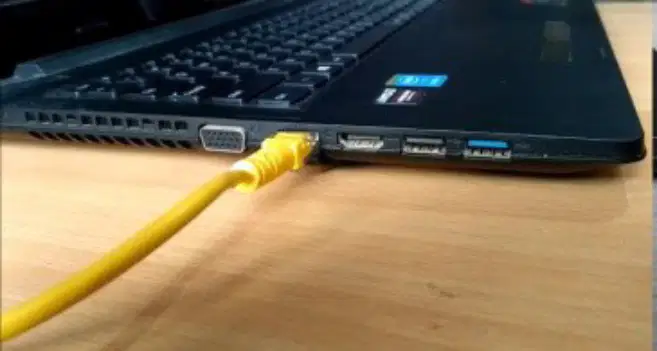
What is a wired connection?
A connection using signals like Wi-Fi or Bluetooth
A connection using cables (like Ethernet) to link devices directly for fast, stable connections
A connection that gives more freedom to move
A connection that uses mobile data
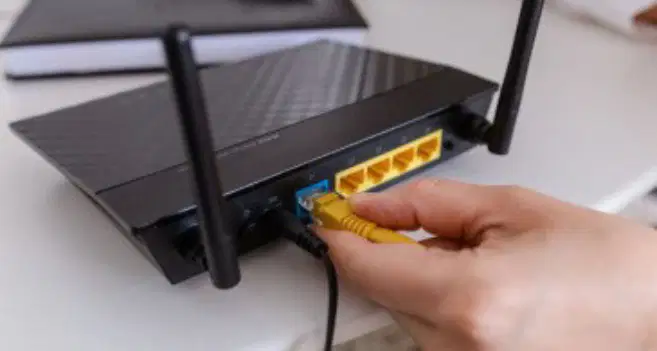
What is a wireless connection?
A connection using cables (like Ethernet)
A connection using signals (Wi-Fi, mobile data, Bluetooth) to connect devices without cables, giving more freedom to move
A connection that is always faster
A connection that is always more stable
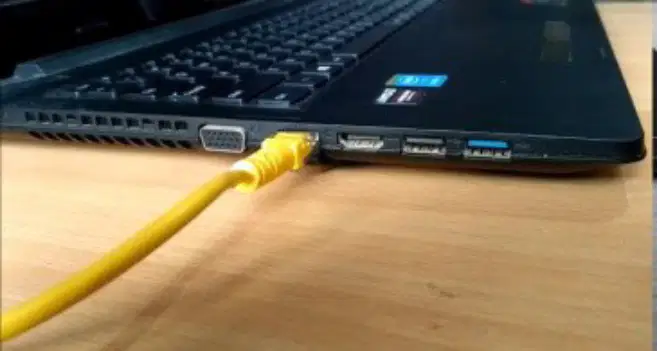
Fill in the blank: Wired connections use ______ (like Ethernet) to link devices directly for fast, stable connections.
cables
satellites
antennas
routers
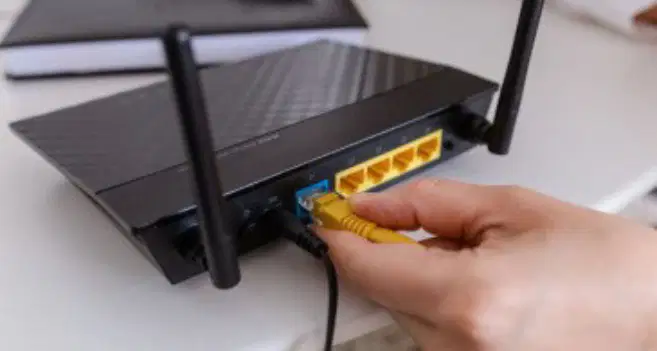
Fill in the blank: Wireless connections use signals (Wi-Fi, mobile data, ______) to connect devices without cables.
Bluetooth
Ethernet
HDMI
USB
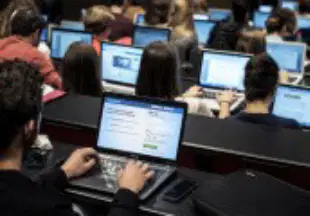
Which key player in Internet infrastructure is described as: 'Laptops, tablets, & smartphones request info from servers.'?
Clients
Routers
Servers
Switches

Which key player in Internet infrastructure is described as: 'Powerful computers that store and provide information or services to clients.'?
Servers
Browsers
Routers
Firewalls
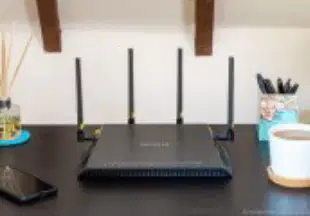
Which key player in Internet infrastructure is described as: 'Network traffic directors, guiding digital information like signposts.'?
Routers
Firewalls
Web Servers
Modems

Which key player in Internet infrastructure is described as: 'Companies that provide Internet access to homes and businesses.'?
ISPs
Web Browsers
Search Engines
Cloud Storage Providers
Which connection method is described as a fast, reliable home or school connection using cables or fibre optics?
Broadband
Mobile Data (4G/5G)
Wi-Fi
Satellite
Which connection method provides internet access on the go using mobile phone networks?
Broadband
Mobile Data (4G/5G)
Wi-Fi
Satellite
Which connection method is a wireless network for local access in homes, schools, and cafes?
Broadband
Mobile Data (4G/5G)
Wi-Fi
Satellite
Which connection method is used in remote areas where cables can’t reach?
Broadband
Mobile Data (4G/5G)
Wi-Fi
Satellite
Which Internet connection method is most commonly used at home or school, and why is it typically chosen for these environments?
Broadband (such as DSL or cable) because it offers high speed and reliability
Dial-up because it is the fastest option
Satellite because it is the cheapest and most reliable
Mobile hotspot because it is always faster than wired connections
What does WWW stand for?
World Wide Web
World Web Wide
Wide World Web
Web World Wide
Which of the following is true about the World Wide Web (WWW)?
It is the same as the Internet
It is a collection of websites and web pages stored on the Internet
It is used only for sending emails
It is only for playing online games
True or False: The Web is the same as the Internet.
True
False
Name two things you can do with the Internet besides using the World Wide Web.
Sending emails, playing online games
Reading printed books, watching TV offline
Writing with a pencil, drawing on paper
Cooking food, gardening
What do you type into your browser to start accessing a website?
You type a website address (URL) into your browser.
You type your name into your browser.
You type the computer password into your browser.
You type the browser version into your browser.
What does the browser do after you enter the URL?
The browser sends a request through the Internet to the website’s server.
The browser immediately displays a random website.
The browser shuts down automatically.
The browser deletes all browsing history.
What happens after the browser sends a request to the server?
The server finds the web page and sends it back to your browser.
The browser immediately displays a random page.
The server shuts down.
The browser deletes all cookies.
What does your browser do after receiving the web page from the server?
Your browser displays the website for you to read or interact with.
Your browser deletes the web page immediately.
Your browser sends the web page to another server.
Your browser shuts down automatically.
What does URL stand for?
Universal Resource Locator
Uniform Resource Locator
Unique Resource Locator
United Resource Locator
Fill in the blank: A URL is the unique address for a _________
web page
computer
printer
network cable
What is the purpose of a URL?
To help browsers find and display the right web pages quickly and accurately
To store images
To create email addresses
To download files
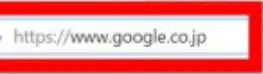
Look at the image of the browser. What is the URL shown in the address bar?
https://www.google.co.jp
https://www.yahoo.co.jp
https://www.bing.com
https://www.amazon.co.jp
How do search engines like Google and Bing help you find information?
By scanning billions of web pages and showing a list of relevant websites when you type in keywords
By creating new web pages
By sending emails
By making phone calls
Fill in the blank: Search engines make it much easier to find answers, do research, and explore new ______ online.
topics
recipes
vehicles
shoes
Which of the following is an example of a search engine mentioned in the passage?
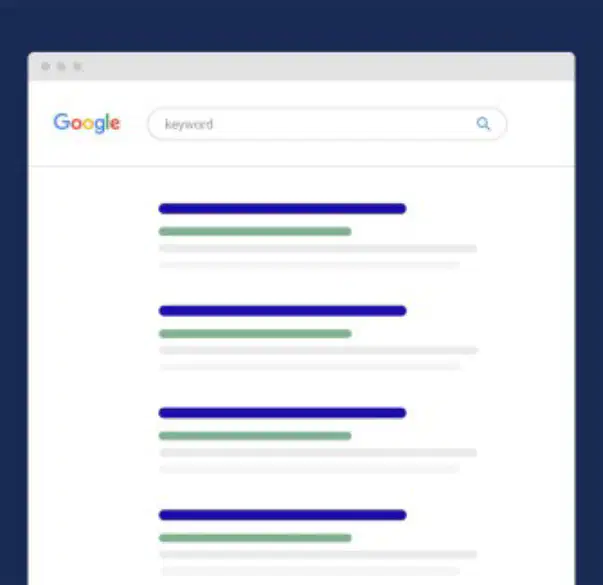
Look at the diagram of the search engine results page. What do you type into the search engine to find information?
Pictures
Keywords
Videos
Emails
Fill in the blanks: When you type a website address into a ____ , it sends a request through your ____ to a ____ , which then sends the website back.
browser, ISP, server
server, browser, ISP
ISP, server, browser
browser, server, ISP
A wireless technology for connecting devices to a local network without cables. Fill in the blank: ________
Wi-Fi
Bluetooth
Ethernet
NFC
Internet access provided by mobile phone networks like 4G or 5G. Fill in the blank: ________
mobile data
Wi-Fi
Ethernet
Bluetooth
Devices or software that request services or data from a server. Fill in the blank: ________
clients
servers
routers
switches
Powerful computers that provide data or services to clients on a network. ________
servers
routers
printers
switches
Devices that direct data packets between networks, helping information reach its destination. Fill in the blank: ________
routers
switches
modems
hubs
The specific name or address used to find a web page, also known as a URL. Fill in the blank: ________
web address
browser
search engine
homepage
A software application used to access and view websites. Fill in the blank: ________
browser
editor
compiler
calculator
Uniform Resource Locator, the unique address to identify a web page. Fill in the blank: ________
URL
HTML
HTTP
IP Address
The global network that connects millions of computers and devices. Fill in the blank: ________
Internet
Intranet
Bluetooth
Ethernet
A collection of interlinked web pages that can be accessed through the Internet. Fill in the blank: ________
World Wide Web
Intranet
Spreadsheet
Database
In today’s connected world, digital devices use a variety of methods to communicate. Most homes and schools rely on _____ to provide Internet access, often through fast and reliable broadband connections.
Wi-Fi (or wired connections, but Wi-Fi is most common in homes and schools)
Bluetooth
Infrared
Satellite radio
Alternatively, _____ can offer access on the move, allowing smartphones to connect wherever there is network coverage.
mobile networks (or cellular networks)
wired connections
Bluetooth devices
Wi-Fi hotspots
Devices such as laptops and tablets act as _____, requesting information from remote _____, which are powerful computers designed to store or serve data.
clients, servers
servers, clients
routers, switches
hosts, networks
Devices such as laptops and tablets act as clients, requesting information from remote _____, which are powerful computers designed to store or serve data.
servers
routers
printers
monitors
These requests travel through devices known as _____, which direct the digital traffic much like signposts on a motorway.
routers
switches
servers
modems
To access a specific web page, users enter a _____ into their _____, a special program designed for browsing the World Wide Web.
URL, browser
IP address, modem
Username, server
Password, firewall
To access a specific web page, users enter a URL into their _____, a special program designed for browsing the World Wide Web.
browser
keyboard
printer
monitor
Each website has its own unique address, known as a _____, which helps the browser locate the correct information.
URL (Uniform Resource Locator)
CPU (Central Processing Unit)
RAM (Random Access Memory)
HTML (HyperText Markup Language)
It is important to note that the _____ and the _____ are not the same—the former is the global network, while the latter is a collection of web pages accessed using browsers.
Internet, World Wide Web
World Wide Web, Internet
Browser, Internet
Internet, Browser
It is important to note that the Internet and the _____ are not the same—the former is the global network, while the latter is a collection of web pages accessed using browsers.
World Wide Web
Intranet
Ethernet
LAN
Fill in the blank: Digital devices connect and ________ with each other.
communicate
compete
collide
calculate
Which of the following are key roles in digital connections?
Clients, servers, routers, and ISPs
Teachers, students, and parents
Books, pens, and paper
Cars, buses, and trains
Fill in the blank: The difference between the ________ and the World Wide Web is important to understand.
Internet
Browser
Search Engine
Browsers and URLs help us access websites.
True
False
Search engines are important for finding information online because they:
help users quickly locate relevant information on the internet.
create new websites for users to visit.
store all the information available online themselves.
limit access to only a few selected websites.

