
 Worksheets
Pebrina Dahayanti TKA
Total questions: 25
Worksheet time: 47mins

Which statements support the writer's arguments according to the text?
There is more than one correct answer. click on every correct answer!
Globalization makes it easier to preserve local culture
Big companies are always more ethical than small business
Consumption behavior affects the sustainability of local producers.
local products have cultural values preserved through consumption.
Only several local products are found out to be environmentally friendly

what does the phrase 'Carbon footprints' in paragraph 3 most likely mean?
the marks left behind by vehicles used for shipping products
the total pollution caused by making and moving products
the tax paid for using carbon - heavy shipping materials
the waste residue found on packages of important goods
the energy required to replace fuel with cleaner resources

by writing the text, the writer wants to community to support MSMEs around them. What might happen if people increasingly support MSMEs?
There is more than one correct answer. Click on every correct answer!
local consumption will decrease global competitiveness
local economies will grow more resilient and independent.
people's consumption will become more conscious and ethical
local products will compete with global brands on an international scale
Cultural heritage such as batik and tenun will remain alive and well known

analyze the following statements True or False to assess the feasibility of arguments in the text.
Click on the True statement (s) !
The argument that MSMEs support the national economy is very feasible and valid
the argument for preserving culture through local consumption is provided with accurate data.
local consumption that support SDG 12 is very feasible in terms of sustainable development concept
How to Operate a Virtual Platform
1. Prepare your materials.
Choose the content to display:
· Images (high-quality JPG or PNG),
· Short videos (under 2 minutes), and
· Pdf summaries or posters.
Keep all your files in one organized folder with clear filenames, e.g., Group 3_SDGPoster.jpg.
2. Log in to the platform.
Open your browser and go to the platform link. Log in using your school email or personal account. Once inside, go to the dashboard or “My Exhibition” area.
3. Create your exhibition apace.
Click” create new room” or “add exhibition.” Fill your title, description, and a thumbnail image. Add tags like Environment, Innovation, or Student Art.
4. Upload and arrange your files.
Click “Upload File” and select your images, videos, or PDFs. Add captions to each item (1-2 sentences explaining the content). Arrange the order visually, depending on how you want visitors to explore.
5. Add interactions (optional)
If the platform allows it, you can add comment sections so visitors can leave feedback, include a live chat or feedback form, and link to social media or project websites.
6. Preview and test.
Click “preview” to see how your exhibition looks. Check that all files open correctly and all text is readable. Ask a classmate or teacher to review before you publish.
7. Publish and share.
Click “publish”. Set access: public (open to all) or private ( only classmates or teachers). Copy the link and share it via group, email, or QR code.
8. Monitor and Update.
Check how many people visited and commented. Update files if you make improvements or need to add more work. Respond to feedback if comments are enable.
Do
Don’t
· Use clear and original titles and captions.
· Keep file sizes small to load faster.
· Check spelling and grammar before publishing.
· Don’t upload blurry images or unrelated content.
· Don’t ignore feedback or questions from visitors.
· Don’t use copyrighted content without permission.
Ethics and Safety Notes
· Only upload your own work or group projects.
· Do not copy or re-upload someone else’s material without credit.
· Be respectful in captions and comments
Adapted From : Shahtai/vfairs,2024
1. What is the most essential tool needed to complete the procedure successfully?
A laptop with internet connection
A flash drive to store exhibition content
A scanner to digitize physical document
A desktop computer without internet access
A smartphone to take photos of student projects
How to Operate a Virtual Platform
1. Prepare your materials.
Choose the content to display:
· Images (high-quality JPG or PNG),
· Short videos (under 2 minutes), and
· Pdf summaries or posters.
Keep all your files in one organized folder with clear filenames, e.g., Group 3_SDGPoster.jpg.
2. Log in to the platform.
Open your browser and go to the platform link. Log in using your school email or personal account. Once inside, go to the dashboard or “My Exhibition” area.
3. Create your exhibition apace.
Click” create new room” or “add exhibition.” Fill your title, description, and a thumbnail image. Add tags like Environment, Innovation, or Student Art.
4. Upload and arrange your files.
Click “Upload File” and select your images, videos, or PDFs. Add captions to each item (1-2 sentences explaining the content). Arrange the order visually, depending on how you want visitors to explore.
5. Add interactions (optional)
If the platform allows it, you can add comment sections so visitors can leave feedback, include a live chat or feedback form, and link to social media or project websites.
6. Preview and test.
Click “preview” to see how your exhibition looks. Check that all files open correctly and all text is readable. Ask a classmate or teacher to review before you publish.
7. Publish and share.
Click “publish”. Set access: public (open to all) or private ( only classmates or teachers). Copy the link and share it via group, email, or QR code.
8. Monitor and Update.
Check how many people visited and commented. Update files if you make improvements or need to add more work. Respond to feedback if comments are enable.
Do
Don’t
· Use clear and original titles and captions.
· Keep file sizes small to load faster.
· Check spelling and grammar before publishing.
· Don’t upload blurry images or unrelated content.
· Don’t ignore feedback or questions from visitors.
· Don’t use copyrighted content without permission.
Ethics and Safety Notes
· Only upload your own work or group projects.
· Do not copy or re-upload someone else’s material without credit.
· Be respectful in captions and comments
Adapted From : Shahtai/vfairs,2024
Read the statements below. Each refers to the writer’s style in explaining the procedure.
Click on the True statement!
The writer uses clear and direct instructions to make each step easy to follow.
The writer explains the procedure in a formal and technical tone, using many expert terms.
The writer adds helpful tips and reminders to support and ethical and responsible digital behavior.
How to Operate a Virtual Platform
1. Prepare your materials.
Choose the content to display:
· Images (high-quality JPG or PNG),
· Short videos (under 2 minutes), and
· Pdf summaries or posters.
Keep all your files in one organized folder with clear filenames, e.g., Group 3_SDGPoster.jpg.
2. Log in to the platform.
Open your browser and go to the platform link. Log in using your school email or personal account. Once inside, go to the dashboard or “My Exhibition” area.
3. Create your exhibition apace.
Click” create new room” or “add exhibition.” Fill your title, description, and a thumbnail image. Add tags like Environment, Innovation, or Student Art.
4. Upload and arrange your files.
Click “Upload File” and select your images, videos, or PDFs. Add captions to each item (1-2 sentences explaining the content). Arrange the order visually, depending on how you want visitors to explore.
5. Add interactions (optional)
If the platform allows it, you can add comment sections so visitors can leave feedback, include a live chat or feedback form, and link to social media or project websites.
6. Preview and test.
Click “preview” to see how your exhibition looks. Check that all files open correctly and all text is readable. Ask a classmate or teacher to review before you publish.
7. Publish and share.
Click “publish”. Set access: public (open to all) or private ( only classmates or teachers). Copy the link and share it via group, email, or QR code.
8. Monitor and Update.
Check how many people visited and commented. Update files if you make improvements or need to add more work. Respond to feedback if comments are enable.
Do
Don’t
· Use clear and original titles and captions.
· Keep file sizes small to load faster.
· Check spelling and grammar before publishing.
· Don’t upload blurry images or unrelated content.
· Don’t ignore feedback or questions from visitors.
· Don’t use copyrighted content without permission.
Ethics and Safety Notes
· Only upload your own work or group projects.
· Do not copy or re-upload someone else’s material without credit.
· Be respectful in captions and comments
Adapted From : Shahtai/vfairs,2024
according to the text, what are the most likely consequences if certain steps are skipped or not done properly?
There is more than one correct answer. Click on every correct answer!
Visitors may struggle to interpreted the purpose of the content if context is not clearly provided.
Ignoring recommended video length may prevent the exhibition from being published at all.
Without proper tags, the exhibition could be less discoverable or even poorly categorized
Disorganized or vague file names could cause confusion when managing and displaying content.
Publishing without reviewing the layout may result in avoidable presentation flaws going unnoticed.
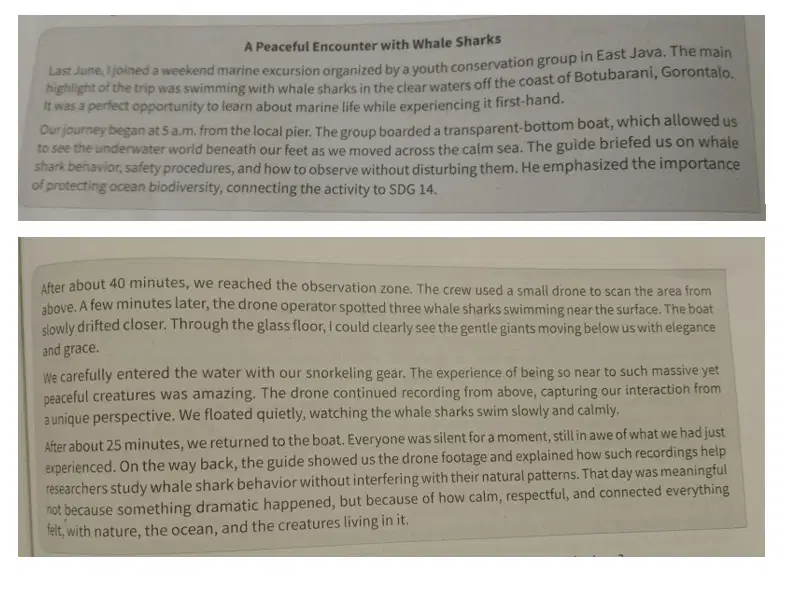
From the text, what can be inferred about the setting where the excursion took place?
It was in deep – sea research station in Bali.
The trip occurred in a sea with high waves.
The location was part of a conservation area.
The excursion used a submarine and drones.
It was a spontaneous trip by youth conservators
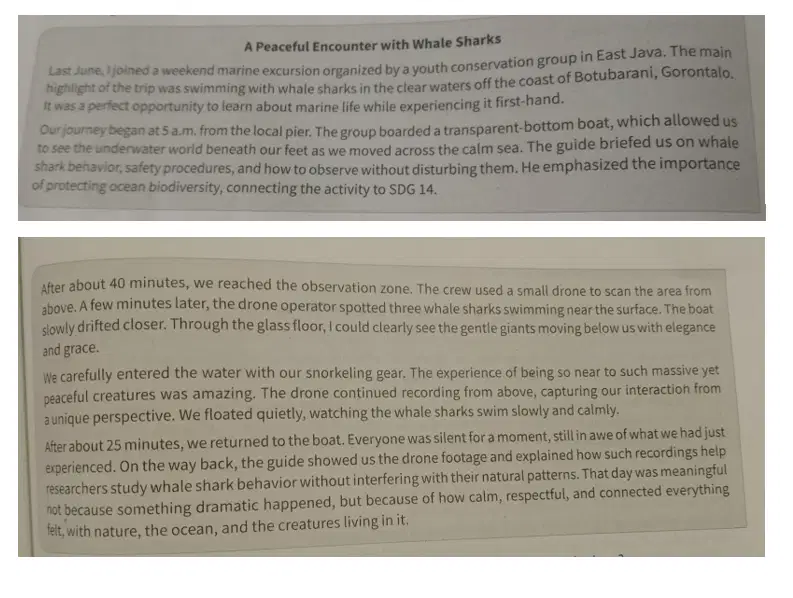
Do the statements explain why the trip matters for understanding the environment in real life?
Click the true statement (s)!
It offers entertainment through marine adventures.
It encourages responsible marine tourism practices.
It connects learning with direct experience in nature
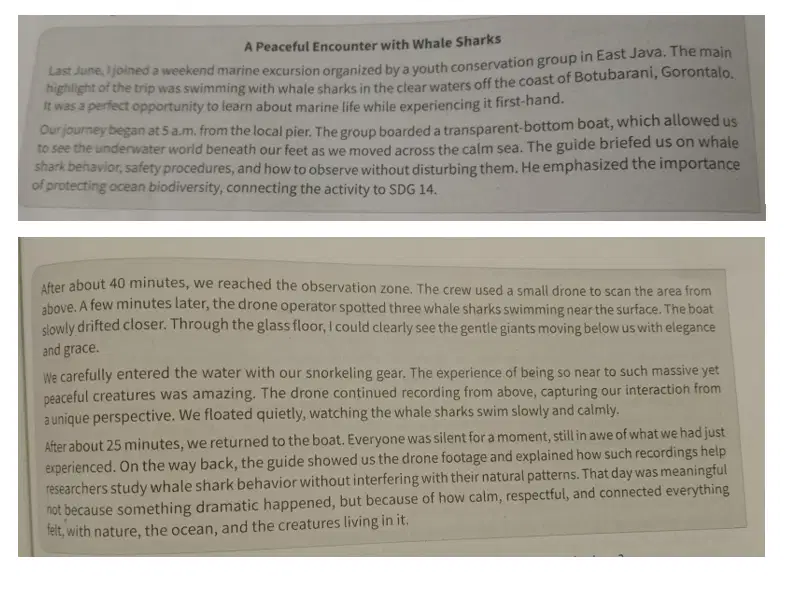
Read the text accurately. Which of the following statements accurately describe the event?
There is more than one correct answer. Click on every correct answer!
Participants completed to get the best photos and videos of their interaction with whale shark to be uploaded on their social media.
The feelings of the participants were reflected in their attitudes and faces during their trip back after the excursion was over.
The writer learned the educational value and ethics of interacting with nature through brief explanations from the guides.
Participants and members of the young conservation group used a careful approach and showed respect for marine animals.
The writer and other participants showed their natural joy in nature tourism by cheering and clapping when they saw whale shark.
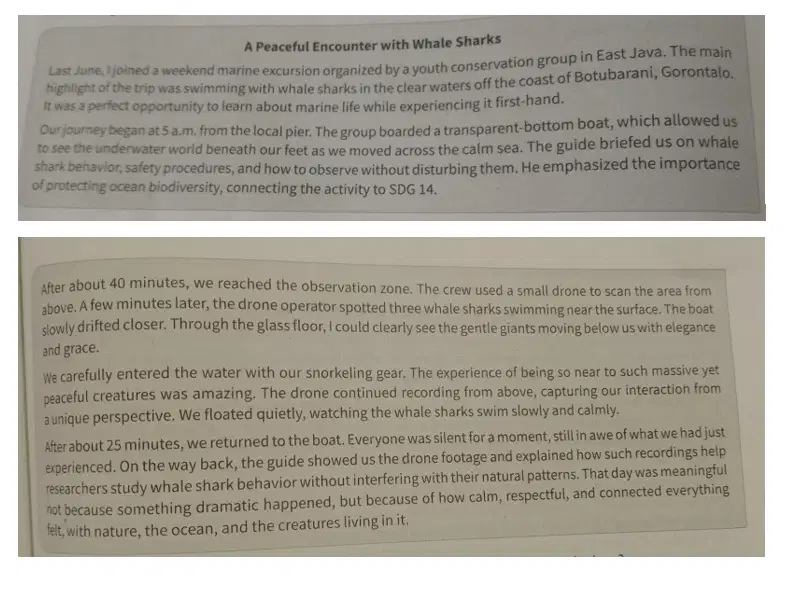
. using their daily life knowledge, readers can predict what might happen after the excursion ended.
Choose statement (s) that possible to happen based on the text!
The youth group uploads the drone video to raise awareness
Participants become more active in ocean conservation.
The whale shark migrate closer to human settlements

Based on the text, what are the most likely functions of Singapore's smart transportation system?
there is more than one correct answer. click on every correct answer!
to support walking and cycling as part of daily commuting
to improve lats mile connectivity between homes and workplaces
to monitor public helath more effectively through mobile data
to integrate private car use with public road networks in the city
to reduce environmental impact by encouraging public transport use
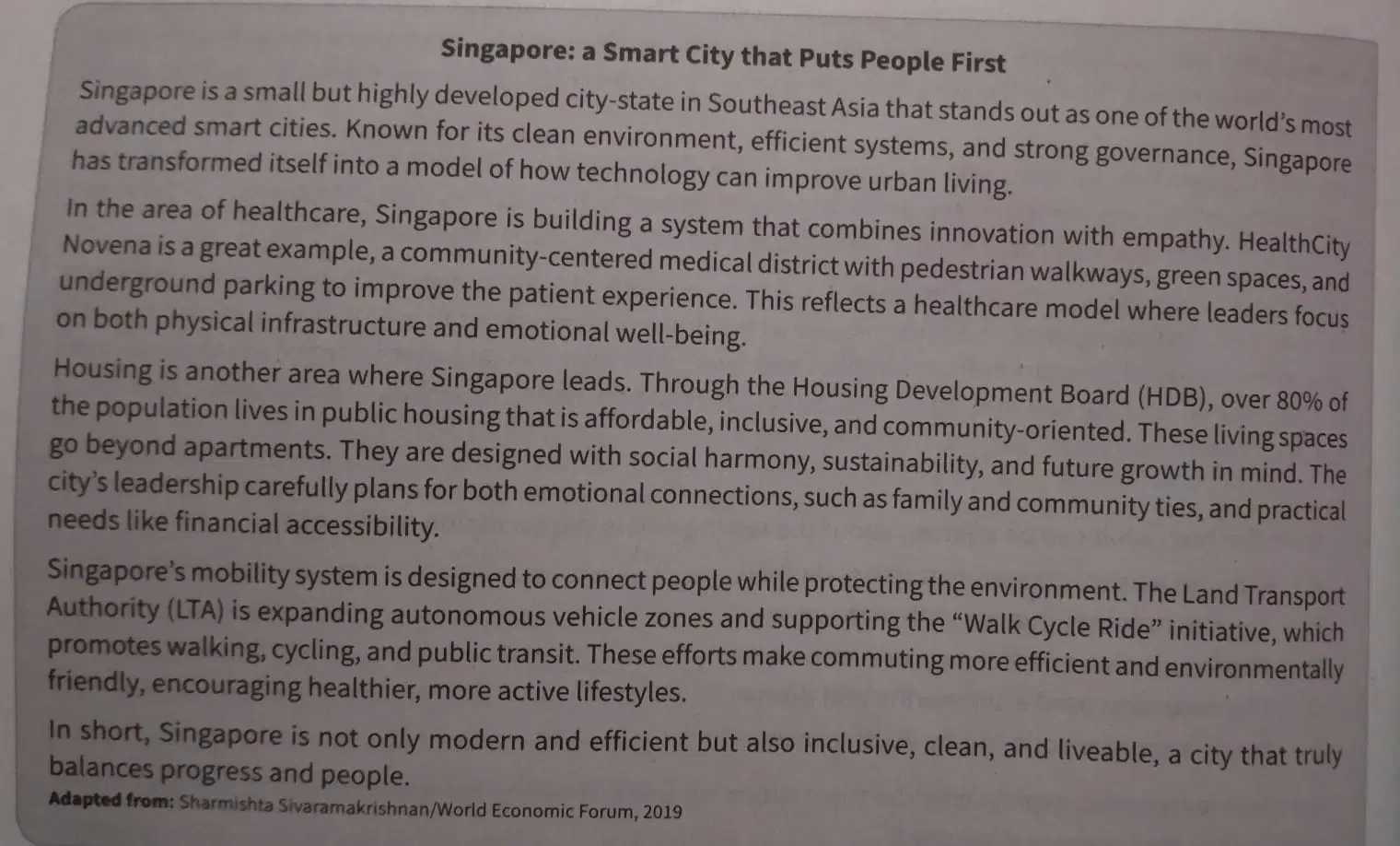
evaluate the accuracy of the following statements about Singapore's Smart City initiatives based on the text.
Click on every accurate statements!
Singapore's health infrastructure focuses mainly on building new hospitals with modern tools
Singapore's housing plan mostly focuses on reducing construction costs
walkability and public participation are considered in the city's mobile planning
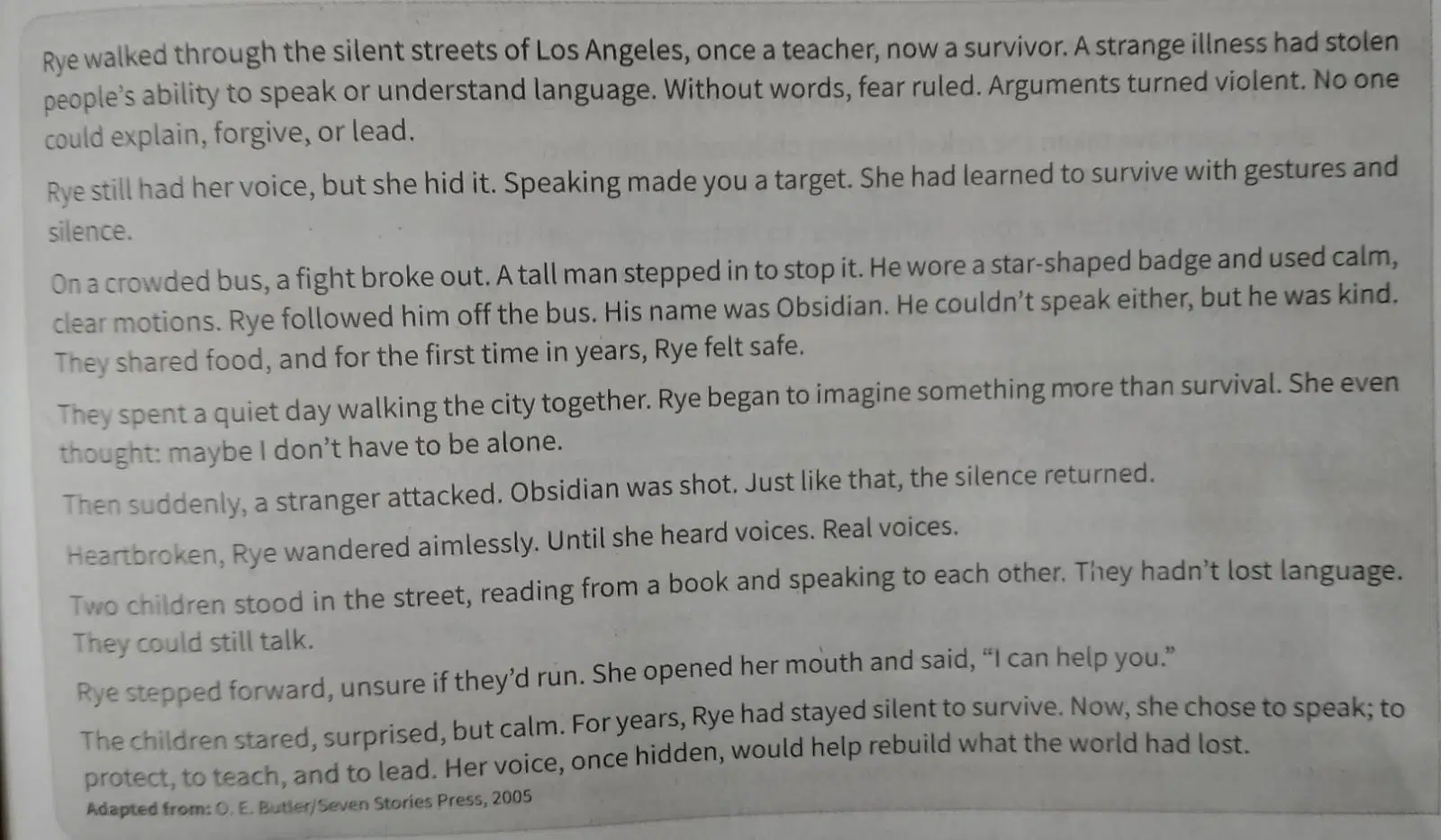
Based on the story, in a tense moment on the bus, a fight broke out, where a calm man named Obsidian stepped in to stop it using peacefully gesture. Rye then chose to follow him out of the bus.
Why did Rye decide to do so?
She was desperate to find someone who could protect her.
She recognized leadership and sense a calm authority.
She believed Obsodian might also still have his choice
She wanted to escape the immediate threat of violence
She sensed that Obsidian might have a cure for the illness

What likely motivated Rye to remain silent even though she could still speak?
There is more than one correct answer. Click on every correct answer!
Avoiding exposure that could risk her safety
fearing violent reactions if others heard her voice.
Believing that language had permanently lost its meaning
adapting to a word where language had become dangerous
Hoping that silence would help her recover from post trauma
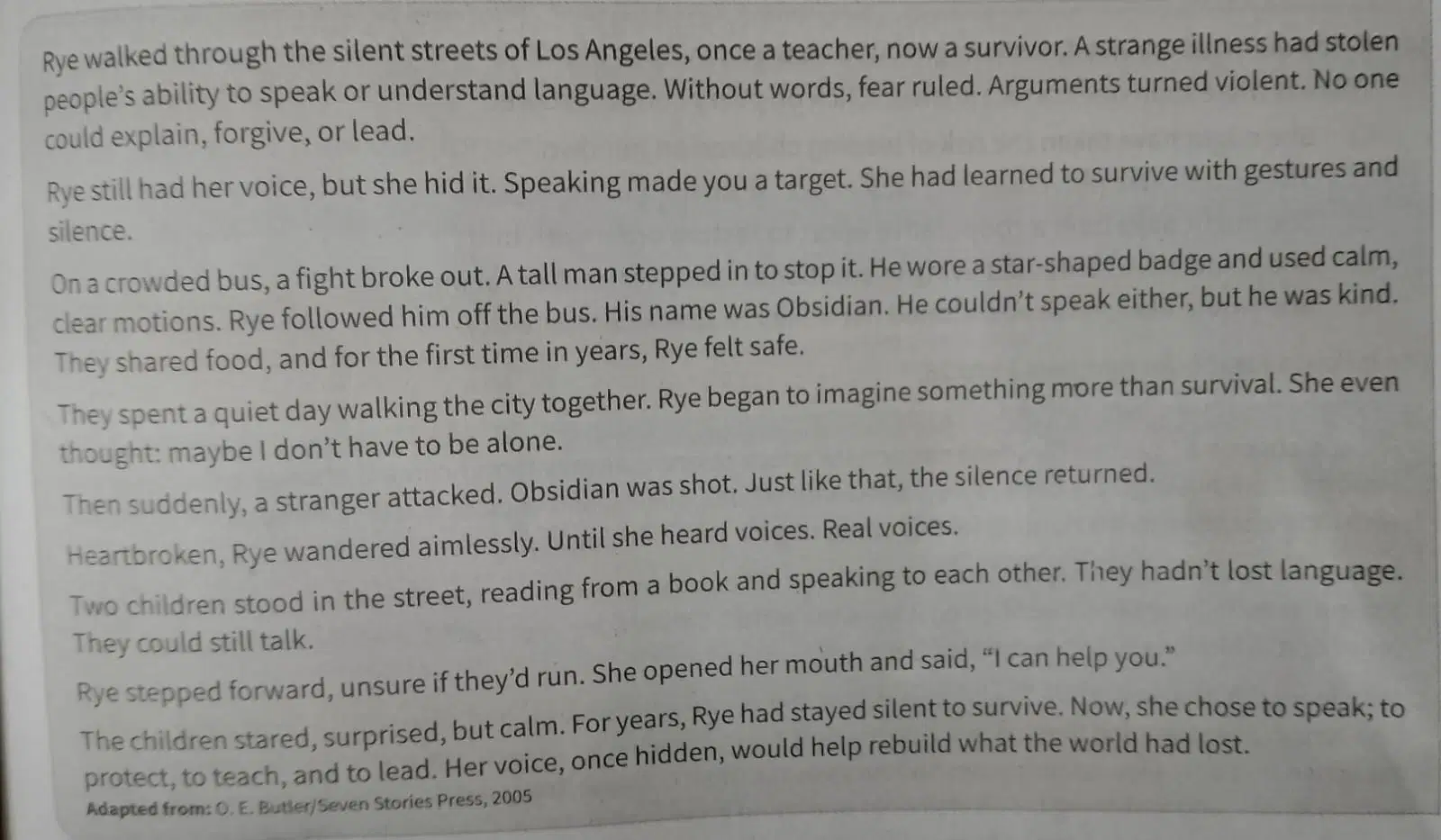
Below are several statements about the central conflict in Speech Sound. Determine whether each statement reflects a key conflict in the story or not.
Click on every Correct statement!
Rye's silence represents an internal conflict between the need for safety and the desire for human connection
The main conflict involves Rye's disagreement with Obsidian over how to rebuilt communication in the city.
the lost of language in society creates both physical danger and emotional isolation

If Obsidian has survived, what might have changed in Rye's path?
There is more than one correct answer. Click on every correct answer!
She might have taken the risk of leading children on her own.
She would have prevented any violent acts from happening again.
She might have built a cooperative effort to restore order with him.
She could have continued living in emotional safety without speaking
She would likely have abandoned her ability to speak permanently.
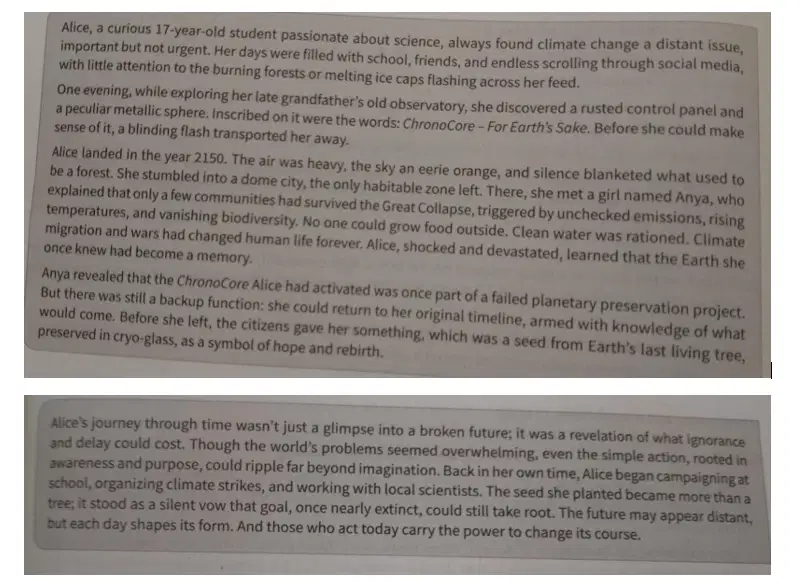
Identify which of the following statements correctly classify the elements in the story based on their roles or significance.
Click on every correct statements!
Chorona Core, the dome city. and the cyro-glass are all futuristic technologies central to Alice's journey
Anya, Alice, and few inhabitants are living being impacted by the climate crisis
the citizens, the seeds, and Anya symbolize hope and resilience in a damage world
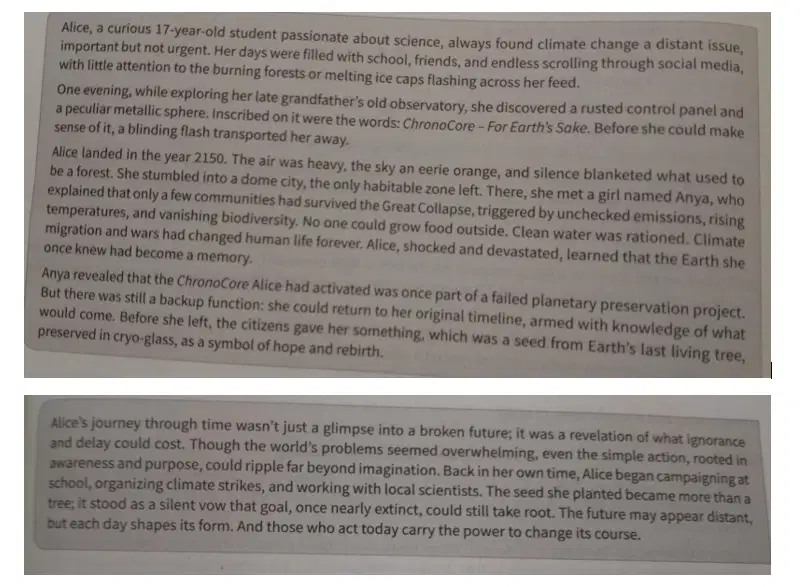
based on the text, determine whether the following statements correctly infer the underlying moral messages of the story.
Click on every relevant statement!
The story encourages students to be optimistic because technology in the future will automatically solve the climate crisis.
the story suggests the awareness, followed by small actions, can prevent a disastrous future
the text implies that knowledge and hope, even in small forms, can inspire real change in the present
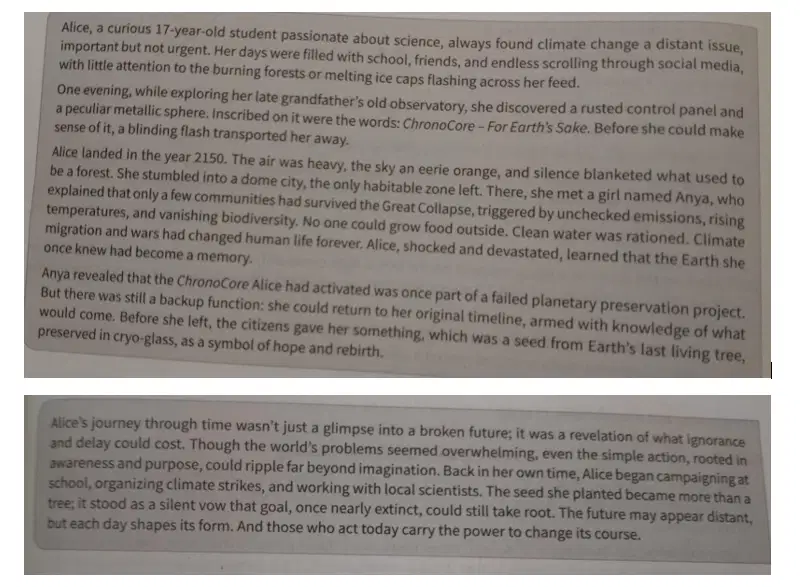
Based on the story, which of the following statements best describe Alice's character traits?
There is more than one correct answer. Click on every correct answer!
Alice shows strong leadership by convincing world leaders to act immediately
Alice becomes more aware and takes initiative to create change at her school
Alice uses her experience to inspire collective action in the present.
Alice waits for more support before she starts taking action in the present.
Alice transforms her fear into action and refuses to stay passive

After reading the text, what best reflect readrs' emotional reposnse?
The story makes readers feel hopeful because future technologies will eventually solve environmental problems.
The story makes readers believe the future generations will automatically fix the mistakes made by people today.
The story encourages admiration for how science and progress will keep improving people's live in the future.
The story invites readers to appreciate that every considerate action today matters for generation to come.
The story cerates excitement about how inspiring the world will be when sustainability becomes everyone's focus
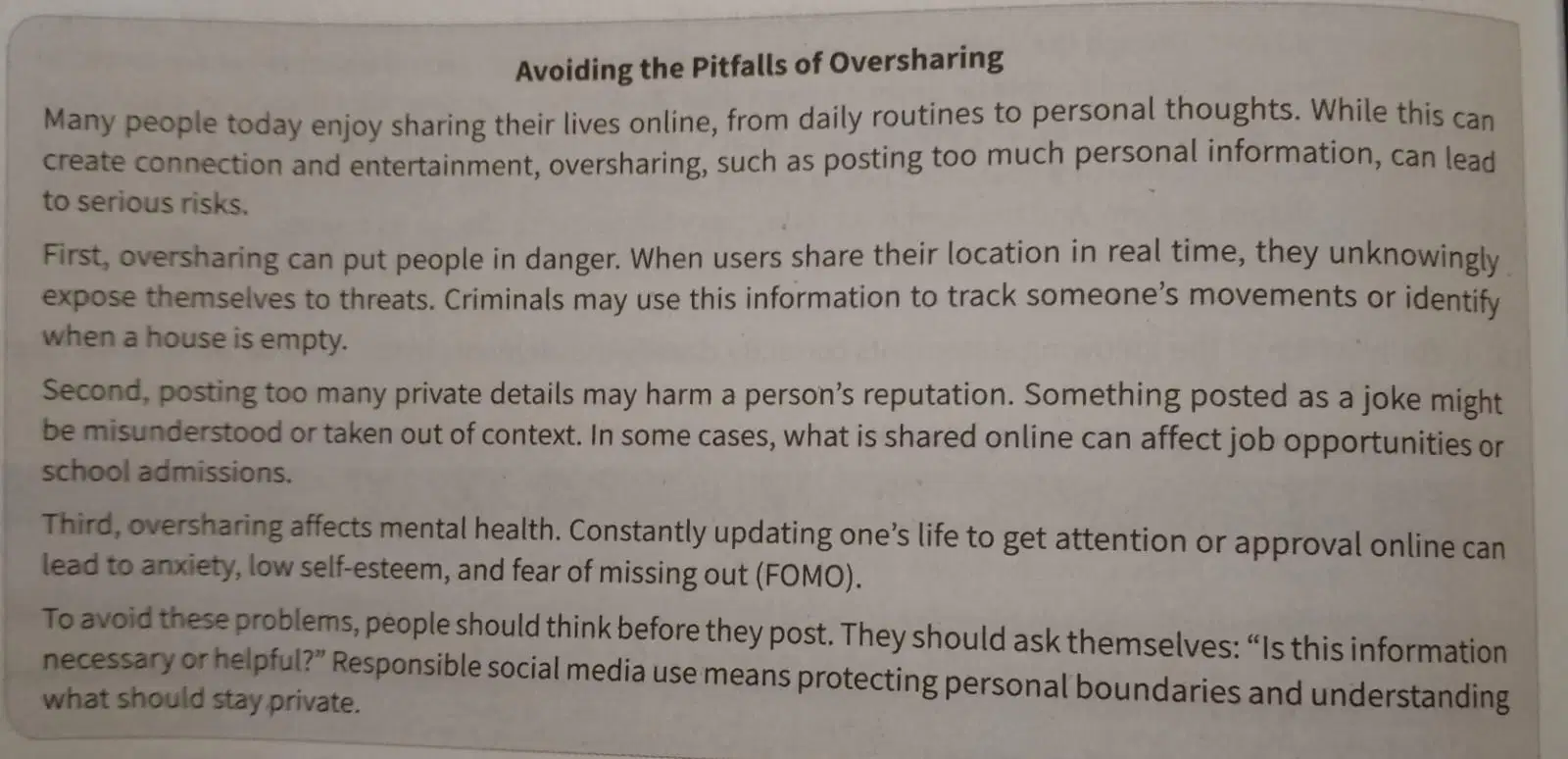
The text mentions several risks of oversharing. what are considered immediate risk of oversharing?
There is more than one correct answer. Click on every correct answer!
Revealing real time detail may invite unwanted attention.
Oversharing helps people maintain strong friendship online
Posts meant as jokes can be misunderstood and misused
Oversharing guarantees more engagement and reactions
Oversharing can contribute to stress and lower self-worth.

Group each statement based on whether it refers to a risk related to social reputation or mental well-being.
Click on every Mental well being
A joke posted online may be misunderstood and affect future opportunities
Constant sharing in exchange for like can lead to feelings of anxiety or low- self worth
people might worry about missing out if they don't keep up with what others post
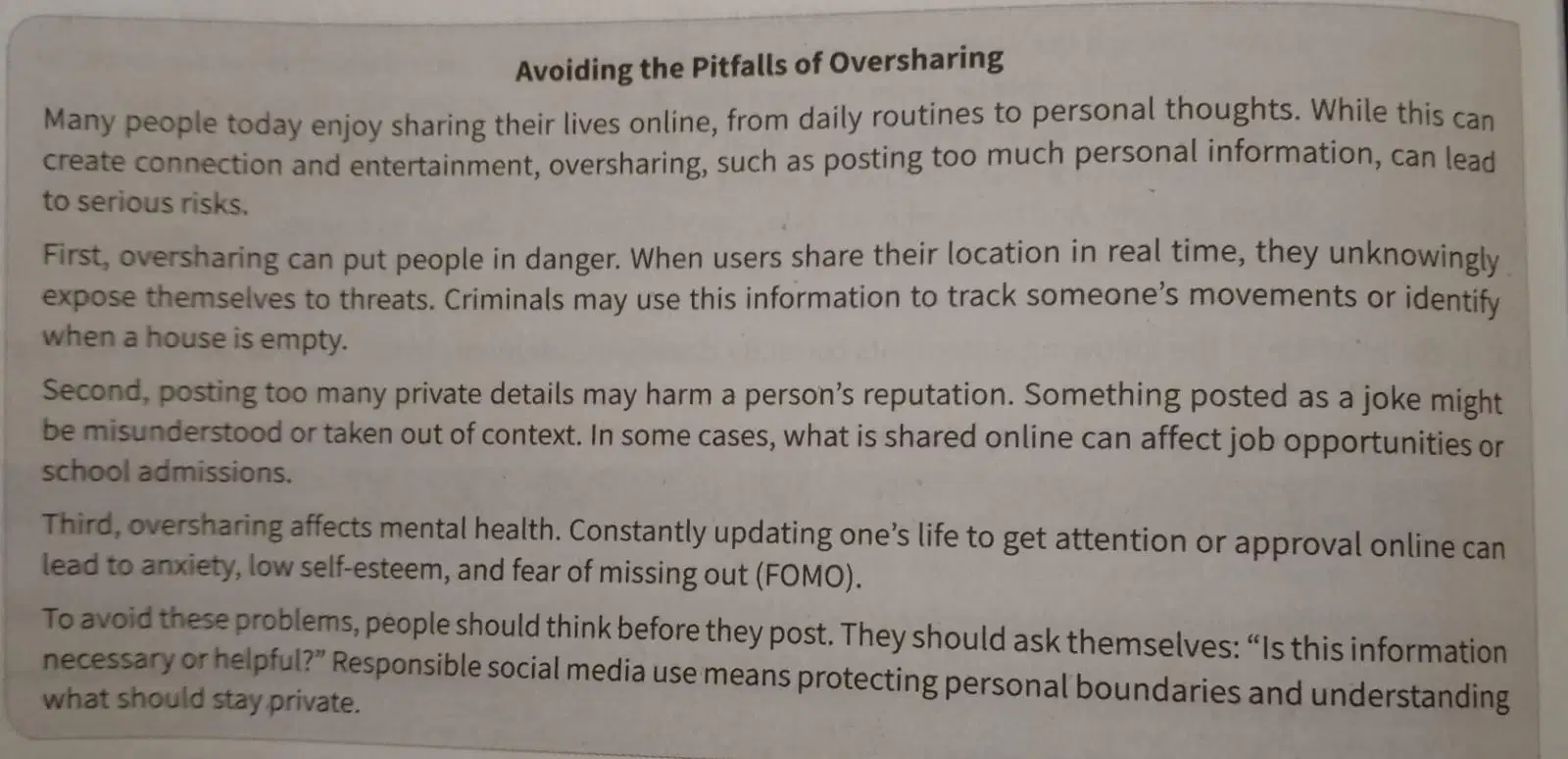
An exposition text purposes a main opinion or claim as its core. Which sentence best summarizes the central claim made in the text?
Users should stop using social media altogether to avoid oversharing
most people do not understand the privacy settings on social media platforms.
Social media has more harmful effect than positive ones for all users
Responsible posting habits can helps users stay mentally healthy and safe
Writing personal updates daily builds an emotional connection with others

Which of the following helps strengthen the writer's argument about oversharing?
There is more than one correct answer. Click on every correct answer!
Mentioning how online post can affect future academic or job chances
Explaining how oversharing may invite cybercriminals to take advantage
Including Psychological effects of constantly sharing personal content
mentioning how social media jokes are often harmless and easy to understand
Explaining how daily updates help people stay connected with others

