
 Worksheets
Hardware and Software 2
Total questions: 69
Worksheet time: 38mins
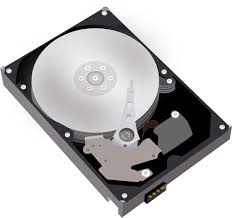
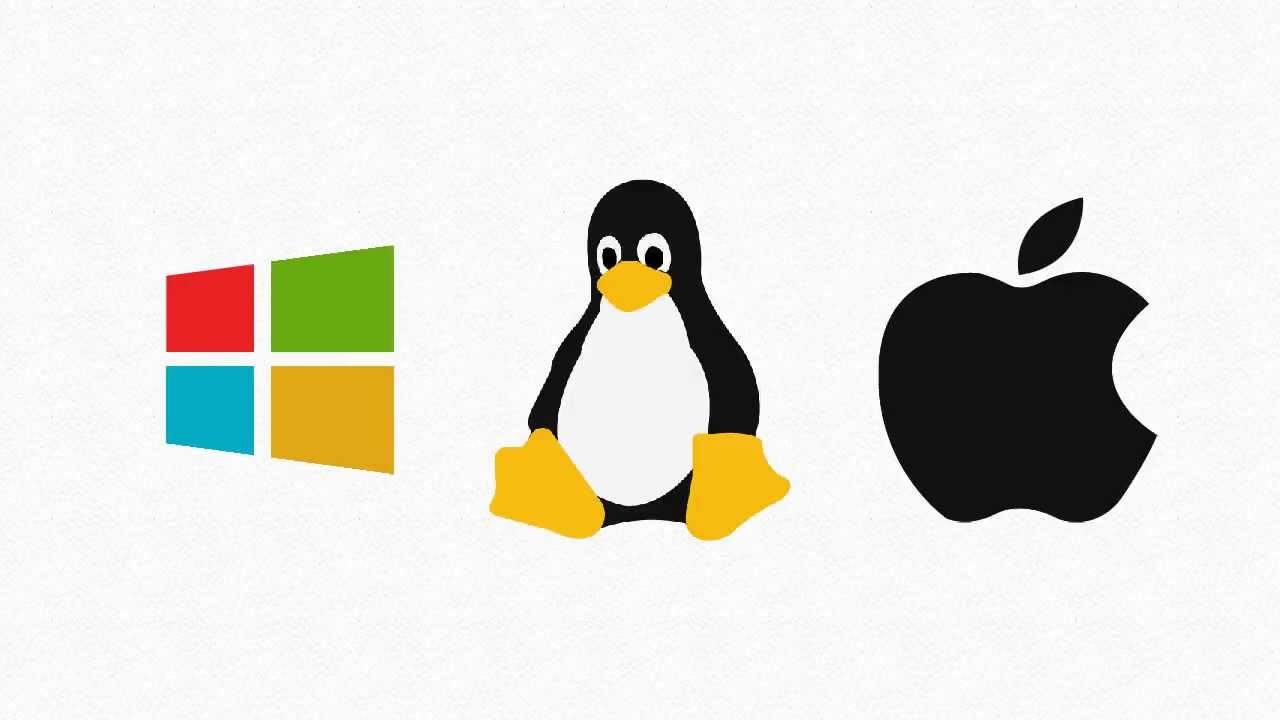
What is the most important program that runs on your computer, it lets software and hardware work together?
Operating System
Programs
Applications
Hardware
What is Hardware?
Computer Instructions or Data
Physicals parts of a computer that you can touch

What is Software?
Programs and applications, it tells the hardware what to do and how to do it
Physicals parts of a Computer
What is Software?
Programs and applications, it tells the hardware what to do and how to do it
Physicals parts of a Computer
The physical objects that make up the computer system:
Software
Storage
Input
Hardware
Hardware and Software do not have to work together.
True
False
You can touch software
True
False
Examples of hardware are:
Keyboard
Microsoft word
Mouse
hard drive
Grand theft Auto
Which are 2 examples of word processing programs?
Microsoft Word
Microsoft PowerPoint
Google Slides
Google Docs
Computers can't work just using hardware, to be able to do all the fun things you want to do on a computer you need software.
true
false
A system of many parts that work together?
hardware
software
computer

Microsoft Word is an example of an operating system
False
True
Which is not an operating system?

Windows
Windows

Edge
Edge

Mac OS
Mac OS

Linux
Linux
Software can be classified into two categories:
application software & utility software
system software & application software
utility software & screencast software
The main storage of your computer
RAM
Motherboard
ROM
Hard Drive

Scanner is a
Hardware
Software
Operating system
None of these
Select the input devices
Printer
Barcode Reader
Scanner
Webcam
Computer
Which is the correct computer system sequence?
Input -> Processing -> Output
Input -> Output -> Processing
Processing -> Output -> Input
None of these
Which one of the following is NOT an example of a storage device?
CD
DVD
Pendrive
Webcam
An output device, such as a monitor,
sends data to a computer.
receives data from a computer.
a type of sound from the speakers.
does nothing.
Which one of these is NOT an input device?
Microphone
Scanner
Printer
None of these
Processing is done by the (a) .
Output is the data that you enter into a computer.
True
False
What are the examples of an internal hardware?
Circuit Board
Hard Drive
Fan
Games
What does a computer fan do?
Cools the desk area.
Makes a relaxing sound.
Cools down the computer when it gets warm.
The fan does nothing.
Hardware and software work (a) to form a system.

Hardware
Software
Which is the correct definition for hardware?
A program used to operate computers and execute specific tasks.
The physical components of the computer.
The devices used to access a network.
The way in which you can connect to the Internet.
Which of these is NOT an input device?
speaker
keyboard
mouse
touch screen
Which of these are output devices?
Mouse
Printer
Monitor
Keyboard
Which of the following are input devices?
printer
microphone
usb
scanner
Which of the following are input devices?
printer
monitor
keyboard
mouse
Which is the correct definition of software?
Software is hardware used to operate computers and execute specific tasks.
Software used to access the Internet and provide users with the correct documents to do this.
Software is a program used to operate computers and execute specific tasks.
Software is used to control computers and execute specific tasks.



What does ROM stand for?
Read-Only Memory
Read-Optional Memory
Read-On Memory
Random-Only Memory
What is the purpose of storage in a computer?
To cool down the computer
To connect to the internet
To store data and programs for future use.
To provide power to the computer
What is the difference between RAM and ROM?
RAM stores data temporarily, while ROM stores data permanently.
RAM is only used in laptops, while ROM is only used in desktop computers
RAM is used for long-term storage, while ROM is used for short-term storage
RAM and ROM are the same thing
What does GPU stand for?
General Processing Unit
Graphics Processing Unit
General Power Unit
Graphics Power Unit
What is the function of the motherboard in a computer?
To display images and videos on the computer screen.
To connect the computer to the internet.
To provide a platform for all other components and peripherals to communicate.
To cool down the computer.
Which of these is computer software?


Which of these is computer hardware?


What is an Operating System?
Physical parts of a computer
A keyboard
A videogame
Software that let a user work with a computer

What is this?
CPU
RAM
Micro drive
PC card

What is this?
Heat sink
Power supply
System fan
Optical drive

Windows 10
Hardware
Software

PowerPoint
Hardware
Software

Microphone
Hardware
Software
Peopleware

CD/DVD
Hardware
Software
Peopleware

External Hard drive
Hardware
Software
Peopleware

Apple iOS
Hardware
Software

Game Controller
Input Device
Processing Device
Output Device
Storage Device

CPU
Input Device
Processing Device
Output Device
Storage Device

CD/DVD
Input Device
Processing Device
Output Device
Storage Device

Earphones
Input Device
Processing Device
Output Device
Storage Device
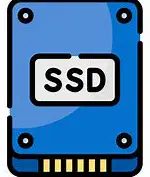
Which of the following is an advantage of solid-state drives (SSD) over traditional hard drives?
Lower cost per GB.
Higher storage capacity.
Greater durability and speed.
Better compatibility with older computers.
Connect the following

MOTHERBOARD

HARD DRIVE

GPU

PERIPHERALS

POWER SUPPLY UNIT

An expansion board that controls and produces video on the monitor
Display Card
Memory Card
Graphic Card
Moniter Card
A case is
An enclosure that contains main components of a computer
Something people carry to help with work
Something that protects the computer from braking
Storage

Identify the name of the storage device.
Hard disk
Floppy disk
Compact disk
Video disk

Idenify the name of the storage device.
CD/DVD
Pen drive
Hard disk
Memory card

Identify the name of the storage device.
CD drive
Hard drive
Pen drive

What kind of storage device is shown in the picture?
Memory Card
Solid State Drive
Floppy Disk
Optical Disc

