
Font size
 Worksheets
Introduction to Computer Systems
Total questions: 30
Worksheet time: 15mins
What is the correct order of the data cycle in a computer?
Processing, output, input
Input, processing, output
Input, output, processing
Output, processing, input
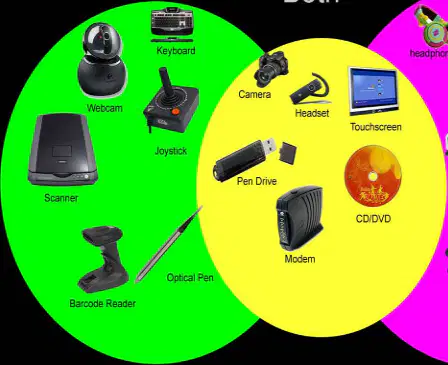
Which device is mainly for data entry?
Desktop printer
Audio speaker
Input keyboard
Display screen
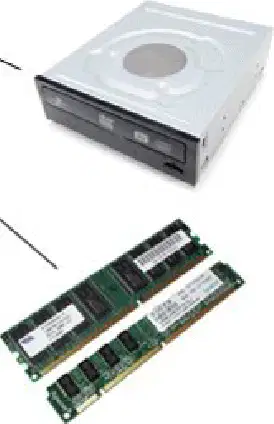
What does the processor (CPU) do during processing?
Displays images on the wall
Executes instructions and calculates
Prints color pages
Plays loud sounds
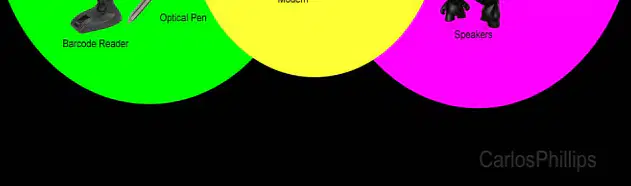
Speakers are peripheral devices of what type?
Input and output
Neither input nor output
Output only
Input only
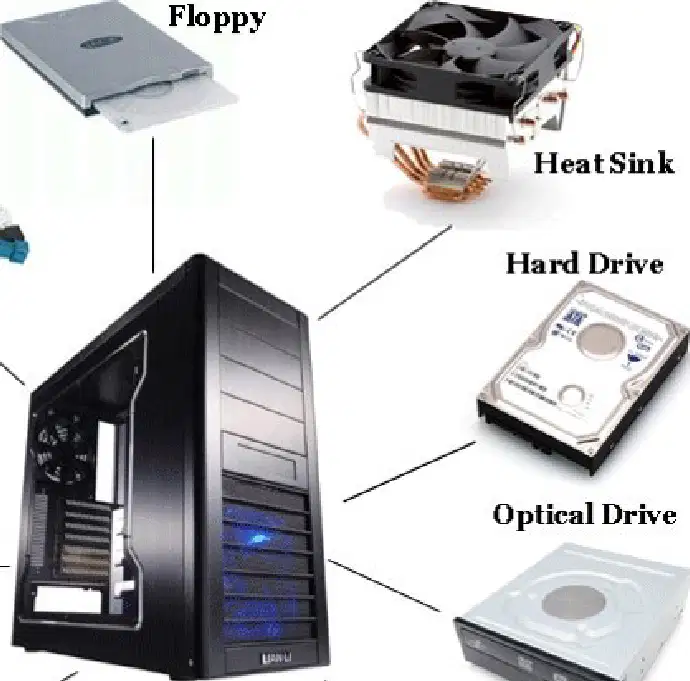
Why does understanding hardware components help users?
To paint the computer blue
To know how information flows
To lock the computer
To make the fan fly
Which device allows you to type words on the computer?
The mouse to click
The keyboard to type
The scanner for photos
The joystick for games
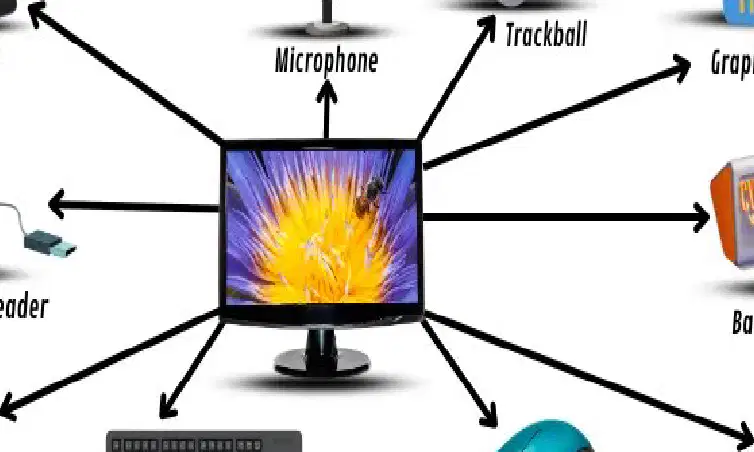
Look at the image: Which device is used to speak and record your voice?
Microphone for voice
Webcam for video
Trackball for pointing
Touchpad for fingers
Which device helps to point, click, and drag on the screen?
Webcam for filming
Scanner for copying
Keyboard for typing
Mouse for clicking
What does the scanner do?
Plays loud sounds
Copies paper to digital
Writes words quickly
Shows your video image
Which two devices capture images or sounds? (Choose two)
Mouse for pointing
Webcam for images
Keyboard for letters
Microphone for sounds
Which input device do you use to draw with a stylus?
Game joystick
Barcode reader
Standard keyboard
Graphics tablet
Which device reads codes on products in the store?
Singing microphone
Barcode scanner
Desktop trackball
Video webcam
Why are input devices important?
They clean the screen
They organize the cables
They help provide information
They light up the room
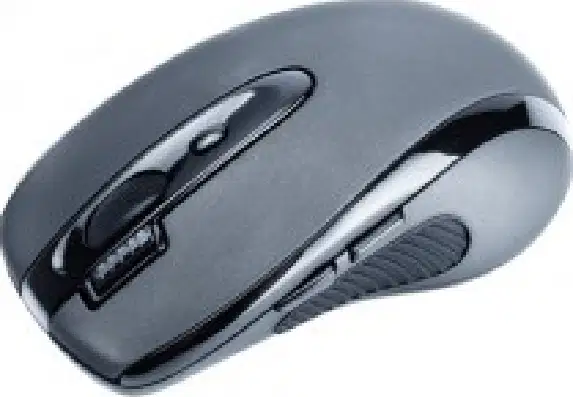
Look at the mouse: What is it mainly used for?
Print pages
Watch movies
Talk and sing
Point and click
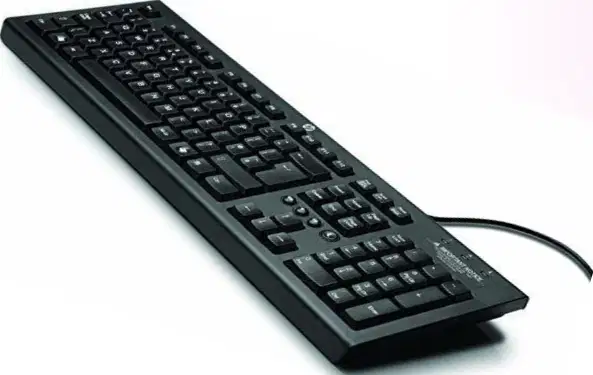
Which device has keys with letters and numbers?
Keyboard with keys
Webcam with lens
Tablet with stylus
Mouse with wheel
What does a computer output device do for the user?
It automatically cleans the screen
It displays or plays understandable results
It inputs data with a keyboard
It stores files long-term
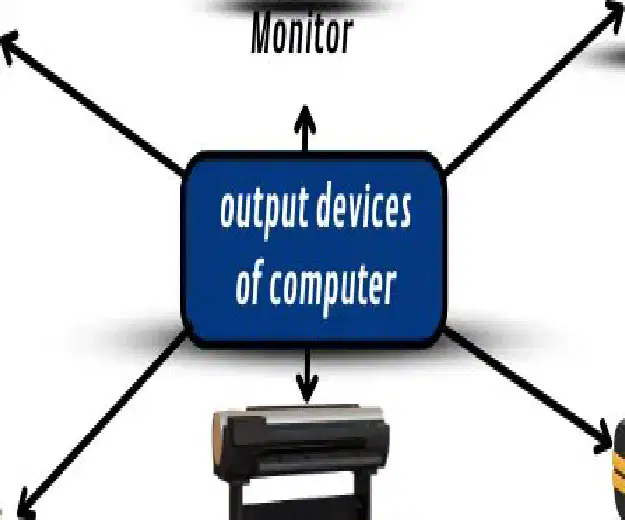
Which shows images and words on a screen?
Monitor to see information
Printer to make copies
Speakers to play sound
Headphones to listen alone
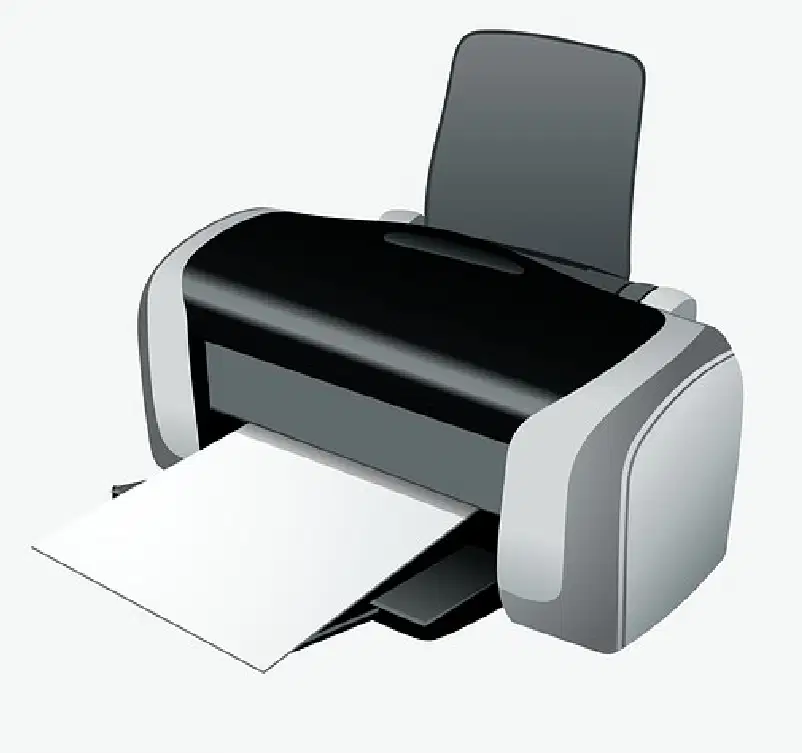
Which sentence describes a printer?
It saves games to the disk
It captures sound from a microphone
It produces permanent paper copies
It displays videos on a large screen
Which devices produce sound? (Choose all the correct answers)
Printer for paper
Speakers for the classroom
Headphones for one person
Monitor for viewing text
What is the purpose of a projector in a classroom?
Quickly enter numbers
Display the computer on a large screen
Print students' assignments
Keep files secure

What is the difference between a monitor and a printer?
Monitor cleans the screen, printer erases paper
Monitor stores files, printer reads CDs
Monitor makes sound, printer makes videos
Monitor displays on screen, printer produces paper
Why are output devices important?
They help understand the results
They prevent the computer from starting
They delete all data
They replace the mouse and keyboard
Which device allows you to listen without disturbing others?
Headphones for private listening
Projector for large screen
Printer for paper copies
Monitor for images
What is a computer peripheral?
A central part like the CPU
A program installed on the computer
An image displayed on the screen
An external hardware that adds functions

Which object is an input device?
Speakers to play sounds
Screen to show images
Printer to print paper
Keyboard to type letters

What are output devices? Choose two.
Mouse to move pointer
Scanner to copy papers
Printer to output pages
Monitor to view images
Which device is used to store files?
Mouse to click icons
Keyboard to write text
Camera to take photos
Hard drive to keep data
Why are peripherals useful?
They replace the main memory
They make the computer more flexible
They make the CPU smaller
They eliminate the need for a screen
The USB key is mainly used for…
Playing loud music
Drawing on the touchscreen
Talking with a microphone
Saving and moving files

Classify the object into the correct category: « Scanner ».
Input data peripheral
Installed drawing application
Image output peripheral
Central system hardware

