
 Worksheets
Input & Output Devices Introduction
Total questions: 28
Worksheet time: 14mins
Which device helps you put information into a computer?
Monitor on the desk
Mouse you click with
Speaker on the shelf
Printer on the table
Which devices show information from the computer? Choose all that fit.
Printer that makes paper copies
Keyboard with letter keys
Speaker that plays sound
Monitor that shows pictures
Which tool helps you type letters and numbers into a computer?
Keyboard
Monitor
Printer
Speaker
Which device do you move and click to point on the screen?
Mouse
USB drive
Scanner
Projector
You want the computer to hear your voice. Which input device should you use?
Webcam light
Headphones
Power cable
Microphone
Which device is used to take photos and put them on the computer?
Digital camera
Game disc
Flashlight
Joystick
Which device helps you type letters and numbers into a computer?
Keyboard
Mouse
Joystick
Monitor
What do you mostly use a mouse to do on the screen?
Play music
Print pages
Type words
Click icons
Which device is best for playing computer games?
Joystick
Speakers
Printer
Scanner
Choose all devices that are input devices.
Mouse
Keyboard
Joystick
Speaker
You want to write your name on the computer. Which tool will you use?
Mouse
Keyboard
Webcam
Joystick
You see a picture on the screen and want to open it. What will you use?
Microphone to talk
Mouse to click
Keyboard to type
Joystick to steer
Match each device to its main use.
Joystick for games
Mouse for clicking
Keyboard for typing
Which action is NOT done with a keyboard?
Moving a pointer
Typing numbers
Using space bar
Typing letters
Pick the pair that goes together.
Mouse and music
Printer and typing
Keyboard and painting
Joystick and games
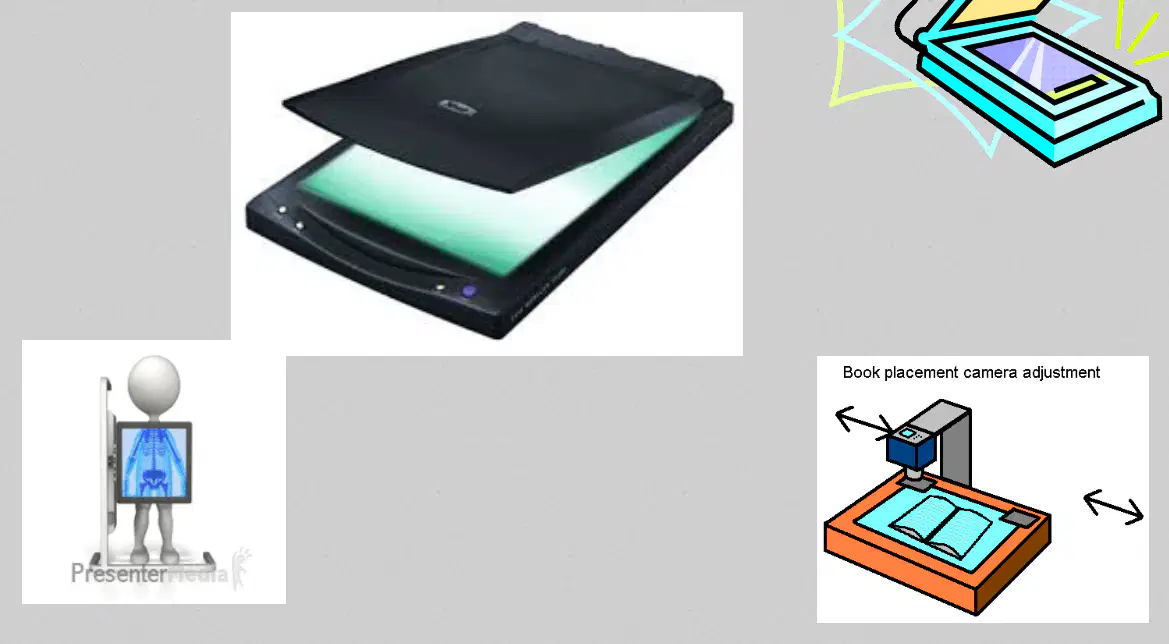
What does a scanner help you do with a paper picture?
Throw it in the trash can
Turn it into a digital file
Color it with crayons
Make it into a paper airplane

Which device is an input device that puts pictures into a computer?
Monitor for showing
Speaker for sound
Scanner for pictures
Printer for paper pages
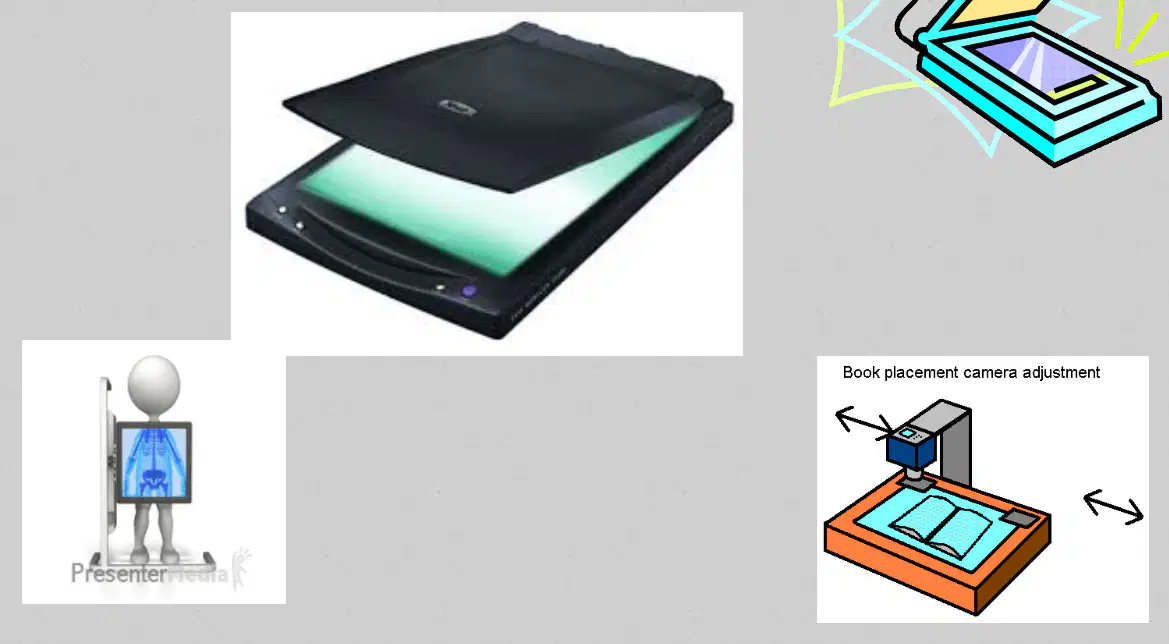
Choose all things a scanner can do.
Scan a drawing from paper
Play music out loud
Save the scan on the computer
Print a new paper copy
Which device shows pictures and words on a screen?
Scanner
Speakers
Printer
Monitor
Which device makes sound you can hear?
Speakers
Monitor
Keyboard
Printer
Which device puts your work onto paper?
Speakers
Mouse
Printer
Monitor
Select all output devices.
Monitor
Printer
Speakers
Keyboard
What does a monitor help you do on a computer?
Print your homework on paper
Hear songs through speakers
View pictures on the screen
Store files inside memory
Which device gives a hard copy on paper, like a photocopier?
Monitor
Printer
Keyboard
Mouse
Choose all the things a monitor can show.
Pictures and colors
Printed paper pages
Movies and games
Sheets coming out
A printer is most similar to which machine at school?
Photocopier
Web camera
Projector
Mouse device
Which statement is true about a printer?
It shows pictures on screen
It works like a photo copier
It stores files and folders
It types letters for you
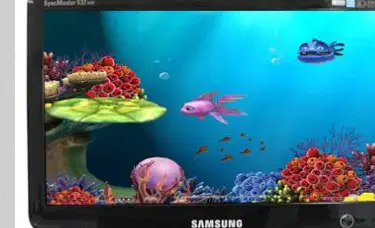
Match the device to what it does.
Monitor shows pictures
Printer shows pictures
Printer makes paper copies
Monitor makes paper copies

